A modem and router do not need much power compared with a refrigerator, space heater, or microwave, but they matter a lot when the grid goes down. The right backup batteries for routers can keep weather alerts, work messages, Wi-Fi calling, and outage updates available without running a generator just to power a few small electronics.
The short answer: use a desktop UPS for brief outages and clean shutdowns, use a portable power station when you want home internet for many hours, and keep your setup simple enough that anyone in the household can plug it in during a storm.
The short version
For most homes, the best internet backup is not one single product type. It is a small plan built around outage length:
- Short interruptions: a desktop UPS keeps the modem and router from rebooting during flickers, brownouts, and short blackouts.
- Half-day outages: a larger UPS or compact portable power station can run networking gear longer, provided the total load stays modest.
- Longer outages: a portable power station gives more flexibility because it can also recharge phones, tablets, and a laptop as needed.
- Apartment use: battery systems are usually easier to manage than fuel-powered equipment because they are quiet and do not produce exhaust.
A good router backup plan starts with your actual internet chain. That usually means modem, router, any mesh node that must stay active, and sometimes an optical network terminal if you have fiber service. If one required box is left without power, the Wi-Fi signal may still appear, but the internet connection can be dead.
Start by identifying every box that keeps your internet alive
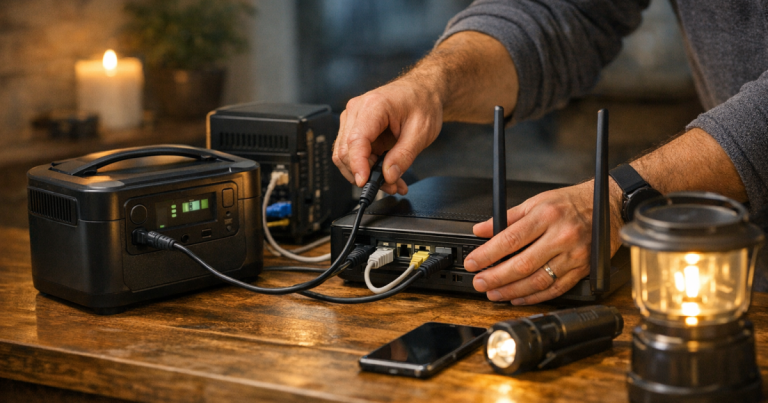
Before choosing a battery, trace the path from the wall to your Wi-Fi. Many households have more than a modem and router tucked behind a TV stand. Cable internet often uses a modem plus a router or mesh system. Fiber service may use an optical network terminal, a gateway, or provider-supplied equipment in a closet, garage, or utility panel.
Make a quick list of each device that needs power. Then check the label on each power adapter. You are looking for watts, or for volts and amps that can be multiplied to estimate watts. For example, a device labeled 12V and 1A is roughly a 12-watt load. Add the devices together, then leave some cushion because adapters, power supplies, and battery inverters are not perfectly efficient.
This number matters because runtime is not magic; it is a relationship between battery capacity and the load plugged into it. A lower-watt networking setup will run longer than a bigger one on the same battery. Mesh systems, network switches, external drives, and desktop computers can shorten runtime quickly, so keep the emergency load lean.
The battery types that make sense for home internet
1. Desktop UPS units for seamless router and modem backup
A desktop uninterruptible power supply is the easiest way to handle short outages. It sits between the wall outlet and your networking gear. When utility power drops, the UPS switches to battery automatically, usually fast enough that your modem and router keep running instead of rebooting.
The APC Back-UPS Pro 1500VA is a familiar choice for home electronics because it is designed as a desktop UPS rather than a camping-style battery. It makes sense when you want a router, modem, and maybe a small network switch to ride through brief interruptions without anyone touching a plug.
The CyberPower CP1500PFCLCD is another common UPS option for home office and networking loads. If you are deciding between these two, the more detailed APC Back-UPS Pro 1500VA vs CyberPower CP1500PFCLCD comparison is a useful next read because it focuses on how each fits an outage plan.
2. Portable power stations for longer internet runtime
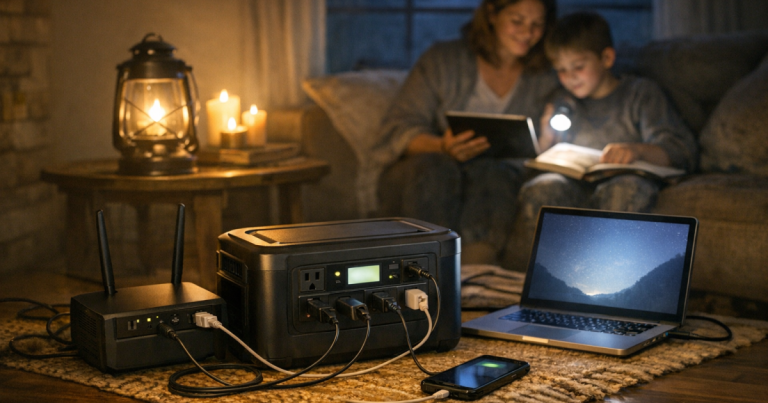
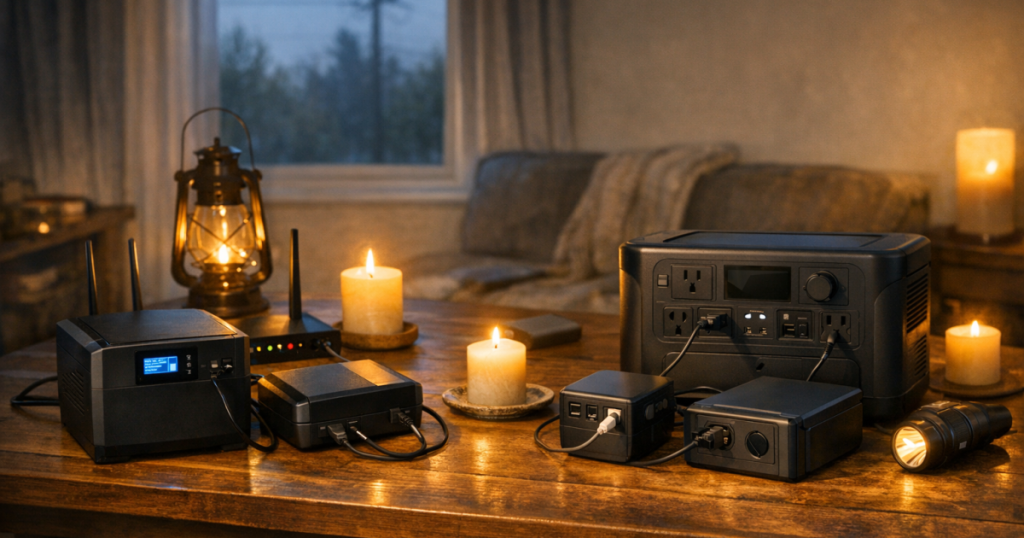
A portable power station is the better fit when you want internet for an extended outage and also need to recharge phones or a laptop. It is not as seamless as a UPS unless the model and setup support that use, but it gives you more stored energy and more flexibility around the house.
The EcoFlow DELTA 3 Plus is worth considering for households that want a portable power station with UPS-capable use in the mix. The important check is not just whether a unit has AC outlets; it is whether your modem, router, and any required network equipment stay within its supported load and whether the setup behaves the way you expect during a power cut.
The Jackery Explorer 1000 v2 Portable Power Station is another recognizable option in the lightweight 1kWh class. A station in this general range can be overkill for only a modem and router, but useful if the same battery also supports phones, a laptop, a lantern, or other low-watt essentials during the same outage.
If you are still sorting out the role of each backup type, the broader guide to portable power stations, generators, and UPS units for blackouts explains where each tool fits without treating them as interchangeable.
3. Small DC backup batteries for simple networking loads
Some households use compact DC battery backups designed for low-voltage electronics. These can be tidy and efficient when the voltage, connector size, and polarity match the equipment. The catch is compatibility: modems and routers are not all the same, and forcing the wrong connector or voltage can damage equipment.
For that reason, DC backup batteries are best for people who are comfortable matching adapter labels carefully and keeping the setup documented. For a shared household, a standard UPS or portable power station is often easier because it uses normal AC plugs and is less dependent on tiny connector details.
Good matches by household scenario
The best backup batteries for routers are the ones that match the outage you are actually planning for, not the biggest unit that fits in a closet. Here is the practical breakdown.
- Remote worker with frequent flickers: choose a desktop UPS for the modem, router, and work dock or monitor only if the total load stays within the UPS limits. Keep high-draw devices off the battery outlets.
- Family that needs phones and Wi-Fi calling: use a UPS for seamless internet continuity, then keep a portable power station available for phone charging if the outage stretches longer.
- Apartment renter: favor quiet battery backup over fuel-powered equipment. A portable power station can be stored indoors and used without exhaust concerns, as long as it is charged and used within its ratings.
- Fiber customer: confirm whether the optical network terminal needs backup power. If it is in a utility area away from the router, one battery at the Wi-Fi shelf may not be enough.
- Mesh Wi-Fi home: power only the main node during an emergency unless the satellite nodes are truly needed. Every extra node reduces runtime.
Apartment households have a different set of constraints than detached homes: limited storage, shared walls, and a stronger need for quiet equipment. The guide to portable power stations for apartment blackouts and limited storage goes deeper on those trade-offs.
Setup steps before the next outage
A router battery plan should be set up while the lights are still on. Ten calm minutes now beats tracing cables by phone flashlight later.
- Label the plugs: mark the modem, router, fiber box, and any essential network switch. During an outage, only those plugs get battery power.
- Separate essentials from convenience gear: televisions, game consoles, printers, speakers, and desktop PCs can drain a battery quickly. Keep them off the internet backup circuit unless they are truly needed.
- Test the handoff: unplug the UPS or power station from the wall and confirm that the internet stays available. Then plug it back in and confirm it recharges normally.
- Keep ventilation clear: do not bury a UPS or power station under blankets, papers, or a closed storage bin while it is running.
- Write down the restart order: if the network does drop, restart the modem or fiber box first, then the router, then mesh nodes or switches.
One small practical detail: put the backup where the internet equipment already lives. A great battery across the room is less useful if someone has to untangle six cords in the dark.
What not to plug into your internet battery
Router backup works best when the load stays boring. That is a compliment. A modem and router are exactly the kind of modest, steady load batteries handle well. Problems start when the same UPS or portable power station gets treated like a spare wall outlet for anything nearby.
- Do not plug in space heaters, coffee makers, microwaves, hair dryers, or other heat-producing appliances.
- Do not daisy-chain power strips or surge protectors into a UPS unless the manufacturer’s instructions clearly allow your specific setup.
- Do not run a fuel-powered generator indoors, in a garage, on a balcony, or near open windows to recharge small electronics.
- Do not assume Wi-Fi means internet; the modem, router, and upstream service equipment all need to be working.
- Do not wait until a storm warning to find the charging cable, user manual, or missing adapter.
Main points
For short outages, a desktop UPS is usually the cleanest modem and router solution because it switches automatically and keeps small electronics from rebooting. For longer blackouts, a portable power station gives more runtime flexibility and can support other low-watt essentials. Compact DC batteries can work well, but only when voltage and connector compatibility are confirmed carefully.
The safest, most repeatable plan is simple: identify every required internet device, power only those essentials, test the setup before storm season, and keep the battery charged. Home internet may not be the largest load in your outage kit, but it is often the one that helps the rest of the household stay calm, informed, and coordinated.
Fast answers
Will a UPS keep my internet running all day?
Usually not. A desktop UPS is mainly for short outages, brief utility flickers, and graceful shutdowns. Runtime depends on the battery capacity, the combined load of your modem and router, battery age, and what else is plugged in.
Is a portable power station better than a UPS for a router?
It depends on the job. A UPS is better for automatic switchover during short interruptions. A portable power station is better when you want longer backup time and the ability to charge phones, tablets, or a laptop during the same outage.
Can I run my modem and router from a generator?
Yes, but it is rarely the first tool to reach for just for internet gear. Battery backup is quieter and simpler for low-watt electronics. If you use a generator for broader home backup, keep it outdoors and follow the manufacturer’s safety instructions carefully.