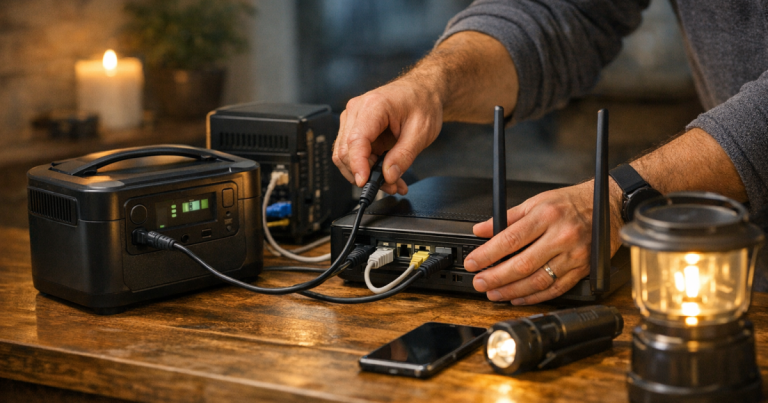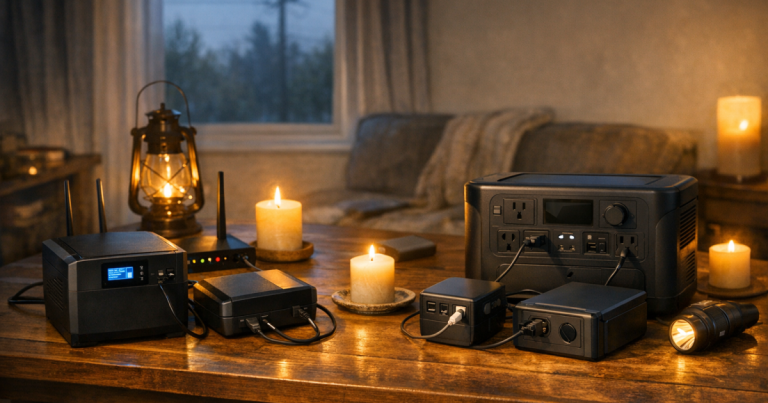
A blackout can turn a normal evening into a scramble if your modem, router, phones, and laptops all depend on the same dead outlet. The right size for portable power stations for home internet is usually smaller than the size needed for refrigerators, heaters, or cooking gear, but it still needs to match your outage length and the devices you will actually run.
For most homes, a compact power station in the 300 to 500 watt-hour range can cover a modem and router for a short outage with room for phone charging. A 500 to 1,000 watt-hour unit is a more comfortable fit when you also need laptops, mesh Wi-Fi nodes, a small monitor, or a longer workday. For 24-hour internet backup without recharging, many households should start their planning around 1,000 watt-hours or more, then adjust after checking the real watt draw of their equipment.
The short version
Size the battery from the load, not from the product headline. Add up the watts used by your internet gear and devices, multiply by the number of hours you want them to run, then add margin for conversion losses, aging, and small surprises.
- Internet only for a few hours: usually plan around 300 to 500 watt-hours, after confirming your modem and router draw.
- Internet plus phones and a laptop work session: 500 to 1,000 watt-hours gives more room and fewer decisions during the outage.
- Internet through a long overnight or full workday outage: 1,000 watt-hours or more is often the calmer planning range.
- Multi-day outage: battery capacity alone may not be enough; you need a recharging plan such as solar, a vehicle charging option, or a generator used safely outdoors.
If your main goal is connectivity rather than whole-home backup, start with the equipment that keeps the signal alive: modem, router, fiber ONT if you have one, mesh nodes, and the device you will use for updates or work. For a deeper router-specific setup, use the site’s guide on how to keep Wi-Fi working during a power outage.
Step 1: List the devices that really matter
During an outage, every plugged-in item competes for the same stored energy. A realistic internet-and-device list is usually shorter than people expect. You may need the modem, the router, one laptop, two phones, and a rechargeable light. You probably do not need every desktop monitor, speaker, printer, game console, and smart display running at once.
Write the list in priority order. Put medical communication needs, work requirements, school access, weather alerts, and family phones ahead of convenience electronics. This is not about roughing it; it is about keeping the important things powered without draining the battery on background clutter.
Step 2: Find the watt draw before choosing capacity
A portable power station is sized in watt-hours, often shortened to Wh. A device’s running demand is measured in watts. If a router uses 15 watts and runs for 10 hours, the simple math is 150 watt-hours before losses and margin.
The most accurate method is to measure your own gear with a plug-in power meter. If you do not have one, check the power adapter label or device documentation, then treat that number as a planning estimate rather than a guarantee. Networking equipment varies: a simple modem and router may be modest, while mesh systems, fiber equipment, switches, and security gear can add up quickly.
Use this basic formula: watts multiplied by hours equals watt-hours needed. Then add a practical cushion. Power stations lose some energy through AC inverter conversion, battery management, and standby draw, so do not plan to use every advertised watt-hour down to the last one.
Step 3: Match the size to the outage you expect
Here is a plain-English sizing path that works for most households:
- Under 6 hours: A 300Wh class station may be enough for modem, router, and occasional phone charging if your equipment is efficient. This is the size range for short storm interruptions, utility repairs, or keeping the family reachable until power returns.
- 6 to 12 hours: A 500Wh class station gives more breathing room. It can handle internet gear plus several phone top-ups or a limited laptop session, depending on actual watt draw.
- 12 to 24 hours: Move toward 700 to 1,000Wh if you want internet, phones, and laptop use without constantly rationing. This is also where a UPS handoff can be useful if you cannot tolerate your router rebooting when utility power drops.
- More than 24 hours: Capacity becomes only half the plan. A larger station can help, but solar recharging, safe generator charging, or a planned rotation between devices becomes important.
If you are also sizing backup power for refrigerators, cooking devices, or medical equipment, treat that as a separate load plan. Internet gear is relatively manageable; appliances and health-related devices deserve their own calculations and safety margins.
Step 4: Use examples, then adjust for your house
These examples are estimates, not promises. They are meant to show the sizing process.
Basic connectivity setup
Suppose your modem and router together average about 25 watts. For an 8-hour outage, the simple need is 200 watt-hours. After adding margin, a 300Wh class station is a reasonable starting point. If you also charge phones, keep a little extra room instead of planning the battery down to zero.
Remote work setup
Now add a laptop that draws 40 to 70 watts depending on workload, screen brightness, and charging state. If the internet gear averages 25 watts and the laptop averages 50 watts for 6 hours, the simple need is 450 watt-hours. A 500Wh station may be tight after losses; a 700 to 1,000Wh station is more comfortable for a real workday.
Family outage setup
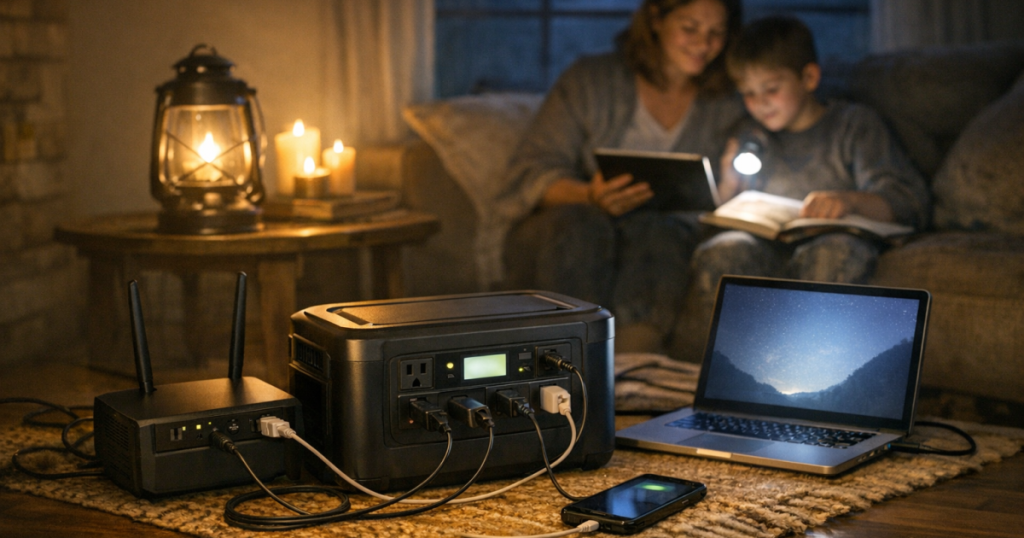
A household with a modem, router, mesh node, two phones, a tablet, and a rechargeable lantern can stay modest if everyone avoids unnecessary charging. The catch is behavior: four people plugging in devices whenever they see an outlet can burn through reserve quickly. A simple charging schedule often stretches runtime more effectively than buying far more capacity.
If you want to compare broader blackout runtimes beyond internet gear, the guide to portable power stations by blackout duration is a useful next step.
Step 5: Decide whether you also need a UPS
A portable power station gives you stored energy. A UPS gives sensitive electronics a near-instant bridge when power cuts out. Those are related jobs, but not identical ones.
If a brief router reboot is only annoying, a power station may be enough. If you are on a video call, running a home office, or depending on a fiber ONT that takes several minutes to reconnect, a UPS can keep the network alive while you move longer-running loads to the power station.
For many households, the clean setup is a UPS on the modem and router, plus a portable power station for longer runtime and device charging. The UPS handles the sudden drop; the power station handles the hours that follow. Just avoid daisy-chaining equipment in ways the manufacturers do not support, and keep total load within each device’s rating.
Step 6: Check outlets, charging methods, and noise
Capacity gets most of the attention, but the ownership experience depends on smaller details. Count the AC outlets and USB ports you need. Check whether your router power adapter needs an AC outlet or whether a compatible DC output is possible. Make sure the station can recharge in a practical amount of time from wall power before storm season.
If you live in an apartment, townhouse, or close neighborhood, a battery station is usually easier to live with than a fuel generator for internet backup because it is quiet and does not produce exhaust during use. Fuel generators must never be used indoors, in garages, on balconies, or near open windows. If you use one for recharging, place it outdoors according to the manufacturer’s instructions and local safety rules.
Step 7: Test the setup before you need it
The best sizing math still needs a real-world check. Pick a calm afternoon and run your modem, router, and chosen devices from the station for one or two hours. Watch the battery percentage, note which outlets you used, and see whether anything behaves unexpectedly.
After that, label the cords that belong in the outage kit. Store the station where you can reach it quickly. Recharge it on the schedule recommended by the manufacturer. A backup plan you have rehearsed once is much easier to trust when the neighborhood goes dark.
For a simple maintenance rhythm, follow the site’s checklist for testing and maintaining backup power before an outage.
Things readers ask
Can a small power station run my Wi-Fi all night?
Often, yes, if the load is only a modem and router and their combined watt draw is low. Measure your equipment or check the adapters, then multiply by the number of hours you need. Add margin rather than planning to drain the battery completely.
Is a bigger power station always better for internet backup?
Not always. Bigger capacity can be useful, but it costs more, takes up more space, and may take longer to recharge. For internet and devices, right-sizing usually beats oversizing. Put the savings toward a power meter, good lighting, or a backup communication plan if those are missing.
Should I plug my refrigerator into the same unit?
Only if the station is sized for that load and the refrigerator’s starting surge is within the station’s rating. In many homes, it is cleaner to keep internet and devices on one plan and food safety on another, because refrigerators change the sizing conversation quickly.
Practical takeaway
Choose the smallest size that reliably covers your real priority list with margin. For simple internet backup, start around 300 to 500Wh. For internet plus work devices, look closer to 500 to 1,000Wh. For a full day or more, plan around 1,000Wh and think seriously about recharging.
The calmest outage setup is not the biggest battery in the room. It is the one that keeps the modem alive, the phones charged, the laptop useful, and the household connected without guessing in the dark.