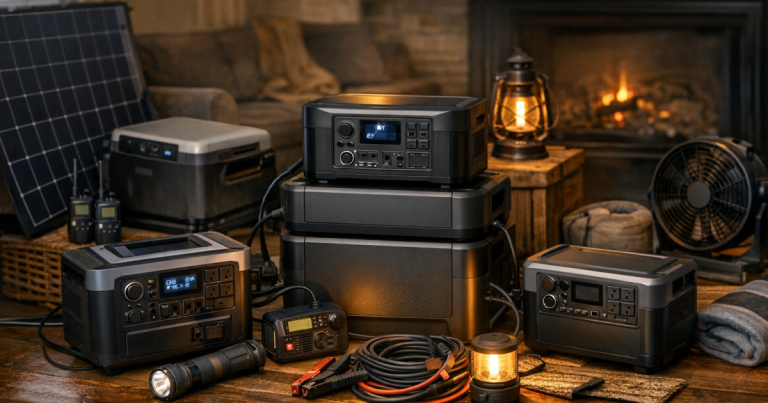
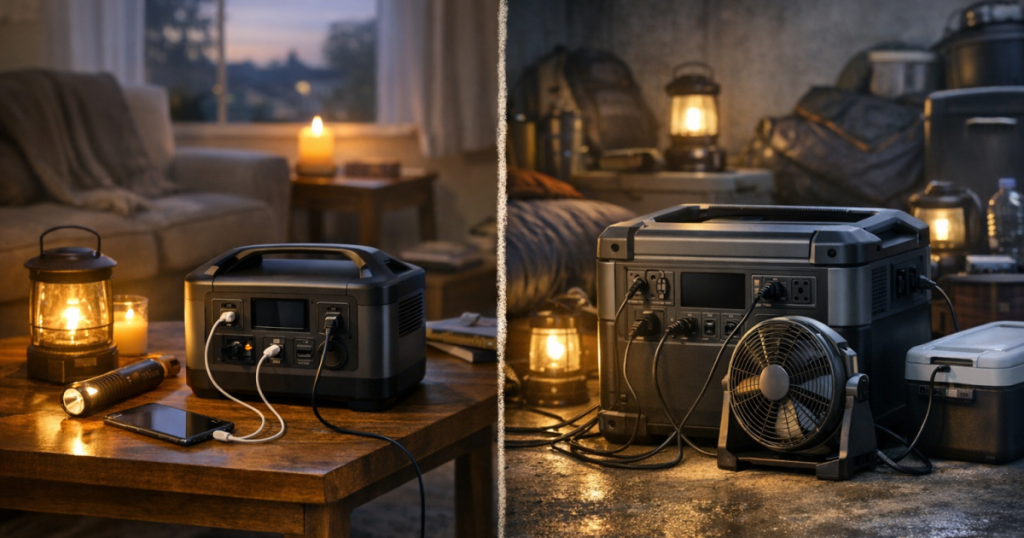
Start with the outage length, not the biggest battery on the shelf. The best way to choose portable power stations for blackouts is to match the station to the loads you will actually run: phones and lights for a short interruption, a router and laptop for a workday outage, or a fridge plus medical or comfort devices overnight.
Any connection from a portable power station to home wiring, essential circuits, or a transfer switch should be carried out by a qualified electrician to comply with local electrical codes, manufacturer instructions, and safety requirements.
In brief: the best size by outage duration
For 2026, the strongest portable power station choice depends less on brand loyalty and more on duration, recharge access, and whether your household needs quiet indoor power or higher-output outdoor equipment. These picks are editorial recommendations based on common blackout scenarios, not a guarantee of runtime for every appliance.
- Under 4 hours: Choose a compact station or UPS-capable unit for phones, lamps, modem/router gear, and laptops. The EcoFlow DELTA 3 Plus Portable Power Station is a useful comparison point because it is positioned as a fast-charging, UPS-capable option.
- 4 to 12 hours: Move into the roughly 1 kWh class for a router, phones, a laptop, lights, and carefully managed small loads. The Jackery Explorer 1000 v2 Portable Power Station is a sensible example of a lightweight 1 kWh option.
- 12 to 24 hours: Prioritize a station with enough output for your chosen appliance and a practical way to recharge. The BLUETTI Elite 100 V2 Portable Power Station is worth comparing when solar input and compact storage matter.
- 24 to 72 hours: Do not assume one battery solves everything. Plan around load rotation, solar charging, a generator-supported recharge plan, or a larger home backup setup.
Step 1: Decide what must stay on
A portable power station is most effective when it has a short job list. Write down the items that matter during an outage and separate them into must-run, nice-to-run, and wait-until-later loads.
- Must-run: phones, medical devices, basic lights, communications gear, and temperature-sensitive needs.
- High-value comfort: Wi-Fi equipment, laptops, fans, small kitchen tools, and rechargeable lanterns.
- Heavy loads: space heaters, electric kettles, microwaves, large coffee makers, sump pumps, and full-size refrigerators. These require careful wattage checks and may shorten runtime quickly.
For medical equipment, start with the device label and manufacturer guidance. If oxygen equipment is part of your plan, use a dedicated resource such as portable power stations for oxygen concentrators during blackouts before treating a general-use station as sufficient.
Step 2: Match duration to a realistic battery class
Short interruptions: under 4 hours
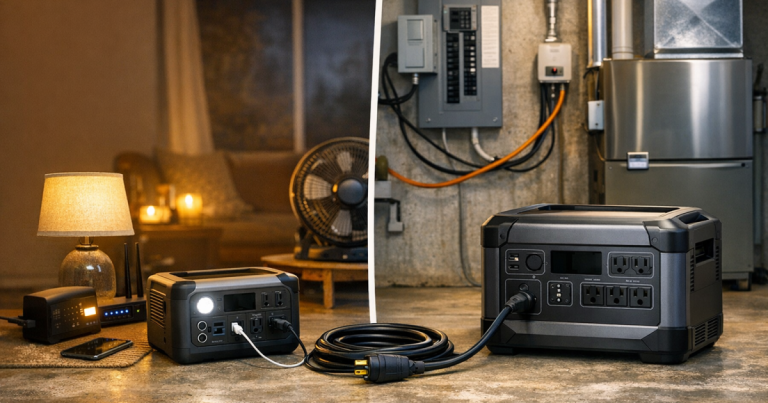
A short outage is usually about continuity. You want phones charged, a few LED lights, the router alive if your internet service remains active, and maybe enough laptop time to finish work or contact family. A compact power station or UPS-capable portable unit can be more useful here than a large battery that sits unused most of the year.
Look for enough AC and USB outlets for your real devices, easy storage, and simple controls that another household member can understand in the dark. If your main goal is keeping internet online, a smaller station may beat an oversized unit because it is easier to place near the modem and router.
Half-day outages: 4 to 12 hours
This is the most common sweet spot for many households. A 1 kWh-class station can support a practical mix of router, phones, LED lights, a laptop, rechargeable lanterns, and short bursts of small appliances. Runtime still depends on load. A quiet lamp and phone charger sip power; a heating appliance empties the tank fast.
The Jackery Explorer 1000 v2 is a good benchmark in this class because it gives shoppers a familiar 1 kWh-style reference point without immediately jumping to a heavy whole-home setup. Compare any alternative against the same job list, not against the biggest number on the box.
Overnight to 24 hours
Once the outage stretches into a full day, discipline matters. You may run the fridge for short intervals, keep the router on during key windows, charge devices in batches, and turn off everything that is not doing useful work. This is where solar input, charging speed, and clear display information become more important than extra outlets.
The BLUETTI Elite 100 V2 is a useful comparison point for a household that wants a compact station with stronger solar-charging potential. That does not mean solar is automatic. Shading, panel angle, weather, and daylight hours all affect how much energy you can recover.
Two to three days
A 72-hour blackout is not just a bigger version of a 12-hour outage. It becomes an energy budget. A portable power station can be the heart of the plan, but it usually needs help from solar panels, a vehicle charging option, a safe outdoor generator recharge plan, or a decision to power only the most critical loads.
For longer outages, many households are better served by a layered setup: a portable station indoors for quiet overnight loads, rechargeable lights throughout the house, a cooler or portable refrigerator strategy for food, and a separate plan for high-wattage appliances. If you want to run selected circuits rather than plug devices directly into the station, read how to choose a portable power station for essential circuits before buying hardware.
Step 3: Check watts before trusting runtime estimates
Runtime estimates are useful for comparison, but they are not promises. The same battery behaves differently when powering a phone charger, Wi-Fi router, CPAP machine, refrigerator, fan, or induction cooktop. Starting surge, AC inverter losses, ambient temperature, battery age, and device cycling all change the result.
Use this simple check before choosing:
- List every device you want to power at the same time.
- Find each device’s running watts on the label, manual, or power meter.
- Add the running watts together.
- Check whether any appliance has a startup surge that exceeds the station’s output rating.
- Leave a cushion instead of planning to run at the limit.
For example, a router, phones, LED lights, and a laptop are a very different load than a fridge plus a microwave. The first setup is friendly to battery backup. The second can work only when the power station’s output and surge capability match the appliances, and even then it may require careful rotation.
Step 4: Choose the right charging plan
A portable power station is only as useful as your plan to refill it. For a short outage, wall charging before storm season may be enough. For a multi-day outage, charging becomes part of the schedule.
- Wall charging: Best for topping off before storm season, wildfire shutoffs, or forecasted severe weather.
- Solar charging: Useful for longer outages, but real output depends on panel size, sun, placement, and weather.
- Vehicle charging: Helpful as a backup, but slow in many setups and dependent on fuel and safe vehicle use.
- Generator recharging: Practical for some homes, but generators must stay outdoors, away from openings, and never be used indoors, in garages, or on enclosed porches.
If solar is part of your plan, build it around the loads you need to replace each day rather than the most optimistic panel rating. The step-by-step guide to solar charging for home outages can help you think through panel placement, storage, and realistic expectations.
Step 5: Make the setup safe and repeatable
The best outage gear is the gear your household can use correctly when the lights are already out. Label cords, store adapters with the station, keep the manual nearby, and decide where the unit will sit before an emergency. Portable power stations are indoor-friendly compared with fuel-burning generators, but they still need ventilation, dry placement, and sensible cord management.
Avoid daisy-chaining power strips, running cords under rugs, or plugging in high-wattage appliances just because the connector fits. A power station is not a magic wall outlet; it is a battery with output limits. Respecting those limits makes the system calmer, safer, and more predictable.
Apartment households should pay extra attention to placement, trip hazards, noise, and shared-space rules. The safest plan is usually a simple plug-in setup with short, visible cords and no attempt to backfeed building wiring.
Helpful questions
What size portable power station is best for a home blackout?
For many homes, a 1 kWh-class portable power station is the most useful starting point because it can handle communications, lighting, device charging, and selected small loads without becoming difficult to move or store. Larger stations make sense when you need fridge rotation, medical backup, or longer runtime, but only after checking wattage.
Can a portable power station run a refrigerator?
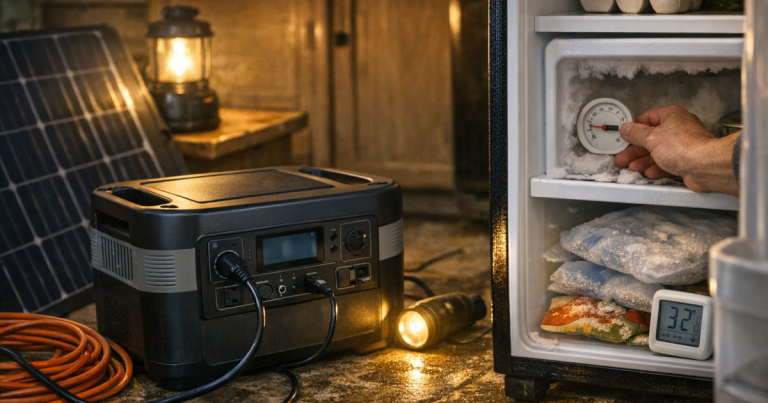
Sometimes, but you must verify running watts, startup surge, plug type, and expected runtime. Refrigerators cycle on and off, so real performance varies by model, room temperature, door openings, and battery size. Use a thermometer and food-safety plan rather than assuming the battery alone protects everything.
Is solar enough for a three-day outage?
Solar can help stretch a battery, but it is not guaranteed to fully recharge a station every day. Cloud cover, shade, panel angle, and winter daylight can reduce output. For a three-day plan, treat solar as one layer, not the only layer.
Read next
- Set up a portable power station safely in an apartment if you need a renter-friendly, no-generator plan.
- Test and maintain backup power before an outage so your battery plan is ready before the forecast turns ugly.
- Build a 72-hour power outage checklist to connect your power plan with food, lighting, water, and communication needs.
In brief
The best portable power stations by blackout duration are the ones sized to a real household routine. Pick a compact or UPS-capable station for short interruptions, a 1 kWh-class unit for half-day essentials, and a solar-ready or layered setup for outages that last into the next day. For 72 hours, plan energy like a budget: spend it only where it keeps people safe, connected, and reasonably comfortable.