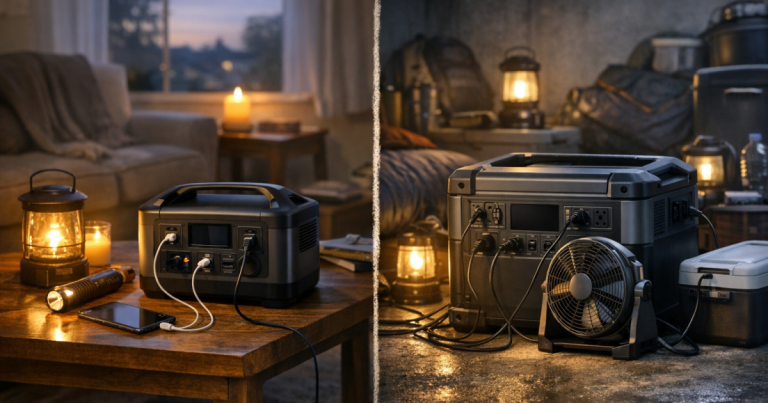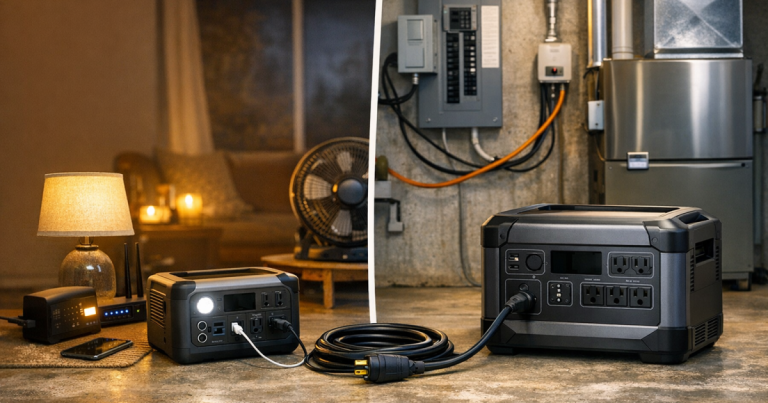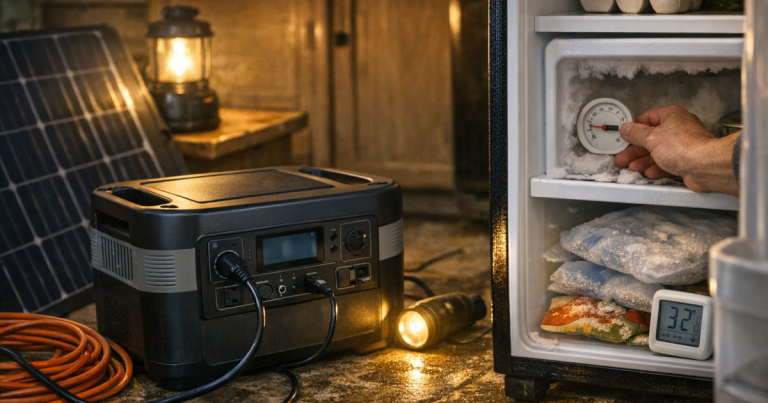
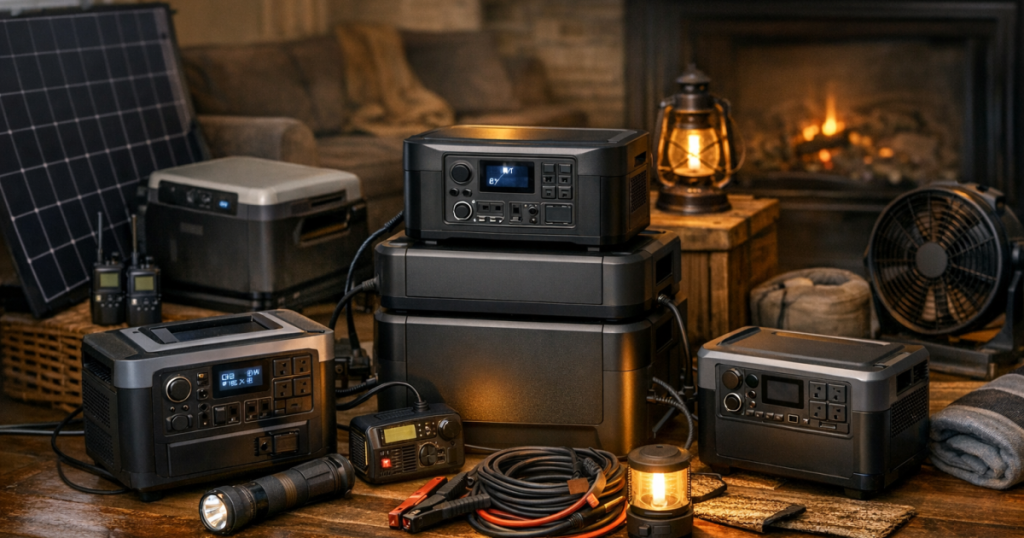
An expandable battery system is the sensible middle ground between a small camping-style power station and a permanently installed standby generator. For many households, portable power stations for home backup work best when they start as an essentials kit, then grow with extra batteries once you know what you actually need during outages.
Transfer switches, interlock kits, electrical panel connections, and any hardwired home backup wiring should be handled by a qualified electrician to meet local electrical codes, permitting rules, and safety standards.
The short version
The best expandable power station is not simply the biggest box you can afford. It is the system that can run your critical loads, recharge in a realistic way, store safely between outages, and expand without turning your hallway into a battery warehouse.
- Anker SOLIX F3800: a strong candidate for larger battery-first home backup plans where expansion, high-output use, and appliance flexibility are priorities.
- EcoFlow DELTA Pro 3: a polished option to compare if you want an expandable ecosystem with home backup accessories and a relatively straightforward upgrade path.
- Jackery Explorer 2000 Plus: worth considering for households that want a modular system with a familiar portable-power format and room to add battery capacity later.
- BLUETTI AC500 B300S: a modular inverter-and-battery setup that suits buyers who are comfortable planning a more station-based home backup arrangement.
Because manufacturers sell these systems in different bundles, verify the current base capacity, maximum expansion, AC output rating, solar input, warranty terms, and compatible expansion battery model before buying. The wrong extra battery is an expensive way to learn about compatibility.
Step 1: Decide what must stay on
Start with the outage you are actually planning for. A power station that keeps a router, phones, LED lights, and a laptop running is a very different purchase from one expected to support a refrigerator, freezer, sump pump, microwave, coffee maker, or medical device.
Make a short list of essential loads and divide them into three groups:
- Always-on essentials: internet equipment, phone charging, medical storage monitoring, a few lights, and possibly a CPAP machine if applicable.
- Cycled appliances: refrigerator, freezer, or a small fan. These do not draw the same amount of power every minute, so runtime is an estimate, not a promise.
- Short-use comfort loads: microwave, kettle, coffee maker, induction burner, or power tools. These can demand a lot of output for a short time.
If your plan is mainly about duration, compare battery size to outage length before chasing brand features. Our guide to portable power stations by blackout duration is a useful next step once you know whether you are planning for 12 hours, 24 hours, or several days.
Step 2: Match the system style to your home
Expandable power stations generally fall into two ownership styles. The first is a portable base unit with optional battery packs. The second is a more modular home-backup system built around an inverter unit and separate batteries. Both can work, but they feel different day to day.
Portable base unit plus add-on batteries
This style is easier to move, easier to store, and easier to use for camping, garage projects, or temporary room-by-room backup. It is usually the better fit for renters, townhomes, and households that want one system to cover both outage use and occasional outdoor power.
The trade-off is that expansion can get bulky quickly. Once you add multiple battery packs, the setup may no longer feel very portable. Plan where the system will sit during an outage, where cables will run, and how you will keep it away from wet areas, heat, and trip hazards.
Modular home-backup arrangement
A modular setup can make more sense if your power station will mostly live in a garage, utility area, or dedicated backup corner. These systems are often bought with home backup panels, transfer accessories, or larger solar charging plans in mind, but the exact configuration varies by brand and kit.
The trade-off is planning friction. You need to understand which circuits you want backed up, how the unit will recharge, and whether your preferred setup requires professional electrical work. It is less of a grab-and-go purchase and more of a small household project.
Step 3: Compare the leading expandable options
Use this shortlist as a comparison starting point, not a substitute for checking the latest manufacturer specifications. Capacity, output, and expansion limits can differ by bundle, region, and accessory generation.
- Anker SOLIX F3800: best to compare for larger homes that want a battery-first alternative to a portable generator for selected appliances and circuits. It is not a casual countertop gadget; think through weight, storage, cable routing, and how many expansion batteries you would realistically add.
- EcoFlow DELTA Pro 3: best to compare for buyers who want a mature expandable ecosystem and a cleaner path toward home backup accessories. It suits households that value convenience and upgrade options, but you still need to confirm the exact battery and electrical accessories in the bundle you are considering.
- Jackery Explorer 2000 Plus: best to compare if you want an expandable system that still feels close to the traditional portable power station format. It is a good fit for staged buying: base unit first, extra capacity later if real outages show you need it.
- BLUETTI AC500 B300S: best to compare for a more modular setup where the inverter and battery pieces are planned together. It can suit a garage-based backup plan, but it rewards careful pre-purchase checking more than impulse buying.
If your top priority is keeping internet and devices running, you may not need a large expandable system at all. A smaller power station or UPS may handle the job with less cost and less clutter; see our guide to sizing backup power for home internet before overspending.
Step 4: Check the details before you buy
Expandable systems are sold on big possibilities, but everyday ownership is decided by small details. Before you commit, check these items in writing from the manufacturer or retailer:
- Base watt-hours and expanded watt-hours: know the capacity of the starting unit and the maximum supported battery expansion for that exact model.
- Continuous AC output: compare the rated output with the appliances you intend to run, including startup surges for motors and compressors.
- Expansion battery compatibility: match the exact battery model. Similar-looking packs may not be interchangeable.
- Charging options: confirm wall charging, vehicle charging, generator charging, and solar input limits if those methods are part of your plan.
- Pass-through and UPS behavior: if you want automatic switchover for electronics, verify the manufacturer’s stated behavior and whether it fits your equipment.
- Outlet layout: count the AC outlets, USB ports, RV-style outlets, and any higher-output sockets you actually need.
- Storage and movement: check size, weight, handles, wheels, and where the unit will live when the power is on.
- Noise and heat: larger inverters and chargers use fans. That is normal, but it affects bedrooms, apartments, and nighttime use.
Step 5: Build the outage setup before the outage
Once the system arrives, do a dry run. Charge it fully, plug in the loads you expect to use, label the cords, and decide what gets unplugged first if capacity drops faster than expected. A backup plan should feel boring when the lights go out. Boring is excellent.
Keep heavy appliances and high-draw cooking devices on a short leash. Running a refrigerator may be reasonable with the right system; running every convenience appliance as though the grid is still on is how batteries disappear by lunch.
Apartment and townhouse users should also think about cable paths, ventilation, and neighbor-friendly noise. For setup basics, our apartment-focused guide to using a portable power station safely indoors covers the practical placement issues that are easy to miss.
Common questions
Is an expandable power station better than a gas generator?
It depends on the outage. Battery systems are quiet, indoor-usable, and low-maintenance, but they must be recharged. Gas generators can keep producing power as long as you have fuel and can run them outdoors safely, but they bring noise, fumes, maintenance, and fuel storage concerns. Many homes use a battery system for quiet overnight loads and a generator for longer recovery.
Can an expandable power station run a whole house?
Some systems can support selected household circuits when properly configured, but that is not the same as powering every load in the home without limits. Central air conditioning, electric water heating, electric ovens, well pumps, and large compressors require careful load calculations and compatible equipment.
Should I buy all the expansion batteries at once?
Not always. If you already know your required runtime and loads, buying the full kit can make sense. If you are still learning your outage pattern, starting with the base unit and one expansion battery can be more disciplined. Just confirm that expansion batteries are available and compatible before relying on a future upgrade.
Practical takeaway
The best portable power stations for home backup in 2026 are the ones that make your critical-load plan realistic, not the ones with the most dramatic marketing photo. For an expandable setup, choose the smallest system that comfortably covers your essential loads, then add battery capacity only when you can explain exactly what the extra runtime will do for your household.