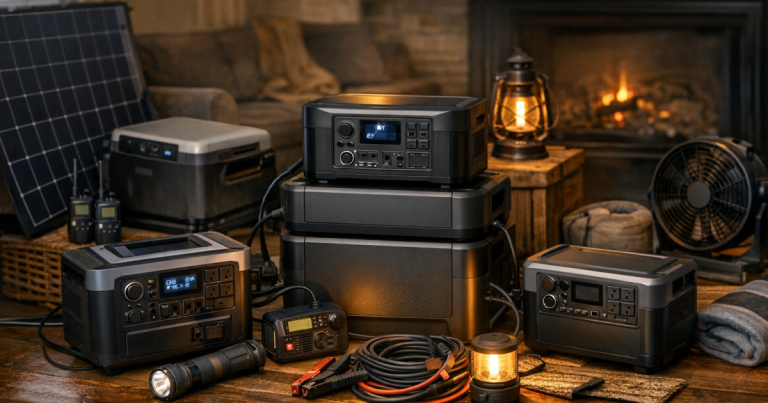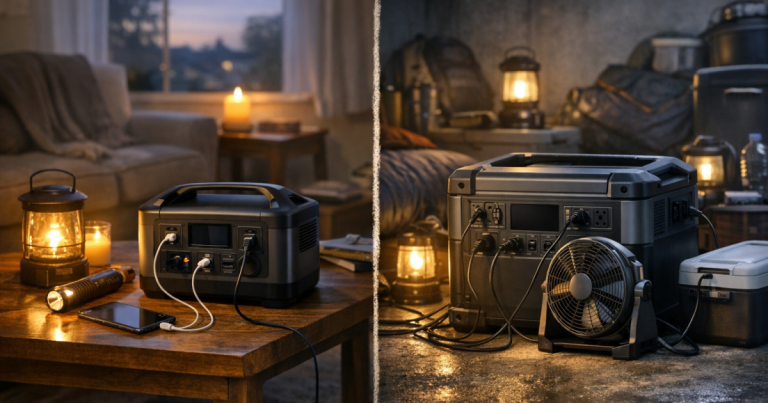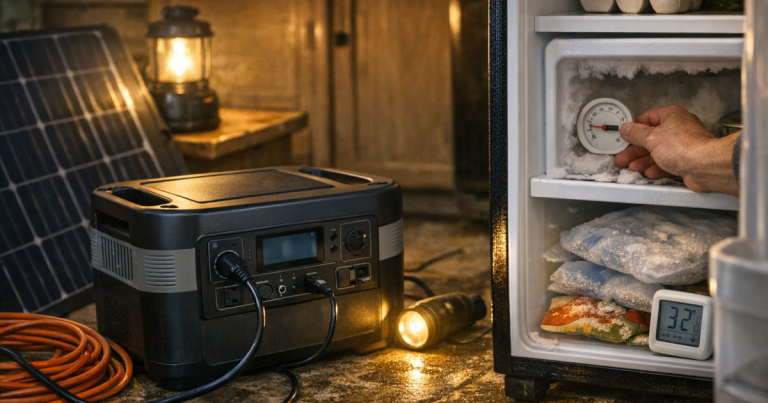
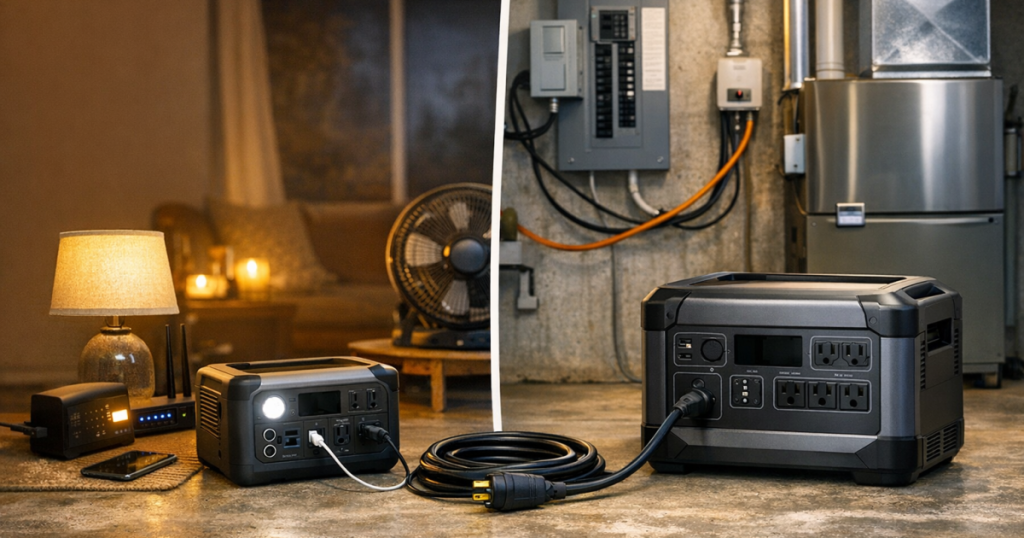
When the power goes out, choosing a portable power station for home backup starts with deciding which circuits deserve power, not with buying the biggest battery you can lift. Essential-circuit planning helps you keep food cold, lights on, phones charged, and critical devices running while avoiding the cost and complexity of trying to power the whole house.
Transfer switch installation, panel wiring, inlet connections, and any connection between a power station and household circuits should be carried out by a qualified electrician to meet local electrical code, manufacturer instructions, and safety requirements. Never backfeed a home through a wall outlet; review the safe connection basics before planning any circuit-level setup.
The big picture
A portable power station can support essential circuits only when its output, battery capacity, outlet type, and connection method match the loads you want to run. Many power stations are best used by plugging devices directly into the unit; circuit-level backup usually requires compatible equipment, an approved transfer setup, and a realistic list of low-to-moderate loads.
For most households, the strongest plan is not “run everything.” It is “run the right things in rotation.” A refrigerator may need power for part of the day, lights can be low-wattage, phones and routers use modest energy, and some larger loads may be better left off unless your system is sized and wired for them.
Step 1: Name the circuits that actually matter
Start with rooms and needs, then translate them into circuits. Walk through the house and mark what you want powered during a 6-hour, overnight, or multi-day outage. A room-by-room list keeps the plan practical and prevents one forgotten device from changing the whole load calculation; if you need a structured pass through the house, use this blackout preparedness checklist.
Common essential loads include:
- Refrigerator or freezer.
- A few LED lights.
- Router, modem, phone chargers, and a laptop.
- Medical or sleep equipment that has been planned separately.
- Gas furnace controls and blower, if compatible and professionally connected.
- Sump pump, well pump, or garage door opener only if the power station can handle the starting load and the connection is appropriate.
Be cautious with electric heat, central air conditioning, electric water heaters, ovens, dryers, and large well pumps. Those loads can exceed what many portable power stations are designed to provide, even if the battery looks large on paper.
Step 2: Separate running watts from starting watts
Watts tell you how much power a device needs at a given moment. Running watts are the steady draw after a device is operating. Starting watts, also called surge watts, are the brief spike some motors need when they start.
This distinction matters for refrigerators, freezers, pumps, furnace blowers, and some tools. A power station may handle a device’s steady draw but still trip or shut down when the motor starts. Check the appliance nameplate, manual, or manufacturer information, and leave headroom instead of sizing to the exact number.
A practical rule is to add up the loads that might run at the same time, then choose a power station with continuous AC output above that total and surge capacity appropriate for the largest motor load. Do not assume every circuit can run together just because each one works individually.
Step 3: Size battery capacity around hours, not hope
Battery capacity is usually listed in watt-hours. A 1,000 watt-hour battery does not mean you get 1,000 watts for a full hour under every condition. Real runtime depends on inverter losses, device behavior, temperature, battery condition, and how often loads cycle on and off.
Use this simple planning method:
- List each essential load.
- Estimate its watts while running.
- Estimate how many hours it will be powered each day.
- Multiply watts by hours to estimate watt-hours.
- Add a buffer for inefficiency and unexpected use.
For example, a router and modem running continuously may be a very different planning problem from a refrigerator that cycles on and off. A few lights and phones are usually easy to support; motor loads and long runtimes are what grow the battery requirement quickly.
If refrigerator backup is one of your main goals, compare capacity and output against real fridge behavior rather than relying on a single average watt figure. Our guide to portable power stations for refrigerator backup goes deeper on that specific use case.
Step 4: Match the connection style to your comfort level
There are two main ways to use a power station during an outage: direct plug-in backup and circuit-level backup.
Direct plug-in backup
This is the simplest setup. You plug the refrigerator, lamp, router, CPAP battery charger, or other essential device directly into the power station. It avoids panel work and is often the right choice for renters, apartments, and households that only need a few devices powered.
Circuit-level backup
This uses approved equipment to feed selected circuits through a transfer switch or compatible power inlet arrangement. It can feel cleaner because existing outlets and hardwired loads may remain usable, but it is also less forgiving. The power station must support the connection method, output format, grounding requirements, and load profile. The transfer equipment must be matched and professionally installed.
If a manufacturer does not clearly support a circuit-level connection for a particular unit, treat it as a direct-plug power station. Extension cords may be inconvenient, but they are far safer than improvising with unsafe adapters.
Step 5: Check outlet types and AC output before capacity
Battery size gets the attention, but output determines what the unit can actually run. Look for the AC outlet rating, continuous watt output, surge rating, and whether the outlets match the loads you plan to connect. Some appliances need a grounded three-prong outlet. Some transfer equipment may need a specific outlet type and voltage support.
Also check whether the inverter provides pure sine wave AC if you plan to run sensitive electronics or motor-driven appliances. Many modern power stations advertise this, but the point is to verify the exact unit, not assume all models in a brand family are the same.
Step 6: Decide how you will recharge during a longer outage
A battery is only as useful as your recharge plan. For a short outage, wall charging before the storm may be enough. For a multi-day outage, consider whether the unit can recharge from solar panels, a vehicle, or another approved source.
Solar can be helpful, but it is not a guaranteed full refill every day. Shade, clouds, panel angle, smoke, short winter days, and household load all affect results. If solar charging is part of your plan, make sure the panel input limits, connector type, and charging wattage are compatible with the power station you choose.
Step 7: Keep the system manageable
A larger power station can offer more capacity, but it may also be heavier, harder to store, and more expensive. If you cannot move it, charge it, or set it up calmly in the dark, it is not the right emergency tool for your household.
Before buying, picture the outage routine: where the unit lives, who can lift it, which cords are labeled, where the flashlight is, and which loads get priority. Good backup power feels boring when you use it. That is the compliment.
Common questions
Can a portable power station run my whole electrical panel?
Usually, no. Some larger systems can support selected circuits through approved equipment, but a typical portable power station is not a whole-home generator. Plan around essential loads unless the manufacturer, electrician, and installed hardware support more.
Is a transfer switch always required?
For powering household circuits through the electrical panel, approved transfer equipment is the safe path. For direct plug-in use, you can power devices from the power station’s outlets without connecting to the panel.
Should I size for 12 hours, 24 hours, or 3 days?
Size for the outage pattern you realistically face. A short storm outage may only need phones, lights, internet, and fridge cycling. A multi-day wildfire shutoff or winter outage needs stricter load rotation and a recharge plan.
What to remember
Choose the circuit list first, then size output, surge capacity, battery capacity, and recharging around that list. Keep high-draw appliances off the plan unless the equipment is clearly rated for them, and do not treat panel connection as a DIY shortcut. The best essential-circuit setup is the one your household can use safely, repeatably, and without guessing when the lights go out.
Before you rely on the setup, do a daylight practice run. Plug in the loads you expect to use, watch for overload warnings, confirm the refrigerator or pump can restart, and note how fast the battery drops over the first hour. That small test can reveal a weak cord, an outlet mismatch, or a load that needs to be rotated instead of left on continuously.
Make the plan easy for someone else to follow. Label the cords, write the priority order on an index card, and keep the power station, charging cables, and any approved adapters in one predictable place. In a real outage, the person setting it up may be tired, cold, or dealing with kids, pets, or spoiled-food worries.
Treat your first load plan as a starting point, not a promise. Seasonal needs change, batteries age, and appliances behave differently in hot or cold weather. Recheck the plan before storm season and after buying any new critical device.