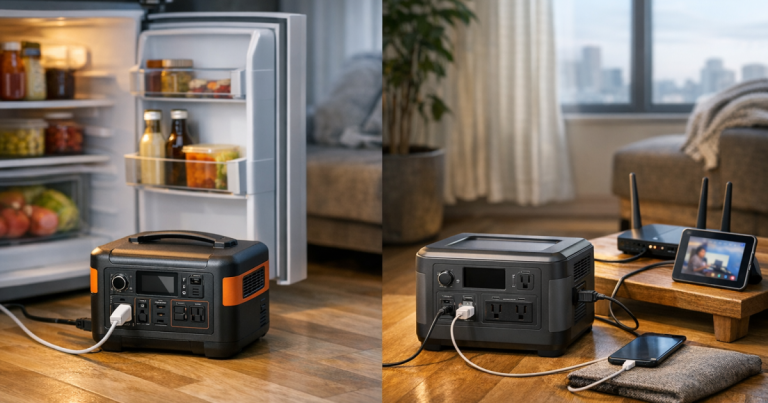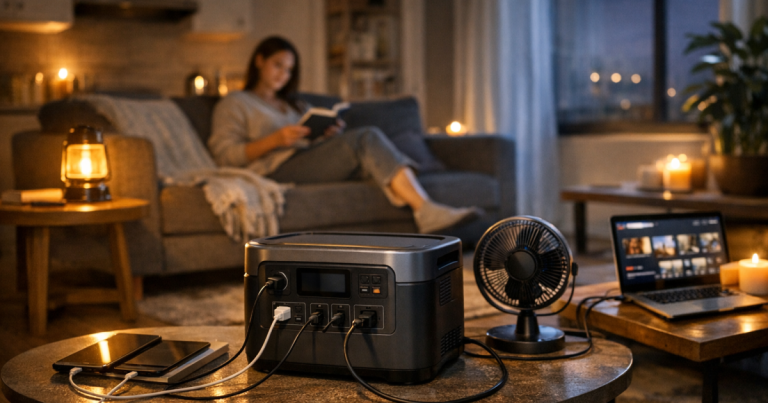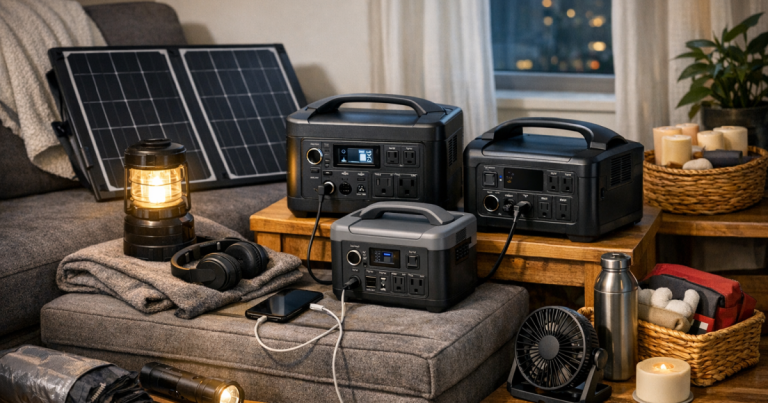
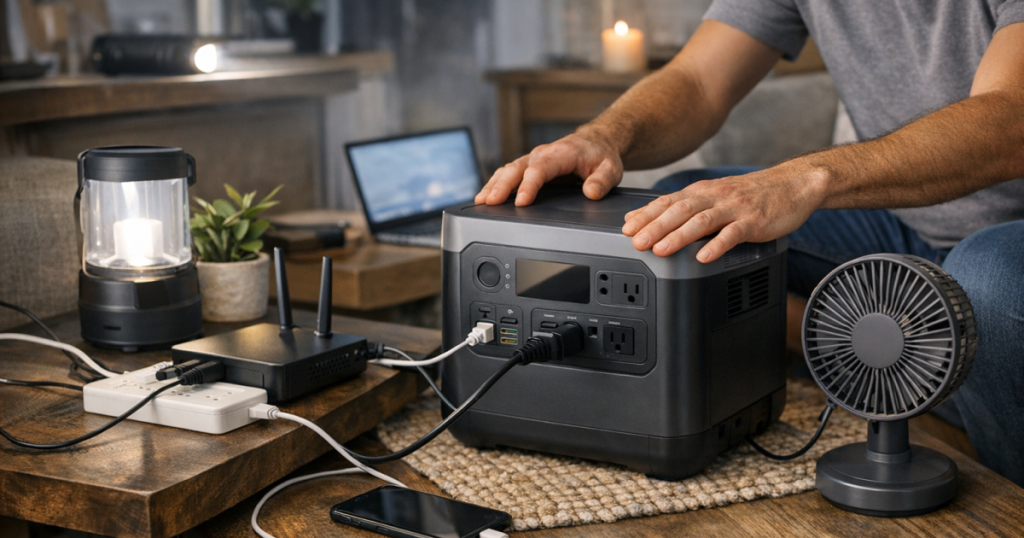
Blackouts feel different in an apartment because space is tight, exits matter, and you cannot simply roll a generator outside. An apartment portable power station can keep phones, lights, a router, a laptop, or small medical-adjacent comfort devices running, but it needs a clear setup plan before the power fails.
The safest approach is simple: place the unit where it can breathe, connect only the essentials, stay within the watt limit, and never try to feed power back into your apartment wiring.
Hardwired connections to apartment electrical panels, transfer equipment, or building circuits should be carried out by a qualified electrician and coordinated with building management to meet local electrical codes and safety requirements.
At a glance
- Use a portable power station indoors only according to the manufacturer’s instructions, with open space around vents and no contact with water.
- Never use a gas, propane, charcoal, or inverter generator inside an apartment, hallway, garage, balcony, or near open windows.
- Do not connect a power station to a wall outlet, breaker panel, dryer outlet, or homemade backfeed cord.
- Prioritize low-watt essentials: phones, LED lights, router/modem, laptop, weather radio, and approved medical devices with a separate backup plan.
- Keep the unit charged, test your actual outage setup, and store the right cords in the same place as the power station.
Step 1: Decide what truly needs power
Start with the job, not the battery. During an apartment outage, your first goals are communication, lighting, safe movement, basic work or school access, and any health-related equipment that must stay powered.
Write down the devices you would actually plug in during the first night:
- Cell phones and power banks
- One or two rechargeable LED lanterns
- Internet modem and Wi-Fi router, if your building service is still active
- A laptop or tablet
- Small fan, if heat is the concern
- CPAP or other essential device, only after checking the device manual and backup requirements
Then look for the watt rating on each device, charger, or power adapter. Watts tell you how hard the station is working at that moment. Watt-hours describe the battery’s stored energy. A 20-watt router load is very different from a kitchen appliance, space heater, microwave, air conditioner, or full-size refrigerator. High-heat and motor-driven appliances can exceed a compact station’s output quickly, even if they only run for a short time.
If oxygen equipment, refrigerated medication, or another health-critical device is part of your plan, treat the portable station as one layer, not the whole plan. A medically important setup deserves extra runtime testing, spare charging options, and a conversation with the equipment provider about approved backup methods.
Step 2: Pick a safe location before the lights go out
Where you put the station matters more than it seems. The ideal spot is boring in the best possible way: dry, stable, easy to reach, and out of the walking path.
Choose a location that meets these checks:
- On a hard, flat surface such as a low table, shelf, or clean floor area
- Away from sinks, tubs, pet bowls, humidifiers, wet shoes, and open windows during storms
- Not buried under blankets, laundry, curtains, or pillows
- Clear of apartment entry doors, hallways, stairs, and trip paths
- Close enough to essentials that cords do not have to cross the room
- Not inside a closed cabinet while charging or discharging
Most portable power stations are designed for indoor battery use, but that does not mean they like being smothered. Leave open space around the unit’s vents and follow the clearance guidance in the manual. If the unit becomes unusually hot, smells odd, makes unfamiliar noises, or shows an error message, stop using it and follow the manufacturer’s instructions.
Step 3: Charge it the calm way
Before storm season, wildfire shutoff season, or a planned utility outage, charge the station fully using the manufacturer-supplied charger and a normal wall outlet. Avoid running the cord under rugs, pinching it behind furniture, or sharing an overloaded outlet with a large appliance.
If your unit supports pass-through charging, read the manual before relying on it. Some stations can power devices while charging; others limit output, create heat, or have specific operating rules. For outage planning, the cleaner routine is to charge the power station ahead of time, unplug it when full if the manual recommends that, and check it on a schedule.
Solar charging can be useful for longer outages, but apartment use has real constraints. Do not hang panels from balcony railings, drape cords through public walkways, or place panels where wind can turn them into a hazard. If you want a deeper setup plan for panel placement and charging workflow, see our guide to solar charging for home outages.
Step 4: Connect only the essentials
Once the power is out, plug devices directly into the station when practical. Use the station’s USB ports for phones and small electronics, and save AC outlets for devices that truly need them. Every conversion uses some energy, so a phone charged through USB is usually a cleaner use case than plugging in a wall brick unless the manual says otherwise.
Avoid daisy-chaining power strips, stacking adapters, or using damaged cords. If you use a short extension cord, choose one that is in good condition, properly rated for the load, and kept where nobody will trip on it. Apartment outage setups should look tidy, not like a temporary cable jungle.
There is one rule worth repeating plainly: never plug a portable power station into a wall outlet to power your apartment. That can create dangerous backfeed and damage equipment. Also avoid male-to-male cords, improvised adapters, dryer-outlet tricks, and any setup that tries to energize building wiring without approved equipment and professional installation.
Step 5: Watch the load, not just the battery percentage
The battery percentage tells you how much energy remains, but the live watt reading tells you how fast you are spending it. A station running a phone charger and LED lamp may last much longer than the same station running a fan, router, laptop, and several chargers at once.
Use this simple rhythm during an outage:
- Turn on one device at a time and watch the watt display.
- Unplug chargers once devices are topped off.
- Run the router only when you need internet if runtime is tight.
- Use rechargeable lanterns instead of leaving AC lighting connected all night.
- Keep high-draw appliances off the station unless the manual, output rating, and your test run support that use.
For Wi-Fi, remember that your in-unit modem and router are only part of the chain. If the building’s network, local cable equipment, or fiber terminal loses power, your router may stay on while internet service still drops. Our apartment-friendly internet planning guide explains how to keep Wi-Fi working during a power outage when the upstream service is still available.
Step 6: Make a nighttime layout that will not trip you
Night is when a neat setup earns its keep. Put one lantern near the power station, one near the bathroom route, and one near the door if you have them. Keep cords along walls, not across open floor space. If you have kids, pets, or an older adult in the home, treat cord placement as part of the safety plan, not an afterthought.
Do not charge the station on a bed or sofa. Soft surfaces can block ventilation, and they are easier to bump in the dark. A small table, sturdy shelf, or uncluttered floor corner is usually better. If you live in a studio, the safest spot may be a dedicated corner with the station, cord pouch, flashlight, and printed contact numbers all together.
Step 7: Recharge and store it correctly after the outage
When power returns, resist the urge to throw every drained device onto every available outlet. Recharge the station according to the manual, inspect cords, and let the unit cool if it has been working hard. If the station was near water, dropped, exposed to unusual heat, or damaged, do not keep using it as if nothing happened.
For storage, keep the power station in a dry indoor location where temperatures stay within the manufacturer’s stated range. Store charging cords, USB cables, a small flashlight, and a printed load list with it. A power station without the right cord is still useful, but it is not nearly as charming at 2 a.m.
Set a recurring reminder to check charge level and run a brief function test. The habit matters more than the calendar app you use. Our checklist on testing and maintaining backup power before an outage walks through a fuller pre-season routine.
Where to place your apartment portable power station
The best location is usually not the prettiest corner; it is the spot that balances airflow, cord reach, and safe movement. In a one-bedroom apartment, that might be a living room side table near the router. In a studio, it might be a low shelf near your desk. In a shared apartment, it should be somewhere everyone knows about and nobody blocks with shoes, bags, or laundry.
Avoid balconies as a default storage or operating location. Rain, temperature swings, theft risk, and building rules can all create problems. Portable power stations are battery systems, not outdoor fuel generators, and they should be treated like indoor electronics unless the manual clearly says otherwise.
Apartment mistakes to avoid
- Using any fuel-burning generator indoors or on a balcony. Battery power stations and fuel generators are not interchangeable for apartment use.
- Trying to power large heating or cooling appliances without checking output limits and runtime impact.
- Leaving cords stretched across doorways or walkways.
- Charging on soft furniture or inside a closed storage bin.
- Ignoring error codes, heat, swelling, burning smells, or damaged cables.
- Assuming a station can run everything because the display still shows battery remaining.
- Forgetting building rules about balconies, shared spaces, and emergency exits.
Key questions answered
Can I safely use a portable power station inside an apartment?
Yes, a portable battery power station can be used inside an apartment when it is operated according to the manufacturer’s instructions, kept dry, ventilated, and within its rated output. This is different from a gasoline, propane, or dual-fuel generator, which must never be used indoors or in enclosed apartment spaces.
Can I plug my refrigerator into it?
Only if the refrigerator’s running watts, startup surge, plug type, and the station’s output rating support it, and only after a controlled test. Many apartment outage plans are better served by keeping the refrigerator closed, using a thermometer, and reserving battery power for communication, light, and medical or work essentials.
Should I leave it plugged in all the time?
Follow the manufacturer’s storage and charging instructions. Some units are designed for standby-style use with limits, while others should be charged, unplugged, and checked periodically. The manual is the controlling source for battery care.
What should I test before outage season?
Test the actual devices you plan to run, the cords you will use, the location where the station will sit, and the amount of battery used over a realistic hour. A small rehearsal tells you far more than a label on the box.
Main lessons
A safe apartment setup is not complicated: charge the station ahead of time, keep it in a dry and open location, connect only essential loads, watch the watt display, and never backfeed apartment wiring. The goal is not to make a compact battery behave like a whole-home system. The goal is to keep the right things powered long enough for the outage you are most likely to face.
Once you know your essentials, your cords, and your safe operating spot, a blackout becomes less frantic. That quiet little box in the corner has one job: help your household stay connected, visible, and steady until the lights come back.