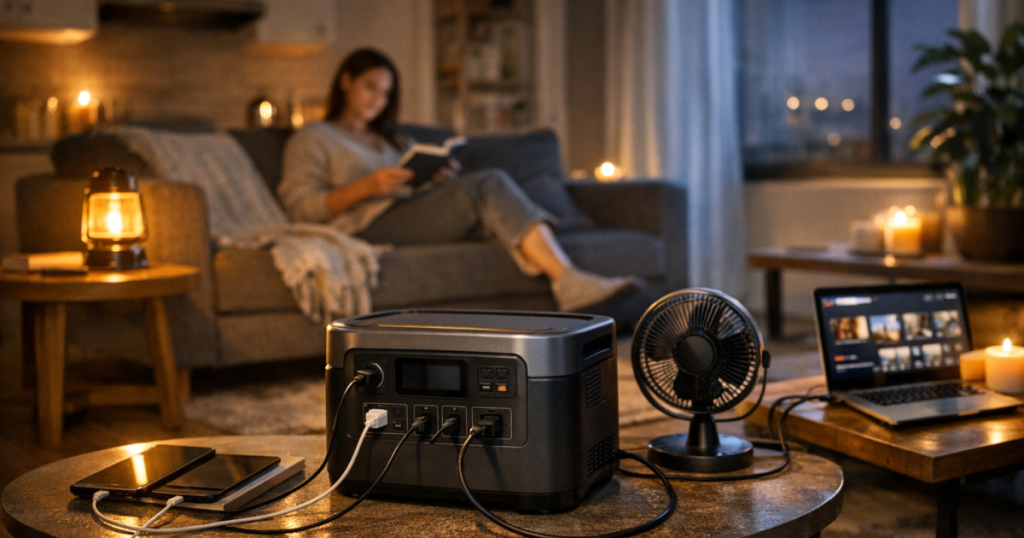
An apartment blackout has different rules from a house outage: no garage staging area, no safe place for a fuel generator, and not much closet space. Choosing a portable power station for apartment use comes down to matching a few essentials—phone, router, lights, laptop, medical device, maybe a small fridge—to the battery size and outlet limits you can safely store, charge, and carry.
A portable power station is a rechargeable battery with built-in outlets. It is not a whole-home backup system, and treating it like one is how people end up disappointed, or sitting in the dark next to a very expensive box.
Any wiring or transfer equipment that connects backup power to an apartment’s electrical circuits should be handled by a qualified electrician and must comply with local electrical codes, building rules, and safety standards.
What to know first
For apartment living, the best portable power station is usually the one that runs your true essentials without becoming too large, loud, heavy, or awkward to recharge. Start with your outage plan, not the battery catalog.
- Capacity tells you how much energy the battery can store, usually listed in watt-hours, or Wh.
- Output tells you how much power it can deliver at once, usually listed in watts.
- Outlet type matters because some devices need AC wall outlets, while phones and tablets may charge more efficiently from USB ports.
- Recharge method matters in an apartment because solar access, balcony rules, and window placement can be limiting.
- Storage and carry weight matter because the unit has to live somewhere between outages.
If you want a deeper product-focused shortlist after sizing your needs, the site’s guide to portable power stations for apartment blackouts and limited storage is a useful next step.
Step 1: Pick the essentials before picking a battery
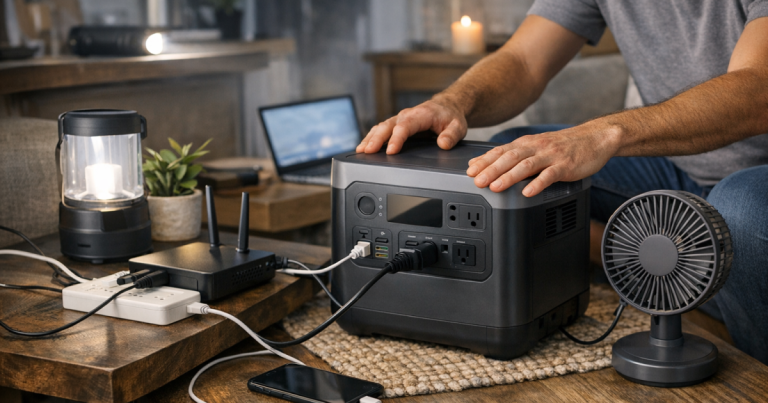
Write down what you actually need during the first 12 to 24 hours of an outage. Apartment backup usually works best when it is narrow and deliberate: communications, light, medical equipment, basic comfort, and enough device power to keep work or family coordination moving.
A sensible starter list might include:
- Phone charging for every adult in the home
- A Wi-Fi router and modem, if internet service remains active
- One or two LED lamps or rechargeable lanterns
- A laptop for remote work or school
- A CPAP machine or other essential health device, if used
- A fan in warm weather, if heat is a realistic outage concern
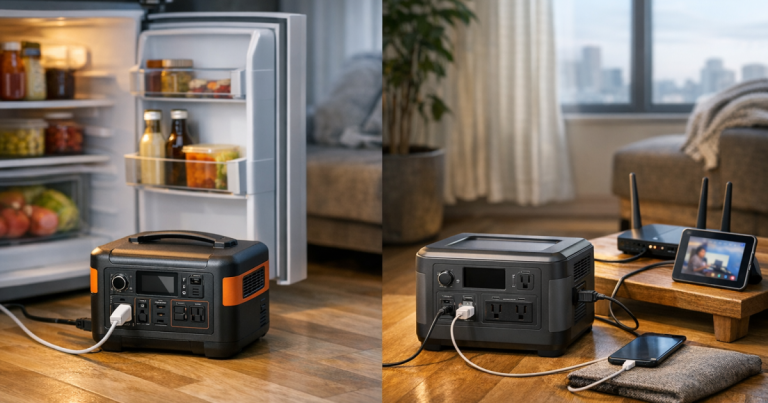
A refrigerator is possible with some larger portable power stations, but it changes the sizing conversation. Compressor appliances can draw a higher surge when starting, and runtime depends heavily on the fridge, room temperature, door openings, and battery capacity. If you live in a small apartment, decide whether fridge backup is central to your plan or whether a cooler, thermometer, and food-safety routine is more realistic.
Step 2: Estimate watt-hours without getting lost in math
The plain-English formula is simple: watts multiplied by hours equals watt-hours. A 40-watt device running for 10 hours uses about 400 Wh before efficiency losses. Real-world runtime is usually lower than the clean math because inverters, heat, battery protection limits, and device behavior all take a bite.
Use this process:
- Look for the watt rating on each device’s label, charger, or manual.
- Estimate how many hours you need each item during an outage.
- Add the watt-hours together.
- Build in a cushion instead of planning to drain the battery to zero.
For example, a low-power router setup, a lamp, and a phone may fit into a modest battery plan. A laptop, CPAP machine, fan, and refrigerator push you toward a larger unit and a more careful runtime estimate. The useful question is not “How big can I afford?” It is “What do I need to keep going without creating storage, noise, or charging problems?”
Step 3: Check output, not just capacity
Capacity and output are easy to confuse. Capacity is the size of the tank. Output is how fast the station can pour power out of it. A power station may have enough stored energy for a device but still be unable to start or run it if the device demands more watts than the station can deliver.
Check two output numbers before relying on a station:
- Continuous output: the watts it can supply steadily.
- Surge or peak output: the brief burst it can handle when some appliances start.
This matters most for mini fridges, full-size refrigerators, pumps, coffee makers, microwaves, space heaters, and anything with a motor or heating element. In an apartment outage plan, heating appliances are usually poor battery loads. A space heater can drain a battery quickly and may exceed the station’s output limit. Use blankets, weather sealing, safe indoor clothing layers, and building heat retention before asking a battery to do a furnace’s job.
Step 4: Match the size to apartment life
A larger battery can be comforting until you have to lift it, store it, or find a safe place to keep it charged. Apartment-friendly means more than compact. It means the unit fits into your normal home without becoming a hallway obstacle or a closet hostage.
Before buying, check:
- Footprint: Measure the shelf, closet floor, or utility area where it will live.
- Weight: Make sure the person most likely to use it can move it safely.
- Ventilation: Leave open space around the unit while charging or discharging.
- Cord routing: Avoid running extension cords across walkways where people can trip.
- Noise: Battery stations do not have engines, but cooling fans can turn on under load or while charging.
Fuel generators do not belong inside apartments, on enclosed balconies, in hallways, or near windows. Carbon monoxide risk is not a small trade-off; it is a hard stop. For most renters, a battery power station is the practical path because it can operate indoors when used according to the manufacturer’s instructions.
Step 5: Plan how you will recharge it
A portable power station is only as useful as your ability to recharge it before and between outages. For apartment residents, wall charging is usually the primary method. Keep the station topped up according to the manufacturer’s storage guidance, and make it part of your seasonal storm routine.
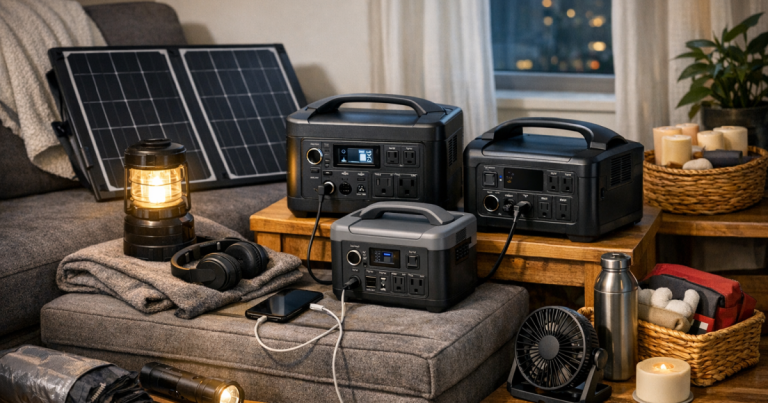
Solar charging can help, but apartment solar is often less straightforward than marketing photos suggest. A folding panel needs sun, space, safe placement, and permission if it is used on a balcony, patio, fire escape, or shared area. Window charging may be slow or impractical depending on glass, direction, shade, and building rules. Treat solar as a useful supplement only after you understand the limits of your actual apartment.
Car charging may help during some outages, but it depends on safe vehicle access, fuel level, weather, and parking arrangements. Never run a vehicle in an enclosed garage to charge a battery.
Step 6: Decide what should stay on a UPS instead
A portable power station is good for flexible backup. A UPS, or uninterruptible power supply, is better for devices that need to stay on through a brief flicker without rebooting. Routers, modems, desktop computers, and network gear often benefit from a UPS because it switches over automatically when power drops.
If your main outage problem is losing internet during short outages, a smaller dedicated backup may serve you better than plugging everything into a large station. For that setup, see the guide to backup batteries for routers and modems.
For longer outages, the two can work together: a UPS covers the instant switchover, and a portable power station can recharge or support selected gear once you are set up. Check manufacturer guidance before connecting one backup device to another, because not every combination behaves the same way.
Step 7: Treat medical needs as their own category
If someone in the apartment uses a CPAP machine, oxygen-related equipment, refrigerated medication, or another essential health device, do not size the battery from guesswork. Check the device label and manufacturer guidance, account for accessories such as humidifiers, and build a plan for more than one night if outages are common in your area.
CPAP machines are a common apartment backup concern because they may run for many hours while the user is asleep. Humidifier settings, pressure, mask leaks, and DC versus AC power can all affect runtime. The detailed guide on powering a CPAP machine during an outage walks through the specific checks more carefully.
Simple sizing scenarios
Phone, light, and router only
This is the most compact apartment plan. It favors communication, basic lighting, and short-term comfort. Look for enough capacity to cover your expected outage window, with ports for USB charging and AC outlets if your router needs them.
Remote work setup
Add a laptop, monitor only if necessary, and internet gear. A laptop usually gives you more flexibility than a desktop computer because it has its own battery. Skip nonessential peripherals during an outage; the printer can emotionally recover later.
Overnight medical and comfort plan
Give medical devices first claim on the battery. Then add a small light, phone, and perhaps a fan if heat is the bigger risk. This setup needs more careful runtime planning and a backup charging plan.
Fridge-focused apartment plan
This requires more capacity and output, plus a clear understanding of starting watts. It may be reasonable for some apartments, but it is not the first job for a small power station. Test and verify compatibility before an actual outage.
Fast answers
Can you use a portable power station indoors?
Yes, battery-based portable power stations are designed for indoor use when operated according to the manufacturer’s instructions. Do not use gasoline, propane, or dual-fuel generators indoors, on enclosed balconies, or near open windows.
How much capacity does an apartment need?
It depends on the load. A communications-and-lighting plan can be modest, while CPAP, laptop work, fans, or refrigerator backup require more watt-hours and closer output checks. Build the number from your devices, not from a generic promise on a box.
Should renters ask the building before using one?
For normal plug-in battery use inside your unit, many renters simply follow safe appliance practices. For balcony solar panels, shared spaces, storage rules, or anything connected to building wiring, check lease terms, building policies, and local requirements.
Main lessons
The right portable power station for apartment use is the one that fits your real outage routine: enough watt-hours for essentials, enough output for the devices you will actually plug in, and a size you can store without resenting it. Keep the plan simple, charge the unit before storm season, and write down which devices get priority. A quiet, boring backup plan is usually the one that works when the lights go out.