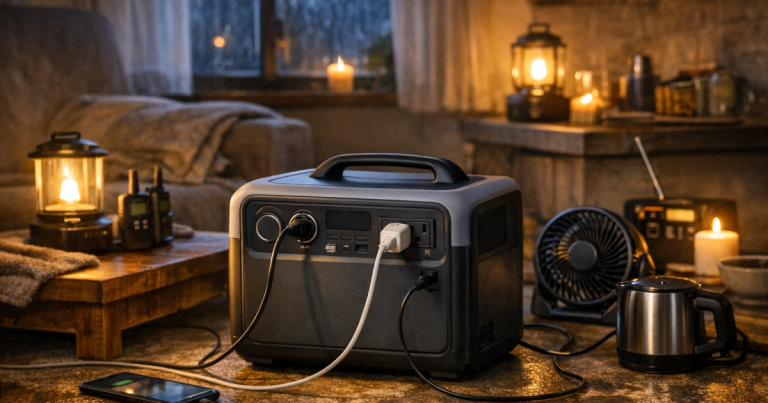
The right portable power station size for an outage is not the biggest battery you can carry; it is the smallest one that reliably covers your priority loads. For most homes, that means separating comfort items from essentials like phones, lights, internet equipment, medical devices, and possibly fridge cycling. Start with what you need to keep working, then match watts, watt-hours, and recharge options to that list.
Home wiring, transfer switch, or inlet connections for any backup power setup should be carried out by a qualified electrician to meet local electrical codes and safety requirements.
At a glance
For a short outage, a compact battery may be enough for phones, lights, a router, and one laptop. For overnight or all-day backup, many households are better served by a mid-size unit that can handle a router, lamps, device charging, and selected medical or work equipment. For fridge support, longer runtimes, or multi-day storm plans, capacity becomes only one part of the decision; output rating, surge handling, recharge options, and load discipline matter just as much.
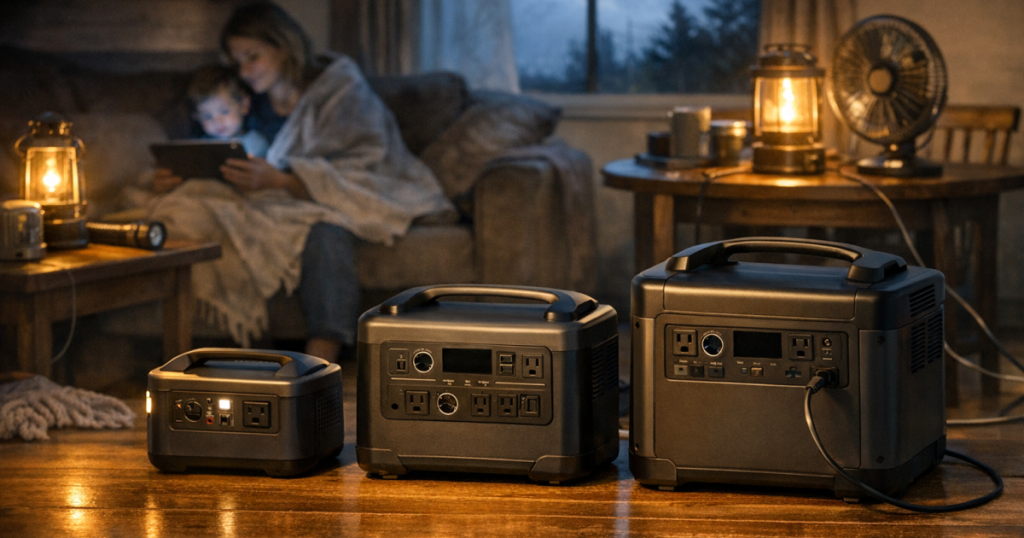
- Small units, roughly 300 to 500 watt-hours: useful for phones, tablets, LED lights, small fans, and short laptop or router backup.
- Mid-size units, roughly 700 to 1,200 watt-hours: more realistic for internet, remote work, CPAP planning, lighting, and repeated device charging through an evening or overnight period.
- Larger units, roughly 1,500 to 2,500 watt-hours: better suited to fridge cycling, longer internet backup, multiple laptops, and a more comfortable one-day outage plan.
- Expandable or high-capacity systems above that range: useful for households with medical needs, longer outages, or multiple essential loads, but they require more planning, space, and charging strategy.
These ranges are planning categories, not guarantees. The same battery can last many hours with a router and lamp, or drain quickly with a space heater, microwave, coffee maker, or large appliance. The load list matters more than the label on the box.
Watts and watt-hours, in plain English
A portable power station has two numbers that matter most during an outage: output watts and stored watt-hours. Output watts tell you how much the unit can power at one time. Watt-hours tell you roughly how much energy is in the battery.
Think of watts as the size of the doorway and watt-hours as the amount of water in the tank. A device that needs more watts than the station can provide may shut the station down, even if the battery still has energy left. A device that uses modest watts can still drain the battery over time if it runs continuously.
A simple planning formula is: battery watt-hours divided by load watts equals estimated runtime. A 1,000 watt-hour station running a 50-watt combined load would suggest about 20 hours before losses. In real use, expect less because the inverter, battery management system, temperature, age of the battery, and charging behavior all affect runtime.
Starting watts are the other catch. Appliances with motors or compressors can briefly demand more power when they start than they use while running. Refrigerators, freezers, sump pumps, and some medical equipment should be checked carefully before you count on a battery to run them. For a deeper explanation of this sizing step, read the guide to starting watts, runtime, and priority loads.
Start with the outage you are actually planning for
The best size depends on the kind of outage you expect, not on a generic “whole home” promise. A six-hour summer thunderstorm outage has a different load profile than a two-day winter storm or a wildfire shutoff with no clear restoration time.
For a few hours
Focus on communication, light, and comfort. A small to mid-size station can usually cover phone charging, a rechargeable lantern, a router if internet service remains active, and one laptop for work or school. This setup is especially useful for apartments, condos, and homes where generator noise, fuel storage, or outdoor placement is not practical.
For overnight backup
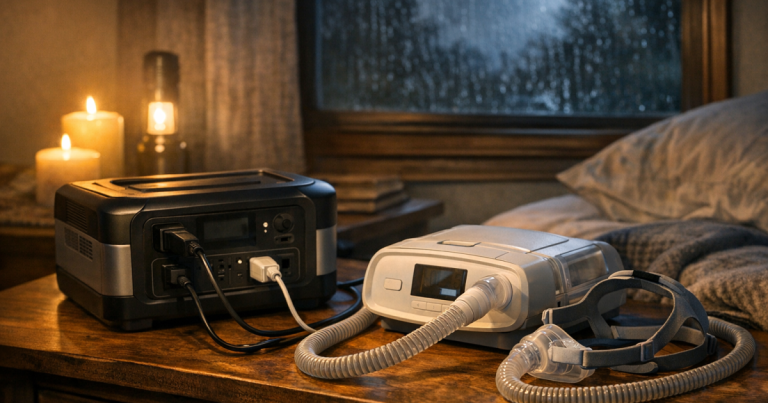
Move up in capacity if you need internet, a fan, medical equipment, or a CPAP machine to run for several hours. Check the actual wattage of each device, and pay attention to accessories. For example, a CPAP with humidification or heated tubing can use more energy than the same machine running in a lower-power mode. Do not rely on rough assumptions for medical equipment; check the device documentation and test the setup before you need it.
For a full day
A one-day outage plan often includes a fridge strategy, repeated device charging, lighting after dark, and enough battery for work or communication. This is where many households begin to outgrow very small power stations. You may not need to run everything continuously, but you need enough capacity to rotate essential loads without constantly worrying about the percentage remaining.
For 72 hours
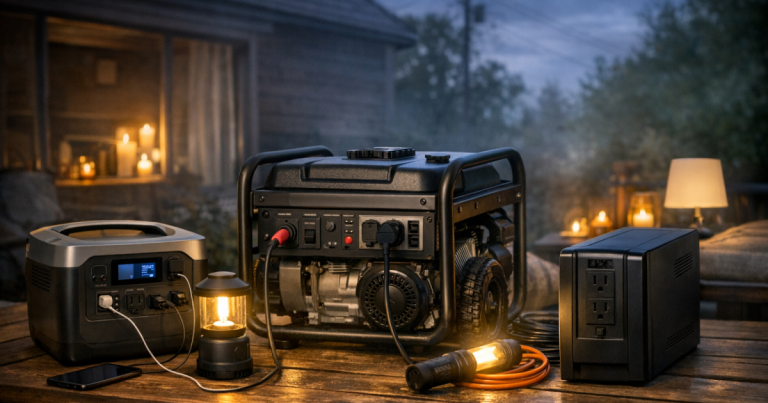
For a three-day outage, battery capacity alone is rarely the whole answer. You need a way to recharge, reduce loads, or supplement with another backup source. Solar panels can help in some conditions, but cloud cover, shade, short winter days, and panel placement all affect results. A generator can recharge some power stations, but generators must be operated outdoors, away from windows, doors, vents, and garages, and refueled only after they are shut down and cooled according to the manufacturer’s instructions.
Common household load examples
The exact numbers in your home matter, but these examples show how the decision usually works.
- Phones and tablets: low energy use, easy to support with almost any outage battery, and worth prioritizing because communication is often the first need.
- LED lanterns and small lamps: efficient lighting can stretch a battery much farther than trying to power normal household lighting circuits.
- Router and modem: useful if the cable, fiber, or cellular service is still working. Some internet equipment draws modest power, but leaving it on continuously adds up.
- Laptop and monitor: a laptop alone is much easier to support than a full desktop setup with multiple monitors, speakers, and peripherals.
- CPAP or medical device: plan from the actual device label or manufacturer documentation, and test with the exact settings and accessories you expect to use.
- Refrigerator or freezer: check running watts and startup behavior. Many households do better cycling the fridge periodically rather than trying to power it nonstop.
- Heat-producing appliances: space heaters, kettles, toaster ovens, hot plates, and hair dryers usually drain batteries fast and may exceed output limits. They are poor matches for most portable stations.
The main lesson is simple: low-watt essentials are battery-friendly; heating, cooling, and motor-heavy loads require much more caution.
A simple sizing method that works at home
You do not need an engineering spreadsheet to make a solid plan. A short household load list is enough to prevent most sizing mistakes.
- List your must-run items: phones, router, lamps, laptop, medical equipment, fridge, freezer, or small fan.
- Write down watts for each item: use the label, manual, plug-in watt meter, or manufacturer documentation.
- Decide how many hours each item must run: continuous loads like routers are very different from occasional loads like charging a phone.
- Multiply watts by hours: this gives a rough watt-hour need for each item.
- Add a cushion: real-world runtime is lower than the label capacity, and outages rarely follow the tidy plan you wrote on paper.
- Check output watts and surge: make sure the station can start and run the loads at the same time, not just store enough energy in theory.
For example, a renter who wants to run a router, charge two phones, power a laptop for part of the day, and use LED lighting can often plan around a smaller load than a homeowner trying to keep a refrigerator, freezer, sump pump, and work setup available. Both households may say they want “backup power,” but their sizing needs are very different.
Why bigger is not always better
A larger station gives you more runtime, but it also brings trade-offs. Bigger batteries cost more, take longer to recharge from a wall outlet or solar panel, take up more space, and may be too heavy for some users to move comfortably. If you live in an apartment, upstairs unit, or small home, portability can matter as much as capacity.
There is also a discipline problem. When a large battery is available, it is tempting to plug in convenience items early: a TV, game console, coffee maker, printer, or extra monitor. That can shorten the runtime available for essentials. During a real outage, the safest plan is to keep the load list intentional and add comfort items only after the core needs are covered.
Overload shutdowns are another reason to size carefully. A power station can have plenty of stored energy and still trip off if the combined load exceeds its output rating. If you are building a plan around several devices, the separate guide on how to avoid overloading a portable power station during an outage is worth reading before storm season.
When one battery is not enough
Some households are better served by splitting the job instead of buying one very large unit. A small station can live near phones, lighting, and internet equipment, while a larger station is reserved for fridge cycling or medical backup. This reduces cord clutter and helps prevent one mistake from draining the only battery in the house.
Another option is pairing a portable station with a UPS for sensitive electronics. A UPS can keep a router or desktop computer from dropping during short interruptions, while the larger station handles longer outage needs. This does not increase total energy by magic, but it can make the workflow smoother for remote workers or households that need internet to stay informed.
For multi-day outages, think in layers: battery for silent indoor essentials, stored water and food that do not need cooking, rechargeable lighting, a cooler plan, and possibly an outdoor generator for higher loads or recharging. A portable power station is a strong tool, but it is not a substitute for a full outage plan.
Checks to make before relying on it
Before an outage, set up the station exactly the way you expect to use it. Plug in the router, lamp, laptop charger, medical device, or fridge, then watch the displayed load and runtime estimate. Displays are not perfect, but they help you see whether your plan is realistic.
- Charge level: store the unit according to the manufacturer’s instructions and keep it topped up within the recommended range.
- Outlet layout: confirm that your plugs fit without blocking neighboring outlets or forcing awkward adapters.
- Cord safety: use appropriate cords for the load, avoid damaged cords, and do not run cords where they become trip hazards or pinch points.
- Noise and placement: most battery stations are quiet, but cooling fans may run under heavier loads. Place the unit where it can ventilate.
- Solar or vehicle charging: verify what cables, panels, and input limits are compatible before you count on them.
- Household roles: make sure another adult knows what can be plugged in and what should stay off the battery.
The most useful test is a dry run. Turn off nonessential loads for an evening, run the station with your chosen devices, and write down what worked, what drained faster than expected, and what felt inconvenient. Use the checklist on how to test your backup power setup before an outage to catch problems while the grid is still on.
Things readers ask
Can a portable power station run a refrigerator?
Sometimes, but you need to verify the refrigerator’s running watts, starting surge, and how long you expect to power it. Many outage plans use timed fridge cycling instead of continuous operation to conserve battery.
Is a 1,000 watt-hour unit enough for a home outage?
It can be enough for lights, phones, a router, and some laptop or medical-device planning, depending on the actual loads. It is usually not enough to treat as a whole-home backup source.
Should I size for watts or watt-hours first?
Check watts first so the station can actually run the devices. Then check watt-hours to estimate how long those devices can keep running.
Can I plug a power station into a wall outlet to feed my house?
No. Do not backfeed a home through a wall outlet. Any connection to home circuits requires properly installed equipment handled by a qualified electrician under local code.
How much extra capacity should I plan for?
A cushion is smart because inverter losses, cold or hot conditions, battery age, and unexpected loads reduce real runtime. If a load is essential, do not size it with no margin.
Key takeaways
For most outage planning, the right battery size comes from your load list, not from a marketing claim. Start with phones, lighting, internet, medical needs, and food safety. Add up watts and hours, allow for losses, and check surge requirements before depending on the setup.
A small unit can be excellent for communication and light. A mid-size unit gives more breathing room for overnight comfort and remote work. A larger unit becomes useful when refrigeration, longer outages, or multiple essential loads are part of the plan. The calmest blackout setup is not the biggest one on paper; it is the one you have tested, labeled, and know how to use when the lights go out.