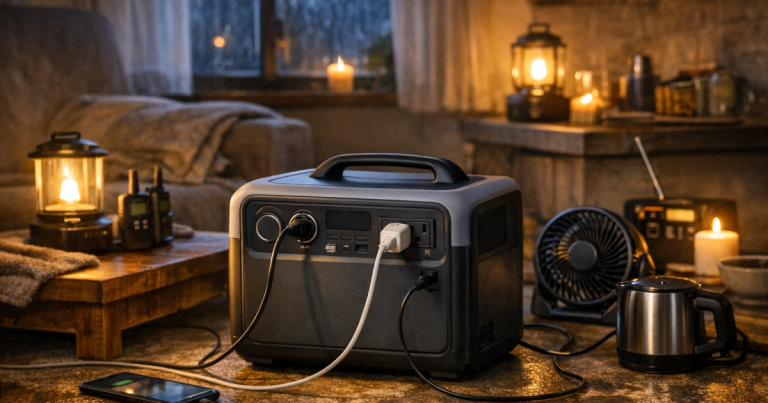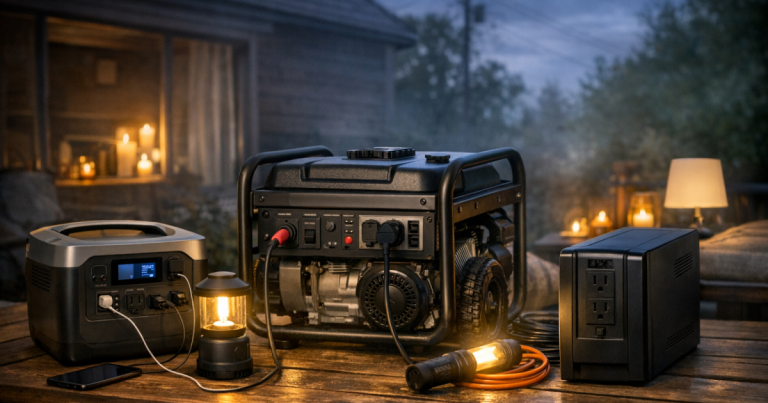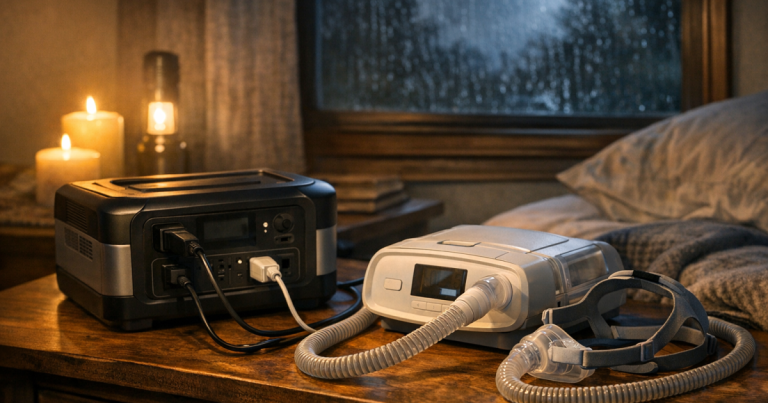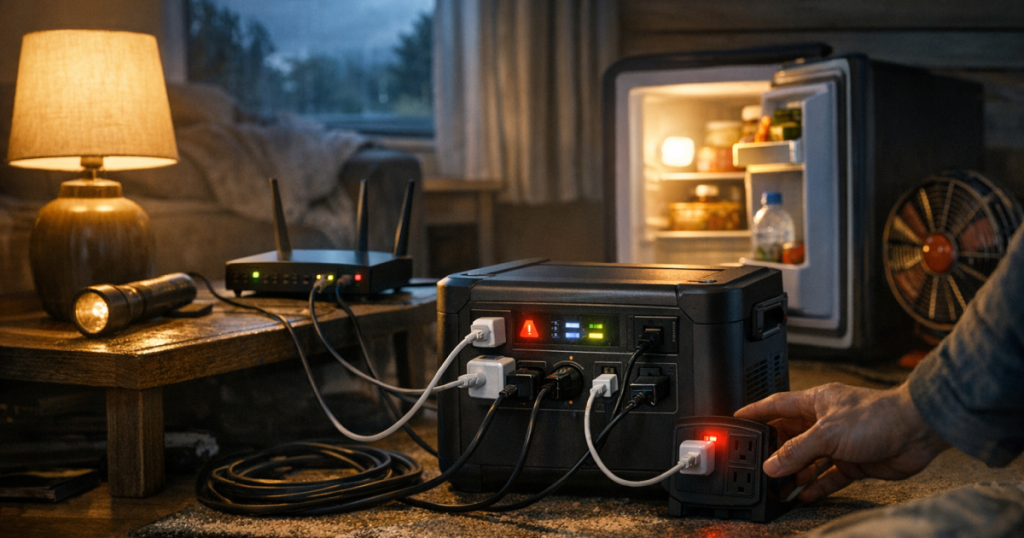
A portable power station is at its best when it has a clear job: keeping a few important devices running without noise, fumes, or fuel storage. The easiest way to avoid overloading a portable power station is to match each plugged-in device to the station’s output limit before the outage forces rushed decisions. A little planning also helps you stretch runtime instead of draining the battery on low-priority loads.
Connections that feed a power station into household wiring or a dedicated backup circuit should be installed by a qualified electrician to meet local electrical codes, manufacturer instructions, and safety requirements. Plug-in devices and ordinary extension-cord setups are simpler, but they still need sensible load limits and safe cord routing.
The short version
- Check the power station’s continuous AC output rating before plugging in appliances.
- Account for startup surge from motors and compressors, not just running watts.
- Keep essential loads separate from comfort loads so one mistake does not trip everything.
- Use the device label, charger brick, or manufacturer documentation to estimate wattage.
- Test the setup in calm conditions so you know what the station can actually handle.
Start with the station’s real output limit
Every portable power station has at least two limits that matter during a blackout: how much power it can deliver at one time, and how much stored energy it has available. The first number is usually shown as AC output in watts. That is the number that determines whether the station can run your plugged-in devices without shutting down, alarming, or disabling its outlets.
The battery capacity, usually listed in watt-hours, affects runtime. A large battery does not automatically mean a high-output inverter, and a high-output inverter does not mean every appliance is a good fit. Treat output and capacity as two separate questions: “Can it start and run this load?” and “How long can it keep doing that?”
If you want a deeper plain-English refresher before building your list, the site’s guide to understanding starting watts and runtime explains why refrigerators, pumps, and other motor loads behave differently from phone chargers and LED lamps.
Make a blackout load list before plugging things in
The simplest overload prevention tool is a short written list. Walk through the devices you expect to run and divide them into essential, helpful, and optional loads. Essential loads might include a phone charger, internet modem and router, medical-device support equipment where applicable, a lamp, or a refrigerator during a longer outage. Helpful loads might include a laptop, fan, or extra lighting. Optional loads are anything you can live without until grid power returns.
For each item, write down the wattage shown on the device label, power brick, manual, or manufacturer page. If a charger shows amps and volts instead of watts, multiply volts by amps to estimate watts. For example, a label showing 120 volts and 1 amp suggests about 120 watts. This is an estimate, not a guarantee, but it gives you a better starting point than guessing.
Then add only the devices that will run at the same time. A common mistake is adding every possible item in the house, then assuming the station has failed if it cannot power all of them at once. During a real outage, you can rotate loads. Charge phones first, then unplug them. Run the router when you need updates or work access. Cool the fridge in planned cycles if that fits your food-safety plan and the appliance runs normally on the station.
Watch for startup surge, not just running watts
Some devices draw more power for a moment when they start. Refrigerators, freezers, sump pumps, small air conditioners, and power tools can all create startup demand that is higher than their running wattage. If that short surge is above the station’s capability, the AC output may shut off even though the appliance’s running watts look acceptable on paper.
This is why a quiet battery station that easily handles phones, tablets, laptops, lamps, radios, and routers can still struggle with motor-driven appliances. The issue is not just battery size. It is whether the inverter can support the starting load safely.
Use a cautious approach with anything that has a compressor or motor. Start it by itself first, with other loads unplugged. If it starts and runs normally, add small loads one at a time while staying below the continuous output rating. If the station alarms, shuts off, shows an overload message, or the appliance behaves strangely, remove that load from the plan.
A realistic example: phones, router, lights, and a fridge
Here is a simple outage scenario. A household wants to run a modem and router, two LED lamps, charge two phones, and occasionally power a refrigerator. The small electronics are predictable and usually modest loads, but the refrigerator needs more care because of startup surge.
A sensible sequence looks like this:
- Plug in the modem and router first and confirm stable operation.
- Add one LED lamp, then the second lamp, checking the station display if it has one.
- Charge phones from USB outputs when possible instead of tying up AC outlets with multiple wall bricks.
- Unplug the small loads before testing the refrigerator.
- If the refrigerator starts cleanly, let it run alone at first, then decide whether any small loads can be added safely.
This is slower than plugging in everything at once, but it gives you useful information. It also avoids the classic outage problem where one overloaded outlet group knocks out the router, lights, and fridge at the same time.
Use the display, but do not rely on it blindly
Many portable power stations show input watts, output watts, battery percentage, and estimated runtime. Those numbers are helpful, but they are snapshots. Runtime estimates can change quickly when a compressor cycles on, a laptop starts charging heavily, or someone adds another device.
Use the display to spot trends. If output is creeping close to the station’s continuous rating, unplug something before the unit protects itself by shutting down. If runtime falls from many hours to one hour after adding a single appliance, that appliance may be too heavy for your outage plan even if it does not trip the station immediately.
When the station does shut off, do not keep forcing the same load back on. Unplug everything, let the unit reset according to its manual, and restart with the smallest essential load. Repeated overload attempts waste battery and can leave you with less power when you need it most.
Build in a safety margin
Running right at the advertised limit is a poor outage strategy. Heat, long cords, aging batteries, appliance cycling, and user mistakes all reduce the margin for error. A calmer plan is to keep normal loads comfortably below the maximum continuous output and reserve extra headroom for short spikes.
That does not mean you need to calculate every second perfectly. It means your “normal blackout mode” should be conservative. If the station is powering communications and lighting, avoid adding a toaster, microwave, hair dryer, space heater, coffee maker, or other high-draw heat appliance. Resistance-heating appliances can consume a lot of power fast and are usually a poor match for preserving battery backup.
Think in terms of priorities, not convenience. A working phone, internet connection, weather radio, lamp, and safe food plan usually matter more than trying to keep the house operating as if the grid were still on.
Set up cords so the load stays controlled
Extension cords do not increase a power station’s capacity. They only move power from the station to the device. Long, thin, damaged, or overloaded cords can create heat and voltage-drop issues, especially with higher-draw equipment. Use cords rated for the load, keep them fully uncoiled during use, and avoid running them under rugs, through pinch points, or through wet areas.
Avoid daisy-chaining power strips or stacking adapters to make more outlets. More plug openings can encourage more load than the station can safely support. If you need multiple small electronics, group them thoughtfully and keep the total wattage within the station’s output rating.
For a more detailed household setup walkthrough, use the guide to safe extension cord setup for portable power stations before storm season, not after the lights are already out.
Test your plan under normal conditions
The best time to find an overload problem is on a calm weekend afternoon. Charge the station fully, gather your planned blackout devices, and run the exact sequence you expect to use. Note which devices work together, which ones need to be run alone, and how quickly the battery percentage drops.
Do not just test for five minutes. Some problems only appear after an appliance cycles, a laptop battery starts charging harder, or the station warms up under load. A one- or two-hour practice session can reveal whether your plan is comfortable, noisy, cord-heavy, or too complicated for the rest of the household to follow.
Keep a simple card with the station that lists approved loads and “do not plug in” items. That way, a family member or roommate can use the setup without guessing. The site’s checklist on how to test your backup power setup before an outage can help you turn that practice run into a repeatable routine.
Common overload traps to avoid
- Using a power strip as a capacity upgrade: A strip adds outlets, not watts. The station’s inverter limit still controls the total load.
- Forgetting chargers count: Laptop bricks, tool chargers, and camera chargers all add load, even when they look small.
- Starting motor loads with other devices already plugged in: Give compressors and pumps room to start, then decide what else can run.
- Letting comfort loads creep in: One “quick” heat appliance can drain battery capacity and overload the output.
- Ignoring warning signs: Beeps, error codes, hot cords, flickering devices, or repeated shutdowns mean the plan needs to change.
Main points
A portable power station is not a miniature whole-home generator. It is a quiet, flexible battery system for selected loads. The safest and most useful outage plan is built around essentials first: communication, light, limited refrigeration support, and device charging.
To reduce the risk of overloading a portable power station, know the continuous output rating, allow for startup surge, add loads one at a time, keep a margin below the maximum, and test the setup before you need it. The goal is not to use every outlet. The goal is to keep the right things running for as long as the battery can reasonably support them.
Helpful questions
What is the fastest way to stop overloading a portable power station?
Unplug everything, reset the station according to its manual, and restart with only the most important low-watt device. Add other loads one at a time while watching the output reading.
Can I run a refrigerator from a portable power station?
Sometimes, but you need to verify the refrigerator’s running watts, startup surge, and the station’s AC output rating. Test it alone before relying on it during an outage.
Is it safe to use a power strip with a power station?
It can be acceptable for several small electronics if the strip is in good condition and the total load stays below the station’s limit. Do not use a strip to run high-draw appliances or stacked adapters.
Why does the runtime estimate drop so quickly?
The estimate changes based on current load. A laptop charging hard, a fridge cycling on, or an added appliance can make the station recalculate a much shorter runtime.
Should I recharge a power station from a generator?
Only if both manuals allow it and the generator is operated outdoors, far from doors, windows, and vents. Never run a fuel-powered generator indoors, in a garage, or in an enclosed space.