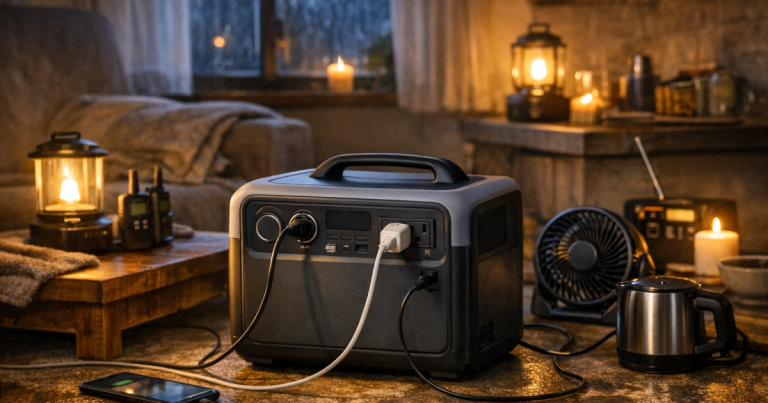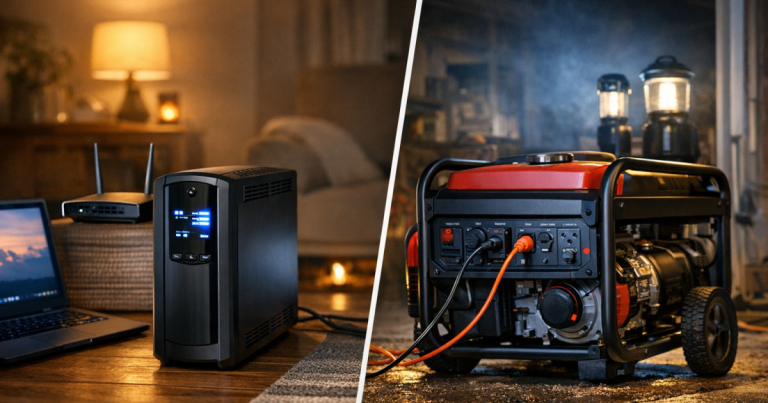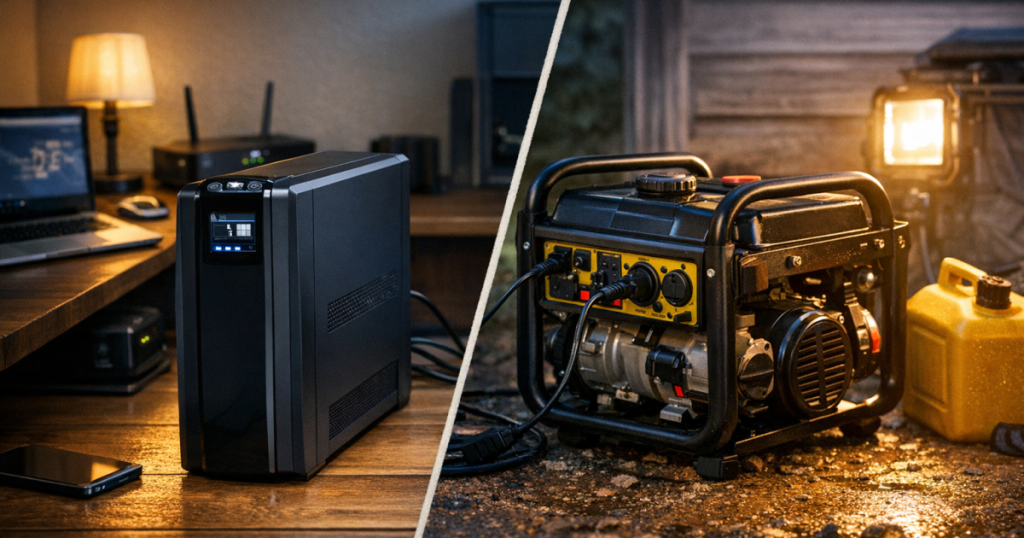
A router, desktop computer, external drive, or game console does not need the same backup plan as a refrigerator. The job is shorter and more precise: keep clean power flowing long enough to ride through a brief outage, save work, or shut down properly. This APC Back-UPS Pro BR1500MS2 review looks at a tower-style APC by Schneider Electric UPS built for that electronics-first role, not for running appliances or covering a whole home.
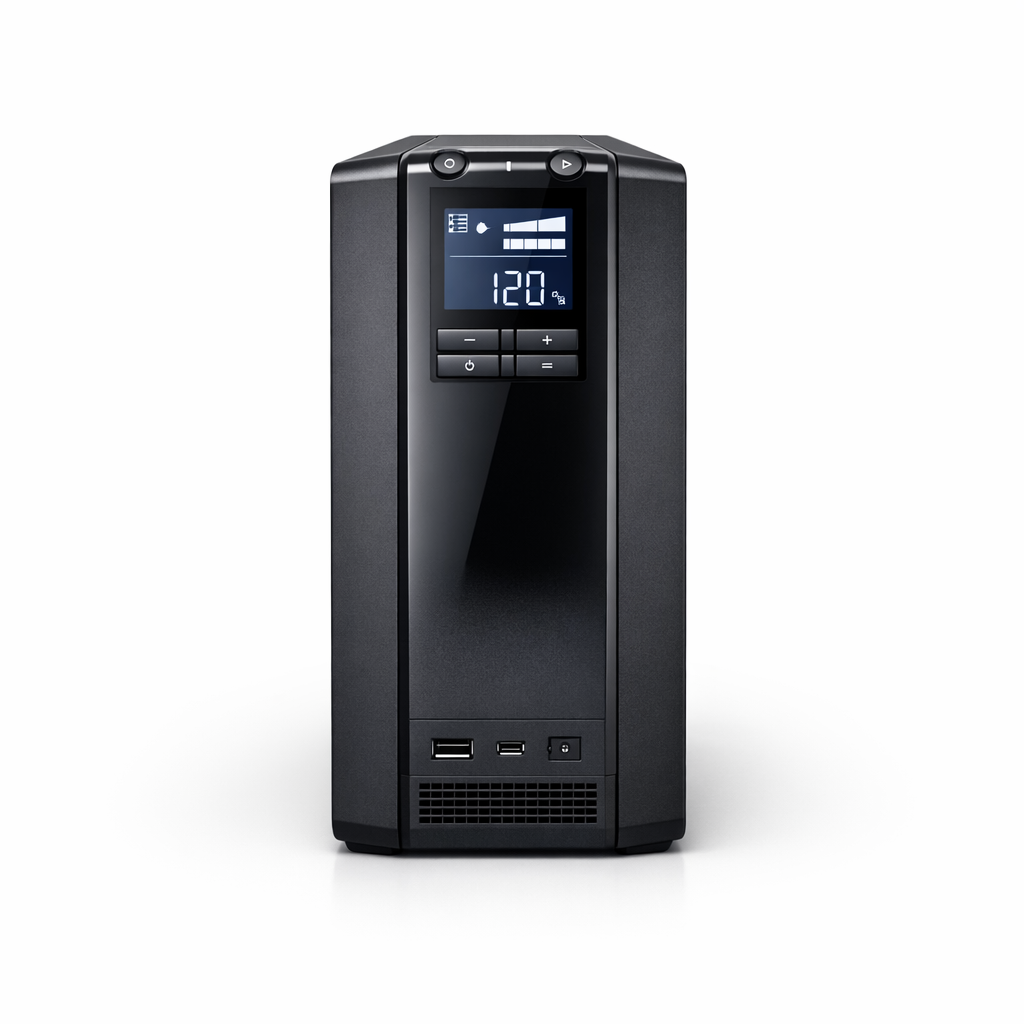
APC by Schneider Electric APC Back-UPS Pro BR1500MS2
A sensible UPS choice for keeping essential electronics protected through brief outages and clean shutdowns
My short take: the APC Back-UPS Pro BR1500MS2 is a sensible, capable UPS for home office and network gear when you respect its limits. Its 1500 VA / 900 W rating gives it useful headroom for electronics, but the official full-load runtime of 3 min 12 s makes the buying decision very clear: this is a bridge, not a campsite.
Product Details
- Product type: Line-interactive uninterruptible power supply battery backup and surge protector.
- Rated output capacity: 1500 VA / 900 W.
- Voltage: 120 V AC single phase input and 120 V AC single phase output.
- Battery output waveform: Sine wave on battery.
- Outlets: 10 NEMA 5-15R outlets, with 6 providing battery backup and 4 providing surge protection only.
- Other features: Automatic voltage regulation, LCD interface, USB Type A and USB Type C charging ports, and a user-replaceable battery.
- Battery maintenance: Uses APCRBC163 replacement cartridge; typical battery life is listed as 3 to 5 years.
- Recharge time: 16 hours after discharge.
- Placement: Tower design, not rack-mountable; IP20 indoor rating with an operating range of 32 to 104 °F.
- Notice: The product page includes a California Proposition 65 warning for lead exposure risk.
The job it is built to do
The APC Back-UPS Pro family is not trying to replace a generator or a large portable power station. This model is a standalone UPS for connected electronics: computers, routers and modems, storage devices, game consoles, and similar loads that are sensitive to sudden power loss or voltage problems.
That distinction is important during a blackout plan. A UPS sits between the wall outlet and your electronics, stepping in quickly when AC power drops. A portable power station or generator is a broader outage tool, but it does not usually provide the same always-connected handoff for a desktop computer or network gear. If you are still deciding between backup categories, our guide to portable power stations, generators, and UPS units for blackouts explains the practical differences.
For the BR1500MS2, the strongest use case is a compact electronics island: modem, router, small network switch, computer, monitor, or external storage, staying within the 900 W maximum load. It is not a fridge backup, sump pump solution, furnace circuit plan, or whole-home standby system.
Power capacity: useful headroom, but not unlimited
The 1500 VA / 900 W rating is the main reason this UPS earns attention for a home office or media setup. Many smaller UPS units are better suited to a router alone or a very modest desktop arrangement. A 900 W ceiling gives this unit more room for a PC-centered setup, provided the total connected load stays under that limit.
The buying decision should start with what you will plug into the six battery-backed outlets. The remaining four outlets are surge-protection only, so they are useful for accessories that need surge protection but do not need to stay on during an outage. That outlet split is easy to overlook, and it changes setup quality. Your modem and router belong on battery-backed outlets; a printer or nonessential speaker set does not need to compete for that battery-backed space.
There is also a discipline benefit here. A UPS works best when you ask it to protect the devices that truly need instant backup. If every convenient plug gets used just because the outlets are there, the battery has to carry more load and the useful outage window gets shorter.
Runtime is the main compromise
The official full-load runtime is 3 min 12 s at 900 W. That figure should shape expectations more than the large 1500 VA number. At maximum load, the BR1500MS2 is there to prevent an abrupt shutdown, not to keep a workstation running comfortably through a long outage.
That does not make it weak; it makes it specific. For short flickers, a neighborhood transformer hiccup, or the first few minutes of a storm outage, a UPS like this can keep equipment from dropping instantly. For a desktop user, that window can mean saving files and shutting down cleanly. For a home network, it can help avoid an immediate internet reset during a brief interruption.
The practical move is to load it intentionally. Put the devices that need continuity on the battery side, leave comfort devices off it, and treat high-draw electronics carefully. The closer you get to the 900 W limit, the less forgiving the runtime becomes.
Why sine wave output and AVR help electronics
This is a line-interactive UPS with automatic voltage regulation and sine wave output on battery. In plain English, that means it is designed to smooth certain AC power problems and provide battery-backed AC power without being an online double-conversion UPS.
For ordinary home electronics, that is a strong middle ground. The sine wave battery output is a meaningful feature for sensitive connected gear, and AVR gives the unit a role during voltage dips or overvoltage conditions before a full outage occurs. It is still a consumer and small-office style UPS, not a specialized power conditioning system for every possible electrical environment.
The transfer time is listed at 8 ms typical and 10 ms maximum. That short handoff is central to the UPS job: connected electronics should not have to wait while someone starts a generator, finds a power station, or moves cords around. The unit is already in place, already plugged in, and ready to take over within its design limits.
Setup and ownership realities
Day to day, the BR1500MS2 has the practical features most households will appreciate in a serious electronics UPS: an LCD interface, USB Type A and USB Type C charging ports, 10 total outlets, and a user-replaceable battery. Those are useful ownership details, not just spec-sheet garnish.
The maintenance side deserves equal attention. The internal lead-acid battery is a consumable part with a typical listed life of 3 to 5 years, and the replacement cartridge is APCRBC163. That is a normal UPS ownership cost, but it should be part of the purchase decision if you are building a reliable blackout setup rather than buying a one-time gadget.
The 16-hour recharge time also affects how you use it during back-to-back outages. After a meaningful discharge, it is not instantly ready for another full event. In storm season, that means the UPS is best treated as one layer in a larger plan, not the only layer for communication, lighting, food safety, and comfort.
Placement is straightforward but not flexible in every environment. This is a tower unit, not a rack-mountable UPS, and its IP20 rating and 32 to 104 °F operating range make it an indoor electronics product. Keep it in a dry, conditioned space where the plugged-in equipment actually lives. For broader outage setup choices and safe power habits, review our home backup power safety basics before mixing UPS units with generators, extension cords, or larger backup systems.
Where it fits in a home blackout plan
The APC Back-UPS Pro BR1500MS2 makes the most sense for households that care about continuity for electronics more than running big loads. Remote workers, students, gamers, and anyone with a modem-router setup can understand the appeal: a short outage does not have to knock everything offline at once.
It is less compelling for someone looking for overnight runtime, appliance backup, or a system that can power multiple rooms. If your priority is a refrigerator, freezer, medical device, or long-duration internet plan, this UPS may still have a role, but it should not be the centerpiece. Pair the right tool with the right outage problem: a UPS for instant electronics backup, a portable power station for longer small-load runtime, and a generator or professionally connected system for heavier household loads.
My editorial preference is to use this kind of UPS for the devices where sudden shutdown is the problem. That is where its fast transfer, sine wave battery output, AVR, and outlet layout are most useful. Asking it to behave like a long-running battery bank misses what it is good at.
Verdict
Score: 8.4/10. The APC Back-UPS Pro BR1500MS2 is a strong short-outage electronics UPS because its 1500 VA / 900 W rating, sine wave battery output, AVR, and fast transfer time line up well with home office and network protection. The limiting factors are just as clear: only six outlets are battery-backed, full-load runtime is 3 min 12 s, recharge takes 16 hours, and the lead-acid battery is a periodic replacement item.
Choose it for computers, routers, storage devices, game consoles, and similar electronics that benefit from instant backup and cleaner shutdowns. Choose a different backup category when the goal is long runtime, appliance support, outdoor use, or whole-home outage coverage.
APC by Schneider Electric APC Back-UPS Pro BR1500MS2
A sensible UPS choice for keeping essential electronics protected through brief outages and clean shutdowns
You might also like: How to Run a CPAP on a Portable Power Station During an Outage.