A short power dip can be more annoying than dramatic: the router drops, a desktop PC loses work, and the home office suddenly feels fragile. This APC Back-UPS Pro 1500VA review looks at the APC by Schneider Electric Back-UPS Pro, SKU BN1500M2, as a plug-in UPS for electronics that need short-duration battery backup and surge protection, not a whole-home outage solution.
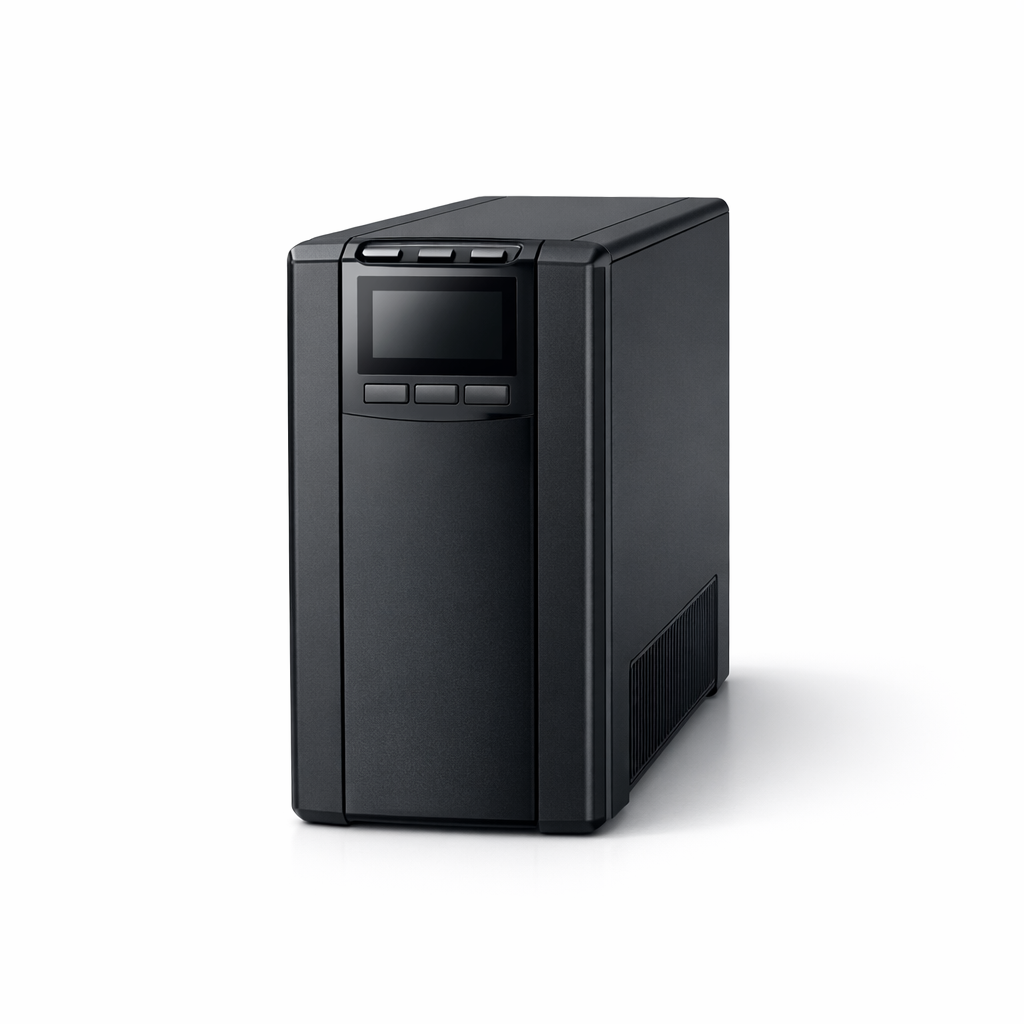
APC by Schneider Electric APC Back-UPS Pro 1500VA
A smart fit for keeping core electronics alive briefly and shutting down safely during short household outages
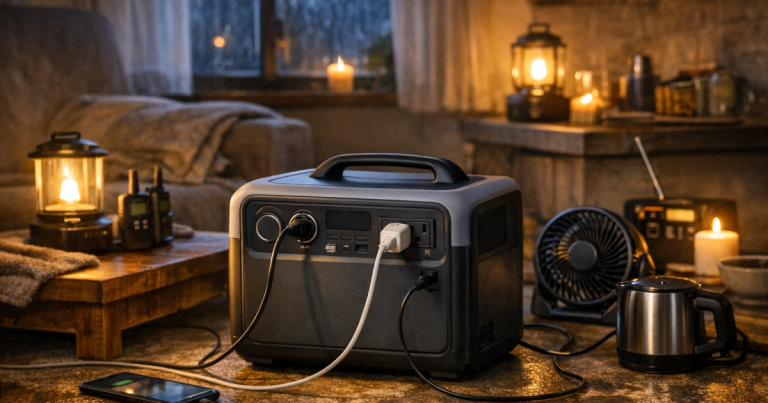
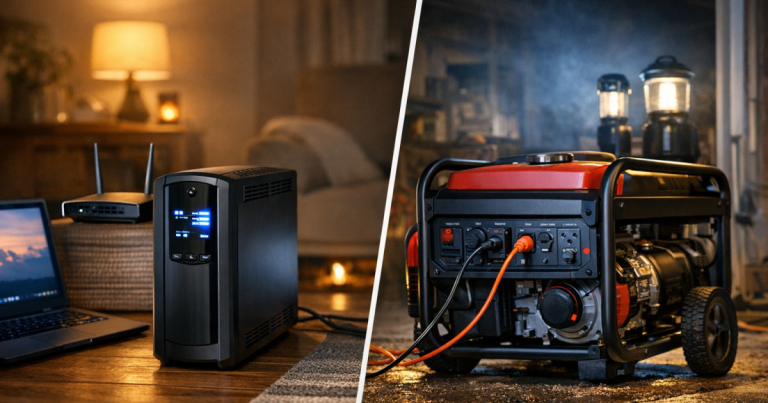
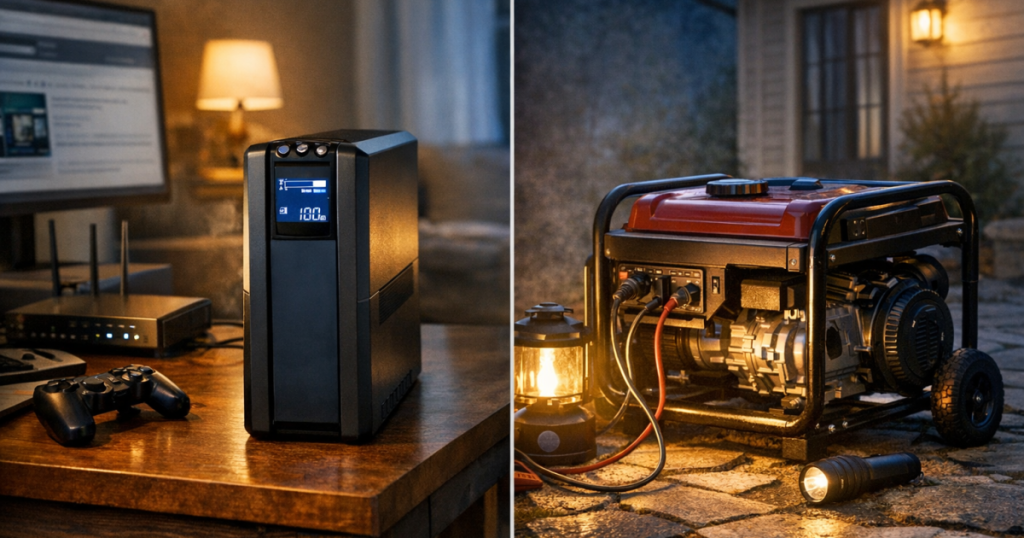
The practical read is straightforward: this is a sensible UPS for routers, modems, desktop PCs, external storage, game consoles, and similar electronics within its 1500 VA / 900 W rating. It is not a substitute for a portable power station, generator, or dedicated home backup system. If you are still deciding which backup category fits your outage plan, start with how a UPS fits against portable power stations and generators.
Product Details
- APC Back-UPS Pro, 1500VA, Tower, 120V, 10 NEMA 5-15R outlets, LCD, 1 USB Type C + 1 USB Type A ports is the exact reviewed product name.
- Official SKU: BN1500M2.
- Product type: line-interactive uninterruptible power supply.
- Rated output capacity: 1500 VA / 900 W.
- Input and output: 120 V AC single-phase input and 120 V AC single-phase output.
- Input connection: NEMA 5-15P.
- Outlet layout: 10 total NEMA 5-15R outlets, with 6 providing battery backup plus surge protection and 4 providing surge protection only.
- Battery output waveform: stepped approximation to a sine wave.
- Official runtime at maximum load: 3 min 7 s at a 900 W load.
- Transfer time: 8 ms typical, 10 ms maximum.
- Surge energy rating: 1080 J.
- USB charging: 1 USB Type A and 1 USB Type C smart charging port.
- Compatible replacement battery: APCRBC161, APC Replacement Battery Cartridge for Back-UPS Pro, 24 V 9 Ah lead-acid battery.
What this UPS is really for during a blackout
The best way to judge this APC is by assigning it the right job. A UPS is meant to bridge interruptions and protect electronics from abrupt shutoff. It keeps a small set of connected devices alive when the grid flickers, gives a desktop computer time to shut down cleanly, and can help keep a modem and router from rebooting during a brief outage.
The 1500 VA / 900 W rating is useful for home-office and entertainment electronics, but the official maximum-load runtime tells the other half of the story: 3 min 7 s at 900 W. That is not a failure; it is the nature of this class of UPS. At a heavy load, it is a safety net, not a long-running battery bank. Lighter loads can behave differently, but runtime always depends on what is plugged in, how much power each item is drawing, and the battery’s condition.
For outage planning, that means the strongest use case is selective backup. Put the router, modem, desktop tower, monitor you actually need, external storage, or network hardware on the battery-backed side. Leave nonessential extras off battery backup so the UPS is not carrying decorative or convenience loads when the house power drops.
The six battery-backed outlets are the key detail
The outlet count looks generous at first glance: 10 NEMA 5-15R outlets. The important split is that only 6 outlets provide both battery backup and surge protection. The other 4 are surge-protection-only outlets. That layout is useful, but it rewards a little planning before everything gets plugged in.
In a real home setup, the battery-backed outlets should be reserved for the devices that need either uptime or graceful shutdown. A modem and router belong there if staying connected is the priority. A desktop PC and one monitor belong there if saved work is the priority. External storage belongs there when abrupt shutdown could interrupt file access. The surge-only outlets are better for devices that do not need to stay powered during an outage but still benefit from surge protection in normal use.
This distinction also helps prevent a common UPS mistake: treating every outlet as equal. Plugging too many devices into the battery side can shorten useful runtime and push the load toward the UPS rating. The cleaner approach is to build a “must stay on” cluster and leave everything else out of the battery budget.
Stepped sine output is a meaningful trade-off
This BN1500M2 model uses a stepped approximation to a sine wave on battery. That is an important distinction because some UPS models use pure sine wave output, and not every 1500VA Back-UPS Pro variant is the same. For many common electronics loads, a stepped waveform UPS can still be a reasonable blackout buffer, but it is not the version to choose simply because you assumed every Back-UPS Pro 1500VA model has pure sine output.
The decision point is the sensitivity of the equipment you plan to protect. Routers, modems, game consoles, desktop computers, and similar electronics are the natural fit described by this model’s role and rating. If your priority is equipment that specifically calls for pure sine wave backup, the APC BR1500MS2 is a more relevant comparison than treating this BN1500M2 as interchangeable with every other APC 1500VA UPS.
That difference also keeps expectations grounded. This is not appliance backup. It should not be chosen for heaters, pumps, refrigerators, or high-startup-load devices that can exceed a UPS rating or need a different class of backup power. For refrigerators, generators, transfer equipment, and larger loads, the safety picture changes quickly; the site’s backup power safety basics are a better next step before connecting anything beyond plug-in electronics.
Day-to-day ownership is simple, with one battery reality
The APC Back-UPS Pro 1500VA is a standalone tower UPS, but it still depends on ordinary 120 V AC wall power for charging and normal pass-through operation. In day-to-day use, that is exactly what most households want: plug it into a suitable wall outlet, connect the right electronics, and let it sit between those devices and grid interruptions.
The LCD and USB Type A plus USB Type C charging ports add practical convenience. The LCD gives the unit a more appliance-like feel than a basic power strip, while the USB ports can keep small devices charging without using one of the AC outlets. Those are not the main reason to buy a UPS, but they are useful touches in a desk, media, or networking area where outlet clutter builds up fast.
The longer-term ownership factor is the battery. APC lists APCRBC161 as the compatible replacement battery cartridge, a 24 V 9 Ah lead-acid battery for this Back-UPS Pro. That is good news because the battery is not treated like lifetime hardware. It also means owners should think of battery replacement and proper battery handling as part of UPS ownership. The official listing also carries a California Proposition 65 warning for lead exposure, which fits the lead-acid battery chemistry and reinforces the need for appropriate handling and disposal.
Where it fits best in a home outage plan
This UPS makes the most sense in homes that already understand the difference between short interruption protection and long-duration power. It is a strong fit for remote workers who want their network gear to ride through a brief grid blip, desktop users who want time to save work, or households that want surge protection and battery backup in the same electronics corner.
It is less compelling if your main goal is multi-hour runtime, overnight medical-device support, refrigerator backup, or powering several rooms. In those situations, a portable power station, generator, or dedicated home backup plan is the more honest category to consider. A UPS can still be part of that plan, but it plays the “don’t crash my electronics” role rather than the “keep the household running” role.
The most useful setup is modest and intentional: one UPS near networking equipment, another near a work desk if needed, and no attempt to stretch it into jobs it was not built to handle. That is how this APC stays sensible rather than disappointing.
Verdict
Score: 8.0/10. The APC Back-UPS Pro 1500VA earns its recommendation as a focused short-outage UPS because the 1500 VA / 900 W rating, 6 battery-backed outlets, line-interactive design, and replaceable APCRBC161 battery line up well with home electronics protection. The limits are equally clear: maximum-load runtime is short, the battery output is a stepped approximation rather than pure sine wave, and only part of the outlet bank is battery-backed. Choose it for routers, desktops, storage, and gaming or office electronics that need brief backup and surge protection. Choose a different category if you need hours of power, appliance backup, or pure sine output for sensitive equipment.
APC by Schneider Electric APC Back-UPS Pro 1500VA
A smart fit for keeping core electronics alive briefly and shutting down safely during short household outages
You might also like: How to Run a CPAP on a Portable Power Station During an Outage.