A good UPS is not a tiny whole-home battery. It is the quiet box that gives your router, modem, desktop, or network switch enough time to ride through a blink or shut down cleanly. This CyberPower CP1500PFCLCD review focuses on the CyberPower PFC Sinewave CP1500PFCLCD, a line-interactive mini-tower UPS built for plug-in AC loads rather than refrigerators, heaters, or house circuits.
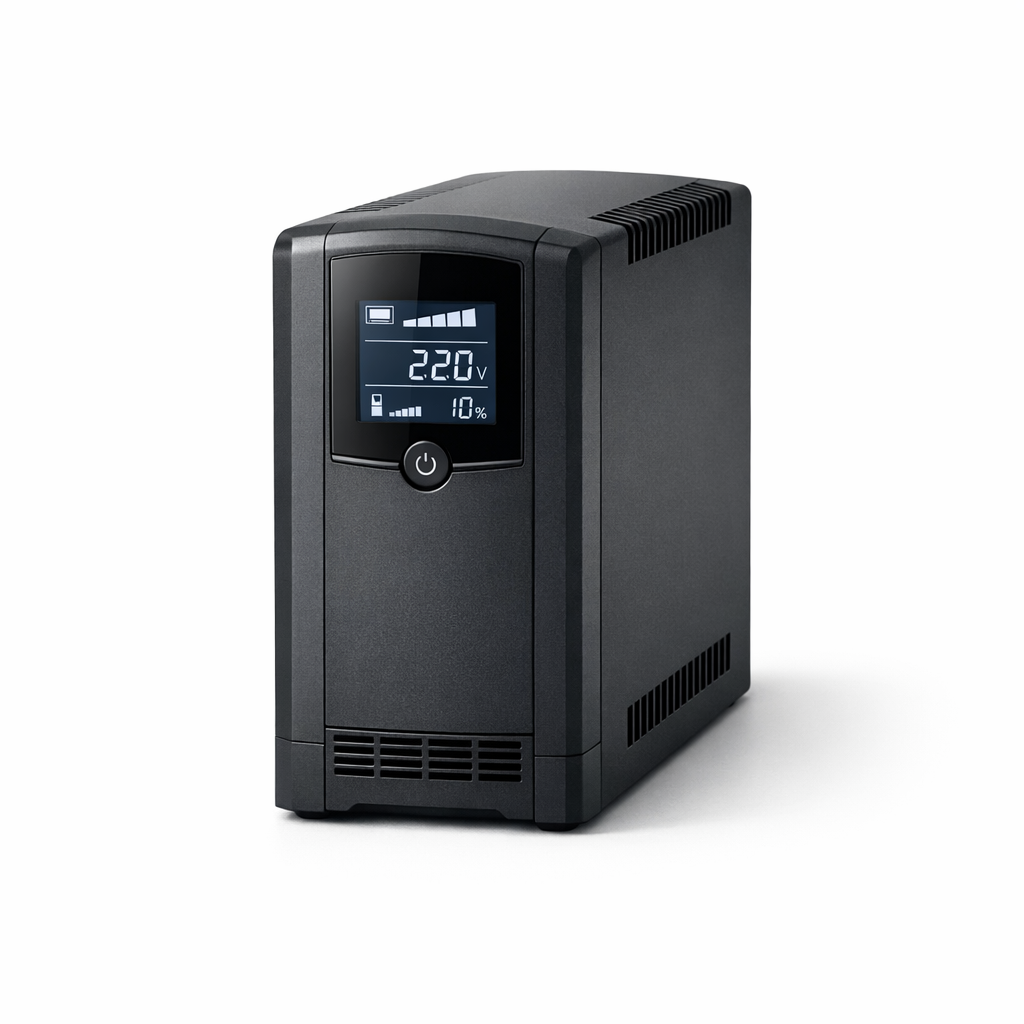
CyberPower CP1500PFCLCD
A smart fit for keeping plug-in electronics orderly through short outages and shutdowns
My read: this is a sensible, well-specified UPS for home offices, networking shelves, and entertainment electronics where clean battery output and surge protection are more important than all-day runtime. It is not the box you buy to run a house through a storm weekend. It is the one you buy so your connected gear has a better chance of staying orderly when the grid stutters.
Product Details
- Product type: Line-interactive uninterruptible power supply in a mini-tower plastic enclosure.
- Output capacity: 1500 VA / 1000 W.
- On-battery output: 120 VAC ± 5%, 60 Hz ± 1% with sine wave output.
- Outlets: 12 NEMA 5-15R total: 6 battery and surge protected, 6 surge-only protected, with 2 widely spaced outlets.
- Input: NEMA 5-15P plug, nominal 120 VAC input, and a 5 ft cord.
- Official runtime rating: 2.5 minutes at full load and 10 minutes at half load.
- Battery: Sealed lead-acid, user replaceable, not hot swappable, with a typical recharge time of 8 hours.
- Size and weight: 3.9 x 11.0 x 14.0 in and 24.9 lb.
- Listed MSRP: $274.95.
The right job: bridge power, not long-haul backup
The biggest buying decision is whether you need a UPS or a different kind of backup power. The CyberPower unit is rated at 1500 VA / 1000 W, which gives it enough output capacity for many plug-in electronics setups, but the official runtime rating keeps the expectations grounded: 2.5 minutes at full load and 10 minutes at half load.
That makes the product strongest as a bridge. If the outage is a momentary utility hiccup, it can keep connected gear from dropping instantly. If the blackout is going to last, it gives a desktop computer or workstation time for an orderly shutdown and can help a router-and-modem setup avoid immediate interruption when the actual load is much lower than the UPS maximum. Runtime is always tied to the load you connect, so the practical step is to put only the essentials on the battery-backed outlets.
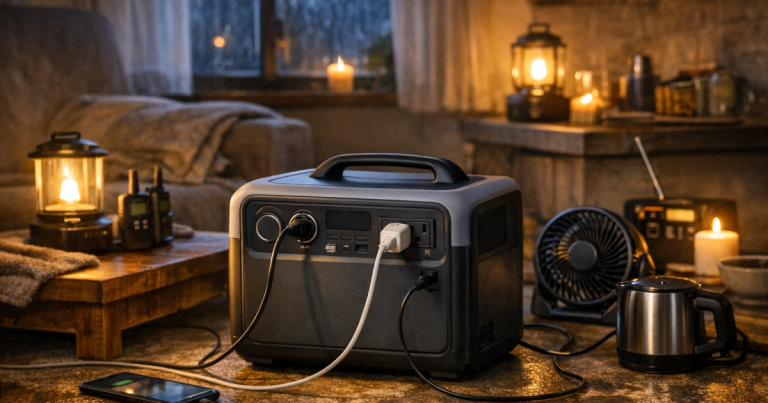
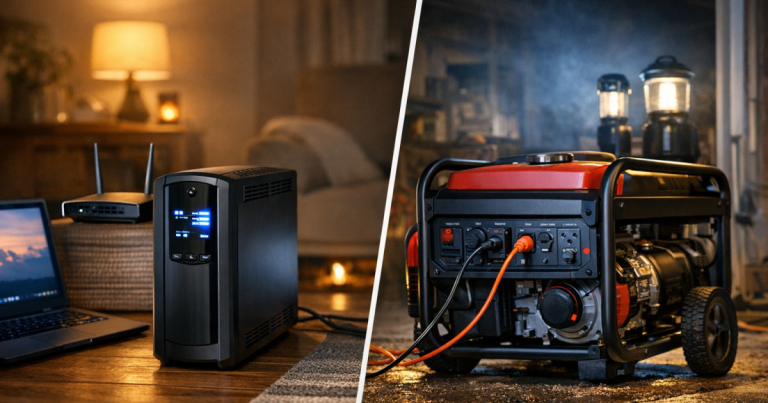
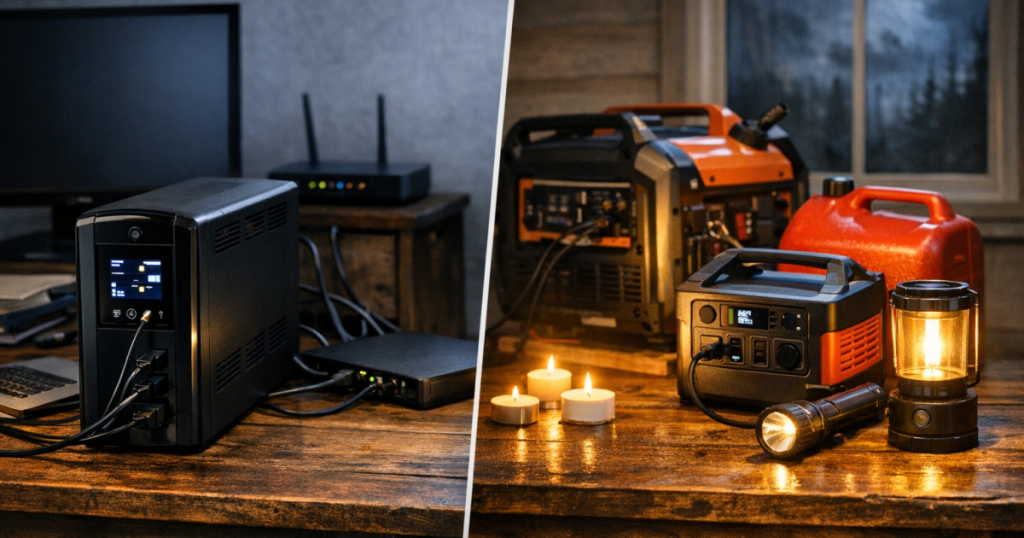
For longer outages, this sits in a different lane from a portable power station or generator. If you are still deciding where a UPS fits beside larger backup options, our guide to portable power stations, generators, and UPS units for blackouts explains the household roles clearly. The short version for this product: use it to protect and bridge sensitive electronics, not to replace a larger outage power plan.
Sine wave output is the standout reason to choose it
The CP1500PFCLCD is a line-interactive UPS with sine wave output. In plain English, line-interactive means it is designed to sit between wall power and your plugged-in equipment, supplying battery power when utility power drops out. Sine wave output is the more important detail for many buyers comparing desktop UPS models, because CyberPower positions this unit for equipment that benefits from that cleaner on-battery waveform, including active PFC power supplies.
That is a good match for modern desktop PCs, workstations, routers, modems, network switches, and home entertainment gear within the 1500 VA / 1000 W rating. It also keeps the product’s role honest: it is about electronics backup and power conditioning, not appliance starting loads or hardwired circuits.
The on-battery output is specified as 120 VAC ± 5% at 60 Hz ± 1%. For a US home office or networking cabinet using standard plug-in equipment, that lines up with the product’s 120 V NEMA 5-15P plug and NEMA 5-15R outlets. The decision point is simple: if your blackout priority is keeping electronics stable through interruptions, this spec profile is appealing. If your priority is a sump pump, fridge, furnace blower, or a transfer switch setup, this is the wrong tool.
Outlet layout rewards careful planning
The 12 outlets are useful, but the split matters. Six outlets provide both battery backup and surge protection. The other six are surge-only. That layout is sensible on a crowded desk, but it also creates an easy mistake: plugging the router, modem, or desktop tower into the wrong side and assuming everything is on battery.
A practical home office setup would reserve the battery-backed outlets for the gear that must stay alive or shut down gracefully: desktop tower, monitor if needed for shutdown, modem, router, and perhaps a network switch. Less critical items such as speakers, printer accessories, or secondary chargers belong on surge-only outlets or elsewhere, depending on the setup. Printers and other high-draw peripherals are generally poor UPS companions because they can eat into capacity quickly; the evidence for this model points toward electronics and networking gear, not heavy peripheral loads.
The two widely spaced outlets are a nice real-world touch because chunky power adapters are common around routers and entertainment cabinets. The 5 ft cord also gives some flexibility, though this is still a 24.9 lb mini-tower that wants a stable indoor location with airflow and reasonable access to the display and outlets.
Controls, protection, and ownership details
CyberPower gives this model a multifunction LCD, audible alarms, HID-compliant USB, a USB cable, dry contact relay, and PowerPanel Business support. Those details make it more than a silent black box under a desk. For a desktop computer, USB communication and management software can support shutdown planning. For a small network rack or more managed environment, the dry contact relay and optional RMCARD205 widen the control story.
The remote-management point deserves special attention. SNMP/HTTP remote monitoring is not built into the base unit; it requires the optional RMCARD205. That does not weaken the UPS for a normal home office, but it changes the buying decision for anyone managing gear remotely. If you need network-level UPS visibility, the accessory is part of the real setup conversation.
Surge protection is rated at 1445 J, and the unit includes 1-in/1-out RJ45 10/100/1000 network protection with PoE compatibility. For households with wired networking, that adds a layer of protection planning around connected equipment. As with any surge or data-line feature, it should be treated as part of a wider resilience setup rather than a magic shield against every electrical event.
On maintenance, the sealed lead-acid battery is user replaceable but not hot swappable, and typical recharge time is listed at 8 hours. Battery replacement also depends on the serial-number prefix: RB1290X2 is specified for serial numbers beginning with CXX, while RB1280X2B is specified for serial numbers beginning with CR9, CXF, or CQC. That serial-number detail is not glamorous, but it is exactly the sort of ownership note that saves hassle later.
Where it fits in a blackout plan
The CyberPower PFC Sinewave CP1500PFCLCD makes the most sense in three everyday outage scenarios. First, a home office with a desktop PC where a sudden shutdown could interrupt work or risk data loss. Second, a router and modem location where staying online through short interruptions is valuable. Third, a small entertainment or networking area where surge protection and battery-backed continuity are more useful than portable capacity.
It is also a good reminder that blackout planning is layered. A UPS can handle the instant transition when power drops. A portable power station can carry lower-wattage devices for longer stretches. A generator can support larger loads when used outdoors and connected safely. For the safety side of that bigger picture, keep the UPS in its lane and follow basic rules from home backup power safety planning before mixing batteries, generators, extension cords, and household circuits.
The operating range is 32 to 104 °F with 0 to 95% non-condensing humidity, so this is an indoor electronics product, not garage-floor storm gear in any conditions. CyberPower lists a 3 year limited warranty and a $500,000 connected equipment guarantee, both of which support confidence for the intended use case. They do not turn the UPS into long-duration backup, but they do make the ownership package feel complete for a desktop-class unit.
Limits that should shape the buying decision
The main compromise is runtime under heavier loads. A 1000 W output rating is useful, but the 2.5 minute full-load runtime tells you this UPS is not meant to carry a large workstation setup for long. If you load it heavily, think shutdown window. If you connect only essential networking gear, think short-bridge backup, not guaranteed all-night internet.
The second compromise is outlet discipline. Only half the outlets are battery-backed. That is not a flaw, but it does mean setup choices determine how useful the unit feels during an actual outage.
The third compromise is battery ownership. Sealed lead-acid batteries are familiar in UPS products, and user replacement is welcome, but the battery is not hot swappable and the replacement cartridge depends on the serial number. For most home users, that is manageable. For anyone expecting uninterrupted maintenance in a more demanding network environment, it is a meaningful limitation.
Verdict
Score: 8.5/10.
The CyberPower PFC Sinewave CP1500PFCLCD earns a strong recommendation for its intended job: backing up and protecting plug-in electronics such as computers, routers, modems, network switches, and home entertainment gear. The score is driven mainly by its 1500 VA / 1000 W capacity, sine wave output, useful outlet count, and practical management features.
The reservations are equally clear. Official runtime is short at high load, only six outlets are battery-backed, and remote SNMP/HTTP monitoring requires the optional RMCARD205. Those are not deal-breakers for a home office or network shelf. They are the boundaries that keep this UPS from being mistaken for a long-runtime power station or whole-home outage solution.
If you want a UPS that can keep sensitive electronics orderly through blips, shutdowns, and short interruptions, this is a well-targeted choice. If you want hours of backup for larger household loads, start with a different category and let this CyberPower handle the gear that benefits from instant switchover.
CyberPower CP1500PFCLCD
A smart fit for keeping plug-in electronics orderly through short outages and shutdowns
You might also like: How to Run a CPAP on a Portable Power Station During an Outage.