When the lights go out, the right amount of backup power is rarely “as much as possible.” Your backup power needs depend on what must keep running, how long the outage may last, and whether you can recharge or refuel safely. Start with essentials, not a fantasy whole-home list.
Generator inlets, transfer switches, interlocks, and any connection to household wiring should be installed by a qualified electrician in compliance with local electrical codes, utility requirements, and manufacturer instructions.
In brief
- Plan around loads, not rooms. A refrigerator, router, phone charger, medical device, and a few lights are very different from central air, an electric range, and a well pump.
- Separate starting watts from running watts. Motors and compressors can need a short surge of power when they start.
- Battery systems are limited by watt-hours. Generators are limited by output, fuel, noise, placement, and safe operation.
- Decide what must run continuously, what can run in cycles, and what can wait.
- Test the plan before a storm, because labels, cords, breaker choices, and real appliance behavior can surprise you.
Start with the outage you are actually planning for
A two-hour neighborhood outage does not need the same plan as a 72-hour winter storm, a hurricane-related grid failure, or a wildfire public safety shutoff. Before you size anything, choose a planning target.
For many US households, a useful starting point is one of these scenarios:
- Short outage, up to 12 hours: phones, a few lights, internet gear, maybe a refrigerator cycle or two, and comfort items such as a fan.
- One-day outage: refrigerator and freezer protection, communication, device charging, basic lighting, medical or accessibility needs, and perhaps limited cooking or hot water alternatives.
- Three-day outage: a rotation plan for cold food, medication storage, internet or radio updates, fuel or charging logistics, and realistic comfort limits.
The goal is not to make an outage feel normal. The goal is to keep the household safe, informed, reasonably comfortable, and able to protect food, medications, and communication.
Build a load list before you think about equipment size
Your load list is the plain-English inventory of what you want to power. Write down each item, whether it must run all the time, and whether it has a motor, compressor, heating element, or sensitive electronics.
Put your list into three groups:
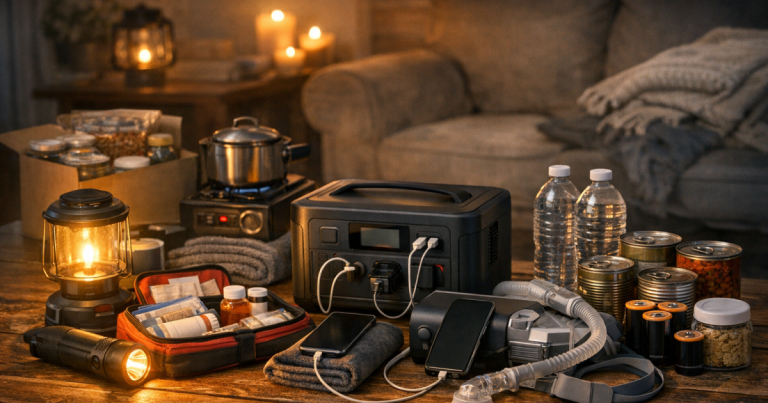
- Must run: medical devices, sump pump when flooding is possible, refrigerator or medication cooler, basic lighting, phones, and safety communications.
- Should run if practical: freezer, router and modem, laptop, fan, garage door opener, well pump, or small kitchen appliances used briefly.
- Nice to have: television, extra rooms of lighting, larger cooking appliances, laundry, entertainment devices, or comfort loads that drain power quickly.
Heating appliances are the big trap. Space heaters, electric kettles, toaster ovens, hair dryers, electric water heaters, and electric ranges can consume a lot of power while they are on. They may be fine on utility power but unrealistic on a small battery or modest generator.
If you are not comfortable with watts yet, review starting watts, runtime, and backup power priorities before you size your plan. That distinction is where many overload problems begin.
Watts tell you what can run at one time
Watts are the “right now” demand. If your backup source can deliver only a certain amount of power, the combined running load must stay below that limit. You also need room for startup surges from refrigerators, freezers, sump pumps, furnaces, and other motor-driven equipment.
A simple way to think about it:
- Running watts: what a device uses after it is operating normally.
- Starting watts: the brief surge some equipment needs to start.
- Surge capacity: the temporary extra output a power station or generator may provide, subject to its design and limits.
Do not add every device in your home. Add the devices you plan to run together. A refrigerator and a router may be on at the same time. A microwave might be used for a few minutes while other loads are temporarily unplugged. A sump pump might need priority whenever heavy rain is part of the outage scenario.
Watt-hours, fuel, and runtime are the second half of the plan
Once you know what can run at once, estimate how long it needs to run. Battery systems are usually discussed in watt-hours. Generators are usually discussed in output watts and fuel use. Both have limits.
For batteries, remember that the number on the label is not always the amount you can use through AC outlets. Inverter losses, temperature, standby drain, battery protection settings, and the type of load can affect real runtime. The safest approach is to treat published runtime examples as estimates and verify them with your own devices.
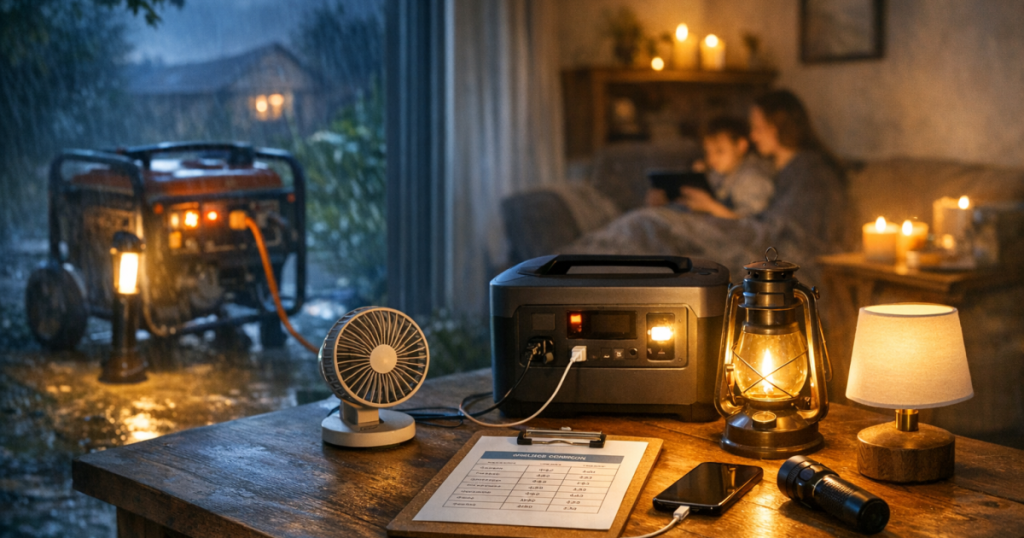
For fuel-powered generators, runtime depends on load, fuel type, fuel tank size, maintenance condition, altitude, temperature, and safe refueling. A generator must run outdoors, away from doors, windows, vents, garages, and enclosed spaces. Refuel only when the unit is off and has cooled according to the manual.
If a portable battery is part of your plan, use the site’s guide to sizing a portable power station for outages as a next step after you have your load list.
Example plans for common households
Apartment or condo with no generator option
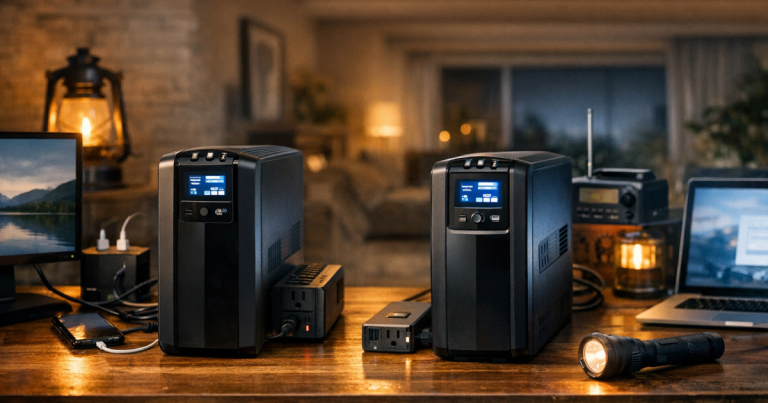
In many apartments, a fuel generator is not safe or allowed because it cannot be operated outdoors at a proper distance from openings. The plan usually centers on batteries, rechargeable lights, power banks, a small UPS for internet gear, and food-safety discipline.
Typical priorities might be phones, a weather radio, LED lights, a router if internet service remains available, a laptop for remote work, and a fan in warm weather. A refrigerator may be harder to support for long periods from a small battery, so your food plan should include a thermometer, closed-door discipline, and a cooler strategy if the outage stretches.
Suburban home focused on essentials
A suburban essentials plan often includes the refrigerator, freezer, phones, modem and router, several LED lights, a furnace blower or sump pump if applicable, and short-use appliances. This is where a transfer switch or properly rated outdoor generator cord setup may enter the conversation.
The key is deciding which circuits or plug-in loads actually matter. A central air conditioner, electric dryer, electric water heater, and electric range can quickly push the plan into a much larger and more expensive category. Many households are better served by keeping food cold, phones charged, and one comfortable room usable.
Rural home with water or heat dependencies
Rural homes may have extra critical loads, such as a well pump, pressure pump, septic pump, propane furnace controls, or barn-related needs. These loads can have higher starting requirements, and some are difficult to power safely without proper wiring and transfer equipment.
In this situation, the plan should be more formal. Identify the exact equipment that keeps water, heat, refrigeration, and communication working. Then confirm startup demand, breaker requirements, connection method, and fuel storage. Rural backup power can be very effective, but assumptions can get expensive fast.
How much is enough for a 72-hour outage?
For a three-day plan, do not assume everything runs continuously. A practical plan often uses rotation. Run the refrigerator for periods, recharge phones and power banks, keep lights minimal, and reserve capacity for medical or safety-critical loads.
Ask these questions:
- Can the refrigerator and freezer stay cold with limited powered cycles and careful door management?
- Which device must have power overnight?
- Can cooking be handled without high-watt electric appliances?
- Do you have enough safe fuel, or a realistic way to recharge batteries?
- Can you keep one room comfortable instead of trying to condition the whole house?
For a short blackout, a compact battery and good lighting may be enough. For a multi-day outage with refrigeration, pumps, or heating-system support, a generator or larger hybrid plan may make more sense. The right answer depends less on household size and more on essential loads, runtime expectations, and safe setup options.
Checks that prevent oversizing and overloading
Before committing to a plan, run through a few checks that catch the most common mistakes:
- Check labels and manuals: Appliance tags, equipment manuals, and nameplates are better than guesses.
- Account for startup loads: Refrigerators, freezers, pumps, and furnace blowers may need extra headroom.
- Use proper cords: Extension cords must be rated for the load, the distance, and the environment. Undersized cords can overheat.
- Avoid backfeeding: Never connect a generator to a home outlet. Use approved transfer equipment for house wiring.
- Plan for carbon monoxide: Generators belong outdoors and far from openings, with working CO alarms inside the home.
- Rotate loads intentionally: Do not run a microwave, coffee maker, sump pump, and refrigerator startup all at once unless your system is sized for it.
- Revisit seasonal needs: Summer cooling, winter furnace support, storm-related sump pump use, and wildfire smoke air filtration all change the load list.
Once you have a draft plan, rehearse it during normal conditions. The most useful test is not just “does it turn on?” but “can the household follow the plan without confusion?” Use the site’s walkthrough on testing your backup power setup before an outage to find weak spots while the grid is still working.
Key questions answered
Should I size backup power for my whole house?
Usually, no. Whole-home backup can be convenient, but it is often more expensive and more complex than an essentials plan. Start with refrigeration, communication, lighting, medical needs, pumps, and heat-related controls, then decide whether larger loads are worth supporting.
How much extra capacity should I leave?
Leave headroom for startup surges and mistakes. Running at the absolute limit increases the chance of overloads, shutdowns, or nuisance trips. The right margin depends on the equipment and loads, so verify with manuals and a real test.
Can one portable power station run a refrigerator overnight?
It depends on the refrigerator, room temperature, door openings, battery capacity, inverter limits, and startup surge. Treat any online runtime claim as an estimate until you test your own refrigerator under realistic conditions.
Is a generator better than a battery for multi-day outages?
For many homes, a generator is easier to extend over several days because fuel can provide ongoing energy. Batteries are quieter and indoor-safe for use, but they need a recharge plan. Some households use both: batteries for quiet overnight loads and a generator for daytime charging and larger essentials.
How often should I update my numbers?
Review your backup power needs at least once a year and whenever you add major appliances, medical equipment, a sump pump, a home office setup, or a different heating or cooling arrangement.
What to remember
The best outage plan is sized around priorities, not panic. List the loads that protect safety, food, medication, communication, and basic comfort. Then match those loads to realistic runtime, safe connection methods, fuel or charging limits, and the kind of outage your area is most likely to face.
If you can run the refrigerator in planned cycles, keep phones charged, maintain basic lighting, receive weather alerts, and support any medical or household-critical equipment, you are already far ahead of the average last-minute setup. From there, add comfort carefully instead of letting convenience overload the system.