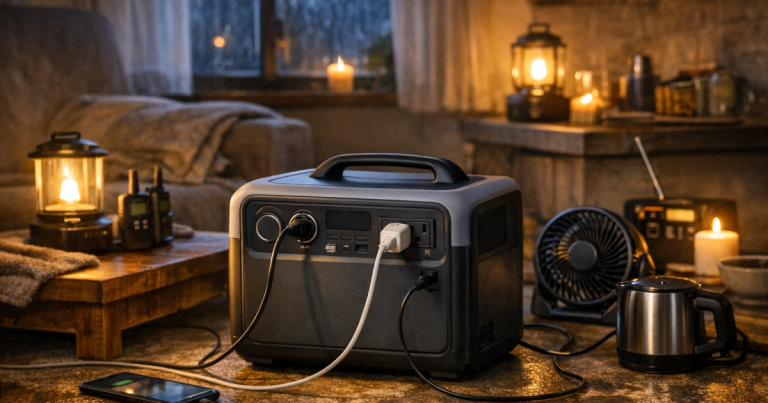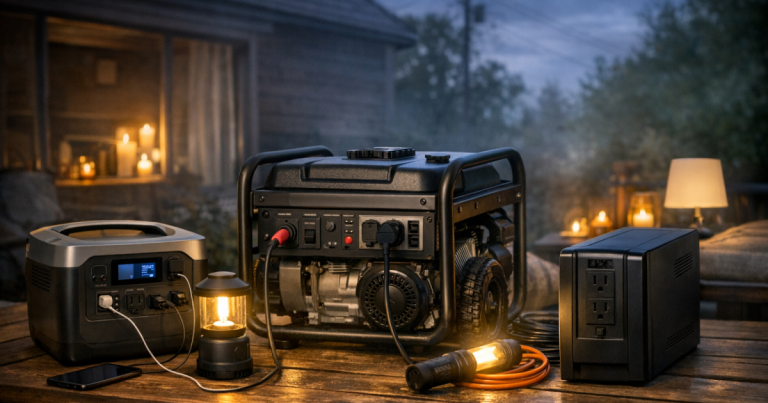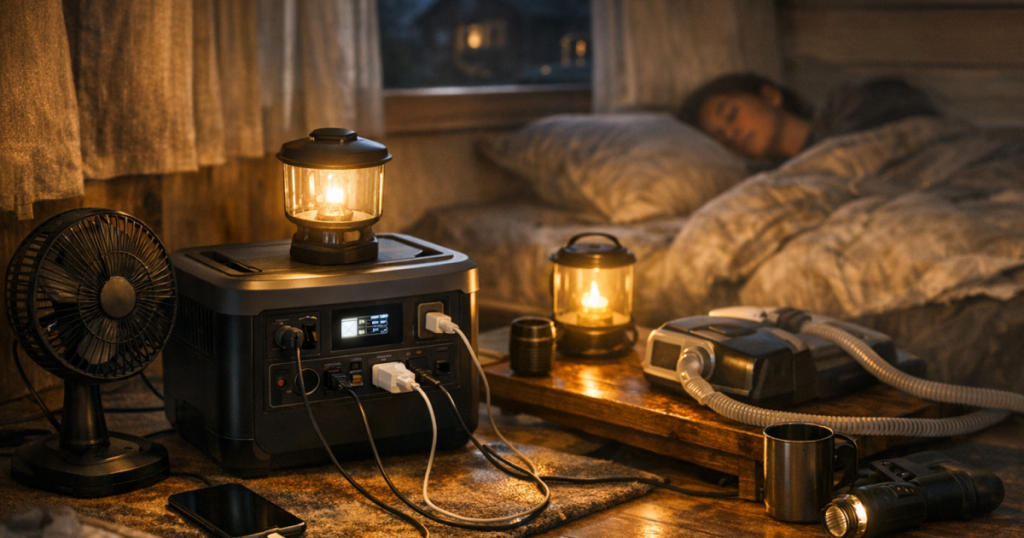
To make a portable power station last overnight, the goal is not to run everything; it is to run the right things at the right time. A quiet battery can cover phones, lights, a router, a fan, or some medical devices overnight, but runtime depends on the watts you ask from it.
The useful habit is simple: measure the loads, remove anything that does not matter after bedtime, and avoid wasting battery through the wrong outlet or idle devices.
Permanent wiring, transfer switch connections, and any connection between a power station and home circuits should be carried out by a qualified electrician to comply with the National Electrical Code and local safety requirements.
What to know first
A portable power station is an energy budget. The battery size tells you how much energy is stored, usually shown in watt-hours. The device you plug in draws watts. Divide usable watt-hours by the average watts running through the night, and you get a rough runtime estimate.
That estimate is not a guarantee. Inverter losses, temperature, battery age, device cycling, startup surges, and the station’s own idle draw all affect the result. Still, the math is good enough to help you decide what stays plugged in and what waits until morning.
- Keep overnight loads low and steady.
- Use DC ports when practical, especially for phones and small electronics.
- Turn off displays, heated features, extra chargers, and anything with a standby light that does not need to run.
- Test your setup before storm season or a planned shutoff.
- Do not connect a power station to home wiring unless the system is designed and professionally installed for that use.
Step 1: Decide what actually needs power overnight
Start with the household outcome, not the outlet count. Overnight backup is usually about comfort, communication, and one or two essentials. A realistic list might include a phone, an LED lamp, a router and modem, a CPAP machine, a small fan, or a fridge for limited cycling.
Separate those loads into three groups. The first group is essential all night, such as a medical device that must stay powered. The second group is useful for a few hours, such as internet gear while you check alerts and message family. The third group can wait, such as laptops, tablets, game systems, coffee makers, microwaves, space heaters, and anything that turns electricity into heat.
Heating appliances are the fastest way to drain a battery. Space heaters, electric blankets, hair dryers, kettles, hot plates, and toaster ovens usually belong off the overnight list unless you have a large system specifically rated for that load and a clear runtime plan.
Step 2: Know the two numbers that control runtime
Look for two separate ratings on your power station. Battery capacity, shown in watt-hours, is the size of the tank. AC output, shown in watts, is the maximum load the inverter can supply at one time. A station can have enough stored energy for a small overnight load but still be unable to start or run a high-draw appliance.
For a rough estimate, use this formula: usable watt-hours divided by average watts equals estimated hours. If a station has 900 usable watt-hours available after losses and your overnight load averages 45 watts, the rough estimate is 20 hours. If that same setup averages 150 watts, the estimate drops to about 6 hours.
The important word is average. A refrigerator may cycle on and off, so it does not draw its running wattage every minute. A CPAP machine may draw more with heated humidification than without it. A router may stay fairly steady. The only way to know your real number is to measure it or test the setup.
Step 3: Measure before the lights go out
The easiest way to stop guessing is to measure each important load while grid power is still on. A plug-in meter such as the P3 International Kill A Watt Electricity Usage Monitor can show how many watts a device uses in normal operation. For USB and DC loads, check the device label and your power station display, then confirm with a real overnight test.
Measure one item at a time, then measure the combined setup. A modem and router together may use more or less than you expect. A laptop may sip power when charged but draw more while recharging. A fan on low may be a reasonable comfort load; on high, it may shorten runtime noticeably.
If you are unsure what your outlets, USB ports, DC sockets, or solar inputs are really doing, the plain-English breakdown in portable power station ports, outlets, and inputs is a useful next step.
Step 4: Use the most efficient outlet for the job
Every time a battery’s stored DC energy is converted to AC power, some energy is lost. That does not mean AC outlets are bad; they are necessary for many household devices. But if your phone, tablet, LED light, or small fan can run directly from USB-C, USB-A, or a 12-volt DC output, that can stretch the battery.
For overnight use, avoid leaving the AC inverter on just to power one tiny charger. Charge phones earlier in the evening, then move them to low-power mode. If your station lets you turn off unused outlet banks, shut off the AC side when you do not need it.
Also pay attention to bricks and adapters. Some wall chargers and power strips draw a small amount even when the device is full. One or two do not matter much; a cluster of them can slowly eat into your safety margin.
Step 5: Time your bigger loads instead of running them continuously
A common mistake is plugging everything in at sundown and hoping the battery makes it. A better overnight plan uses timing. Run higher-draw items earlier, then switch to a lean setup while everyone sleeps.
- Charge phones, radios, and battery lanterns before bedtime.
- Run the router while people need weather updates, work access, or messages, then shut it down if it is not needed overnight.
- Pre-cool a refrigerator or freezer before a planned shutoff, then open doors as little as possible.
- Use a rechargeable lantern instead of keeping a large AC lamp plugged in all night.
- Set fans to the lowest comfortable speed.
For lighting, a small rechargeable lantern can be more efficient and more flexible than a lamp on the AC inverter. A light such as the LuminAID PackLite Max 2-in-1 Power Lantern is the kind of separate, low-load lighting that can preserve the main battery for devices that truly need it.
Step 6: Be careful with fridges, freezers, and medical devices
A full-size refrigerator can be one of the harder overnight decisions. It may run within the output rating of some larger portable stations, but startup surge and total energy use vary by appliance. If food safety is the goal, combine battery use with simple habits: keep the doors closed, use appliance thermometers, group cold items together, and avoid browsing the fridge during the outage.
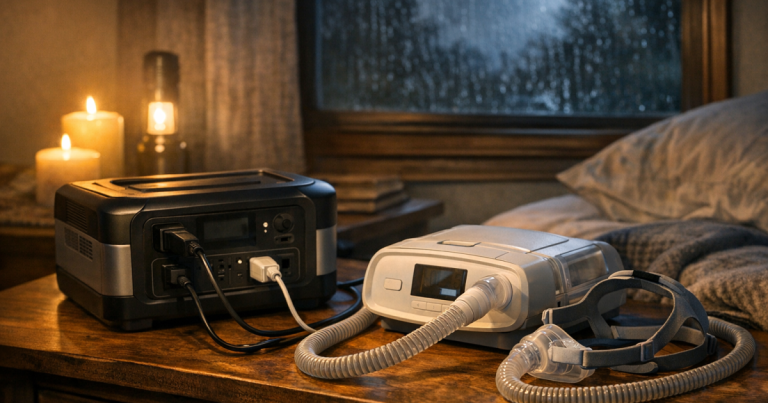
For medical devices, do not rely on a rough online estimate. Check the device label, the power supply, and the manufacturer’s guidance. Then test your own machine with your own settings. Heated humidifiers, heated hoses, and pressure settings can change power draw. If a device is medically necessary, plan for extra margin rather than a just-barely runtime estimate.
Internet gear is usually more predictable than appliances, which makes it a strong overnight use case. If staying connected is your priority, the setup steps in keeping internet gear online with a portable power station can help you decide what to plug in and what to skip.
Step 7: Set up the station for a quiet, cool night
Where you place the station matters. Keep it indoors, dry, and away from blankets, curtains, and vents blocked by furniture. Portable power stations do not produce generator exhaust, but they still need airflow for cooling. Do not cover the unit to hide fan noise.
Use cords carefully. Choose a short, appropriately rated cord when you need one, and avoid daisy-chaining power strips. Keep cords out of walking paths, especially in dark rooms where people may get up at night. If you use a surge protector for small electronics, do not treat it as a way to exceed the station’s output rating.
Before bed, check the display: battery percentage, watts out, estimated runtime, and which outlet banks are active. If the station shows a higher draw than expected, unplug items one by one until you find the drain.
Step 8: Run one practice night
The most useful test is a normal evening at home. Pick the devices you would use in a blackout, charge the station fully, and run the setup from dinner to morning without using wall power for those loads. Write down the starting battery level, bedtime load in watts, morning battery level, and anything that surprised you.
A practice run exposes small problems while they are still easy to fix. Maybe the router plug is behind furniture. Maybe the CPAP cord is too short. Maybe the fan draws more than expected. Maybe someone plugged in a laptop and cut the runtime in half. These are not failures; they are exactly what a test is supposed to reveal.
If you want a simple household rehearsal, use the process in running a home blackout drill and add your overnight battery setup to the checklist.
Overnight load-cutting checklist
- Start the night at 100% if your model and storage guidance allow it.
- Turn off the AC inverter unless an AC device needs it.
- Use USB or DC outputs for phones, small lights, and compatible gear.
- Charge devices before bedtime, then unplug them.
- Keep one low-power light available instead of lighting a whole room.
- Turn off heated humidification on compatible medical devices only when that matches your care plan and manufacturer guidance.
- Use low fan speeds and avoid resistive heating loads.
- Keep the unit ventilated and away from bedding.
- Check estimated runtime before sleeping, but do not treat it as exact.
FAQ
Can a portable power station run a refrigerator all night?
Sometimes, but it depends on the refrigerator, the station’s AC output, startup surge, and total battery capacity. Test your actual fridge before relying on it, and use appliance thermometers to track safe temperatures.
Is it better to use AC outlets or USB ports overnight?
Use USB or DC ports when the device supports them. AC outlets are useful, but the inverter uses some power even before the device load is counted.
How much battery should be left in the morning?
Aim for a buffer rather than draining to zero. A remaining charge of 20% to 30% gives you room for delays, colder conditions, or a longer-than-expected outage.
Can solar panels help overnight?
Solar panels do not help while it is dark, but they can recharge the station before sunset or the next day. Verify your station’s solar input limits before connecting panels.
Should I leave my power station plugged in all the time?
Only if the manufacturer says your model supports that use. Check the manual for UPS, pass-through charging, storage charge level, and battery care guidance.
What stands out
Making an overnight battery plan work is mostly about restraint. Run the essentials, measure real watts, use efficient ports, and turn off anything that is only convenient. A portable power station is at its best when it keeps the household calm and connected without pretending to be a whole-home generator.
Once you know your overnight load, you can make better decisions about whether your current station is enough, whether you need a second battery, or whether a different backup approach makes sense for longer outages.