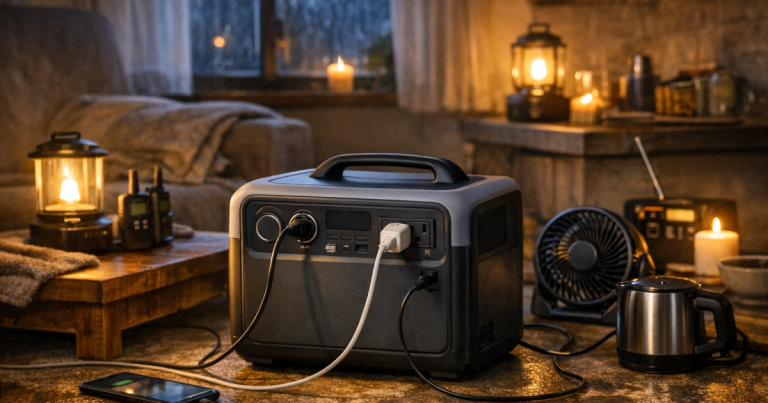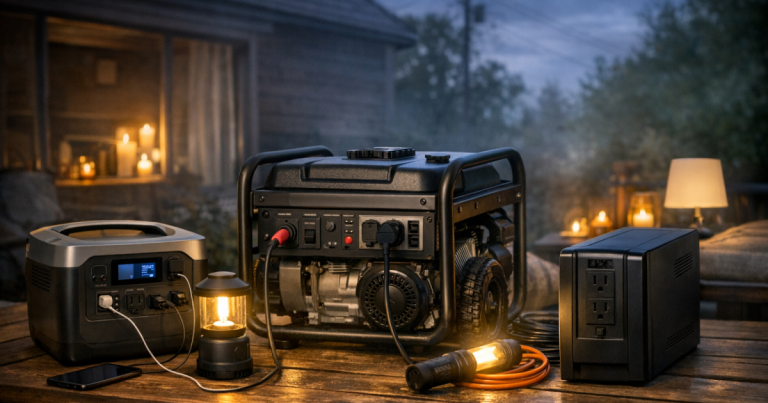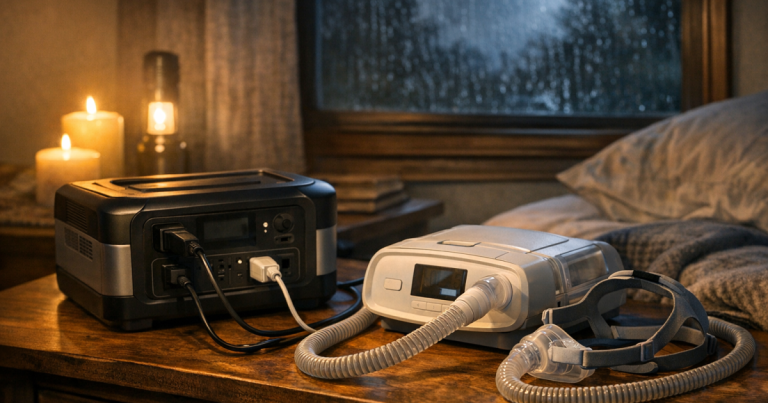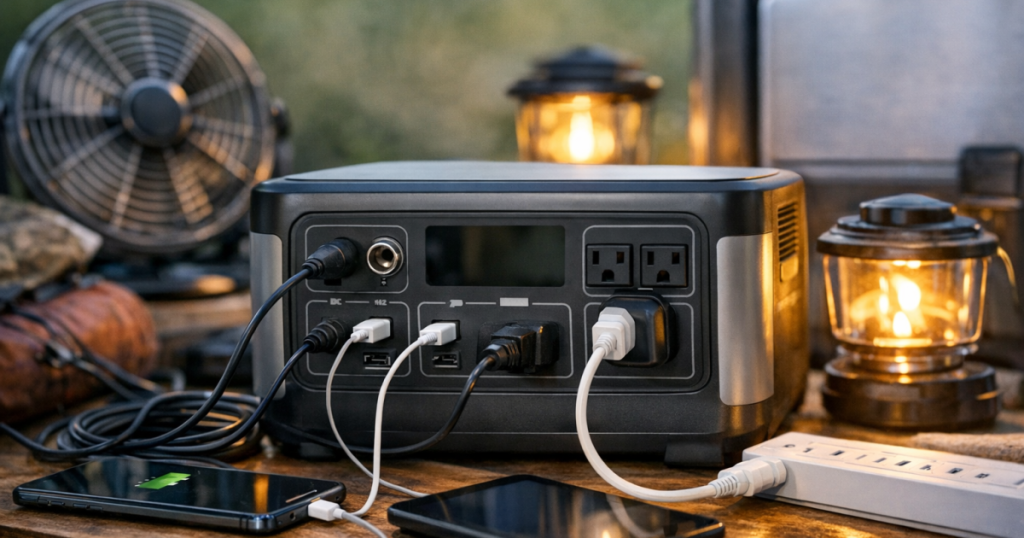
When the lights go out, portable power station ports decide what you can plug in, how fast you can recharge, and which devices should get priority. The battery size gets most of the attention, but the connections on the front, back, and side of the unit are what turn stored energy into useful backup power for phones, routers, lights, medical devices, laptops, and small appliances.
Transfer switch, inlet, or home electrical panel connections should be installed by a qualified electrician to comply with local electrical codes and safety requirements. A portable power station is safest when used as a plug-in source for individual devices unless it is connected through equipment designed and installed for that purpose.
The big picture
A portable power station is more than a large battery. It usually combines a rechargeable battery, an inverter, charge controller, display, outlets, and several input ports. Each connection has a job. AC outlets power household-style plugs. USB ports charge small electronics. DC outputs run certain low-voltage gear. Input ports bring energy back into the battery from wall power, solar panels, or sometimes a vehicle outlet.
The most useful way to read the port panel is by asking three questions: what can this output power, how much can it safely deliver at once, and how quickly can the unit recharge afterward? Those answers matter more during a blackout than the number of ports alone. Ten outlets do not help if the total load is too high, and a large battery can feel limited if it only has one useful way to recharge.
AC outlets: the household plug side
The AC outlets are the familiar three-prong receptacles that look like wall outlets. They are used for devices such as lamps, laptops, routers, fans, chargers, and some kitchen appliances. Inside the power station, an inverter changes battery power into household-style AC power.
The key detail is the inverter rating. A power station can have several AC outlets, but they usually share one overall AC output limit. If the inverter can support a certain watt load, that limit applies across the AC outlets together, not to each outlet separately. A lamp, modem, and laptop may run comfortably together, while a microwave, space heater, toaster oven, or hair dryer can overwhelm many portable units quickly.
Motor-driven appliances also deserve caution. Refrigerators, freezers, sump pumps, and some tools can draw a higher startup surge than their normal running wattage. If you plan to run a fridge or freezer, read the appliance label, check the power station surge rating, and test the setup before a storm season outage. For a deeper planning view, see how to size backup power without overspending.
USB-A, USB-C, and phone charging ports
USB ports are usually the most efficient and convenient outputs for phones, tablets, headlamps, battery banks, radios, and small electronics. USB-A is the older rectangular port many households still use. USB-C is the newer reversible port found on many phones, tablets, laptops, and modern accessories.
Not all USB-C ports are equal. Some are meant mainly for phone charging, while others can support higher-watt USB-C Power Delivery for tablets or certain laptops. The port label and manual matter here. A USB-C socket on one unit may behave very differently from a USB-C socket on another.
During an outage, USB outputs are valuable because they keep small devices off the AC inverter. Running the inverter just to charge a phone can waste energy compared with using USB directly. If your goal is to stretch runtime through the night, charge phones, radios, and lanterns from USB when possible, and save AC outlets for devices that truly need them.
DC outputs: useful, but check the connector
Many power stations include DC outputs, often in the form of a car-style 12-volt socket or smaller barrel ports. These can be useful for 12-volt coolers, tire inflators, some CPAP accessories, camp lights, and other low-voltage devices, but compatibility is less universal than with USB or AC.
The important checks are voltage, current limit, plug shape, and polarity. A device that physically fits a DC port is not automatically safe or compatible. Some equipment needs a stable regulated output. Some medical or comfort devices require a manufacturer-approved adapter. If the device matters for health, sleep, medication storage, or mobility, test it while grid power is available and keep the correct cable with the power station.
Input ports: how the battery gets refilled
Output ports get the attention during an outage, but input ports decide how well the unit recovers. A power station that empties overnight is only useful the next day if you can recharge it in a realistic way.
Wall charging
Wall charging is the simplest method. You plug the unit into a standard household outlet before the storm arrives or after power returns. Some models have the charging hardware built in, while others use an external power brick. Check the manual for the correct cord, charging temperature range, and whether the unit can safely power devices while it is charging.
Solar input
Solar input can extend an outage setup, especially during multi-day disruptions, but it is not magic. Real output depends on sunlight, shade, panel angle, weather, season, and the input limits of the power station. A panel may be rated for ideal conditions, while actual charging at home can be lower.
Before connecting panels, verify connector type, voltage range, watt limit, and polarity. Do not assume any portable solar panel can plug into any station. For household resilience, solar is best treated as a way to reduce battery drain and regain some capacity during daylight, not as a guaranteed full recharge every day.
Vehicle charging
Some units can recharge from a vehicle outlet. This can help in a short outage or while evacuating, but it is usually slower than wall charging. Avoid running a vehicle in a garage or enclosed space, and be mindful of the vehicle battery if the engine is not running. Vehicle charging is a backup method, not the main plan for most homes.
Pass-through power and UPS-style use
Some power stations allow pass-through use, meaning they can charge while powering devices. Some also advertise UPS-style behavior for switching over when grid power drops. These features are convenient for routers, modems, desktop gear, and remote work setups, but the details vary by model.
Check whether the manufacturer rates the unit for the devices you want to protect, how quickly it switches, whether the AC output is appropriate for sensitive electronics, and whether long-term plugged-in use is supported. If uninterrupted internet matters, a layered setup can work well: a small UPS for instant switchover, then a power station to extend runtime. The approach is explained in how to layer UPS, power station, and generator backup.
For familiar product context, an enclosed power station such as the Jackery Explorer 1000 v2 Portable Power Station, EcoFlow DELTA 3 Plus Portable Power Station, or BLUETTI Elite 100 V2 Portable Power Station can help you compare how manufacturers label AC, USB-C, DC, and solar connections. Do not assume the ports are identical across brands; read the panel and manual for the exact unit in front of you.
What each connection is best for during a blackout
The most useful outage setup gives every port a job. That keeps the system simple when people are tired, phones are low, and the house is dark.
- AC outlets: Use for devices that need a household plug, such as a modem power adapter, laptop charger, lamp, fan, or small appliance within the unit’s watt limit.
- USB-A ports: Use for older phone cables, flashlights, small battery banks, radios, and basic charging tasks.
- USB-C ports: Use for newer phones, tablets, and compatible laptops when the port supports enough output for the device.
- 12-volt DC socket: Use for compatible low-voltage gear, but verify voltage and current requirements before relying on it.
- Solar input: Use for daytime recharging when panel specs and power station limits match.
- Wall input: Use for pre-storm charging and the fastest normal refill method for many households.
Common mistakes that waste power
The first mistake is plugging everything into AC because it feels familiar. AC is convenient, but the inverter uses energy just to stay on. If a device can charge through USB, that is often the cleaner choice.
The second mistake is counting outlets instead of watts. A power station with multiple receptacles still has a shared output ceiling. If the combined load is too high, the unit may shut down or refuse to power the devices.
The third mistake is ignoring cables. The right port is only useful if the right cord is in the same storage bin. Keep USB-C cables, appliance adapters, solar cables, and any DC adapters clearly labeled. For internet gear, keep the modem and router power supplies together and test the full chain ahead of time. More detail is covered in keeping internet gear online with a portable power station.
The fourth mistake is assuming solar input will solve every runtime problem. Solar can help a lot, but shade, clouds, short winter days, and panel placement all matter. If your outage plan depends on solar, test it on a normal weekend and see how much capacity you actually regain.
A simple port plan for a home outage
Start with the loads that matter most. For many US households, that means phones, internet gear, a few LED lights, a laptop, a fan, and perhaps a fridge or medical device depending on the situation. Then assign the most efficient connection to each load.
- Keep phones, tablets, and lanterns on USB whenever possible.
- Use AC for the router, modem, laptop brick, or appliance that has no better option.
- Reserve high-watt appliances for short, deliberate use only if the station can support them.
- Use DC only when the device requirements clearly match the output.
- Recharge from the wall before storms and from solar only with compatible panels and realistic expectations.
This kind of plan does not require fancy terminology. It just means the battery is not treated like a wall outlet with unlimited backup behind it. Every port has limits, and those limits help you make calm decisions when the grid is down.
FAQ about portable power station ports
Can I use all the outlets on a power station at the same time?
Sometimes, but only within the unit’s total output limits. Multiple outlets usually share the same inverter or battery system, so the combined wattage matters more than the outlet count.
Is USB-C better than an AC charger for phones and laptops?
For phones and compatible tablets, USB-C is often more efficient and simpler. For laptops, it depends on whether the USB-C port supports enough power for that specific laptop.
Can I plug a refrigerator into any AC outlet on a power station?
No. Check the refrigerator’s running watts, startup surge, and plug type against the power station’s AC and surge ratings. Test before relying on it during an outage.
Do solar panels need to match the power station brand?
Not always, but the electrical specs and connector must match the station’s solar input requirements. Verify voltage range, watt limit, connector type, and polarity before connecting.
Should I leave a power station plugged in all the time like a UPS?
Only if the manufacturer supports that use. Some units are designed for occasional backup, while others offer UPS-style features with specific limits and conditions.
Key takeaways
The port panel tells you how a power station will behave in a real blackout. AC outlets handle household plugs but are limited by the inverter. USB ports are efficient for small electronics. DC outputs can be useful when compatibility is clear. Input ports determine how quickly and realistically the battery can recover.
A good outage setup is not about using every socket at once. It is about matching the right device to the right connection, keeping loads within limits, and testing the setup before the forecast turns serious.