When the power goes out, the goal is not to recreate normal life perfectly. Backup power sizing works best when you decide what must keep running, how long it must run, and what you can comfortably pause until the grid comes back.
That mindset saves money because it keeps you from paying for capacity you will rarely use. It also makes your setup safer, quieter, easier to operate, and more realistic during a storm, wildfire shutoff, or short-term grid failure.
Transfer switch installation, interlock work, and any connection to your home’s electrical panel should be handled by a qualified electrician to meet local code, utility rules, and electrical safety standards.
The short version
- Start with essential loads: refrigerator, freezer, medical equipment, phones, lighting, internet gear, sump pump, or heat-related controls.
- Separate running watts from starting watts. Motors and compressors can need a brief surge when they start.
- Runtime matters as much as wattage. A system that can power everything for 20 minutes may not help much overnight.
- Do not size around every appliance you own. Size around the realistic outage routine your household will actually follow.
- Plan the connection method early. A battery, extension cord setup, transfer switch, or generator inlet changes what you can safely power.
Start with the outage you are actually preparing for
A three-hour summer outage has different requirements than a two-day winter outage. Before doing any math, choose the scenario you care about most. For many US households, a sensible baseline is 12 to 24 hours of essential power, with a plan for stretching longer if roads are closed or utility crews are delayed.
Write down your household’s non-negotiables. A renter may focus on phones, a router, a laptop, rechargeable lights, and a small fan. A suburban family may add the refrigerator, freezer, sump pump, gas furnace controls, and a few outlets. A rural home may need to think about a well pump, septic controls, or longer refueling intervals.
Medical needs come first. If someone relies on a CPAP, oxygen concentrator, refrigerated medication, mobility equipment, or powered medical device, treat that load as a planning priority rather than a nice-to-have. For CPAP-specific planning, see our guide on keeping a CPAP running on a portable power station.
Make an essentials list, not a whole-house wish list
The fastest way to overspend is to write down every circuit, appliance, and comfort item, then size a system large enough to run them all at once. Most households do not need that. They need a short, honest list of what keeps food safe, people comfortable, devices charged, and essential routines intact.
Group your loads into three levels:
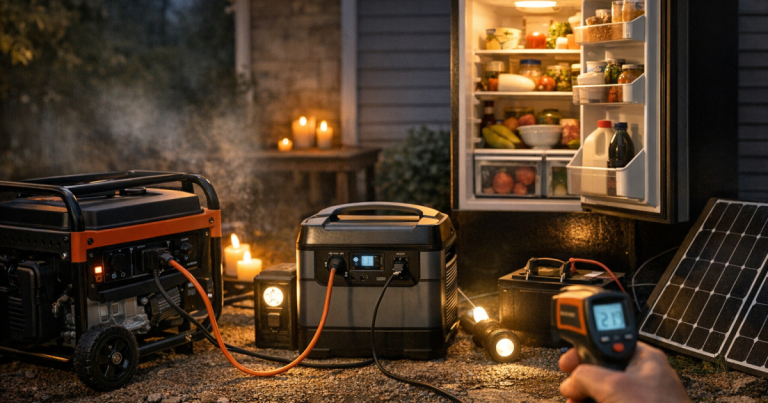
- Must run: medical devices, refrigerator or freezer, sump pump, essential communications, weather radio, basic lighting, and heat-related controls if your home uses a gas furnace that needs electricity.
- Useful but flexible: internet router, laptops, fans, television, small kitchen appliances, garage door opener, or a microwave used briefly.
- High-cost comfort loads: central air conditioning, electric range, electric clothes dryer, large electric water heater, plug-in space heaters, and other heavy loads that can quickly dominate your system size.
This does not mean comfort is unimportant. It means comfort should be planned deliberately. For example, powering a few LED lamps and rechargeable lanterns is usually easier than trying to light every room through the panel. Cooling one room with a fan is much easier than backing up central air.
Understand watts, starting surge, and runtime
Watts tell you how much power a device uses while it is running. Watt-hours tell you how much energy is used over time. A 100-watt load running for 10 hours uses about 1,000 watt-hours, or 1 kilowatt-hour, before losses. That simple relationship helps you avoid guessing.
Some appliances are steady loads. A phone charger, LED lamp, or router usually draws power in a fairly predictable way. Other appliances have motors or compressors. Refrigerators, freezers, sump pumps, well pumps, and furnace blowers can need a higher burst of power when starting than they use once running.
This is why a backup system can look large enough on paper but still fail when a pump or compressor starts. Check the appliance nameplate, owner’s manual, manufacturer information, or a reliable power meter. If you are planning around a generator, our deeper guide on what size generator you need for a blackout explains running watts and starting watts in more detail.
For batteries, do not treat the printed capacity as guaranteed runtime. Inverter losses, temperature, battery age, and the mix of devices all affect real results. For generators, wattage tells you output capacity, not how long the fuel will last. Fuel use depends on load, engine size, fuel type, maintenance, and operating conditions.
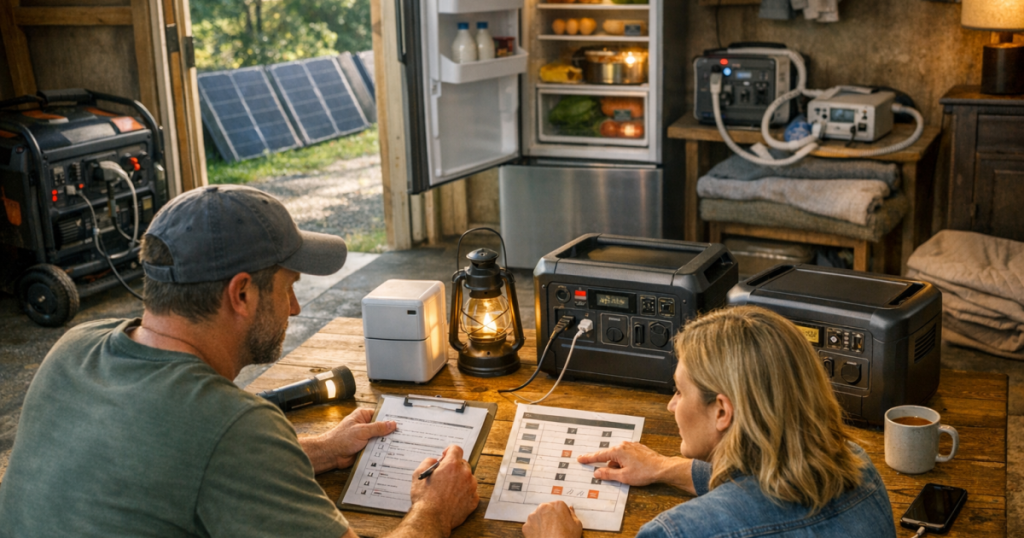
A simple backup power sizing worksheet
Use this plain-English worksheet before you spend money or upgrade equipment:
- Step 1: List the essentials. Include only the devices you truly expect to use during an outage.
- Step 2: Find running watts. Use labels, manuals, or measured use rather than internet guesses when possible.
- Step 3: Mark surge loads. Flag refrigerators, freezers, pumps, and blower motors that may need extra starting power.
- Step 4: Decide what runs together. You may not need the microwave, coffee maker, sump pump, and refrigerator running at the same moment.
- Step 5: Choose a runtime target. Decide whether you need four hours, overnight coverage, a full day, or a multi-day plan with recharging or refueling.
- Step 6: Add a practical buffer. A small cushion helps with startup surges, measurement uncertainty, and normal household mistakes.
The key is to size the system around your routine, not your maximum possible demand. If you can run the refrigerator for a while, then unplug it and recharge phones, then run a fan overnight, you may need far less capacity than a setup designed to power everything continuously.
Where households usually overspend
Overspending often starts with the phrase just in case. A little margin is smart. Building around every unlikely scenario can turn a manageable outage plan into an expensive, noisy, fuel-hungry project.
Trying to back up central air too early
Central air conditioning is a major load and can push a home toward larger equipment, more complex installation, and higher fuel use. In many outage plans, it is more practical to keep one sleeping area tolerable with fans, shade, hydration, and daytime ventilation. If heat risk is serious for your household, plan carefully, but do not assume whole-home cooling is the only answer.
Buying capacity before measuring actual loads
Many people estimate high because they do not know what their appliances actually use. A plug-in electricity usage meter can help with smaller 120-volt devices. For hardwired appliances, motors, and panel-level questions, use manufacturer information and professional input rather than opening equipment or guessing at wiring.
Ignoring load management
Load management simply means deciding what runs now and what waits. You might run the refrigerator, then turn it off while using the microwave briefly. You might charge devices during the day and save battery capacity for a CPAP or fan overnight. This habit can reduce the size of the system you need.
Paying for a whole-home feel without a whole-home plan
A large generator connected poorly is not a better plan than a smaller system connected safely. If you want to power selected household circuits, learn how the connection will work before you size the equipment. Our walkthrough on using a transfer switch during a blackout explains the basic operating idea and the limits of selected circuits.
Match the tool to the job
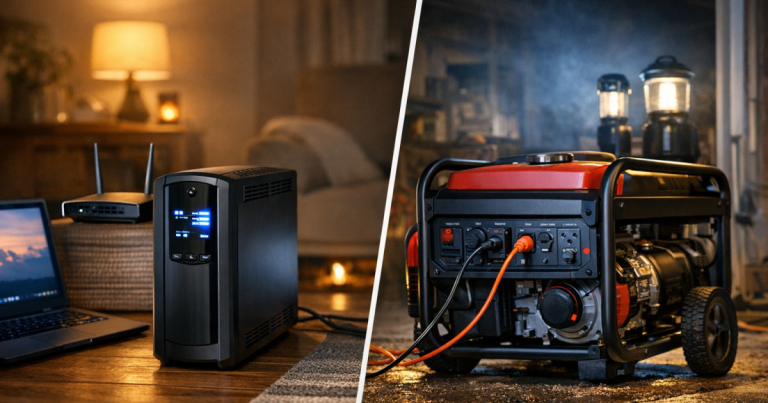
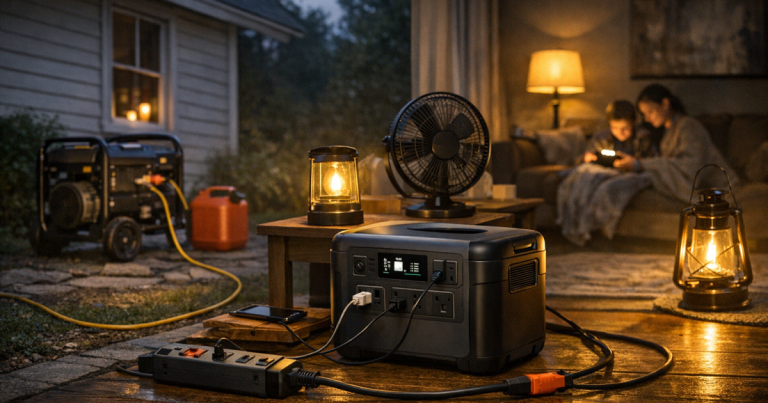
Portable power stations, UPS units, and generators solve different problems. None is automatically the right answer for every home.
A UPS is useful for short interruptions and sensitive electronics. For example, an APC Back-UPS Pro 1500VA may be part of a plan for networking equipment or a desktop computer, but the exact runtime depends on the connected load and battery condition. It is not a substitute for multi-day household backup.
A portable power station is quiet, indoor-safe when used as directed, and helpful for phones, laptops, lights, small medical devices, routers, and some small appliances. Its limits are capacity, recharge speed, inverter output, and whether the ports match your devices. If you are weighing features, read our guide to portable power station features that matter during outages.
A portable generator can support larger loads and longer outages when you have safe outdoor placement, fuel storage, heavy-duty cords, carbon monoxide protection, and a clear refueling plan. Generators must never run indoors, in a garage, on a porch, or near open windows. Shut them down and let them cool before refueling.
For selected circuits, a manual transfer switch can make operation cleaner and safer when properly installed. A kit such as the Reliance Controls 306CRK Pro/Tran 2 30A 6-Circuit Transfer Switch Kit is the kind of equipment some homeowners discuss with an electrician, but compatibility depends on the panel, generator output, local code, and the circuits being backed up.
Scenario examples that keep costs grounded
Apartment or condo
Skip fuel-burning generators unless your building rules and safe outdoor placement clearly allow them. Most apartment plans focus on rechargeable lighting, phone power, a router if internet service remains active, a laptop, a small fan, and medical essentials. The big sizing question is runtime: do you need an evening, overnight coverage, or a full day before you can recharge elsewhere?
Single-family home with a refrigerator and sump pump
This plan needs more attention to starting surge. A refrigerator and sump pump may not run continuously, but either can create a momentary demand when starting. If basement flooding is a realistic risk, the sump pump may outrank entertainment, kitchen convenience, and extra lighting.
Rural home with a well pump
Well pumps can change the sizing conversation quickly. Voltage, pump horsepower, starting surge, and connection method matter. This is where professional electrical input and accurate equipment information become especially important. Many households choose to power the pump only when needed rather than continuously supporting every water-related load.
Remote worker setup
Work-from-home backup often sounds simple until you add the modem, router, laptop, external monitor, phone, lighting, and heating or cooling needs. A smaller setup may keep communications alive for several hours, but video calls, multiple screens, and poor indoor temperatures can make the practical plan harder. Decide whether the goal is finishing a meeting, working a full day, or simply staying reachable.
Questions people ask
Should I size for peak watts or average watts?
Use both. Average or running watts help estimate runtime, while peak or starting watts help you avoid overloads when motors, compressors, and pumps turn on.
How much extra capacity should I leave?
Leave a sensible buffer rather than running at the edge. The right margin depends on your loads, but startup surges, inverter losses, heat, cold, and human error all argue against maxing out the system.
Is a bigger generator always better?
No. Larger generators can use more fuel, make more noise, cost more to maintain, and be harder to place safely. The better choice is one that covers your essential loads with a safe connection plan.
Can I use extension cords instead of a transfer switch?
For plug-in devices, properly rated outdoor extension cords can be part of a safe generator setup. They are not a way to energize household wiring, and they must match the load, outlet type, and outdoor conditions.
What should I measure first?
Start with the devices that matter most: medical equipment, refrigerator, freezer, sump pump, router, and lighting. Once those are understood, decide whether comfort items are worth the added capacity.
What to remember
The most cost-effective outage plan is usually not the biggest one. It is the one that keeps your essential routine working with equipment you can operate safely under stress.
Good backup power sizing starts with a short essentials list, realistic runtime expectations, and honest load management. Once you know what must run, what can wait, and how you will connect it safely, the right capacity range becomes much clearer—and overspending becomes much easier to avoid.