A CPAP portable power station setup can keep therapy going through a short blackout, but only if you size it around your actual machine, settings, and sleep routine. The goal is simple: make the power plan boring before the storm arrives, so bedtime does not turn into a math problem in the dark.
Most households can build a reliable CPAP backup by checking the machine’s power use, testing one full night at home, and keeping charging cables packed with the unit.
CPAP therapy settings, oxygen connections, and medical-device backup planning should be handled by your sleep clinician, durable medical equipment provider, or another qualified professional, and any electrical setup must follow the CPAP and power-station manuals, manufacturer safety requirements, and local electrical codes.
The short version
- Find your CPAP’s real overnight energy use in watt-hours, not just the maximum watt rating printed on the power brick.
- Plan around your longest likely sleep period, plus a safety margin for cold rooms, battery losses, and unexpected wake-ups.
- Heated humidifiers and heated tubing can shorten runtime significantly, so test with the exact settings you use at home.
- A DC cable made for your machine can reduce conversion losses, but only use cables approved for your specific CPAP model.
- Test the setup for a full night before outage season, then recharge the station immediately afterward.
Start with what your CPAP actually needs
A CPAP machine does not draw power like a lamp that stays at one steady level all night. The load can change with pressure, mask leaks, ramp settings, humidification, heated tubing, room temperature, and how the machine manages airflow. That is why the number on the AC adapter is a starting point, not a runtime promise.
Look at three places before sizing your backup:
- The label on the CPAP power supply, which may list output voltage and amps.
- The CPAP manual, which may describe power requirements and approved DC accessories.
- Your own overnight use, measured at the wall if you want a more realistic number.
A plug-in electricity monitor such as the P3 P4400 Kill A Watt Electricity Usage Monitor can show how many watt-hours your setup uses over a normal night. That number is more useful than guessing from the power brick, because it reflects your machine, your mask, and your comfort settings.
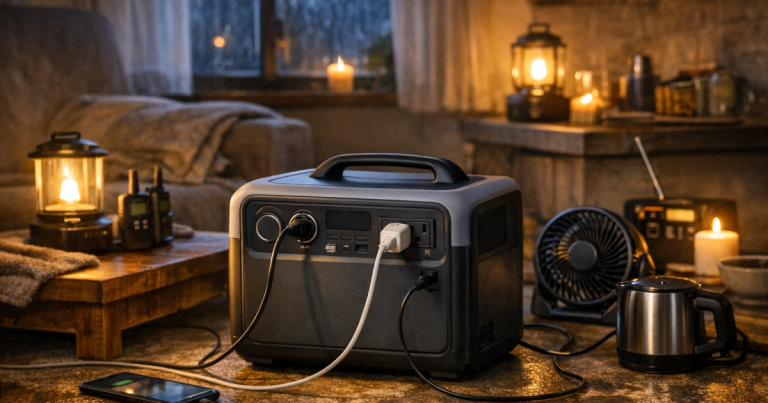
If you are still learning the basics of capacity, inverter output, charging speed, and pass-through behavior, the guide to portable power station features that matter during outages is a good companion to this CPAP-specific plan.
Use watt-hours to estimate runtime
Portable power stations are usually rated in watt-hours. A 500 watt-hour unit does not mean it can run every 500-watt device for a full hour in real life; inverter losses, low-battery reserve, temperature, age, and the power station’s own electronics all take a bite. For CPAP planning, it is safer to treat the rated capacity as a planning number and then verify by testing.
The simple estimate is:
CPAP watt-hours per night = average watts used × hours of sleep.
For example, if your complete CPAP setup averaged 35 watts over an 8-hour night, it would use about 280 watt-hours before accounting for losses. If you are running through the AC outlet on a power station, budget extra capacity because the station converts battery power to household AC power and your CPAP brick converts it again for the machine.
Do not treat example numbers as guarantees. Two people with similar CPAP machines can see different runtime because one uses heated humidification and the other does not, one has more mask leak, or one sleeps in a colder bedroom. The only runtime that matters is the one your equipment delivers in your home.
Decide whether to use AC or DC power
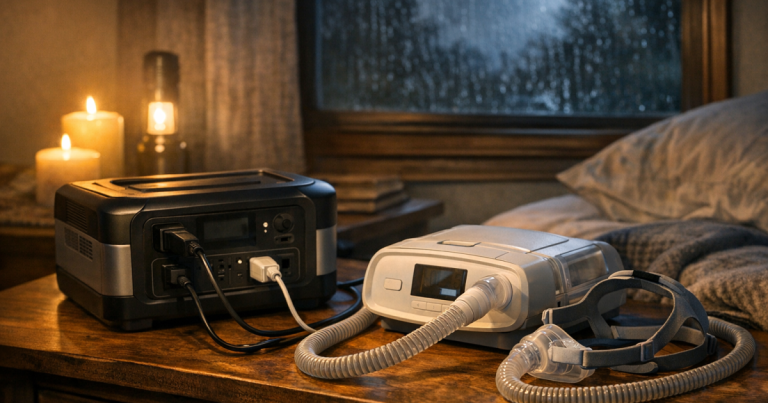
The easiest setup is usually to plug the CPAP’s normal AC adapter into the power station’s AC outlet. It is simple, familiar, and lets you use the same cord you use every night. The trade-off is efficiency: converting battery power to AC and then back to the CPAP’s required DC voltage wastes some energy.
A DC cable can sometimes improve runtime because it avoids one conversion step. This only works if the cable is designed for your exact CPAP model and the power station has the correct DC output. Do not improvise with mismatched barrel plugs, voltage adapters, or generic cables that merely seem to fit. A connector that fits physically can still supply the wrong voltage or polarity.
Before using DC power, confirm:
- The CPAP manufacturer allows DC operation for your model.
- The cable matches the machine, not just the brand family.
- The power station output voltage and current are appropriate for the cable and device.
- The connection stays secure if the station or bedside table is bumped at night.
CPAP-specific travel batteries such as the Medistrom Pilot-24 Lite can also be part of a backup plan for some users, but compatibility depends on the CPAP model, cable kit, and therapy setup. Verify fit with your equipment provider rather than assuming any medical-device battery will work with any machine.
Run a full-night test before you need it
A tabletop test for 20 minutes is helpful, but it does not prove the setup will last until morning. A proper blackout rehearsal is simple and much more useful.
- Charge the power station to the level you normally intend to store it at, following the manufacturer’s storage guidance.
- Set up the CPAP exactly as you use it on a normal night, including humidifier, heated hose, ramp, and mask.
- Plug into the power station and start with the station display showing battery percentage or remaining time, if available.
- Sleep a normal night, then record the remaining charge in the morning.
- Recharge the power station right away and write down the test result on a label or in your outage notes.
If the station finishes the night with a large reserve, you have a stronger plan. If it is nearly empty, you may need to reduce nonessential loads, use an approved DC cable, add charging options, or plan for a larger backup source. If it shuts off during the night, do not keep guessing; identify whether the issue was capacity, auto-shutoff behavior, inverter load, cable compatibility, or a machine alarm.
Manage the humidifier without changing therapy
For many CPAP users, heated humidification and heated tubing are the biggest runtime variables. They improve comfort, but they can use much more energy than airflow alone. During an outage, some users choose a lower heat setting or turn off heat to stretch battery runtime, but you should not change prescribed pressure or therapy settings without medical guidance.
A safe way to plan is to test three realistic scenarios before outage season:
- Your normal setup with humidifier and heated tube active.
- A lower comfort setting you already tolerate and have cleared with your clinician or equipment provider.
- A no-heat emergency setup, if your machine supports it and you can sleep safely and comfortably that way.
Keep distilled water, mask wipes, and any spare filters with your outage kit. A power plan does not help much if the machine is ready but the supplies are scattered across the house.
Set up the bedside area for an outage night
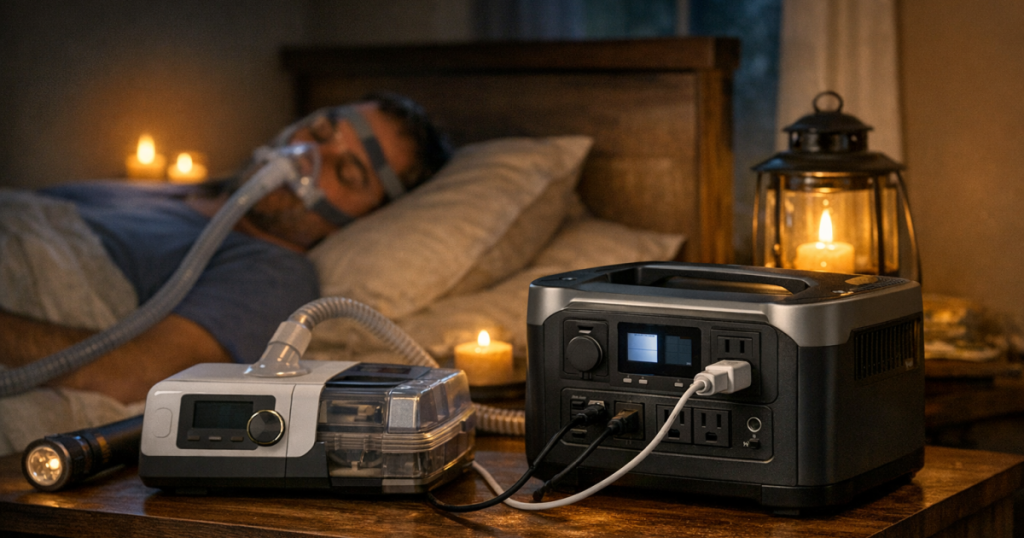
When the lights are out, the best setup is the one that is already tidy, labeled, and reachable. Put the power station on a stable surface where it will not be covered by blankets, blocked by pillows, or pulled by the CPAP hose. Keep it dry and give it space for ventilation.
Use the shortest safe cable arrangement that does not create a trip hazard. Avoid running cords across a walking path to the bathroom. If you need an extension cord for another outage load, do not borrow the one your CPAP plan depends on.
Before bed during an outage:
- Check the power station’s charge level.
- Confirm the CPAP starts normally and shows no power or mask warnings.
- Turn off unnecessary power station ports to reduce idle drain if your model allows it.
- Keep a flashlight or rechargeable lantern within reach.
- Make sure another household member knows what the CPAP backup is powering and not to unplug it for phones or lights.
If the power station supports pass-through charging, read the manual before relying on it as an automatic backup. Some units can power devices while charging; others limit output, run fans, wear the battery faster, or are not intended to act like a medical UPS. For overnight CPAP use, a tested direct battery setup is usually more reassuring than discovering pass-through limits at 2 a.m.
Think beyond one night
For a short outage, one properly sized station may be enough. For a multi-day outage, the question becomes how you will recharge it. Wall charging is not useful until grid power returns. Solar can help in sunny conditions, but panel output depends on weather, shade, season, and setup angle. A vehicle outlet can help in some situations, but running a car just to charge gear has fuel, security, ventilation, and neighborhood considerations.
If your CPAP is a medical necessity, include it in the same household plan as food safety, communication, weather alerts, and transportation. The home outage planning checklist for storms and grid failures can help you build that broader plan instead of treating the CPAP as a separate last-minute problem.
Write down your minimum acceptable setup: how many nights you need, whether you can sleep without heated humidification, how the station recharges, and who can help if the outage lasts longer than expected. If you use supplemental oxygen, a powered bed, a heated humidifier you cannot go without, or more than one medical device, your backup plan should be reviewed as a system rather than a single cord-and-battery question.
Common mistakes to avoid
- Buying by peak watt rating alone. Capacity in watt-hours usually matters more for overnight CPAP runtime.
- Assuming the power station display is exact. Remaining-time estimates change as the load changes.
- Testing without humidification, then using humidification during the real outage.
- Using a random DC cable because the plug fits.
- Letting phones, laptops, and lanterns drain the CPAP battery before bedtime.
- Storing the power station empty or forgetting to recharge it after a test.
- Expecting a small battery pack to support a CPAP plus oxygen concentrator without verifying both loads.
Where CPAP fits in a whole-home backup plan
A CPAP backup does not have to run the whole bedroom. It needs to run the medical device reliably, with enough light and communication support to make the night manageable. For many renters and apartment dwellers, a quiet battery setup is far more realistic than a fuel-powered generator. For homeowners, a portable power station can still be useful at the bedside even if a generator handles the refrigerator or furnace circuit elsewhere.
If you are deciding how CPAP fits alongside refrigerators, routers, lights, and other essential loads, the guide to backup power options for renters, condos, and houses lays out the bigger trade-offs by living situation.
Common questions
Can any portable power station run a CPAP?
No. It must have enough capacity for your overnight energy use and an output your CPAP can safely use. Check the CPAP manual, the power station manual, and your real-world test results.
Will turning off the humidifier make the CPAP run longer?
Often, yes, because heated humidification can draw a noticeable amount of power. Do not change prescribed therapy settings, and check comfort-setting changes with your clinician or equipment provider if they affect your ability to use therapy.
Is a UPS better than a portable power station for CPAP?
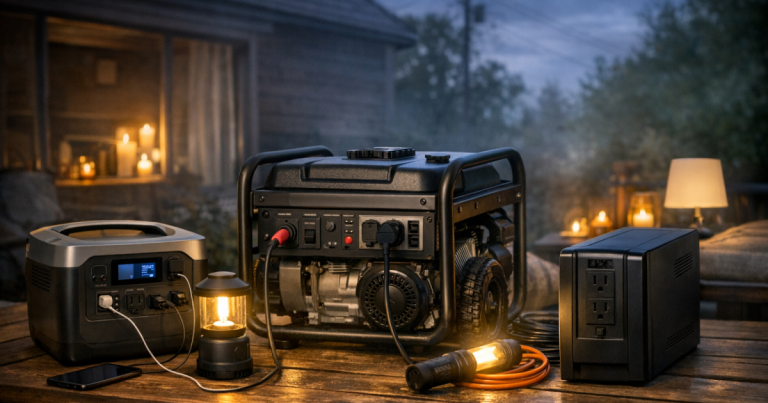
A UPS can help with brief interruptions, but many are designed for computers and short runtimes. A portable power station usually offers more overnight capacity, but it should be tested with your exact CPAP setup.
Can I charge the power station with solar during a long outage?
Solar can help, but output varies with sun, shade, weather, and panel size. Treat solar as a recharge method to test ahead of time, not a guaranteed daily refill.
What if I use oxygen with my CPAP?
Do not assume the same battery plan covers both devices. Oxygen equipment can change the power and safety requirements, so review the full backup setup with your medical equipment provider.
What stands out
The safest CPAP backup plan is not the biggest battery you can find; it is the setup you have measured, tested, labeled, and practiced with before an outage. Know your machine’s overnight watt-hours, decide whether AC or approved DC power makes sense, and protect the battery from nonessential loads. Once the plan is tested, bedtime during a blackout becomes much calmer: plug in, check the display, start therapy, and get through the night with fewer surprises.