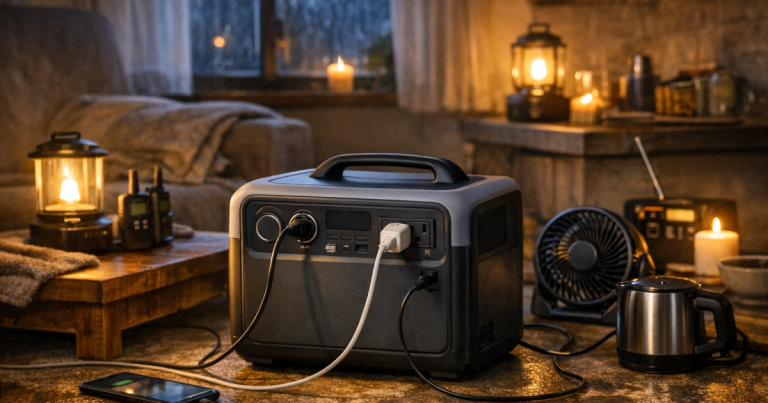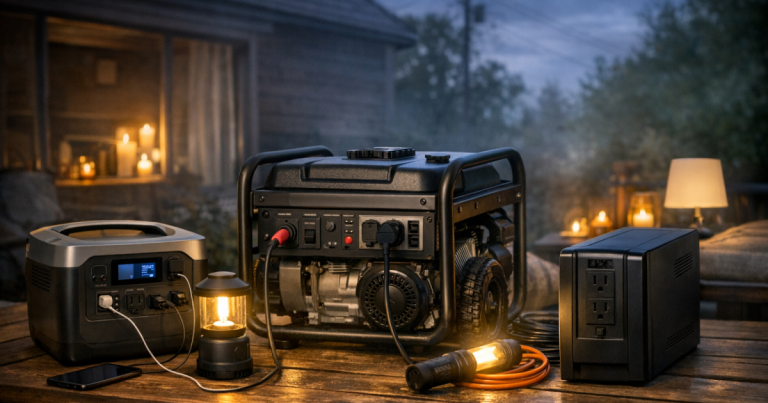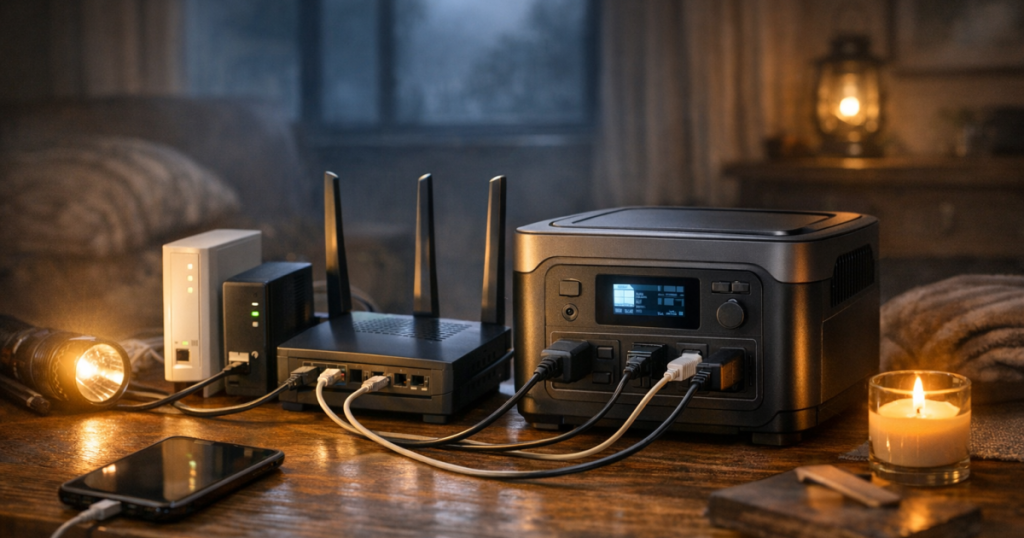
When the power goes out, the modem and router often need far less electricity than the rest of the house, which makes them a good match for a portable power station. The goal is to power internet gear long enough for weather alerts, work messages, calls, and family check-ins without wasting battery on devices you do not need. A simple plan also keeps cords tidy and avoids guessing in the dark.
New electrical outlets, transfer equipment, or hardwired power connections for networking gear should be installed by a qualified electrician to comply with local codes, manufacturer instructions, and applicable safety standards.
At a glance
- Most home internet setups need power for more than one box: usually a modem, router, fiber ONT, mesh node, or small network switch.
- Runtime depends on the total watts being used, the usable watt-hours of the power station, and conversion losses.
- Do not assume internet service will keep working just because your equipment is powered. Neighborhood cable, fiber, or fixed wireless infrastructure can also be affected by an outage.
- A UPS can bridge short flickers, while a portable power station can take over for longer outages.
- Keep the setup simple: only plug in the internet equipment you truly need, then charge phones and laptops separately when needed.
Step 1: Find every device your internet depends on
Start by tracing the internet path before an outage happens. Many households think “router” when they actually have three or four small boxes working together.
Look for these common pieces:
- Cable modem: The box connected to the coax cable from the wall.
- Router or Wi-Fi gateway: The device that creates your home Wi-Fi network.
- Fiber ONT: A small wall-mounted or shelf-mounted box that converts fiber service for home use.
- Mesh Wi-Fi nodes: Extra Wi-Fi points around the home. During an outage, you may only need the main one.
- Network switch: A small box that feeds wired Ethernet devices.
- VoIP phone adapter: If your home phone service runs through the internet, it may need its own power adapter.
Write these down and note which power brick belongs to each device. A strip of masking tape on each cord can save a lot of frustration later, especially if multiple adapters look alike.
Step 2: Add up the watts, then estimate runtime honestly
The basic math is simple: total device watts determines how fast the battery drains. The tricky part is that power stations are rated in watt-hours, while your gear uses watts continuously.
Use this rough planning formula:
- Step A: Add the running watts for the modem, router, ONT, switch, and any required Wi-Fi node.
- Step B: Multiply the power station’s rated watt-hours by about 0.75 to 0.85 to allow for inverter losses and real-world use.
- Step C: Divide usable watt-hours by total watts.
For example, if your internet equipment draws about 30 watts and your power station has roughly 400 watt-hours available after losses, you might plan around 13 hours of runtime. That is an estimate, not a guarantee. Heat, battery age, inverter efficiency, and extra plugged-in devices can change the result.
If you want to calculate internet backup alongside fridge, lighting, medical devices, or laptop charging, use the same watt-hour approach from sizing backup power without overspending. Internet equipment is usually a small load, but it still belongs in the overall plan.
Step 3: Decide what actually needs to stay on
During a blackout, the goal is not to recreate a normal plugged-in household. The goal is to keep enough connectivity for essential communication and useful updates.
A lean internet setup might include:
- Modem or fiber ONT
- Main router or Wi-Fi gateway
- One nearby mesh node only if the main router cannot cover the rooms you need
- A phone charger used in short sessions rather than left plugged in all night
Leave out nonessential loads such as desktop monitors, game consoles, smart speakers, unused mesh nodes, printers, and streaming boxes. They may seem small individually, but together they can cut runtime for the equipment that matters.
Step 4: Set up the power station before the lights go out
A good outage setup should be boring, repeatable, and easy to operate in low light. Place the power station close enough to the internet equipment that you do not need cords running across walkways.
Use this setup routine:
- Charge the power station fully: Check it before storm season, wildfire shutoff season, or any forecasted severe weather.
- Label the internet plugs: Mark the modem, router, ONT, and any must-have switch.
- Use the AC outlets only for required adapters: Avoid filling every outlet just because it is available.
- Keep ventilation clear: Do not cover the power station, stack items on it, or tuck it into a closed cabinet while it is running.
- Test the sequence: Turn off the wall power to the networking gear, plug it into the power station, and confirm the internet comes back after the devices reboot.
Some internet gear takes several minutes to reconnect after a power interruption. During a test, wait long enough to know whether your modem, router, and service are truly back online.
Step 5: Use a UPS for flickers and the power station for longer outages
A portable power station is helpful for hours of backup, but it may not always switch fast enough to prevent a modem or router from rebooting when the grid drops. A small UPS can fill that gap.
The cleanest arrangement is often:
- Wall outlet powers the UPS during normal use.
- Modem, router, and ONT plug into the UPS.
- When the outage looks longer than a few minutes, the portable power station takes over and feeds the UPS.
This is not the only arrangement, and not every UPS and power station combination behaves the same way. Test your setup before relying on it overnight or during remote work. For a broader strategy, the site’s guide to layering a UPS, power station, and generator explains how each backup layer can do a different job.
Step 6: Manage Wi-Fi range without wasting battery
Mesh Wi-Fi systems are convenient during normal life, but they can be battery-hungry during an outage if every node stays on. In many homes, the main router alone is enough for one floor, a home office, or the kitchen table where people gather.
Try this before an emergency:
- Unplug all extra mesh nodes.
- Run only the modem or ONT and the main router.
- Check Wi-Fi signal in the rooms you would actually use during a blackout.
- Add one mesh node only if it makes a meaningful difference.
If cell service is strong, you may decide that keeping Wi-Fi available in one room is enough. If cell service is weak, internet backup may be more important, and it may justify dedicating more battery capacity to the network.
Step 7: Keep charging separate from connectivity
It is tempting to plug every phone, tablet, and laptop into the same power station that is keeping the internet alive. That can drain the battery faster than expected.
A better routine is to protect the internet load first, then charge devices in shifts:
- Charge phones to a useful level, then unplug them.
- Use laptop battery saver mode and dim the screen.
- Download critical documents or weather pages while connected, then disconnect if you do not need constant internet.
- Use one shared charging area so cords do not spread through the house.
If you work from home, test a realistic session: modem, router, laptop, phone, and one light. That will tell you more than a label on a box ever will.
Step 8: Know what a power station cannot fix
A portable power station can keep your own equipment on, but it cannot repair an upstream outage. Cable nodes, fiber cabinets, neighborhood amplifiers, fixed wireless equipment, and cell towers all have their own backup limits.
That is why a strong communications plan should include more than one path. Keep important phone numbers written down, enable emergency alerts, download offline maps, and have a battery-powered or hand-crank radio available. For a wider household plan that includes power, food, safety, and communication, use the home blackout preparedness guide as a next step.
Common mistakes to avoid
- Running the whole desk from the backup battery: Monitors, speakers, docks, and chargers can turn a modest internet load into a much larger one.
- Forgetting the fiber ONT: Fiber service often depends on a separate powered box, not just the Wi-Fi router.
- Leaving extra mesh nodes on: Power only the coverage you need during the outage.
- Skipping a real test: A five-minute test can reveal the wrong cord, a dead UPS battery, or a router that takes longer than expected to reconnect.
- Blocking ventilation: Power stations and networking equipment both need airflow, especially during warm-weather outages.
Things readers ask
Will my internet work if the neighborhood power is out?
Sometimes. Your modem, router, or ONT may be powered, but your provider’s nearby equipment also needs backup power. Cable, fiber, and fixed wireless systems can behave differently by neighborhood and outage length.
How big of a power station do I need for a modem and router?
Start with the combined running watts of your equipment, then divide usable watt-hours by that load. Many modem-and-router setups are modest, but adding mesh nodes, switches, laptops, and chargers changes the runtime quickly.
Can I leave internet gear plugged into a power station all the time?
Only if the manufacturer supports that type of pass-through or UPS-style use for the model you own. Check the manual, heat behavior, battery care guidance, and any limits on continuous operation.
Is solar charging enough to keep internet running?
It can help, but do not treat it as guaranteed. Panel output depends on sun angle, shade, weather, and setup location. Plan battery runtime first, then treat solar as a recharge option.
Should I use a generator instead?
For internet gear alone, a generator is usually more power than you need. It may make sense when you are also running a fridge, freezer, furnace controls, or other household essentials, but it must stay outdoors and follow generator safety rules.
What to remember
Internet backup works best when it is intentionally small. Identify the required boxes, add up their watts, test the setup, and avoid powering devices that do not help you communicate. A portable power station will not guarantee service from your provider, but it can give your household a much better chance of staying connected during the part of the outage you can control.