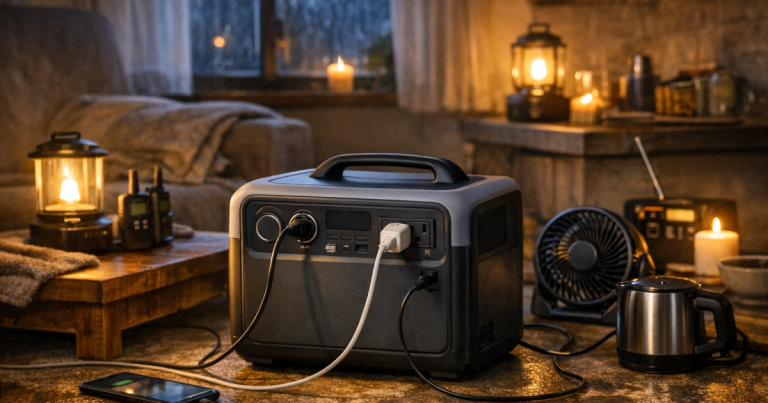
When the lights go out, the right battery setup can keep phones charged, a router online, a CPAP running, or a fridge protected for short stretches. A portable power station buying guide should start with those real jobs, not with the biggest number on the box.
Any connection that feeds household circuits, including a transfer switch, inlet box, or electrical panel work, should be carried out by a qualified electrician to meet local code, manufacturer instructions, and applicable safety standards.
In brief
A good blackout battery is sized around your essential loads, your expected outage length, and your charging plan. For many US households, that means choosing enough battery capacity for phones, lights, internet, medical devices, and limited refrigeration support rather than assuming one portable unit can behave like whole-home backup.
- Start with watt-hours, not marketing claims: Watt-hours estimate stored energy. Runtime depends on what you plug in and how long it runs.
- Check output watts: The station must handle both normal running watts and any startup surge from compatible appliances.
- Prioritize essentials: Lights, communications, medical equipment, and food safety usually come before comfort loads.
- Plan recharging: Wall charging, vehicle charging, solar input, or generator charging all have limits you should understand before a storm.
- Avoid unsafe shortcuts: Do not backfeed a wall outlet, overload extension cords, or assume every appliance is compatible.
What a power station can realistically cover
Portable power stations are best at quiet, indoor-safe backup for smaller electrical loads. They are useful in apartments, condos, townhomes, neighborhoods with noise restrictions, and households that want backup power without storing gasoline. They are not a direct substitute for a professionally installed standby generator or a properly connected portable generator feeding selected circuits.
Typical blackout uses include charging phones and tablets, running LED lamps, powering a Wi-Fi router and modem, keeping a laptop working, supporting certain medical devices within the manufacturer’s requirements, and helping manage refrigeration in controlled cycles. Larger loads such as central air conditioning, electric water heaters, electric ranges, clothes dryers, and well pumps are usually outside the practical range of most portable stations unless you are using a much larger system designed for that purpose.
Before you assume a battery can cover a certain appliance, read the nameplate, check the running watts, and look for any startup surge requirements. For a deeper reality check, see our guide to what portable power stations can and cannot do.
The numbers that matter during a blackout
Watt-hours tell you stored energy
Watt-hours are the easiest way to think about capacity. A 1,000 watt-hour station stores roughly 1 kilowatt-hour of energy before conversion losses and reserve limits. If a device uses 50 watts continuously, simple math suggests about 20 hours from 1,000 watt-hours, but real runtime will usually be lower because inverters, battery management systems, temperature, and device behavior all affect performance.
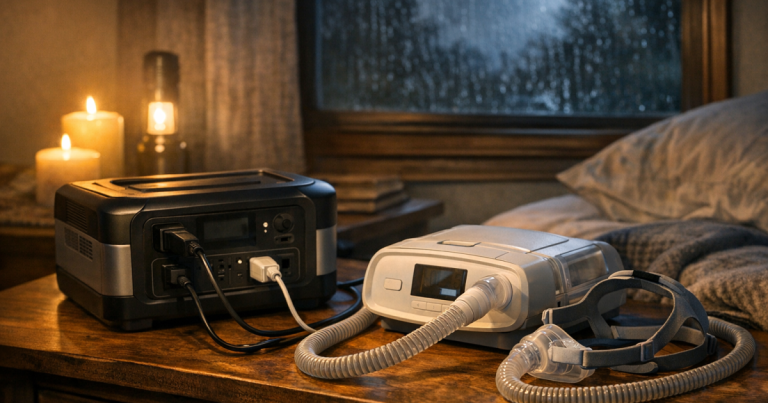
For outage planning, use estimates conservatively. A router that averages a modest load may run a long time. A refrigerator may draw more when its compressor starts, then cycle off and on. A CPAP machine may use much more power with heated humidification than without it. The safe approach is to test your own devices before storm season, then leave a reserve instead of draining the station completely.
Output watts decide what it can run at once
Capacity is only half the story. Output watts determine how much power the station can deliver at the same time. If you plug in a router, two lamps, a laptop, and a small appliance, the combined draw must stay within the station’s AC output rating. Some devices also have a brief surge when they start. That surge may be higher than the running wattage listed on the label.
This is why a smaller station can be excellent for communications and lighting but a poor fit for heavier appliances. It may have enough stored energy for light-duty tasks, yet not enough output power to start or support a demanding load.
AC and DC ports are not interchangeable
Most stations include AC outlets, USB ports, and sometimes DC outputs. AC outlets are convenient for household plugs, but converting battery power to AC costs some energy. USB-C or DC outputs can be more efficient for compatible phones, tablets, laptops, routers, and small electronics. During a long outage, using the most direct output your device supports can help stretch runtime.
Start with household scenarios, not a wish list
The most reliable way to choose capacity is to write down what you truly need powered during the first 12 to 24 hours. For a renter, that may be phones, lights, internet, and a laptop. For a family with refrigerated medication, it may include a medication fridge or carefully scheduled main refrigerator support. For a remote worker, the router, modem, laptop, and phone charging may be the priority. For someone using a CPAP or other medical device, manufacturer power requirements and backup planning come first.
Think in tiers:
- Tier 1: Safety and communication. Phones, weather radio, medical equipment, basic lighting, and essential chargers.
- Tier 2: Food and comfort management. Refrigerator cycles, freezer checks, fans, and limited small-device charging.
- Tier 3: Convenience loads. TVs, gaming systems, coffee makers, microwaves, and other items that can drain capacity quickly.
Most disappointment comes from letting Tier 3 loads consume a battery meant for Tier 1 and Tier 2 needs. During a blackout, the goal is not to recreate normal life. It is to stay safe, connected, and reasonably comfortable until power returns or you switch to another backup source.
How much capacity is enough?
There is no single right size for every home, but these planning ranges help frame the decision:
- Small station: Good for phones, lights, tablets, a radio, and short laptop use. Useful for renters, car kits, and short outages, but limited for appliance support.
- Mid-size station: More practical for internet equipment, laptops, fans, and limited overnight use. This is often the first range people consider for home blackout backup.
- Larger station or expandable setup: Better for longer outages, refrigerator cycling, multiple users, and households that need more reserve capacity. Weight, storage space, recharge time, and cost increase with size.
Instead of buying the largest unit you can lift, estimate your loads. If your modem and router together draw modest power, they may be a good all-night use case. If you add a fan, laptop, and continuous AC appliance, the same station may empty much faster. For overnight planning strategies, see how to make a portable power station last overnight.
Recharging plans matter as much as battery size
A power station is only as useful as your ability to recharge it during a longer outage. Wall charging is fastest before the outage, so keep the unit topped up according to the manufacturer’s storage guidance. During an extended outage, your options may include vehicle charging, compatible solar panels, or using a generator outdoors to recharge the battery.
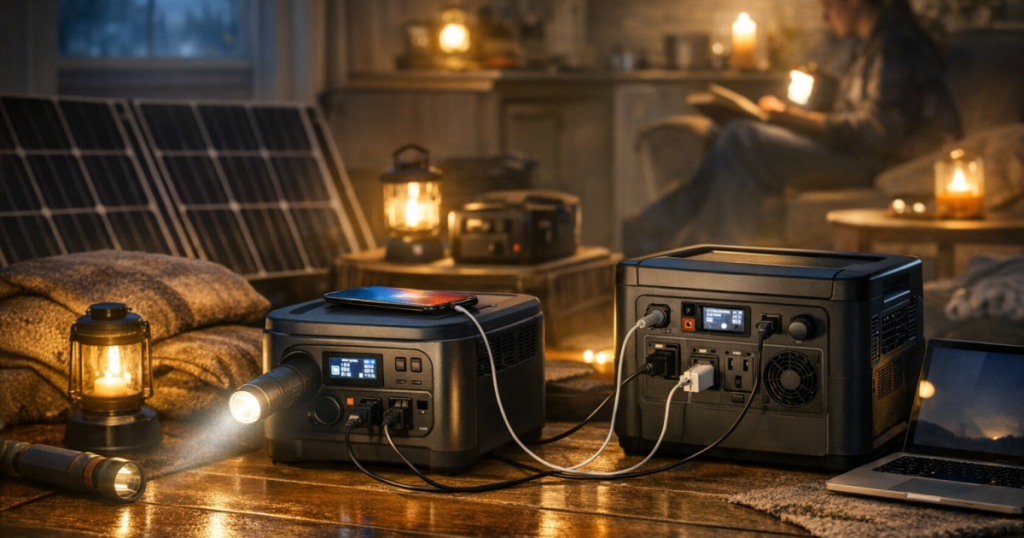
Solar can help, but it is not magic. Output depends on panel size, sun angle, cloud cover, shade, cable losses, and the station’s solar input limit. A panel that works well in open summer sun may produce much less under storm clouds or winter conditions. If solar recharging is part of your plan, test it before you need it and verify the connector, voltage range, and maximum input supported by your specific station.
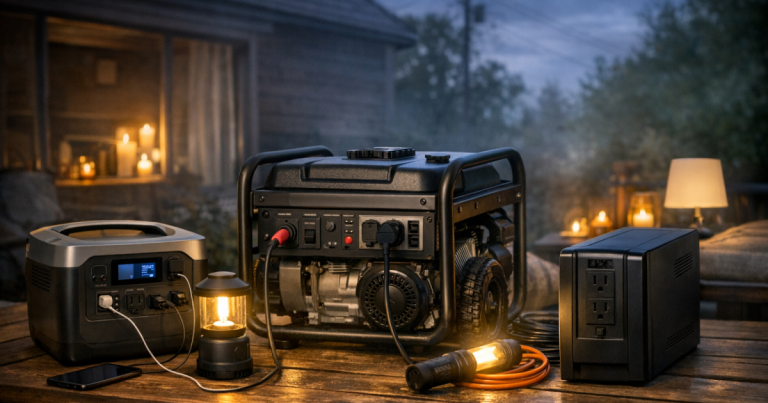
Generator charging can also be useful when handled safely. A fuel-powered generator must run outdoors, far from doors, windows, vents, garages, and enclosed spaces because of carbon monoxide risk. Let the generator handle heavier outdoor charging work, then bring the power station indoors for quiet overnight use.
Outlets, cords, and placement
Count the devices you expect to plug in, but do not judge a station only by outlet count. A model with many outlets can still be overloaded if the combined wattage is too high. Use short, properly rated cords when possible, avoid daisy-chaining power strips, and keep cords where they will not create trip hazards or pinch points.
If the station will sit in a hallway, bedroom, or living room during an outage, think about noise, screen brightness, ventilation clearance, and access to cords. Some units use cooling fans under heavier loads. That may be fine in a living room and annoying beside a bed.
For cord routing and load safety, our walkthrough on setting up extension cords safely with a portable power station is a useful next step before you build your blackout layout.
Examples of real stations people compare
Named models can help you understand the range, but treat them as reference points rather than automatic answers. Current specifications, bundles, firmware behavior, warranty terms, and accessory compatibility should be verified before purchase.
- Jackery Explorer 1000 v2 Portable Power Station is the kind of mid-capacity unit many households look at for phones, laptops, internet equipment, and limited appliance support.
- EcoFlow DELTA 3 Plus Portable Power Station is often considered by readers who care about faster recharge routines and a more feature-rich home backup workflow; verify the exact limits that matter to your devices.
- BLUETTI Elite 100 V2 Portable Power Station is another compact home-backup example to compare for outlet layout, solar input compatibility, weight, and everyday storage.
Do not buy from a spec sheet alone. Look at the actual devices you plan to power, the room where the station will live, the weight you can comfortably move, and how quickly you need it ready again after use.
Battery features worth checking closely
Several features can make a station easier to live with during a blackout:
- Clear display: Look for remaining battery percentage, input watts, output watts, and estimated runtime. Estimates can change as loads cycle, but they are useful.
- Useful port mix: AC outlets, USB-A, USB-C, and DC outputs should match the devices you actually own.
- Recharge flexibility: Check wall, vehicle, and solar charging limits, not just whether those options exist.
- Weight and handles: A station that is too heavy to move easily may be less useful in a real outage.
- Storage guidance: Confirm how often the manufacturer recommends recharging during storage and what temperature range is acceptable.
- Pass-through or UPS-style use: If you want the unit between grid power and equipment, verify the manufacturer’s intended use, transfer behavior, and limitations. Do not assume it replaces a dedicated UPS.
If your main concern is keeping a desktop computer, router, or modem alive through brief flickers, a dedicated uninterruptible power supply may be more appropriate than a large portable station. If your concern is several hours of quiet backup, a station may make more sense.
Where portable stations fall short
The biggest trade-off is energy density. Batteries are quiet and convenient, but they store a finite amount of power. A fuel generator can keep producing power as long as it is operated safely and fuel is available. A battery station is simpler indoors, but once depleted it must be recharged.
Another limitation is heavy heating and cooling loads. Anything that makes heat from electricity tends to drain batteries quickly: space heaters, electric kettles, hot plates, toaster ovens, and many coffee makers. Air conditioning can also be demanding. In a blackout, battery power is usually better spent on fans, communications, refrigeration management, and medical or safety needs.
Finally, not every station is designed for every sensitive device. For medical equipment, check the device manufacturer’s requirements, plug type, power draw, and any warning about inverters or battery backup. Test the setup in normal conditions and keep a fallback plan.
A sensible blackout setup workflow
Use this sequence before storm season rather than trying to solve everything after the grid is down:
- List essentials: Write down the devices you would power first in a 12-hour outage.
- Measure or estimate loads: Use device labels, manufacturer information, or a power meter for plug-in devices.
- Choose a runtime goal: Decide whether you need a few hours, overnight support, or multi-day rotation with recharging.
- Test the setup: Plug in the real devices and watch output watts and estimated runtime.
- Label cords and ports: Make it easy for another adult in the household to set up the system.
- Store accessories together: Keep charging cables, extension cords, panel adapters, and instructions in one bin.
- Review twice a year: Recheck battery charge, household needs, and any new devices before peak outage season.
This approach keeps the decision grounded. You may find that a smaller unit plus good lighting solves most short outages. Or you may decide that a larger station, solar panel, UPS, or generator belongs in a layered backup plan.
Common questions
Can a portable power station run a refrigerator?
Sometimes, but it depends on the refrigerator’s running watts, startup surge, the station’s output rating, and how often the compressor cycles. Test your own fridge before relying on it, and keep food-safety thermometers in the fridge and freezer.
Is a portable power station safe indoors?
Battery power stations do not produce engine exhaust, so they are commonly used indoors when operated according to the manufacturer’s instructions. They still need ventilation clearance, dry placement, and appropriate cords.
Should I buy one large station or two smaller ones?
One large station can simplify high-priority loads and longer runtime. Two smaller units can separate jobs, such as one for internet and one for bedroom medical or lighting needs. The better choice depends on your layout and recharging plan.
Can I plug a power station into a wall outlet to power my house?
No. Backfeeding through a wall outlet is unsafe. Feeding household circuits requires proper equipment and qualified electrical work that follows local code and manufacturer requirements.
How often should I check the battery in storage?
Follow the manufacturer’s storage instructions. As a practical habit, many households add power-station charging and inspection to their seasonal outage checklist so the unit is ready before storms arrive.
What to remember
The best blackout battery is not always the biggest one. It is the one that matches your essential loads, fits your home, can be recharged realistically, and is simple enough to use under stress. Start with the devices that protect safety, communication, medical needs, and food. Then decide how much extra comfort you can support without draining the reserve you actually need.
Used well, a portable power station gives a household quiet, flexible backup for the loads that matter most. Used carelessly, it becomes an expensive box that runs the wrong things for too short a time. A little planning before the outage makes the difference.