Router, modem, desktop, monitor: the gear that keeps a home office useful during a flicker is not the same gear that keeps a refrigerator cold all afternoon. This Eaton Tripp Lite series SmartPro UPS SMART1500LCDT review looks at a tower line-interactive UPS built for 120V electronics backup, surge protection, AVR, and monitoring within its rated load—not whole-home power.
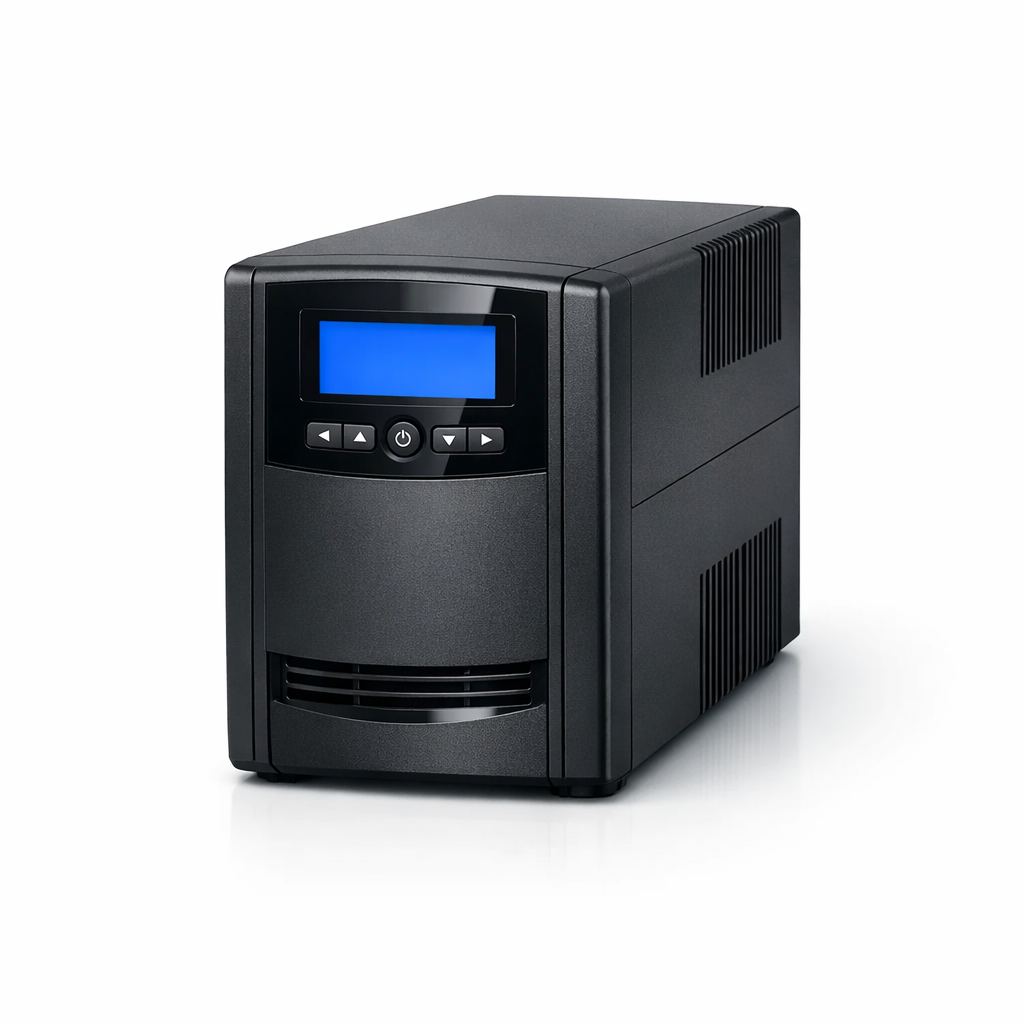
Eaton Tripp Lite series SmartPro UPS SMART1500LCDT
A smart fit for short electronics backup when safe shutdown and router continuity matter more than long runtime
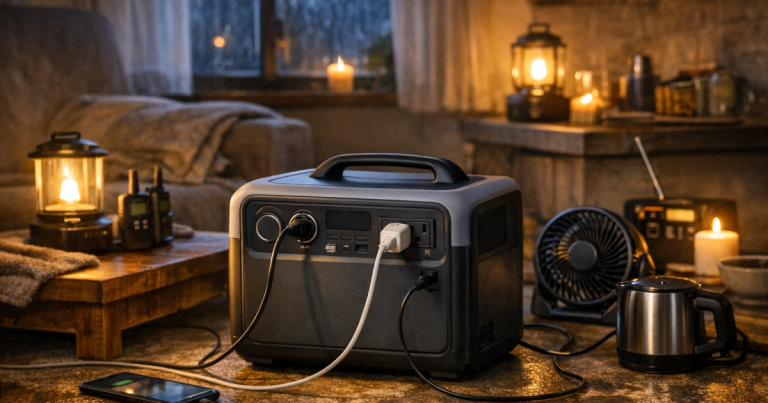
The practical read: Eaton Tripp Lite series SmartPro UPS SMART1500LCDT is most compelling when you want a few protected minutes for internet gear, a desktop workstation, or small network devices. It is not trying to be a portable power station or generator, and that restraint is part of the appeal. For a broader look at where UPS units fit beside batteries and fuel-powered options, see our guide to portable power stations, generators, and UPS backup for blackouts.
Product Details
- Product type: line-interactive tower uninterruptible power supply.
- Rated output capacity: 1500VA and 900W.
- Input plug: NEMA 5-15P for a standard 120V outlet.
- Output receptacles: 10 NEMA 5-15R outlets.
- Listed runtime: 2.3 minutes at 900W full load and 10 minutes at half load.
- Battery type: Valve Regulated Lead Acid, or VRLA.
- Replacement battery: RBC51, requires 2.
- Dimensions: 15.6 x 8 x 5.75 in.
- Product weight: 25.33 lb.
- Limited warranty: 3-year limited warranty in the U.S., Canada, Puerto Rico, and Mexico; warranties vary by country.
The 900W ceiling is the real planning number
The headline 1500VA rating is useful, but the practical limit for outage planning is the 900W output capacity. That is the number to respect when deciding what belongs on this UPS. Routers, modems, desktop computers, workstations, and small network devices are the natural territory. High-surge household loads are not.
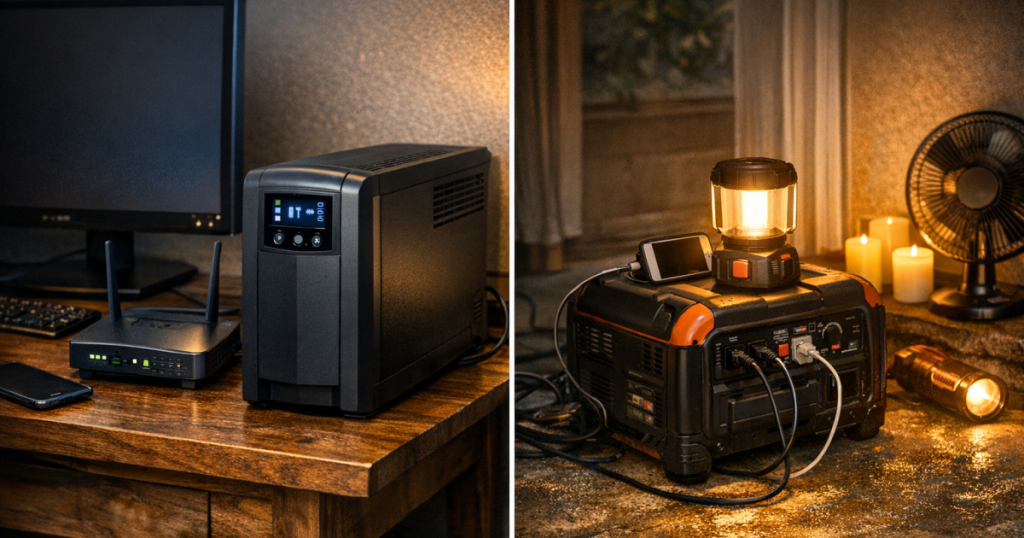
For a home office, the decision is less about squeezing in every device and more about choosing the gear that helps you avoid a messy shutdown. A modem and router keep communication alive. A desktop and monitor may give you a few minutes to save work. A network switch or small storage device may be worth protecting if it is central to your setup. A refrigerator, sump pump, HVAC system, or space heater belongs in a different conversation.
The 12A output limit also keeps the product grounded in electronics backup rather than appliance backup. That is a helpful boundary. It prevents the common outage mistake of treating any battery-backed box as if it can run whatever has a household plug.
Runtime is for ride-through and orderly shutdown
Eaton lists 2.3 minutes of runtime at the full 900W load and 10 minutes at half load. Those numbers define the personality of this UPS. It is best understood as a short-duration buffer: a way to ride through momentary outages, bridge a quick utility blip, or shut down connected electronics in an orderly way.
That does not make the runtime disappointing; it makes the product honest. Heavy desktop loads can drain a UPS quickly, and this model’s published figures make that trade-off clear. If your outage plan depends on keeping a laptop, router, and phone going for hours, a portable power station is usually the more appropriate category. If your plan is to protect a desktop from hard power cuts and keep networking gear stable through brief interruptions, this UPS fits more naturally.
The battery chemistry also shapes ownership. The unit uses VRLA lead-acid batteries, and the replacement battery is RBC51, with two required. Lead-acid UPS batteries age, so the long-term cost is not just the purchase price. A sensible owner should think of battery replacement as part of the maintenance cycle, much like replacing smoke detector batteries on a schedule, only heavier and less charming.
Outlet count helps, but load discipline still matters
The 10 NEMA 5-15R outlets are useful for a desk or small network corner where plugs multiply fast. A tower UPS with multiple outlets can clean up the “router, modem, monitor, computer, charger, switch” sprawl that tends to build behind furniture.
Still, outlet count is not the same as power budget. Ten receptacles do not mean ten meaningful loads should be running on battery during an outage. The better approach is to decide which connected devices are essential, then keep the total load within the 1500VA, 900W, and 12A limits. For many households, that means prioritizing the modem and router first, then adding the desktop equipment that truly needs ride-through protection.
The NEMA 5-15P input plug is also a plus for everyday placement because it matches a standard 120V household receptacle. It does not require a special inlet, transfer switch, or generator connection. That simplicity is exactly why a UPS can be a smart first layer in a blackout plan, especially for renters and home offices.
Placement, portability, and household fit
At 15.6 x 8 x 5.75 in and 25.33 lb, this is not a tiny travel battery. It is a compact tower-style UPS meant to live near the equipment it protects. Eaton’s documentation states that LCDT-Series UPS systems are not suitable for mobile applications, so this is a stationary electronics backup device rather than a pack-and-go outage battery.
That fixed role is not a weakness. A UPS works best when it is boringly ready: plugged into 120V AC mains, charged, and already connected to the electronics you care about. During a sudden outage, you are not digging through a closet or hunting for cables. The gear either rides through the interruption or gives you enough time to shut down cleanly.
Eaton also lists FCC Class A compliance. For a residential buyer, that is worth noticing when choosing where to place the unit around other electronics. It does not change the core recommendation, but it is one more reason to think of this as practical IT-style backup equipment rather than decorative living-room gear.
Where this UPS fits in a blackout plan
This UPS makes the most sense as the first line of defense for sensitive electronics. It smooths the small events: flickers, brief outages, voltage dips, and abrupt shutoff risks around a workstation or networking stack. That is a different job from running a fridge, powering medical equipment overnight, or supporting multiple rooms.
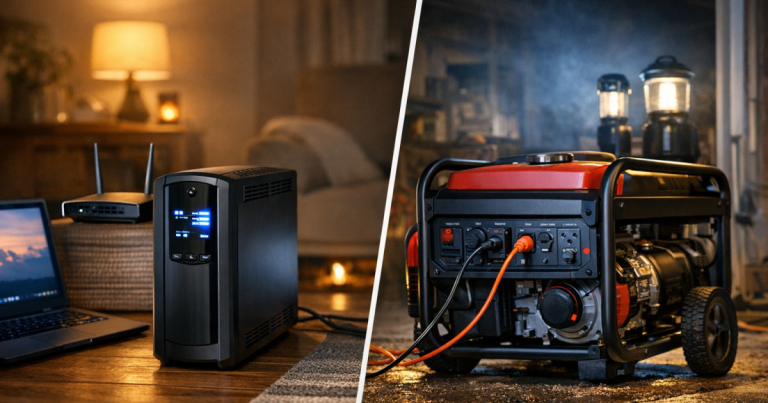
A strong household plan often uses layers. A UPS protects the router and desktop immediately. A portable power station can handle longer device charging or selected small loads. A generator, used outdoors and connected safely, may support larger essentials. If your planning involves generators, cords, inlets, or transfer equipment, review home backup power safety basics for outages before building around higher-power gear.
For the Eaton Tripp Lite series SmartPro UPS SMART1500LCDT, the buyer decision is straightforward: choose it for short electronics protection, not extended runtime. It is well matched to routers, modems, desktops, workstations, and small network devices where a few minutes can prevent lost work, corrupted files, or a dropped connection during a quick utility interruption.
Trade-offs to weigh before buying
- Runtime is limited at higher loads. Eaton’s listed 2.3 minutes at 900W makes this a shutdown and ride-through device, not a long-outage battery.
- It is not whole-home backup. The 900W and 12A limits keep it in the electronics lane.
- Battery replacement is part of ownership. The VRLA battery system uses two RBC51 replacement cartridges.
- It is stationary equipment. The LCDT-Series guidance rules out mobile applications.
- The warranty is reassuring but regional. The listed 3-year limited warranty applies in the U.S., Canada, Puerto Rico, and Mexico, with warranties varying by country.
Verdict
Score: 8.2/10.
The Eaton Tripp Lite series SmartPro UPS SMART1500LCDT earns its recommendation for a specific, useful role: protecting everyday electronics through short outages and giving desktops or network gear a safer shutdown window. The 1500VA and 900W rating, standard NEMA 5-15P input, and 10 NEMA 5-15R outlets make it easy to fit into a home office or network corner without turning the setup into a full backup-power project.
The main restraint is runtime. Eaton’s listed 2.3 minutes at full load and 10 minutes at half load keep expectations realistic. If you need hours of blackout power, this is the wrong tool. If you want a sensible UPS for routers, modems, desktops, workstations, and small network devices, it is a calm, practical choice.
Eaton Tripp Lite series SmartPro UPS SMART1500LCDT
A smart fit for short electronics backup when safe shutdown and router continuity matter more than long runtime
You might also like: How to Run a CPAP on a Portable Power Station During an Outage.