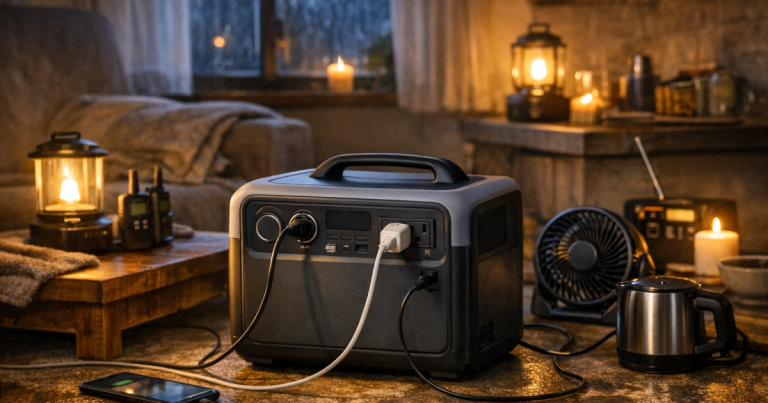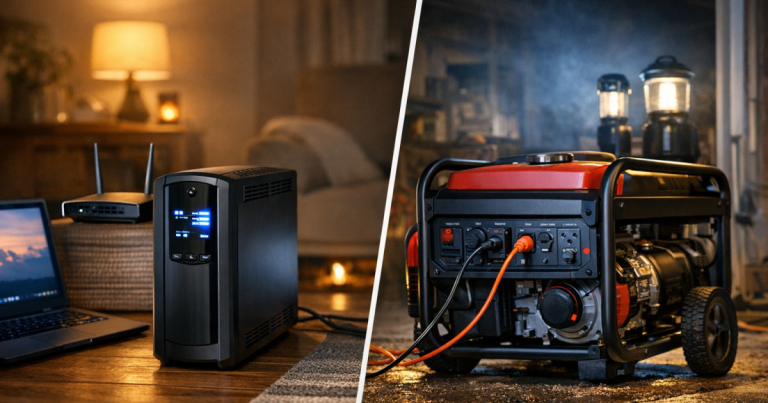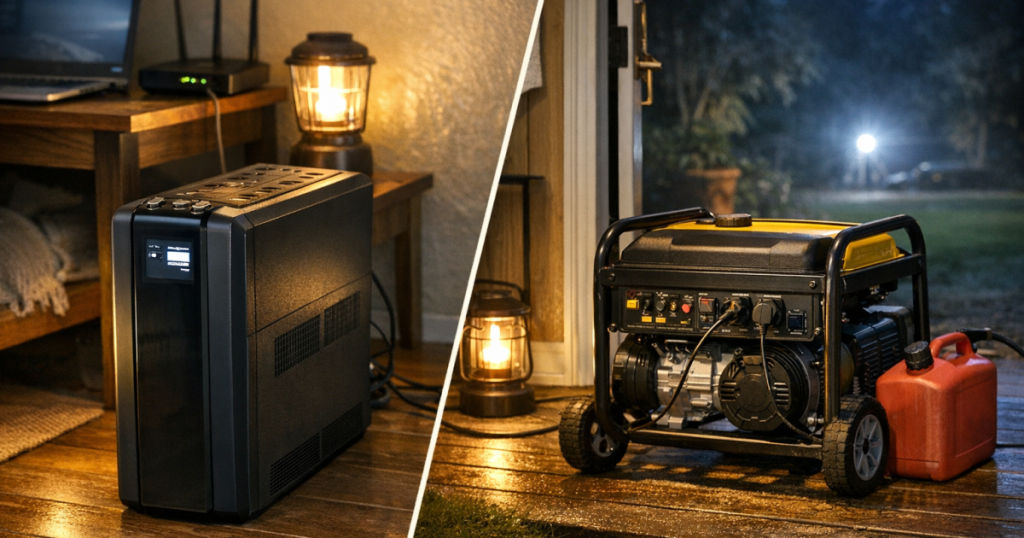
This APC Back-UPS Pro 1500VA/900W Tower UPS BR1500MS2 review is about a very specific blackout job: keeping sensitive 120 V electronics alive long enough to ride through a flicker, save work, protect networking gear, or shut down cleanly.
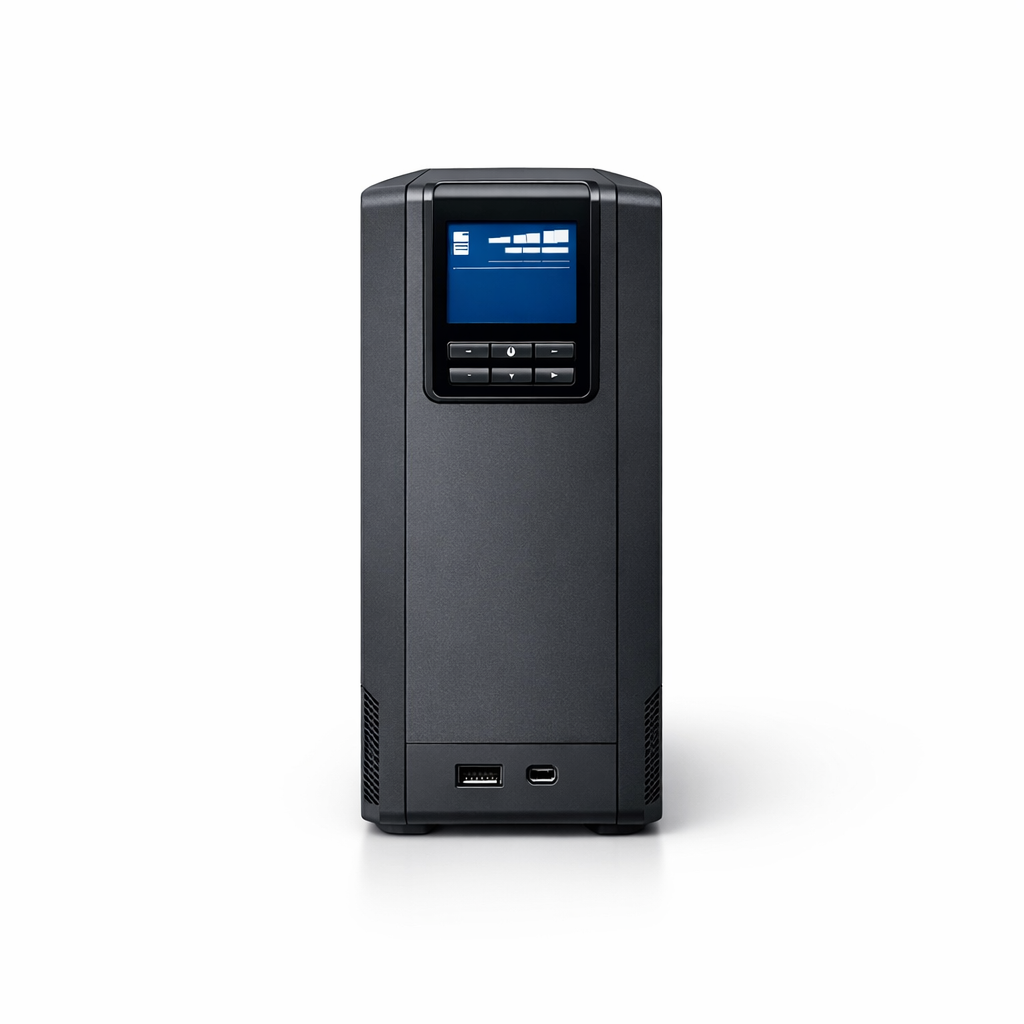
APC by Schneider Electric APC BR1500MS2 Back-UPS Pro
A smart fit for keeping routers, desktops, and storage gear protected through short power interruptions
From APC by Schneider Electric, this Back-UPS Pro family unit is a line-interactive uninterruptible power supply, not a portable power station and not a generator substitute. My practical take is straightforward: it is a strong fit for home offices, routers, modems, external storage, desktop PCs, and game consoles, provided you treat it as short-duration electronics protection rather than hours-long household backup.
Product Details
- Type: line-interactive UPS with sine wave output
- Power rating: 900 W active power and 1500 VA apparent power
- Outlets: 10 NEMA 5-15R outlets, with 6 battery backup plus surge outlets and 4 surge-only outlets
- Input: 120 V AC, single phase, 60 Hz, NEMA 5-15P plug, 12 A maximum input current
- Transfer time: 8 ms typical and 10 ms maximum
- Battery: lead-acid, user-replaceable APCRBC163 replacement battery cartridge
- Recharge and service life: 16-hour recharge time and 3 to 5 year battery design life
- Surge protection: 1080 J surge energy rating, plus RJ45 Ethernet and coaxial cable protection
- USB charging: Type A and Type C smart charging ports
- Size and weight: about 10.2 inches high, 3.9 inches wide, 14.5 inches deep, and 27.6 lb
- Operating environment: 32°F to 104°F, 0 to 95% non-condensing relative humidity, 45 dBA acoustic level
- Warranty: 3 year repair-or-replace warranty
The load limit is generous for electronics, not appliances
The 900 W / 1500 VA rating is the central buying fact here. For a UPS, that is a meaningful ceiling for electronics: a desktop computer, monitor, router, modem, small external drive, or network switch can often sit well below the maximum when sized carefully. It also gives more breathing room than smaller UPS units when a PC power supply, monitor, and networking setup are all sharing backup protection.
The important distinction is that a UPS rating is not an invitation to plug in everything nearby. Space heaters, refrigerators, microwaves, sump pumps, and other heavy or motor-driven loads belong in a different planning conversation. If your actual outage goal is appliance backup or multi-hour household power, the better next step is comparing how a UPS compares with power stations and generators before choosing gear.
For blackout electronics, the BR1500MS2 makes the most sense when your goal is continuity: keep the router online during a quick outage, prevent a desktop from crashing during a utility blink, or give yourself time to save files and shut down. That is a smaller mission than whole-home backup, but it is also one many households feel immediately when the lights drop and the Wi-Fi vanishes.
Sine wave output and AVR give it a serious home-office angle
This unit’s line-interactive design with sine wave output is one of its strongest points. In plain English, line-interactive means the UPS can correct some incoming voltage problems without always switching fully to battery. AVR, or automatic voltage regulation, is useful in homes where power sags or spikes briefly during storms, utility work, or generator-supported neighborhood conditions.
The sine wave output also helps explain why this model belongs in the “protect the important electronics” lane. Sensitive electronics and many modern computer power supplies are better matched with a sine wave UPS than with bargain units that use a more basic output waveform. That does not make the UPS magic, and it does not extend runtime by itself, but it does make the BR1500MS2 feel more purpose-built for desktop PCs, networking gear, external storage, and entertainment electronics.
The listed transfer time of 8 ms typical and 10 ms maximum is another practical reassurance. A UPS has to move from utility power to battery quickly enough that connected electronics keep running through brief outages. APC’s listed transfer-time range puts the product in the right class for its intended role: smoothing over short interruptions and giving electronics a controlled path through unstable power.
The outlet layout rewards a little planning
The 10-outlet layout is useful, but it is not 10 battery-backed outlets. Six outlets provide both battery backup and surge protection; four are surge-only. That mix is normal for a desktop-style UPS, but it can surprise people who treat every receptacle on the back as equivalent.
A sensible blackout layout would put the modem, router, main desktop tower, monitor, and essential storage or network device on the battery-backed side. Printer, speakers, decorative lighting, or other nonessential accessories can use surge-only protection or stay off the UPS altogether. The point is to reserve battery capacity for devices where runtime actually changes the outcome.
That outlet split also makes cable management more than a neatness issue. If your desk has a tangle of power bricks, label the devices before you move them over. A UPS is most useful when the correct devices are protected before the storm arrives, not while you are crouched under a desk with a flashlight in your teeth.
Runtime is the trade-off you cannot ignore
The official maximum-load runtime is 3 minutes 12 seconds at 900 W. That number is not a flaw; it is the honest physics of a UPS doing a demanding job. At high load, this product is mainly a bridge: enough time to avoid an abrupt shutdown, not enough time to keep working casually through a long outage.
Runtime improves when the connected load is lower, and APC lists a runtime calculator load range from 90 W to 900 W for this model. Still, the practical advice is to design your protected load around essentials, not convenience. A router and modem are a different runtime problem than a gaming PC and large monitor. A workstation with external storage is a different problem again.
This is where blackout planning gets personal. A remote worker may care most about preserving an active document and keeping internet service alive while deciding whether to switch to a phone hotspot. A household with a network-attached storage device may care more about clean shutdown than continued use. A gamer may simply want protection from a corrupted update or abrupt console power loss. The same UPS can serve all three scenarios, but not if it is overloaded with every device on the desk.
Battery ownership is part of the deal
The BR1500MS2 uses a lead-acid battery, and the compatible replacement cartridge is APC’s APCRBC163. User-replaceable battery design is a real advantage for a UPS because the battery is the consumable part of the system. APC lists a 3 to 5 year battery design life, so long-term ownership includes planning for replacement rather than treating the UPS as a buy-once appliance.
The 16-hour recharge time is also worth building into expectations. After a deeper discharge, it is not instantly back to full reserve. In a multi-day storm pattern with repeated outages, that can leave less backup available for the next interruption. That is not a reason to dismiss the unit; it is a reason to understand the role it should play in a layered plan.
There is also a California Proposition 65 warning for lead exposure, tied to the battery chemistry. Handle replacement batteries responsibly and recycle spent batteries through appropriate battery recycling channels. Routine desktop use is simple, but the battery is still a real sealed lead-acid component and should be treated accordingly.
Where this UPS fits in a blackout plan
This is the kind of product I like for a home office, small network closet, or media setup where losing power creates small but expensive annoyances: corrupted work, dropped video calls, crashed storage, rebooting routers, or hard shutdowns. It is less exciting than a generator, but it solves the outage problem that often happens first.
It is not the product I would choose for refrigerators, freezers, medical equipment planning, or anything that needs hours of runtime at hundreds of watts. For those use cases, you are moving into portable power station, generator, or professionally connected home-backup territory. If you are building a broader setup, keep the same safety mindset used for home backup power safety basics: match the tool to the load, keep equipment within its ratings, and do not improvise unsafe connections.
Availability is a small wrinkle. The US product listing status is Non-Stock, with ZIP-code marketplace and distributor-style fulfillment rather than a simple always-on retail shelf presentation. That does not change the product’s fit, but it can make purchasing less straightforward than walking into any store and grabbing the first UPS box with a familiar logo.
Verdict
Score: 8.4/10. The APC by Schneider Electric unit earns a strong recommendation for short-duration blackout electronics protection because the core pieces line up well: 900 W / 1500 VA capacity, sine wave line-interactive operation with AVR, and a useful six-outlet battery-backed layout. The score is held back mainly by the short 3 minute 12 second full-load runtime, the 16-hour recharge time, and the predictable maintenance cycle of a lead-acid battery. For desktops, routers, modems, external storage, and clean shutdown protection, it is a smart, serious UPS. For whole-home backup or long appliance runtime, it is the wrong class of tool.
APC by Schneider Electric APC BR1500MS2 Back-UPS Pro
A smart fit for keeping routers, desktops, and storage gear protected through short power interruptions
You might also like: How to Run a CPAP on a Portable Power Station During an Outage.