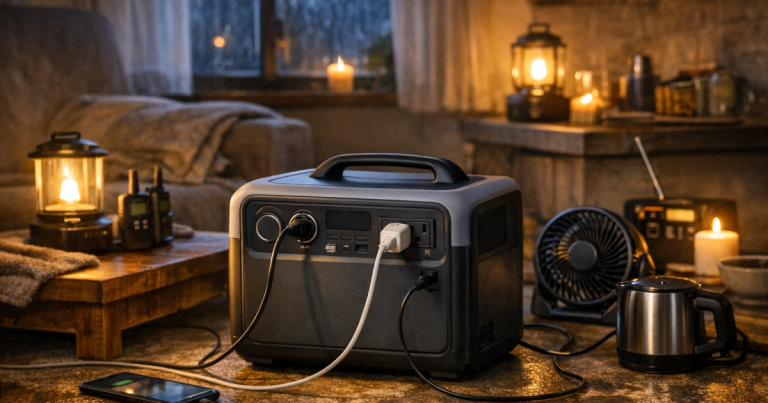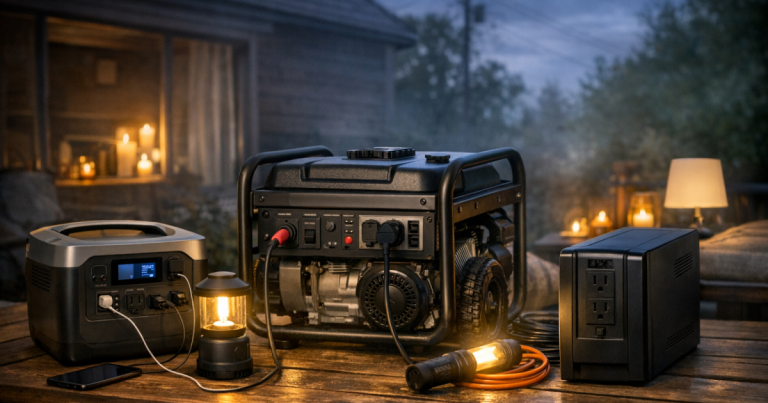
A portable power station can keep the practical parts of an outage under control: phones charged, a router online, a lamp lit, and maybe a medical or comfort device running. Getting portable power station extension cords right is what turns that battery into a safe, usable setup instead of a tangle of cables across the floor.
The goal is simple: use the shortest safe cord path, match the cord to the load, avoid overloads, and keep every connection dry, visible, and easy to unplug.
Any connection that ties a portable power station into household wiring, an electrical panel, an inlet, or a transfer device should be carried out by a qualified electrician to comply with local electrical codes and safety requirements.
The safe setup in plain English
For most households, the safest extension-cord setup is a small, intentional layout: power station in a dry indoor location, one or two heavy-duty grounded cords, and only the devices you have chosen to support. Do not try to power the house by plugging a cord into a wall outlet. That creates a backfeed hazard and can endanger utility workers, neighbors, and your own equipment; if that warning raises questions, read this guide on how to prevent backfeed during a home outage.
- Use grounded, three-prong extension cords for three-prong devices.
- Keep cords as short as practical; long cords waste power and can increase voltage drop.
- Match the cord rating to the connected load, not just to the power station size.
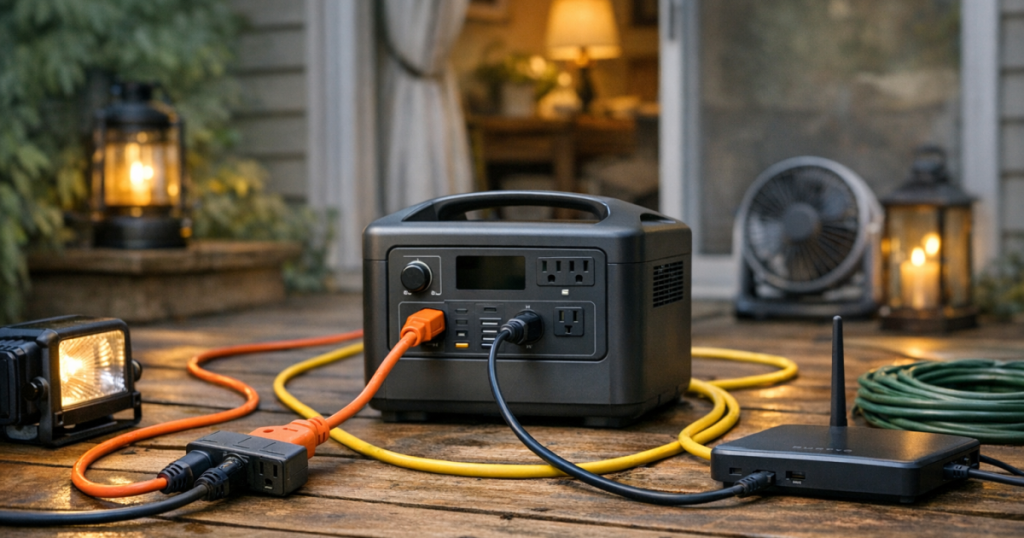
- Do not daisy-chain extension cords or pile adapters onto one outlet.
- Check cords for heat, damage, loose plugs, or tripped protection during use.
Think of the cord layout as part of your outage plan, not an afterthought. A good layout makes it obvious what is powered, what is not powered, and what needs to be unplugged when the battery gets low.
Step 1: Decide what actually needs cord power
Start with the essentials before you start plugging things in. During a blackout, every outlet on the power station is competing for the same stored energy. Extension cords make that power easier to reach, but they do not increase capacity.
Write down the items you want to run, then separate them into short-outage and overnight needs. Common low-to-moderate loads include phones, tablets, rechargeable lanterns, a Wi-Fi router, a cable modem, a laptop, a small fan, or a CPAP machine. Higher-demand items may include mini fridges, some kitchen appliances, coffee makers, pumps, heaters, or anything with a motor or heating element.
If you are not sure where to draw the line, use a priority list before you build the cord layout. The planning process in how to prioritize what gets power during a blackout is a useful next step because it keeps the setup focused on comfort, safety, communication, food, and medical needs instead of “whatever happens to be nearby.”
Step 2: Check watts, amps, and the power station outlet limit
Every extension-cord setup has three limits: the power station, the cord, and the device. The lowest limit wins.
Look at the label or manual for the device you want to run. Some labels list watts directly. Others list amps. For a standard US 120-volt device, watts are roughly volts multiplied by amps. For example, a device drawing 2 amps at 120 volts uses about 240 watts. That is an estimate, and some devices use more power when starting than they do while running.
Then check the AC outlet rating on your power station. Many stations have a total AC output limit and may also have limits per outlet. A power station with multiple AC outlets does not mean each outlet can run a large appliance at the same time. If the unit shows overload warnings, shuts off, or beeps, reduce the load rather than trying another adapter.
The cord also matters. A light-duty indoor cord may be fine for a lamp or phone charger but a poor match for a refrigerator, microwave, power tool, or anything that pulls substantial current. For heavier household loads, use a properly rated heavy-duty cord and verify the amp rating printed on the cord jacket or packaging.
Step 3: Pick the right cord type for the job
Most home outage setups work best with fewer, better cords. A single sturdy cord running to a small cluster of low-draw devices is usually cleaner and safer than several thin cords crossing the room.
For phones, lamps, routers, and laptops
Low-draw electronics are usually the easiest loads to manage. A short, grounded indoor extension cord or a quality power strip can help you keep chargers and networking gear together. Keep the total load modest, and avoid stacking cube taps, splitters, and adapters.
For a refrigerator or freezer
Use a heavy-duty grounded cord rated for the appliance load and keep it as short as practical. Before relying on this setup, test it while the grid is on so you can confirm the power station handles startup without tripping. Do not assume a fridge will run simply because the running watts appear low; compressor startup can be the harder part.
For outdoor routing
A portable power station should be kept where the manufacturer says it can be used safely, which is typically dry, ventilated, and protected from weather. If a cord must pass near a porch, garage opening, or covered outdoor area, use an outdoor-rated cord and protect every connection from moisture. Never leave plugs sitting in puddles, snow, wet grass, or roof runoff.
For medical or nighttime equipment
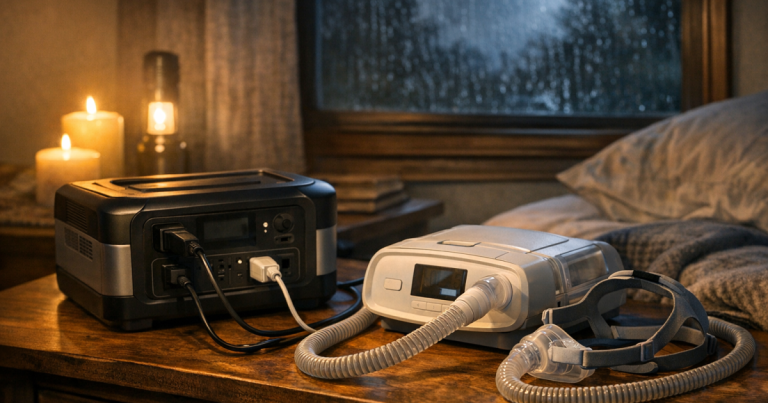
Keep the cord route short, visible, and free from trip hazards. If a CPAP machine, oxygen-related equipment, or other medically important device is part of your plan, confirm the device manufacturer’s power requirements and build in a backup plan beyond a single cord and battery.
Step 4: Place the power station before you plug anything in
Good placement solves many cord problems. Put the power station on a stable surface, away from blankets, curtains, water, pets, and foot traffic. Leave space around vents if the unit has cooling fans. Keep the display visible so you can monitor remaining charge and output.
A central location often works better than putting the station next to one device. For example, placing it on a hallway table may let you power a router in one direction and a lamp or charging station in another without stretching cords across doorways. For an apartment, a living room corner may be better than a bedroom floor because it keeps cords out of walking paths.
Do not bury the power station under bedding or furniture to muffle fan noise. Heat is not your friend during battery discharge, and hidden cords are easier to damage or forget.
Step 5: Route cords like you expect to walk around in the dark
Outage cord routing should assume poor visibility, tired people, and moving around at night. Keep cords along walls where possible. Use low-tack cord covers or tape only in ways that do not damage the cord jacket. Never run cords under rugs, under mattresses, through pinched doorways, or across sharp metal edges.
- Keep plugs and connections off the floor when there is any chance of water intrusion.
- Leave enough slack that plugs are not pulled sideways.
- Do not coil excess cord tightly while it is carrying a meaningful load.
- Keep cords away from space heaters, stovetops, candles, and fireplace areas.
- Label the cord near the power station if several devices are plugged in.
For multi-room setups, resist the urge to create a web of cords. It is usually safer to rotate power between locations than to keep every room energized at once.
Step 6: Plug in one load at a time and watch the display
Once the cord is in place, plug in the most important device first. Give motors and compressors time to start before adding anything else. Watch the power station display if it shows watts, runtime estimate, or overload alerts.
Runtime estimates are helpful, but they are not promises. A router may draw a steady low load. A refrigerator cycles on and off. A laptop may draw more while charging than after the battery is full. A fan may use different amounts of power at different speeds.
If the power station has AC and DC outputs, use the most direct output that safely fits the device. USB charging for phones and tablets may be more efficient than plugging several wall chargers into an AC cord. For a plain-English explanation of why that matters, see what AC and DC power do in home backup systems.
Step 7: Know when a power strip is acceptable
A power strip can be useful for low-draw electronics, but it should not become a way to ignore limits. Use one quality, grounded power strip for small loads such as a modem, router, phone charger, and lamp. Keep the total well below the strip rating, cord rating, and power station output limit.
Avoid plugging high-demand appliances into a power strip unless the strip, cord, and power station are all clearly rated for that kind of load. Do not plug one power strip into another. Do not use a damaged strip, loose outlet, or strip that feels hot. Surge protection can be useful for electronics, but it does not make an overloaded setup safe.
Step 8: Monitor heat, runtime, and behavior during the outage
Check the cord and plug area after 10 to 15 minutes under load, then occasionally afterward. Warm can be normal in some situations, but hot is a stop sign. If a plug, cord, adapter, or outlet feels hot to the touch, unplug the load and reduce the demand. Also stop using cords with cracked insulation, exposed copper, bent prongs, scorch marks, or plugs that do not fit snugly.
Use the display as a decision tool. If the power station drops faster than expected, unplug nonessential items early instead of waiting until the battery is nearly empty. During overnight use, favor low, steady loads such as networking gear, phones, medical comfort devices, and a small lamp over short bursts of high-power convenience.
Common mistakes to avoid
- Using a thin household cord for a high-draw appliance because it “fits.” Fit is not the same as rating.
- Running several rooms from one outlet on the power station without calculating the total load.
- Leaving cords across walkways where someone may trip during a nighttime outage.
- Assuming an outdoor-rated cord makes the power station itself weatherproof.
- Plugging the power station into a wall outlet to “feed” the house.
- Ignoring startup surge for refrigerators, freezers, pumps, or motor-driven equipment.
A simple blackout cord layout
For a short outage, a practical setup might look like this: the power station sits on a dry side table near the center of the living area. One short cord powers a lamp and phone charging area. Another cord reaches the modem and router. The refrigerator remains unplugged unless the outage stretches long enough to require a cooling cycle, and then other loads are removed before testing it.
For an overnight setup, the layout changes. The lamp goes off or switches to a rechargeable lantern. Phones charge before bedtime, then are unplugged. The router may stay on if communication matters. A medical or sleep device gets priority over entertainment. The cord path is cleared before dark so nobody is stepping over cables half-awake.
Questions people ask
Can I use any extension cord with a portable power station?
No. The cord needs to match the load, plug type, environment, and distance. A light-duty cord may be acceptable for small chargers but not for appliances or high-draw devices.
Is it safe to run an extension cord to another room?
Yes, if the cord is properly rated, not pinched, not hidden under rugs, and routed where people will not trip. Keep the run as short and visible as practical.
Can I plug a power strip into my power station?
Usually, for small electronics only, as long as the total load stays within the power strip, cord, and power station limits. Do not daisy-chain power strips.
Why does my power station shut off when I plug in an appliance?
The appliance may exceed the station’s running output or startup surge capability. Unplug other loads, check the appliance label, and test only if the power station manual says the load is appropriate.
Should the cord be 12-gauge or 14-gauge?
It depends on the load and length. Heavier loads and longer runs generally call for heavier-duty cords. Use the amp rating printed on the cord and match it to the device and power station limits.
The big picture
Good portable power station extension cords are not about reaching every outlet in the house. They are about delivering limited backup power to the few devices that matter most, without creating heat, trip hazards, overloads, or backfeed risks.
Set the station where it is dry and visible. Use short, grounded, properly rated cords. Plug in one load at a time. Keep high-draw appliances on a deliberate schedule instead of leaving everything connected. That simple approach makes a battery backup system calmer, safer, and much more useful when the lights are out.