When the lights go out, the hard part is not just finding backup power; it is deciding what deserves it first. Clear blackout power priorities help you keep people safe, protect food and medication, stay reachable, and avoid draining a battery or overloading a generator in the first hour.
The goal is not to run your house as normal. The goal is to build a calm order of operations so every watt goes toward the things that matter most.
Generator inlet wiring, transfer switch installation, interlock setup, and any connection to a home electrical panel should be carried out by a qualified electrician in compliance with the National Electrical Code, manufacturer instructions, and local requirements.
The short version
During a blackout, power should usually go to life safety first, then food and medication, then communication, then basic comfort, and only then convenience. That order may change if someone in the household depends on powered medical equipment, works remotely during emergencies, or needs heat to prevent frozen pipes.
- First priority: medical devices, mobility equipment, safe lighting, and anything tied to immediate health or safety.
- Second priority: refrigerator, freezer, medication storage, and basic cooking or water needs.
- Third priority: phones, weather alerts, router or modem, and one working laptop if needed.
- Fourth priority: fans, limited heating support, sump pump cycles, or other home-protection loads.
- Last priority: entertainment, laundry, large kitchen appliances, decorative lighting, and anything that burns power without solving a real outage problem.
If you have not mapped your household risks yet, start with a simple home blackout risk assessment. A fridge-only plan is very different from a plan for a household with a CPAP machine, electric well pump, sump pump, or older adult who is sensitive to heat.
Step 1: List what actually needs power
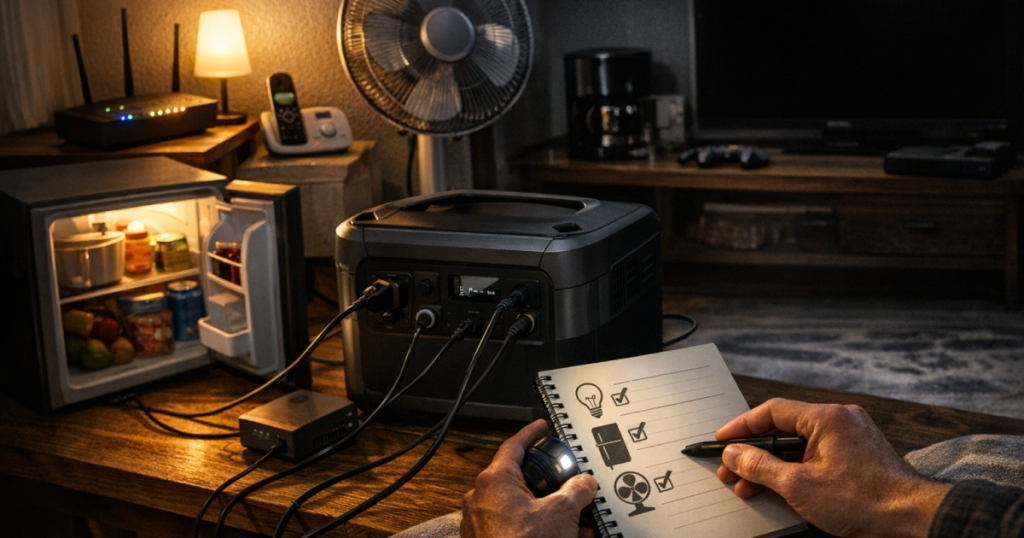
Walk through your home and write down everything you might be tempted to plug in during an outage. Then separate the list into needs, helpful items, and nice-to-have items. This prevents the common mistake of letting the nearest device win just because it is easy to plug in.
Needs
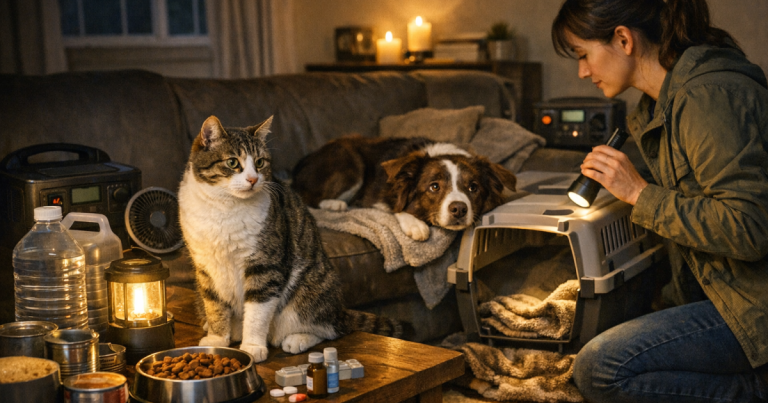
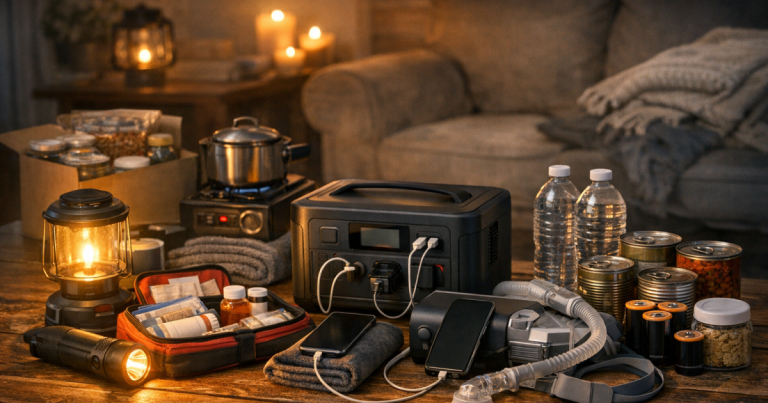
These are the loads that protect people, food, medication, or the home itself. Examples include a CPAP machine, oxygen concentrator, powered medical equipment, refrigerator, freezer, sump pump, well pump controls, essential lighting, phone charging, and a NOAA weather radio.
Helpful items
These make the outage easier but can usually be scheduled rather than powered all the time. Examples include a router, laptop, box fan, microwave for short use, coffee maker for a few minutes, battery charger, or small TV for local updates.
Nice-to-have items
These should usually stay off backup power unless you have a large, properly installed system with plenty of capacity. Examples include gaming PCs, space heaters, clothes dryers, electric ovens, dishwashers, large entertainment systems, and decorative lighting.
Step 2: Sort the list by consequence, not convenience
A good outage plan starts with one question: what goes wrong if this item loses power? If the answer is immediate health risk, food spoilage, loss of emergency communication, flooding, or unsafe temperatures, it moves up the list. If the answer is boredom or inconvenience, it moves down.
Use this simple ranking:
- Critical: loss of power could affect health, safety, medication, flooding risk, or the ability to receive emergency information.
- Important: loss of power creates meaningful disruption, but you can manage it for a while with timing, rotation, or non-electric alternatives.
- Optional: loss of power is annoying but not urgent.
For many households, the critical list is shorter than expected. One or two lights, phones, medical devices, fridge or freezer cycles, and a communications setup may matter more than trying to keep every room powered.
Step 3: Know the difference between running watts and startup surge
Some devices draw a steady amount of power. Others briefly need more power when they start. Refrigerators, freezers, sump pumps, well pumps, furnace blowers, and some power tools can have startup demands that are higher than their normal running load.
This is why a generator or portable power station can appear large enough on paper but still struggle when several motor-driven items start at once. Do not assume that every appliance with a plug is safe to run from every backup source. Check the appliance label, the manual, or a measured load reading, and compare it with the output limits of the generator, inverter, UPS, or power station you plan to use.
Plain-English rule: add up what is running at the same time, leave margin, and avoid starting multiple heavy loads together. If your fridge, sump pump, and microwave all try to pull power at once, the system may trip, shut down, or run poorly.
Step 4: Build a tiered power plan
A tiered plan makes decisions easier when everyone is tired, the weather is rough, and the outage has already lasted longer than expected. Instead of debating each device, you follow the order you already wrote down.
Tier 1: Always protected
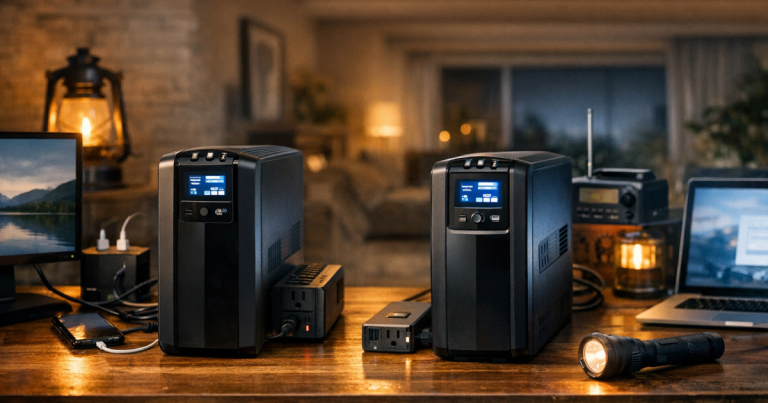
This tier covers the loads you want ready as soon as the outage starts. It may include medical equipment, one or two safe lights, a phone, a weather radio, and any device that must stay powered continuously. For some households, a small UPS or battery backup for a router or medical-adjacent device may bridge the first few minutes while a generator or larger battery is set up.
Tier 2: Cycled on a schedule
This tier includes appliances that do not need constant power but do need attention. A refrigerator and freezer may only need periodic runtime depending on room temperature, door openings, appliance condition, and how full they are. A sump pump may need power when water is rising, not every minute. A router may be run during check-in windows rather than all night if battery capacity is limited.
Tier 3: Comfort blocks
This tier is for controlled use of fans, small cooking appliances, device charging, limited entertainment, or a laptop. The key is to give them time windows. For example, charge phones for one hour, run the router for evening updates, cool one bedroom with a fan overnight, or use the microwave briefly while the fridge is not cycling.
Tier 4: Leave off unless capacity is clearly available
High-draw comfort and convenience loads belong here. Electric space heaters, large air conditioners, electric ranges, and clothes dryers can consume a lot of power quickly. They may also exceed what a portable setup can safely provide. If they are part of a serious outage plan, they need proper sizing, correct installation, and realistic fuel or battery expectations.
Step 5: Match priorities to your backup source
The same priority list works differently depending on whether you have a UPS, a portable power station, a portable generator, or a standby system. The backup source does not change what matters most, but it does change how much you can run at once and for how long.
- UPS units are best for short bridging power for routers, networking gear, desktop computers, or small electronics. They are not a whole-room backup plan.
- Portable power stations are useful for quiet indoor battery power for phones, lights, laptops, routers, small medical support loads, and some appliance cycling, depending on capacity and output limits.
- Portable generators can handle more sustained loads when used outdoors with proper cords, fuel planning, and safe connection methods.
- Standby systems can support larger parts of the home, but they still need planned load management and maintenance.
If your backup source is limited, do not spread it thin across too many minor devices. A small battery running one medical device and a phone charger is doing more useful work than the same battery trying to support lamps, a TV, speakers, and a half-charged laptop all at once.
Step 6: Rotate loads instead of powering everything
Most households do not need every priority load powered continuously. Rotation is the practical middle ground: run the fridge for a while, then charge devices, then run the sump pump if needed, then switch back to food protection. This is especially useful with portable generators and mid-size batteries.
A simple rotation might look like this:
- Morning: power refrigerator or freezer, charge phones, run the router for updates, and make hot drinks or simple food if your setup can support it.
- Midday: shut down nonessential loads, top off battery banks, check indoor temperatures, and preserve fuel or stored battery capacity.
- Evening: run communications, lights, fridge or freezer, and any medical or comfort loads needed for the night.
- Overnight: keep only the essential continuous loads running, such as medical equipment, one fan, or a low-power light if needed.
For a deeper walkthrough, the guide to rotating generator loads explains how to stagger appliances without overloading a backup setup.
Step 7: Protect food without wasting power
Refrigerators and freezers are common blackout priorities, but they do not need to be treated like light switches. Keep doors closed, group frozen items together, use appliance thermometers, and avoid browsing for snacks. A full freezer generally holds cold better than a half-empty one, but actual safe time depends on temperature, door openings, appliance condition, and how packed it is.
Do not guess when food safety matters. Use thermometers in the refrigerator and freezer, and follow current USDA food safety guidance during extended outages. If a food item has been held above safe temperatures for too long, backup power cannot make it safe again.
Step 8: Plan for communication before comfort
Phones, a weather radio, and a modest internet setup can be more important than most entertainment loads. During storms, wildfire shutoffs, ice events, and heat waves, information affects decisions: whether to stay put, conserve fuel, check on neighbors, or prepare for a longer outage.
Prioritize at least two ways to receive updates. A charged phone is useful, but cellular networks can be congested or disrupted. A NOAA weather alert radio and a basic charging plan give you another layer. If you need internet for work or family communication, decide ahead of time whether the router and modem are Tier 1 or Tier 2 loads.
Step 9: Do not let unsafe shortcuts enter the plan
A good priority list is only useful if the power is delivered safely. Never run a generator indoors, in a garage, on a porch, or near open windows or doors. Keep generators outdoors, away from living spaces, and follow the manufacturer’s carbon monoxide, fueling, grounding, and extension cord instructions.
Do not connect a generator to a home through a dryer outlet, improvised cord, or any method that can energize utility lines or household wiring in an unsafe way. If a generator will feed home circuits, use a properly installed transfer switch or approved interlock arrangement. The safety guide on how to prevent generator backfeed is worth reading before you plan any panel-connected setup.
A simple household priority example
Imagine a suburban family with one refrigerator, one chest freezer, two phones, a cable modem and router, a laptop, several LED lanterns, and a sump pump. Their first draft might say they want to power everything. A better plan would rank the loads like this:
- Tier 1: sump pump during rain, phones, weather radio, two LED lights, and any medical needs.
- Tier 2: refrigerator and freezer on scheduled cycles, with thermometers used to track temperatures.
- Tier 3: router and laptop during communication or work windows.
- Tier 4: TV, extra lights, gaming equipment, and small kitchen extras only if capacity is clearly available.
That plan is not glamorous, but it is resilient. It keeps the basement dry, protects food, keeps people reachable, and avoids wasting limited runtime on loads that can wait.
Things readers ask
Should the refrigerator always be the first thing I power?
Not always. Medical equipment, safe lighting, communication, or a sump pump during active flooding may rank higher. The refrigerator is important, but it can often be cycled instead of powered continuously.
Is it better to power one big appliance or several small devices?
It depends on consequence and capacity. Several small devices may keep people safe and connected, while one large appliance may use most of your available power. Start with health, safety, food protection, and communication.
Can I run my whole house from a portable generator?
Some portable generators can support selected circuits, but that is not the same as running a whole home normally. Large appliances, heating and cooling equipment, and motor loads need careful sizing and safe connection methods.
How often should I update my priority list?
Review it at least before storm season and whenever your household changes. New medical needs, a new freezer, remote work, a baby, an older adult moving in, or a new sump pump can all change the order.
What is the easiest way to test my plan?
Run a short blackout drill in daylight. Turn off nonessential devices, use your backup setup as planned, time how long tasks take, and note what was confusing, overloaded, missing, or harder than expected.
In brief
Good outage planning is less about powering everything and more about choosing deliberately. Put health and safety first, protect food and medication, preserve communication, rotate larger loads, and save comfort items for controlled windows. Once your blackout power priorities are written down, the first hour of an outage becomes much calmer: you already know what gets power, what waits, and what stays off.