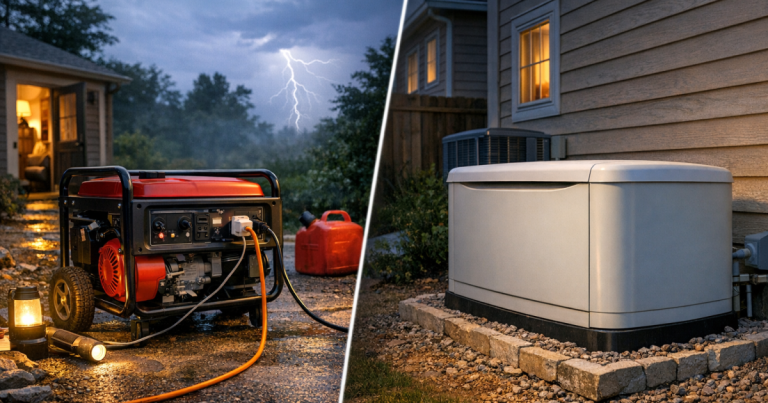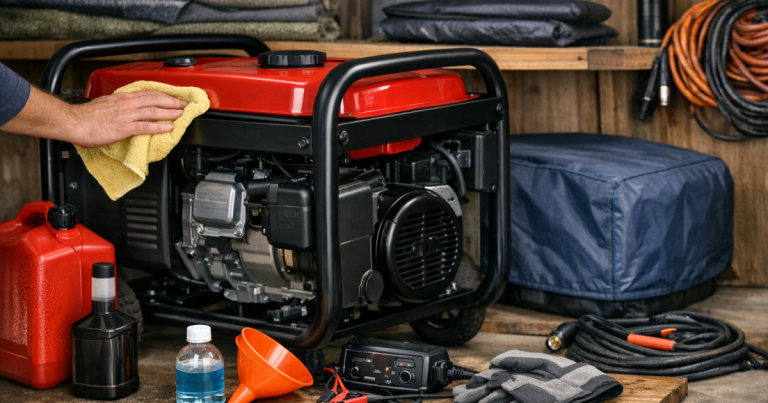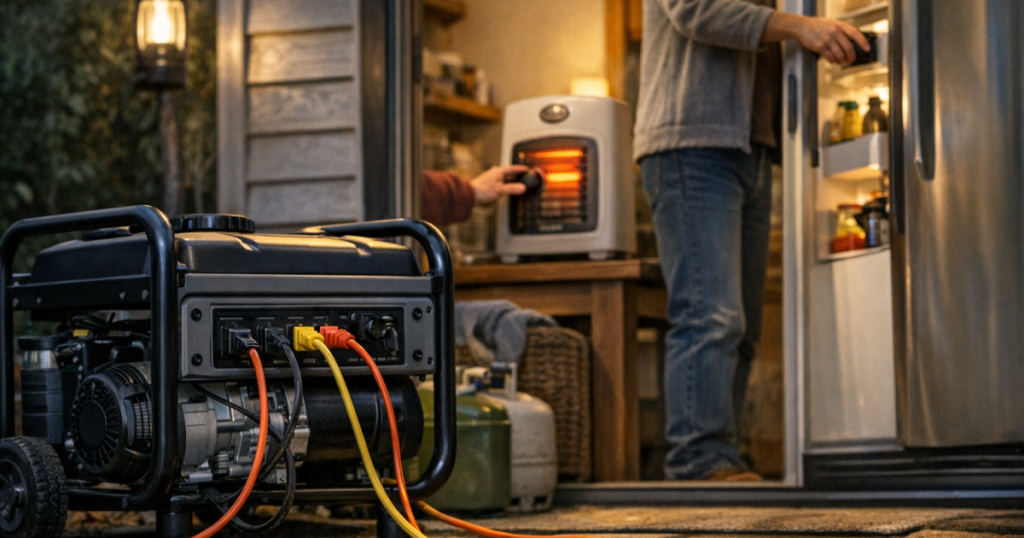
A generator feels much more useful when you have a calm plan for what runs, what waits, and what gets turned off before the next appliance starts. The goal is to rotate generator loads so your fridge, freezer, internet gear, lights, and comfort items each get power without asking the generator to do everything at once.
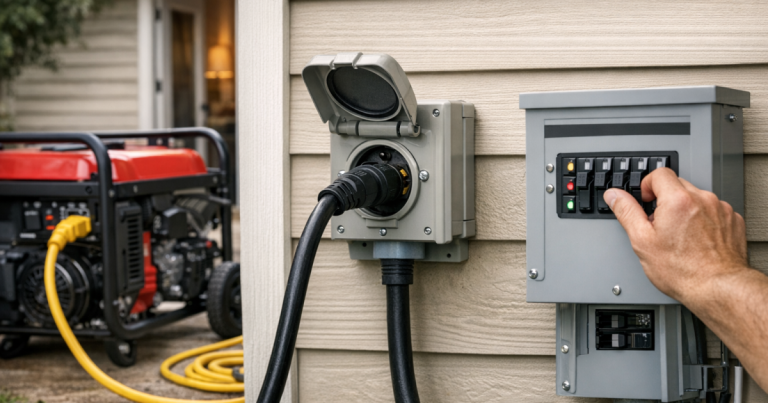
Generator-to-panel connections, transfer switches, interlocks, and any wiring that ties backup power into household circuits should be handled by a qualified electrician in compliance with local electrical codes and safety requirements.
What to know first
Load rotation is the simple practice of running only a few important items at a time, then switching to the next group after the first group has done its job. It is useful because most portable generators can handle several essentials, but not every essential at the same time.
- Running watts are the watts an appliance uses after it is already operating.
- Starting watts are the short burst some motors need when they first turn on, such as a refrigerator or sump pump compressor.
- Continuous load is what your generator must carry steadily without struggling, tripping, or overheating.
- Priority loads are the things that protect health, food, communication, heat, or safety.
A good rotation plan leaves headroom. If a generator is rated for a certain running wattage, do not plan to sit right at that number for hours. Real homes have startup surges, extension cord losses, fuel changes, and appliances that cycle on unexpectedly.
Step 1: Separate always-on loads from timed loads
Start with two lists. The first list is for items that should stay on as much as possible. The second list is for items that only need short sessions.
Common always-on or long-running loads
- Medical devices that must remain powered according to the user’s care plan.
- A refrigerator or freezer during hot weather or a long outage.
- A small number of LED lamps for safe movement after dark.
- Router, modem, and phone charging if communication is important.
- A furnace blower or boiler controls when safely connected through the right transfer equipment.
Common timed loads
- Coffee maker, microwave, toaster oven, or electric kettle.
- Well pump or sump pump, depending on how often it needs to run.
- Window air conditioner for cooling cycles rather than continuous whole-room operation.
- Battery chargers for phones, laptops, radios, and tool batteries.
- Laundry, dishwasher, or other convenience loads that may be skipped entirely during a short outage.
This first split prevents the most common overload mistake: adding one short-term appliance on top of everything that is already running. A microwave may only run for a few minutes, but those few minutes can be enough to trip an overloaded generator if the fridge compressor and a pump start at the same time.
Step 2: Write down the watts before the outage
During a blackout is the worst time to guess. Before storm season or wildfire shutoff season, walk through the house and note the wattage labels on the appliances you care about. Some labels list amps instead of watts. For standard US household voltage, you can estimate watts by multiplying volts by amps, but actual use can vary, especially with motors and compressors.
If you use a portable generator, match your plan to its running watt rating, not just its surge rating. The surge rating is there for brief startup moments. It is not a promise that the generator can carry that load continuously.
If you are still deciding how much generator capacity makes sense for your home, the sizing basics in dual-fuel generators for blackouts can help you think through gas, propane, and realistic appliance loads before you build a rotation schedule.
Step 3: Build a simple rotation schedule
You do not need a complicated chart. A handwritten schedule on painter’s tape near the generator cord setup is often enough. The key is to group loads so only one large cycling appliance or heating element runs at a time.
Example: fridge, freezer, internet, and meals
- Hour 1: Run the refrigerator, freezer, router, a few LED lights, and phone chargers.
- Hour 2: Keep the router and lights on, then run the microwave or coffee maker only after the fridge and freezer have cycled off or been unplugged temporarily.
- Hour 3: Return to fridge and freezer cooling, then charge laptops or power banks.
- Overnight: Reduce to the safest minimum, such as medical equipment, a few lights, and communication gear, depending on household needs.
The timing depends on your appliances, indoor temperature, food safety needs, and generator size. A freezer that is full and kept closed can usually coast longer than a frequently opened refrigerator, but do not rely on guesses. Use appliance thermometers and keep doors closed as much as possible.
Example: pump plus household basics
- Turn off or unplug nonessential loads before starting the pump.
- Let the pump complete its cycle without competing with a microwave, space heater, or large power tool.
- After the pump stops, wait a moment before reconnecting smaller comfort loads.
- Write down how often the pump normally runs during heavy rain so you are not surprised at night.
Pumps can be hard on small generators because of startup demand. If a sump pump or well pump is a critical load, treat it as a priority item rather than something you squeeze in after everything else is already running.
Step 4: Start big loads one at a time
When the generator is running, avoid the habit of plugging everything in at once. Start with the generator unloaded, let it stabilize according to the manufacturer’s instructions, then add loads in order.
- Connect the most important load first.
- Wait for motors or compressors to finish starting.
- Add the next load only after the generator sounds steady.
- Keep heat-producing appliances for short, controlled sessions.
- Unplug one large load before starting another large load.
Listen for warning signs: bogging down, flickering lights, tripped breakers, hot cords, unusual smells, or appliances cycling poorly. Those are not annoyances to push through. They are signs that the setup needs fewer loads, better cord management, or a different backup power plan.
Step 5: Use the right connection method
Load rotation is not only about wattage. It also depends on how power reaches the appliance. A refrigerator plugged into a heavy-duty outdoor-rated extension cord is very different from a generator connected to selected home circuits through approved transfer equipment.
Never plug a generator into a wall outlet to energize the house. That can create dangerous backfeed for utility workers, neighbors, and your own household. If you plan to power hardwired circuits, review the safety basics in how to prevent generator backfeed during a home outage and have the connection method set up properly.
For cord-connected loads, use cords rated for the load and outdoor conditions. Keep connections dry, avoid coiled cords under heavy load, and route cords where they will not be pinched by doors, driven over, or tripped on in the dark.
Step 6: Keep a load log during the first real test
The first time you use the plan, write down what worked. A simple log can show whether the generator handled the fridge and freezer together, whether the router rebooted when another appliance started, or whether a certain cord path was inconvenient.
- Time each major appliance ran.
- Note when the generator sounded strained or tripped.
- Record fuel use in rough terms, such as how long one tank lasted under that load mix.
- Mark which loads were truly essential and which were not worth the trouble.
- Update the plan before the next outage.
A short home blackout drill is the easiest way to find problems while the lights are still on and the weather is calm. The process in running a home blackout drill pairs well with a generator load schedule because it reveals the small details people forget, like where cords cross walkways or which outlet powers the modem.
Common overload traps to avoid
- Running electric heat casually: Space heaters, electric water heaters, and electric ranges can draw a lot of power. They are usually poor fits for small portable generator rotation plans.
- Forgetting startup surge: Two appliances with motors may look manageable on paper but overload the generator if they start together.
- Leaving chargers everywhere: Phone and laptop chargers are small individually, but they add clutter and can hide which loads are actually connected.
- Letting convenience creep in: Once the fridge and lights are working, it is tempting to add a TV, coffee maker, microwave, and more. Add one thing at a time.
- Ignoring carbon monoxide risk: A generator belongs outdoors, far from doors, windows, vents, garages, and enclosed spaces. Use working carbon monoxide alarms indoors.
- Refueling hot equipment: Shut the generator down and let it cool before refueling, following the manufacturer’s instructions.
A simple household rotation template
Use this as a starting point and adjust it to your generator, home, weather, and essential needs.
- Core group: Refrigerator or freezer, a few LED lights, phone charging, and communication gear.
- Meal group: One cooking appliance at a time, with fridge or freezer temporarily off if needed.
- Water group: Well pump, sump pump, or other pump load run separately from cooking and heating loads.
- Comfort group: Fan, small window air conditioner, or other comfort item run in planned windows rather than continuously.
- Recharge group: Power banks, radios, laptops, and tool batteries charged when larger appliances are not starting.
Households with medical equipment should make that equipment the center of the plan, not an afterthought. Confirm power needs, backup duration, and any device-specific requirements with the equipment provider or healthcare team before relying on a generator rotation plan.
Things readers ask
Can I run my refrigerator and freezer at the same time?
Often, yes, if the generator has enough running capacity and enough surge headroom. The safer approach is to start one, let it settle, then start the other instead of connecting both at once.
How much headroom should I leave on a generator?
There is no single number for every setup, but leaving a meaningful margin below the running watt rating helps handle compressor starts, voltage dips, cord losses, and surprise loads.
Should I turn off the fridge before using the microwave?
On a smaller generator, that can be a smart rotation move. Let the fridge cool during its scheduled window, then unplug it briefly while using a short, high-demand cooking appliance.
Can a transfer switch make load rotation easier?
Yes. A properly installed transfer switch or interlock can let you manage selected circuits more neatly, but it does not increase generator capacity. You still need to choose which circuits run at the same time.
Is it safe to run a generator overnight?
Only if the generator is outdoors in a safe location, protected from weather as the manufacturer allows, secured, fueled appropriately, and not overloading. Many households reduce overnight loads to the essentials.
Key takeaways
The safest rotation plan is boring in the best way: know your watts, start big loads one at a time, give critical appliances scheduled turns, and leave margin instead of chasing the generator’s maximum rating. A portable generator can make a long outage much easier, but it works best when the household treats power as a limited resource and uses it deliberately.
Write the plan before the outage, test it once, and keep the schedule where everyone can see it. When the lights go out, the calmest house is usually the one that already knows what gets plugged in first, what waits, and what stays off.