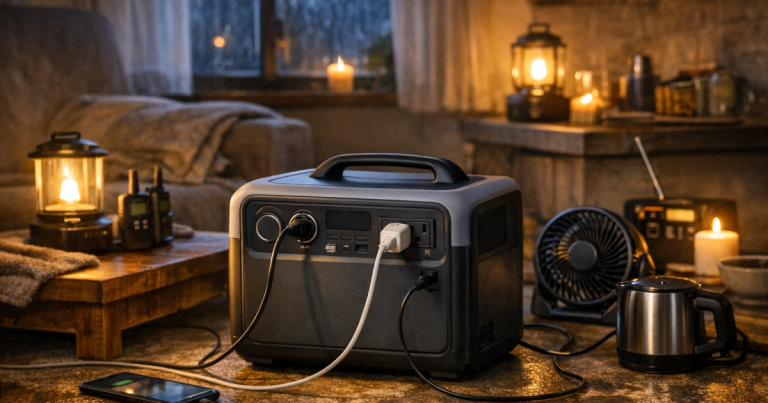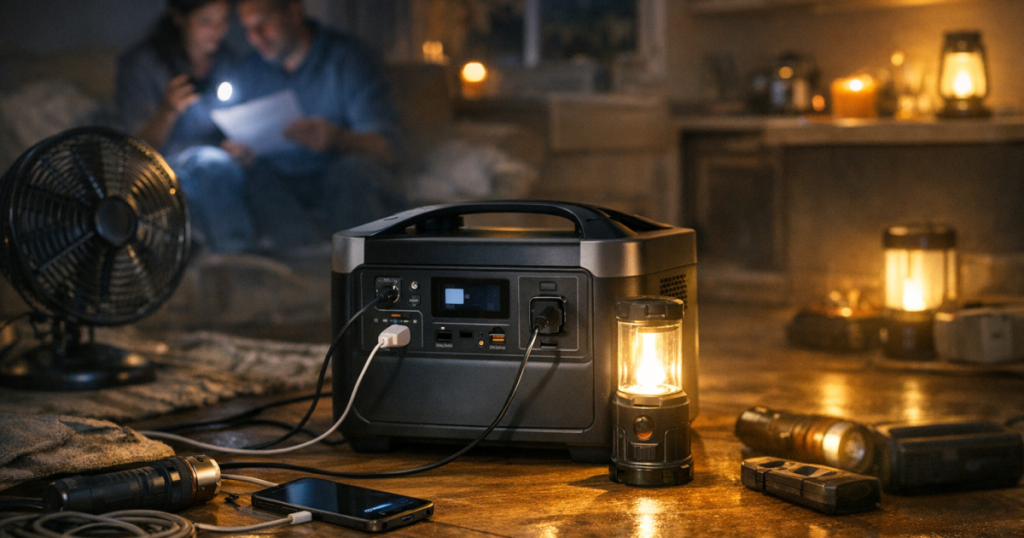
A portable power station for blackouts is not a magic whole-home battery; it is a quiet, rechargeable way to keep selected essentials running. The right choice starts with what you actually need during an outage: communication, light, refrigeration, medical comfort, work access or all of the above. For broader outage planning ideas, the Outage Essentials blog is a useful next step once your power needs are clear.
Think of the power station as a limited energy tank. A larger unit can run more equipment for longer, but it costs more, weighs more and still needs a realistic way to recharge if the outage stretches beyond a day.
The short version
- List the devices you must power, then separate true essentials from comfort items.
- Check running watts, starting surge and watt-hours, not just the headline size on the box.
- Plan for real runtime, not perfect lab conditions. Cold weather, age, inverter losses and high loads reduce usable energy.
- Choose outlets and charging methods that match your household: AC sockets, USB-C, DC ports, car charging and solar input where useful.
- Do not connect a portable power station to household wiring unless the setup is designed for that use.
Connecting a power station to household wiring, breaker panels, transfer equipment or inlet boxes should be carried out by a qualified electrician to meet local electrical codes, product instructions and safety requirements.
Start with the outage you are preparing for
A family trying to keep phones, a Wi-Fi router and a few lights running for an evening has a different problem from someone protecting refrigerated medicine or working remotely through a multi-day storm outage. Before looking at models, write down your expected blackout scenario.
- Short outage, under 12 hours: phones, LED lamps, router, laptop and maybe a small fan are usually the priority.
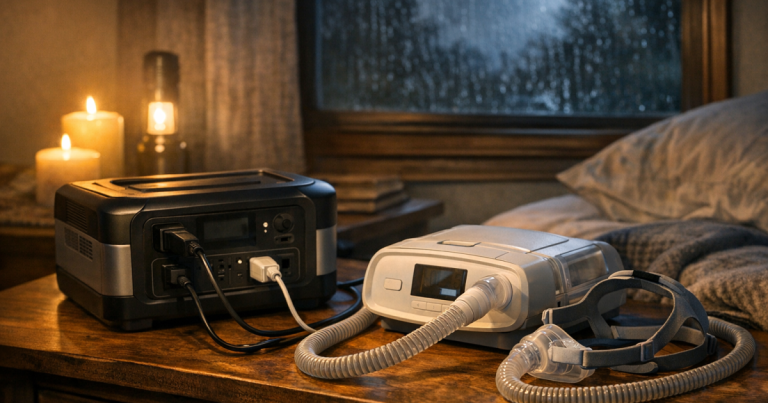
- Overnight outage: add CPAP use, food-safety monitoring, more lighting and spare capacity for morning device charging.
- One to three days: refrigeration, repeated recharging, solar input, car charging and energy discipline matter much more.
- Wildfire shutoff or storm season planning: quiet indoor operation, low-maintenance storage and predictable recharging may matter more than peak output.
This step keeps you from buying based on panic or oversized promises. Many households are better served by a right-sized battery for essentials than by chasing a system that claims to do everything but does not match their daily routine.
Understand watts, watt-hours and surge without getting lost
Three numbers matter most. Watts describe how much power a device uses while running. Watt-hours describe how much energy the station can store. Surge, sometimes called starting watts, describes the brief extra power some appliances need when they first turn on.
A simple way to estimate runtime is to divide usable watt-hours by the watts being used. If a station has 1,000 watt-hours of stored energy and your combined load averages 100 watts, the rough runtime is about 10 hours before real-world losses. In practice, inverter loss, temperature and battery reserve can shorten that estimate, so build in a margin.
Low-watt items are usually straightforward. Phones, tablets, LED lamps and routers tend to use modest power. Laptops vary more. Fridges and freezers are trickier because they cycle on and off, and their starting surge can be much higher than their running draw. Space heaters, kettles, hair dryers and large cooking appliances can drain a battery quickly or exceed its output limit.
Decide what must stay on
Instead of asking whether a station can run your home, ask what you would regret losing first. For most blackout plans, the practical list is short:
- Communication: phones, battery radio, router and modem if internet service is still available.
- Light: rechargeable lanterns, headlamps and low-watt lamps are more efficient than trying to light whole rooms.
- Cold storage: fridge or freezer support, plus a thermometer so you can make food-safety decisions.
- Health and comfort: CPAP machines, mobility-device charging, small fans or medical-device support where appropriate.
- Work and school: laptops, monitors only if necessary, and networking equipment.
If a device is medically essential, confirm its power requirements with the device label, manufacturer information and any guidance from the healthcare provider or equipment supplier. Do not assume a battery will safely support medical equipment for a full night without testing the actual setup beforehand.
Match capacity to a realistic household plan
Capacity is where many people overspend or underbuy. A compact station can be excellent for phones, lamps and a router, but it may not be the right tool for refrigerator support. A mid-size unit may cover a quiet overnight plan. A larger portable station can handle more demanding loads, but it becomes heavier and more expensive, and recharging becomes a bigger part of the plan.
Use these sizing bands as planning categories, not guaranteed performance:
- Small capacity: good for phones, tablets, LED lights, radios and short laptop use. Better for renters, travel and grab-and-go kits.
- Medium capacity: better for routers, laptops, CPAP planning and longer lighting use. Often the practical middle ground for apartment blackouts.
- Larger portable capacity: more suitable for fridge cycling, freezer support, longer remote-work needs or multiple household members sharing one unit.
When checking a model, look for both continuous AC output and battery capacity. A station may have enough stored energy but not enough output for a startup load, or enough output but too little capacity for the runtime you expect.
Outlet layout matters more than it looks
During a blackout, convenience becomes a safety issue. A power station with the wrong outlets can lead to awkward adapters, overloaded power strips or cables crossing walkways. Check the ports against your real devices before committing.
- AC outlets: needed for standard household plugs, routers, laptops with adapters and some appliances.
- USB-C ports: useful for modern phones, tablets and laptops, especially if they support higher power charging.
- USB-A ports: still helpful for older cables, radios and small accessories.
- DC/car-style output: useful for certain coolers, inflators or specialist low-voltage gear, but compatibility varies.
- Pass-through or UPS-style operation: check the manufacturer’s wording carefully; not every station is designed to act like a true uninterruptible power supply.
If you already use a separate UPS for a desktop computer or router, treat that as a different tool. A UPS is usually designed to bridge short interruptions and shut equipment down safely, while a portable power station is designed to provide stored energy over a longer period.
Plan recharging before the lights go out
A power station that sits empty in a closet is just heavy luggage. Build a simple charging routine: top it up before storm season, check it on a calendar and recharge after every use. Most households should also think about how the station will recover during a longer outage.
Wall charging is the simplest option when grid power is available. Car charging can help during extended outages, but it is slower and should be done with attention to vehicle battery health and ventilation. Solar panels can extend runtime, but solar depends on panel size, weather, shade, season and positioning. It is not instant fuel.
If solar recharging is part of your plan, check the station’s solar input limits and compatible connector type before buying panels. A folding panel such as the Goal Zero Boulder 100 Briefcase is a useful example of the kind of physical size and setup space to think through, but you still need to verify compatibility with your chosen station.
Noise, fumes and indoor use
One reason portable power stations are attractive is that they can operate indoors without engine noise or fuel exhaust. That makes them useful for apartments, townhomes, night-time outages and neighbourhoods where a generator would be disruptive.
That does not make every setup risk-free. Keep vents clear, avoid covering the unit with blankets or clothing, keep it dry, and use only suitable cables in good condition. Do not place it where pets, children or foot traffic can tug cables loose. If you are using it for a fridge, route the cord carefully and avoid daisy-chaining extension leads.
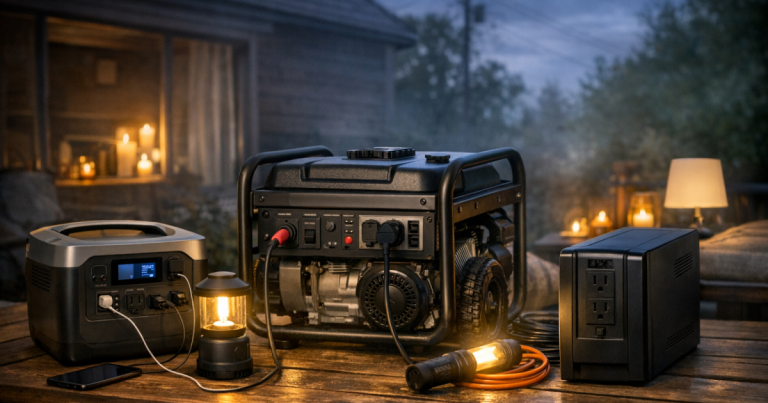
Gas, petrol, propane and dual-fuel generators are a separate category. They must never run indoors, in garages or near open windows. If your needs are beyond what a battery station can reasonably support, compare generator options separately and plan fuel storage, carbon monoxide safety and transfer equipment correctly.
What to check on the product page and manual
Marketing pages often lead with the biggest number. The manual and specifications usually tell you what matters for a blackout setup. Look for:
- Battery capacity in watt-hours.
- Continuous AC output and surge output.
- Supported charging methods and charging times.
- Operating temperature range and storage guidance.
- Number and type of outlets.
- Battery chemistry and expected cycle-life wording.
- Whether the unit supports simultaneous charging and discharging, and under what limits.
- Manufacturer guidance for fridge, CPAP, router or appliance use.
- Warranty terms and service process.
For readers who want real-world examples to anchor their research, models such as the EcoFlow DELTA 3 Plus Portable Power Station and BLUETTI Elite 100 V2 Portable Power Station show the kind of mid-size category many households investigate. Treat them as comparison references, not automatic answers: confirm current specifications, outlet layout, weight, charging limits and compatibility with your own loads.
Outage Essentials may earn from qualifying purchases when readers use product links; the site explains that clearly in its affiliate disclosure.
A simple sizing exercise
Try this before reading more product pages. Write down the essential devices you want to run during the first 12 hours of a blackout. Next to each one, note its running watts from the label, power adapter or manufacturer documentation. Multiply watts by expected hours of use, then add the results together.
For devices that cycle, such as a fridge, do not guess from the nameplate alone. Use a plug-in power meter ahead of time if possible, or treat manufacturer figures as rough planning information. Add extra margin for startup surge and for the fact that batteries do not always deliver their headline capacity under every condition.
Then ask three practical questions:
- Can the station handle the highest single device and the combined load?
- Does the estimated runtime still look acceptable after leaving a safety margin?
- Can you recharge it before the next night if the outage continues?
If the answer to any of those is no, adjust the plan. You may need fewer loads, a larger station, a separate UPS for networking, a generator for high-demand equipment or a staged approach where the fridge runs intermittently while lights and phones use smaller batteries.
Common mistakes that lead to disappointment
- Buying for peak fantasy instead of daily reality: whole-room comfort appliances can drain a station quickly.
- Ignoring surge: fridges, pumps and some tools may need more startup power than expected.
- Forgetting cable management: blackout setups should not create trip hazards in dark rooms.
- Assuming solar will fully recharge the unit every day: shade, clouds and winter sun can change the result dramatically.
- Letting it sit untested: run a controlled home test before storm season, not during the first outage.
Questions people ask
Can a portable power station run a refrigerator?
Sometimes, but it depends on the refrigerator’s running watts, startup surge, cycling pattern and the station’s output. Test the setup in advance and monitor food temperatures with a fridge thermometer.
Is a bigger power station always better?
No. Bigger usually means more capacity, but also more weight, cost and recharge time. The best size is the one that matches your essential loads and realistic charging plan.
Can I use a power station in an apartment?
Yes, portable power stations are well suited to apartments because they do not burn fuel during use. Keep the unit dry, ventilated and positioned so cords do not create hazards.
Should I get solar panels with it?
Solar can help during longer outages, but it is weather-dependent and must match the station’s input limits. It is most useful when you have safe outdoor space with good sun exposure.
Can a power station replace a generator?
For lights, phones, routers and some small essentials, it often can. For high-watt appliances, long outages or circuit-level home backup, a generator or installed backup system may be more appropriate.
What to remember
The right portable power station for blackouts is the one that supports your essentials without creating false confidence. Start with your devices, estimate energy use, check surge limits, plan recharging and test the setup before you need it.
For more household outage planning, emergency comfort ideas and backup power basics, start from the Outage Essentials home page and build a plan that fits your actual home rather than someone else’s worst-case scenario.