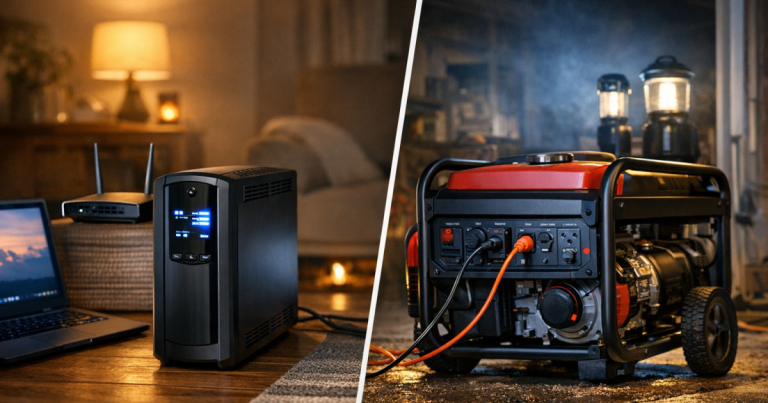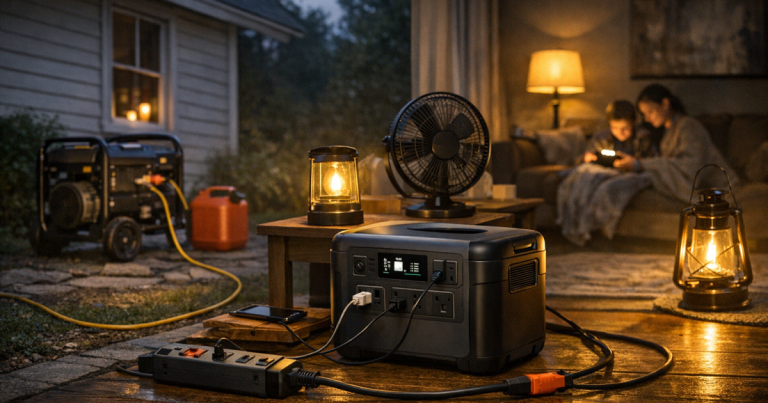
A blackout plan gets easier when you think in backup power loads instead of simply asking whether a generator or battery is “big enough.” The real question is what you need to run, when it starts, how long it must stay on, and what can wait. A refrigerator cycling for food safety, a router for remote work, a CPAP machine overnight, and a few LED lamps all behave differently.
Transfer switch, interlock, and generator inlet wiring should be installed by a qualified electrician to comply with the National Electrical Code, manufacturer instructions, and local permit requirements.
The short version
Every backup setup has three limits: starting watts, running watts, and usable energy or fuel. Starting watts are the brief surge some appliances need when motors kick on. Running watts are the ongoing draw after the appliance is operating. Runtime is how long your battery, generator fuel, or mixed system can support the equipment you choose.
The practical goal is not to power the whole house exactly as usual. For most outage plans, the goal is to keep the safest and most useful items running in shifts: refrigeration, medical devices, basic lighting, communications, internet if needed, fans or limited heat support, and charging for phones and laptops.
A good household load plan answers four questions:
- Which items are essential for safety, health, food, work, or communication?
- Which items have motor start-up surges or heating elements?
- Which items must run continuously, and which can run in timed blocks?
- Which items are too power-hungry for your backup source?
Starting watts are the surge, not the steady load
Many common appliances do not draw power in a flat, predictable way. A refrigerator, freezer, sump pump, furnace blower, or well pump may use a short burst of extra power when its motor starts. That burst is often called starting watts, surge watts, or peak watts. After the motor is moving, the draw usually settles into lower running watts.
This matters because a backup source can look adequate on paper but still trip, shut down, or overload when two motor-driven items start at once. For example, a fridge and a sump pump may both be reasonable loads individually. If they start at the same moment, the combined surge can exceed what a small battery inverter or portable generator can handle.
Heating appliances are a different problem. Space heaters, electric kettles, toaster ovens, hair dryers, and electric ranges usually do not have the same motor surge issue, but they can draw a lot of steady power. That means they can drain a battery quickly or consume generator capacity that could otherwise support several essentials.
The label on an appliance, the owner’s manual, or a plug-in watt meter can help you estimate draw. Treat those numbers as planning inputs rather than promises. Real use changes with age, thermostat setting, room temperature, compressor cycling, and how often doors are opened.
Running watts tell you what can stay on together
Running watts are the steady demand after a device is operating. This is the number to use when deciding what can run at the same time. Add the running watts of your active devices, then leave headroom. Running a system at its absolute limit is a good way to create nuisance shutdowns, hot cords, and frustration during an already stressful outage.
For a simple essentials setup, a household might group loads like this:
- Always-on or frequent: refrigerator, freezer, medical device, router, modem, phone charging.
- Comfort blocks: a fan, small room lighting, laptop, TV for updates, battery chargers.
- Occasional short-use items: microwave, coffee maker, tool battery charger, garage door opener.
- Usually avoid on small systems: electric space heater, electric water heater, central air conditioning, electric oven, clothes dryer.
The exact list depends on your home. A renter in an apartment may care most about phones, lights, internet, and medication cooling. A rural household may have a well pump, septic pump, chest freezer, and fuel storage to think through. A remote worker may prioritize router uptime during a short outage but shift to food safety and sleep comfort during a multi-day event.
If you are still sorting essentials from nice-to-have items, use a household power priority list before sizing or testing equipment. It is much easier to make calm decisions now than to negotiate every outlet during a storm.
Runtime is about energy, not just watt rating
A watt rating tells you how much power a device can supply at a moment. Runtime tells you how long it can keep doing it. This is where batteries and generators feel very different.
With a portable power station or UPS, runtime depends on usable battery capacity, the load connected to it, inverter losses, temperature, age, and reserve settings. A low-draw router may run much longer than a small refrigerator, and a high-draw heating appliance may drain the same battery surprisingly fast. Manufacturer runtime charts can be useful, but your own test is more trustworthy because it reflects your actual gear.
With a generator, runtime depends on fuel type, tank size, load level, engine efficiency, weather, and maintenance condition. A lightly loaded inverter generator may run longer on a tank than the same unit pushed hard, but you still need safe fuel storage, refueling discipline, and a plan for noise and exhaust. Generators must operate outdoors, away from doors, windows, vents, garages, and enclosed spaces.
For a deeper fuel-planning step, especially if you expect storm outages or wildfire shutoffs to last more than a day, review multi-day generator fuel planning alongside your load list. Fuel is part of capacity, not an afterthought.
A realistic example: the first 24 hours
Imagine a suburban home with a fridge, chest freezer, cable modem and router, several phones, two LED lamps, a laptop, and a CPAP machine. The first mistake would be plugging everything in at once and hoping the system sorts it out. A better plan is to run by priority and timing.
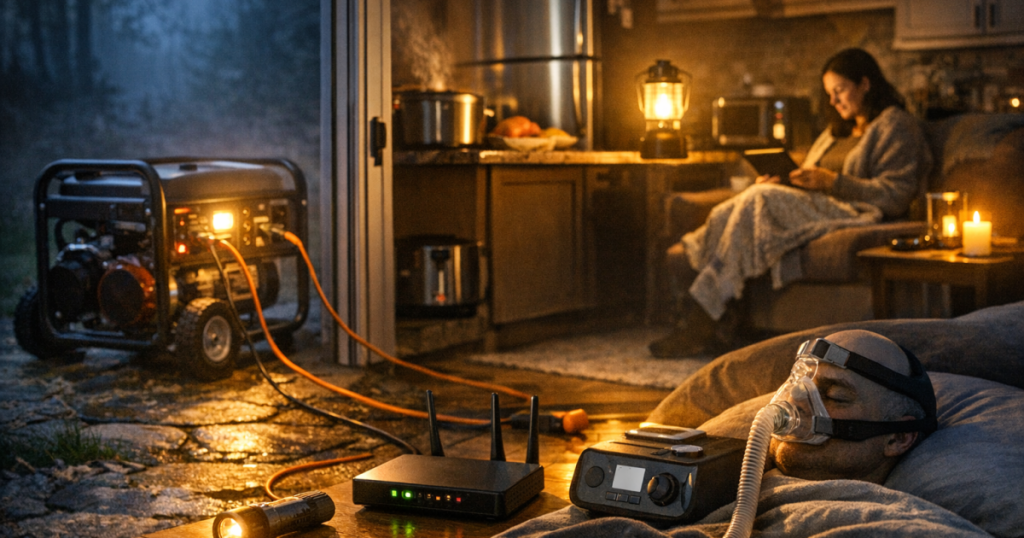
During the first few hours, keep the fridge and freezer doors closed as much as possible. Power the router and phones if communication or work matters. Run lamps only in occupied rooms. If the CPAP machine is needed at night, preserve enough battery capacity or generator runtime for sleep rather than using that energy on entertainment earlier in the evening.
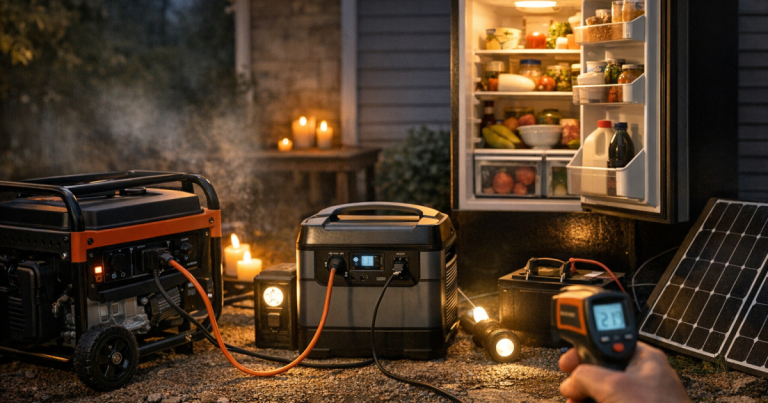
For refrigeration, cycling matters. A fridge does not usually need every other device turned on at the same time. You may be able to run cold storage in blocks, then switch to charging, lighting, or internet. Use appliance thermometers in the fridge and freezer so you are making food-safety decisions from temperatures, not guesses.
If a sump pump is part of the picture, it may outrank almost everything during heavy rain. Water damage can become urgent faster than a laptop battery. That is why priorities should change with the outage scenario, not stay fixed on a neat checklist.
How to build a simple load plan
You do not need an electrical engineering worksheet. A plain list is enough for most homes if it captures the right details.
1. Make an essentials list
Write down the devices that matter during an outage. Include fridge, freezer, medical devices, router and modem, phones, lights, fans, garage access, sump pump, furnace controls, and anything tied to infants, older adults, pets, or refrigerated medication.
2. Find the watt information
Check labels, manuals, or manufacturer information. For plug-in devices, a watt meter can show real draw during normal use. For hardwired appliances, furnace circuits, transfer-switch loads, or pump circuits, use equipment documentation and electrician guidance rather than guessing.
3. Separate start-up loads from steady loads
Mark anything with a motor or compressor. Refrigerators, freezers, pumps, and blowers deserve extra attention because their starting surge can be higher than their running draw. Avoid starting several of them at once.
4. Decide what runs together
Create groups. For example: “overnight sleep,” “food cooling,” “work and communication,” and “storm water protection.” The same generator or battery may support all of these, but not necessarily at the same time.
5. Test the plan before you need it
A paper plan is helpful; a tested plan is better. Plug in the actual cords, run the actual devices, and time the setup under normal conditions. If you have not done this yet, follow a structured backup power test before an outage so you can catch missing adapters, overloaded circuits, noisy placement issues, and unrealistic runtime expectations.
Common mistakes that shrink your real capacity
The most common mistake is counting only running watts and ignoring starting watts. The next is treating every appliance as equally important. During an outage, a coffee maker, TV, freezer, and medical device should not compete on equal terms.
Another mistake is forgetting cords and connection limits. A generator may be capable of supplying more than a single extension cord, power strip, or inlet circuit should handle. Use outdoor-rated generator cords where appropriate, keep cords uncoiled when carrying meaningful load, avoid daisy-chaining power strips, and follow the ratings on every cord, inlet, transfer switch, and device.
Battery users often make the opposite mistake: they protect the battery percentage but never test the real runtime. A display estimate can change quickly when a compressor starts or a higher-watt device is added. Use the display as a guide, then confirm with a timed drill.
Finally, many households overlook quiet hours. A generator may be fine during the day but impractical overnight because of noise, fuel, security, or neighborhood concerns. That is where a mixed approach can work well: generator time for refrigeration and recharging during daylight, battery power for quiet overnight essentials.
The big picture
Backup power loads are not just numbers on a spec sheet. They are a map of how your household stays safe, connected, and reasonably comfortable when the grid is down. Starting watts help you avoid overloads. Running watts help you decide what can operate together. Runtime helps you protect the hours that matter most.
The best plan is usually modest and deliberate: power fewer things well, rotate noncritical devices, leave safety headroom, and test the setup before storm season. Once you understand your household’s real demand, choosing between a portable power station, generator, UPS, or mixed setup becomes much less confusing.
Common questions
Do I add starting watts for every appliance?
Only add starting watts for devices that may start at the same time. If you can stagger a refrigerator, freezer, pump, or blower, you reduce the chance of a combined surge overloading your backup source.
Is a bigger generator always better?
No. Extra capacity can help, but larger units may use more fuel, create more noise, and require heavier cords or transfer equipment. Match the system to your priority loads and realistic runtime needs.
Can I run a refrigerator from a portable power station?
Sometimes, but you need to verify the refrigerator’s starting surge, running draw, plug type, and the power station’s inverter rating and usable capacity. A home test is the safest way to estimate runtime.
What should get power first in a blackout?
Start with health and safety: medical equipment, refrigerated medication, sump pump needs, communication, and safe lighting. Then protect food, work needs, comfort, and convenience in that order.
How much headroom should I leave?
Leave a comfortable margin below the rated output of your generator, inverter, cords, and circuits. Headroom helps absorb motor surges, measurement errors, and real-world conditions like heat or aging equipment.