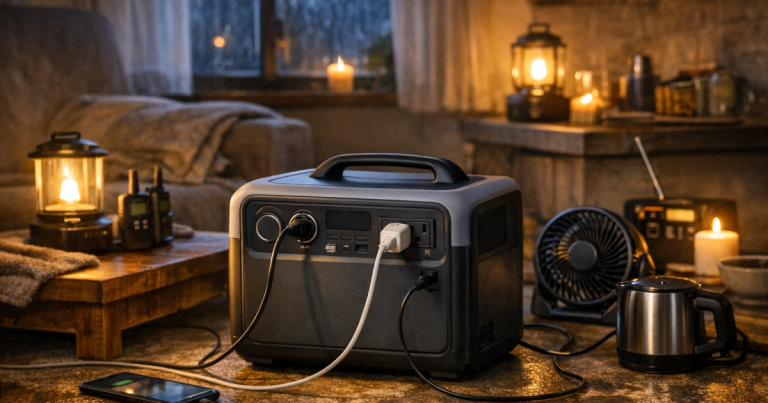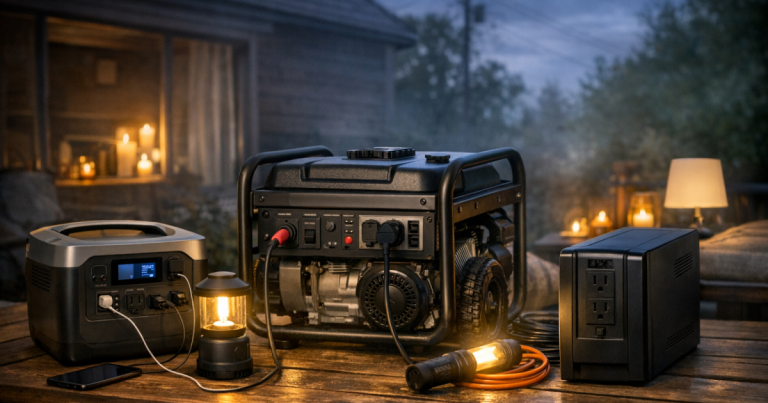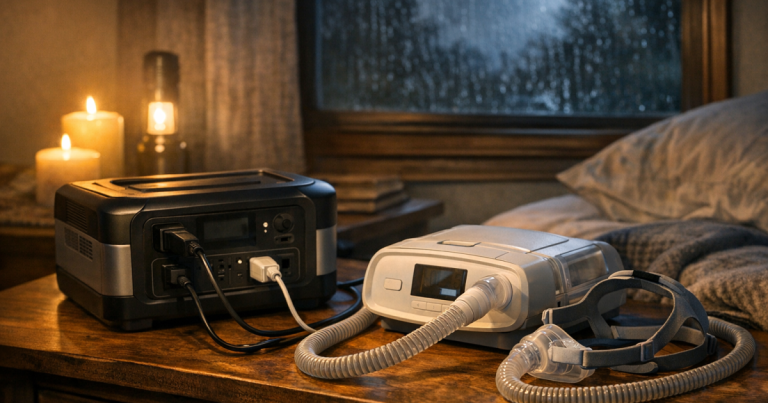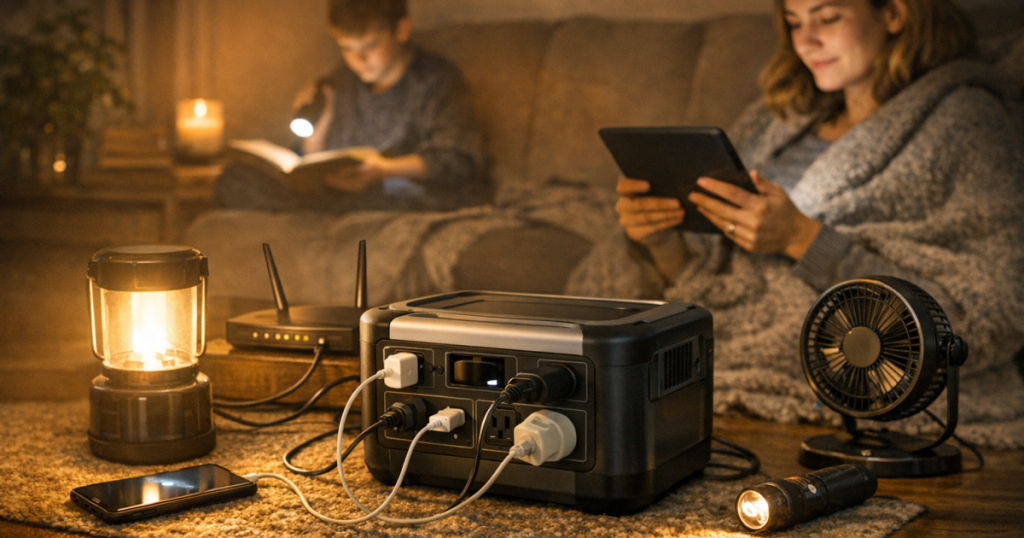
A blackout is easier to manage when one quiet battery has a clear job. The safest way to use a portable power station indoors is to treat it like an essential-device hub, not a whole-home substitute: place it carefully, keep loads modest and recharge it without shortcuts. That keeps phones, lights, routers and some medical or comfort devices running while avoiding the common mistakes that cause overloads, heat build-up or cable hazards.
Professional guidance: Connections that tie any backup power source into home wiring, including inlet boxes, transfer switches or interlock kits, should be carried out by a qualified electrician to comply with local electrical codes, manufacturer instructions and safety requirements.
The short version
- Use the power station for essential plug-in devices, not hard-wired home circuits.
- Keep it dry, uncovered and on a stable surface with airflow around it.
- Add up the watts of everything you plan to run before plugging it in.
- Avoid daisy-chaining extension leads, power strips or outlet adaptors.
- Recharge from a wall outlet when possible; if using a fuel generator, keep that generator outdoors and well away from doors, windows and vents.
- Test your setup before storm season, not during the first hour of an outage.
Step 1: Choose a safe indoor location
A portable power station is much safer indoors than a fuel-burning generator because it does not create exhaust while discharging. That does not mean it can go anywhere. Heat, blocked vents, water and cable clutter are the usual problems.
Put the unit on a hard, flat surface where it cannot be kicked, covered by blankets or trapped under furniture. Keep it away from sinks, bathtubs, damp basement floors, open windows during rain and any area where pets or children might pull on charging leads. Leave open space around the vents according to the manufacturer’s manual; if the manual gives a clearance distance, follow that rather than guessing.
Bedrooms can work for small overnight loads, but avoid placing the unit on bedding or soft carpet where airflow can be restricted. A hallway table, dry utility room shelf or living-room side table often makes a better command point for phones, lights and a router.
Step 2: Give the battery one realistic job
The safest setups are usually simple. Decide whether the power station is mainly for communication, refrigeration support, work-from-home tasks, medical comfort equipment or night-time lighting. Trying to run everything from one unit makes it harder to spot overloads and wastes energy on devices that do not matter during a short outage.
Start with the household needs that would create the most trouble if they stopped. For one family, that might be a phone, Wi-Fi router, rechargeable lantern and laptop. For another, it might be a CPAP machine, medication cooler and a basic light. If you are still sorting priorities, use the site’s guide to deciding which devices matter in a blackout before building your plug-in plan.
Be careful with heat-producing appliances. Space heaters, kettles, hot plates, hair dryers, toaster ovens and similar devices can draw a lot of power and may exceed the output rating of many portable units. They also drain batteries quickly. During an outage, warmth, cooking and hot water usually need a separate safe plan rather than being treated as casual battery loads.
Step 3: Check watts before you plug anything in
Every power station has two limits that matter during a blackout: how much power it can deliver at one time, and how much stored energy it has. The first is usually shown in watts. The second is usually shown in watt-hours.
Look at the label or power adaptor for each device you want to run. Some devices show watts directly. Others list volts and amps; multiply volts by amps to estimate watts. Add the running watts together, then leave headroom below the power station’s rated output. Motors and compressors, such as those in some refrigerators, can have a higher starting surge than their running draw, so do not assume a large appliance will work just because the average wattage looks manageable.
Runtime is an estimate, not a promise. A simple starting point is stored watt-hours divided by the total watts being used, with an allowance for conversion losses and changing loads. For a fuller walk-through, the guide on how to calculate backup power runtime explains how to turn device labels into a more realistic outage plan.
Step 4: Connect devices without creating cable problems
Indoor battery use often goes wrong because the power station is safe, but the cable layout is not. Keep cords out of walkways, stairs and doorways. Do not run leads under rugs, through pinched doors or across wet floors. If you need an extension lead, use one rated for the load and in good condition, with no exposed conductors, cracked plugs or loose sockets.
Avoid daisy-chaining power strips. One neat strip for low-draw electronics may be reasonable if it stays within both the strip rating and the power station’s output rating, but stacking adaptors makes overloads and heat harder to notice. If the power station has multiple AC outlets, USB ports and DC outputs, spread low-power devices sensibly rather than forcing everything through one adaptor.
Use the right output for the device. Phones and tablets can often use USB ports, which may be more efficient than plugging in a wall charger through an AC outlet. Laptops, routers and medical devices should be connected according to their manufacturer instructions. For medically necessary equipment, follow the device maker’s backup-power guidance and keep a non-battery contingency plan in place for longer outages.
Step 5: Recharge without bringing outdoor risks inside
Before severe weather arrives, charge the unit fully and keep it where you can reach it easily. During an outage, recharge from a wall outlet only when grid power is available and stable. If your model supports solar charging, place the panel outdoors or in appropriate sun exposure while keeping the power station itself protected from rain, standing water and extreme heat. Route any cable so it is not crushed by a window or door.
Never use a petrol, propane or natural-gas generator indoors, in a garage, on a porch, or near open windows to recharge a battery. Fuel-burning generators can produce carbon monoxide, and the safe part of that setup is distance and ventilation outdoors. If you use a generator to top up a power station, the generator stays outside and the battery comes inside only after charging, unless the manufacturer’s safe charging instructions clearly allow the specific arrangement you are using.
Step 6: Run a simple night-time routine
Outages become more stressful after dark, so make the battery setup boring on purpose. Before bedtime, plug in the devices you truly need overnight and unplug anything that can wait until morning. Dim lights, switch phones to low-power mode and consider whether the router needs to stay on all night.
If the power station has a screen, check the remaining charge before you sleep and again when you wake up. Do not ignore heat, buzzing, unusual smells, repeated shut-offs or error warnings. Unplug loads and let the unit cool if the manual indicates an over-temperature or overload condition.
Checks to make before storm season
- Charge the unit and confirm it holds charge in normal storage.
- Test your most important devices for at least a short trial run.
- Label the wattage of chargers, router power supplies and small appliances you expect to use.
- Store charging cables, device adaptors and a safe extension lead in the same place.
- Keep rechargeable lights separate from the power station so lighting does not depend on one battery.
- Review the manual for storage temperature, charging limits and error codes.
If you are still choosing a unit or checking whether your current one is the right size, the guide to choosing a portable power station for blackouts covers capacity, output, recharge options and realistic household use cases.
Questions people ask
Can I run a refrigerator from a portable power station inside?
Sometimes, but you need to verify the refrigerator’s running watts, starting surge and plug type against the power station’s output rating. Test it before an outage and use a fridge thermometer so food safety is not based on guesswork.
Is it safe to leave a power station plugged in overnight?
It can be, if the unit is in good condition, placed with airflow, used within its rated limits and operated according to the manual. Avoid soft surfaces, covered vents and overloaded power strips.
Can I plug a power station into a wall outlet to power the house?
No. Backfeeding through a wall outlet is dangerous and can put utility workers, neighbours and your home at risk. Home wiring connections require proper transfer equipment installed by a qualified electrician.
Should I use a UPS instead for my router?
A UPS can be useful for very short interruptions and smooth shutdowns. A portable power station usually offers longer runtime, but you should verify whether your model supports the device behaviour you expect.
Can I use solar panels through a window?
Solar panels usually perform better outdoors in direct sun. If you route a cable indoors, keep the battery dry and protected, and make sure the cable is not pinched, tripped over or exposed to rainwater entering the room.
What to remember
A portable power station is one of the calmer indoor blackout tools because it is quiet, plug-in friendly and does not burn fuel while powering devices. The safe approach is to keep it dry and ventilated, stay within watt limits, avoid messy adaptor chains and reserve capacity for the devices that matter most. With a short test run and a labelled cable kit, you can turn it from an emergency gadget into a dependable part of your household outage routine.