Deciding what to power during an outage is less about owning the biggest backup system and more about protecting the routines that keep your household safe. A fridge, router, phone, lamp, medical device and fan do not all matter equally at every hour. The right list changes with the season, the people at home and how long the power is likely to be out.
Generator-to-panel connections, transfer switch installation and any work inside a breaker panel should be carried out by a qualified electrician to comply with local electrical codes, permitting requirements and safety standards.
The short version
Start with the loads that prevent harm, then add the loads that prevent expensive losses, then add comfort. In most homes, that means this order: medical and safety needs, communication, refrigeration, lighting, heating or cooling support, then work and convenience devices.
A useful outage power list is not a wish list. It is a small, ranked set of devices that you can actually run with the backup power you have. If the outage lasts longer than expected, the list helps you rotate loads instead of guessing under pressure.
- First priority: medical devices, essential mobility equipment, phones, weather alerts and basic lighting.
- Second priority: fridge, freezer, medication storage and water-related needs where power is required.
- Third priority: internet, laptops, fans, small cooking appliances and comfort items.
- Usually not first priority: central air conditioning, electric ovens, clothes dryers, large space heaters and other heavy loads unless your system was specifically designed for them.
Step 1: List the people, not the appliances
The best starting point is the household, not the equipment shelf. Write down who is usually at home during an outage and what each person needs to stay safe for a few hours, overnight and for a full day.
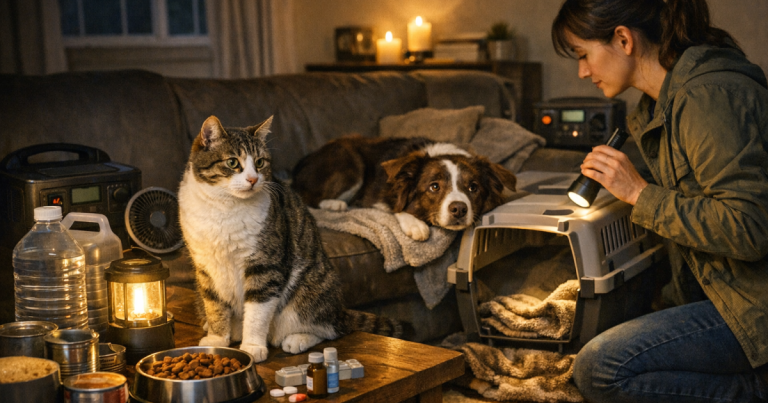
For an older adult, the priority might be a phone, lighting on the route to the bathroom, medication refrigeration and a way to stay warm or cool. For a remote worker, internet and laptop power may matter during a short outage, but become less important if the outage is caused by severe weather and the neighbourhood network is down. For a baby, safe room temperature, lighting and a way to prepare food may outrank entertainment devices.
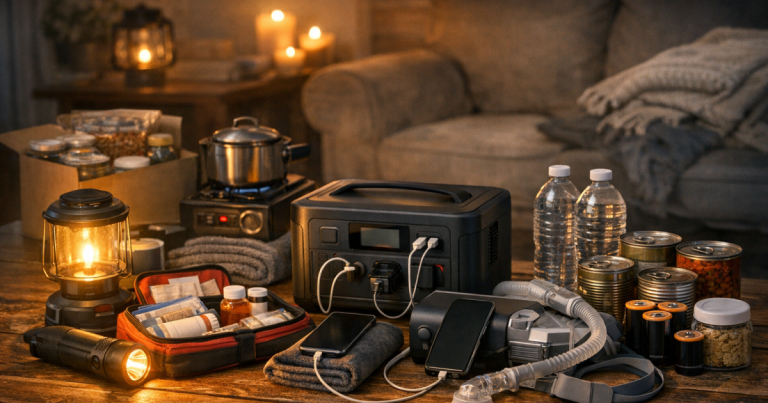
If someone uses a CPAP machine, oxygen equipment, powered mobility support or refrigerated medication, treat that as a planning item rather than a last-minute add-on. Follow the equipment manufacturer’s instructions and any healthcare guidance for backup power, cleaning and safe operation. Then build the rest of the plan around that need.
If you have not already mapped the people, rooms and routines that matter most, it helps to build a written home blackout plan before choosing any backup power setup.
Step 2: Sort devices into four practical groups
Once you have the household needs written down, group the devices by consequence. This keeps the decision calm when the lights go out.
Must run
These are the items that protect health, safety or essential communication. Examples include a medical device, phone charging, a weather radio, a small lamp, a baby monitor where needed, or a powered garage access workaround if someone cannot safely lift the door manually.
Should run
These are important but can often be managed in cycles. A fridge, freezer, modem and router, laptop, fan or small battery charger may fit here. They matter, but they do not always need continuous power for the whole outage.
Nice to run
These improve comfort and morale. A television, game console, coffee maker, extra lamps or additional device charging can be useful, but only after the essential loads are covered.
Do not plan to run unless your system is built for it
Large electric heating, central air conditioning, electric water heating, ovens, cooktops and laundry appliances can overwhelm small batteries and many portable generators. They may be possible with a properly sized whole-home or high-output system, but they should not be assumed. Check the appliance load, starting surge and the backup system rating before adding them to the list.
Step 3: Think in outage lengths
A four-hour outage is a different problem from a three-day outage. The shorter the event, the more you can lean on stored battery capacity and keeping doors closed. The longer the event, the more you need a recharge plan, fuel plan or load rotation schedule.
For a short outage of a few hours
Keep phones charged, use one or two efficient lights, avoid opening the fridge, and run only the devices that are genuinely needed. A UPS may keep a router or desktop equipment alive briefly, but it is not the same as long-duration household backup.
For an overnight outage
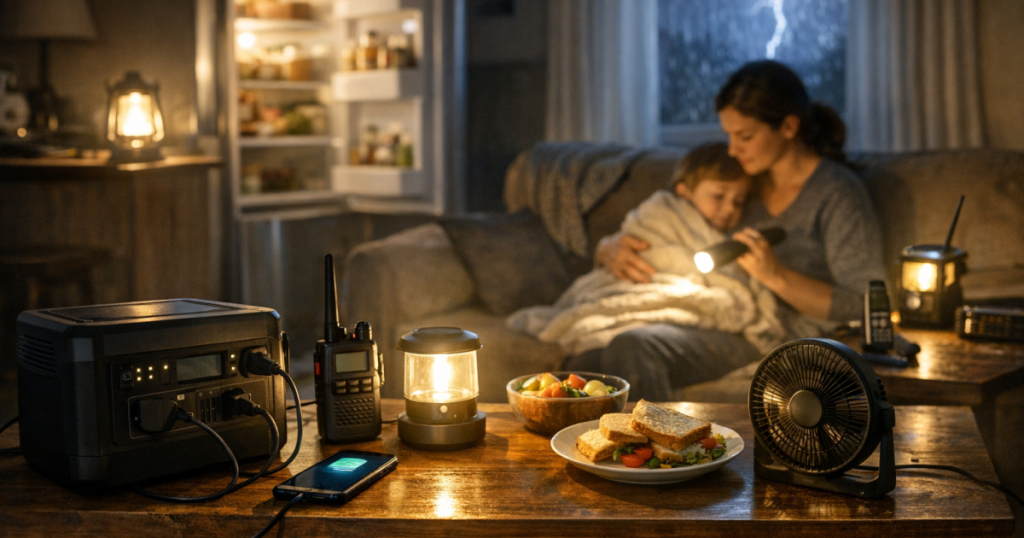
Plan for darkness, temperature and communication. Run a fan if heat is the concern, or prioritise safe warmth if the home is getting cold. Keep a phone charged, preserve fridge temperature, and avoid draining a battery on entertainment before the household has made it through the night.
For a 24-hour outage
Food safety, medication storage and recharge strategy become more important. A fridge does not need to run every minute, but you need a way to monitor temperature and power it often enough to keep food below 4°C where possible. A freezer is typically most efficient when left closed and full; use a thermometer rather than guesswork.
For a multi-day outage
You are no longer only choosing loads. You are managing energy. That may mean alternating the fridge, communication gear, medical equipment and lighting on a schedule. If using a generator, plan safe outdoor placement, fuel storage and rest periods. If using a battery, plan how it will be recharged and which loads are worth the energy.
Step 4: Estimate loads without making it complicated
You do not need to become an electrician to make a better plan. You do need rough numbers. Look for the watt rating on the appliance label, manual or power supply. Some devices use a fairly steady amount of power, while motors and compressors may need extra power when starting.
Here is the plain-English version: watts are the speed at which a device uses power. Watt-hours are the amount used over time. A 50 W device running for 10 hours uses about 500 Wh. A 1 kWh battery has 1,000 Wh before conversion losses, reserve limits and real-world conditions reduce what you can actually use.
Do not size your whole plan from a single optimistic estimate. Fridges cycle on and off, routers vary, laptops charge in bursts, and heating or cooling devices can draw far more than small electronics. Use labels and manuals as a starting point, then test your actual setup on a normal day.
If your likely answer is a battery-based setup, the next step is understanding capacity, output and recharge limits. The site’s guide on choosing a portable power station for blackouts explains those terms in more detail without assuming a whole-home system.
Step 5: Decide what can be rotated
Not everything needs continuous power. Load rotation is one of the easiest ways to stretch a small backup system.
- Fridge: power it in planned blocks, then keep the door closed. Use a thermometer so you are not relying on habit.
- Freezer: keep it closed as much as possible. A full freezer usually holds temperature longer than a half-empty one, but room temperature and door openings matter.
- Router: run it when you need updates, calls or work access. If the wider internet network is down, save the energy.
- Phones: charge in batches instead of leaving every device plugged in all day.
- Lamps: use one efficient area light instead of lighting every room.
- Fans: run them where people are sleeping or resting, not in empty rooms.
A written rotation plan is useful because it removes arguments. For example: fridge for one hour, router and phones for one hour, medical device as required, then lights only overnight. Your exact schedule should be based on actual appliance behaviour and safety needs, not a universal rule.
Step 6: Match the list to the backup method
Once the ranked list is clear, the type of backup power becomes easier to understand. Each method has limits.
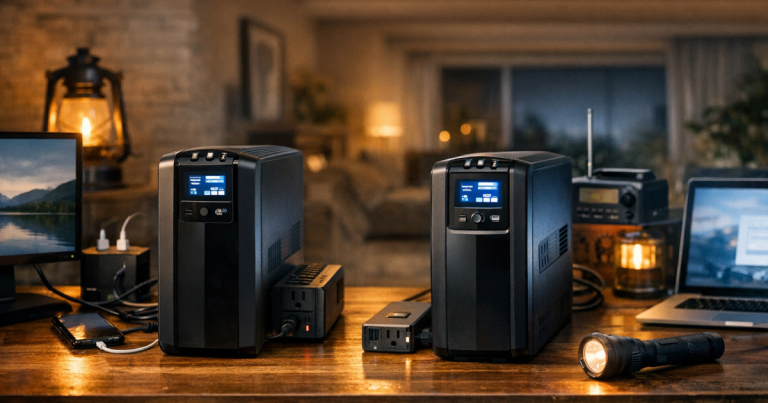
- UPS: useful for brief interruptions to networking gear, computers and sensitive electronics. It is not usually the main answer for a long household blackout.
- Portable power station: quiet, indoor-safe when used as directed, and useful for electronics, lights, some medical devices and selected small appliances. Runtime depends on load and capacity.
- Portable generator: stronger for longer outages when fuel is available, but it must run outdoors and away from openings because of carbon monoxide risk.
- Installed home backup: more capable when professionally designed, but more complex and not something to improvise during an outage.
Fuel-burning generators must never be used indoors, in a garage, on a covered porch, or near windows, doors or vents. Let equipment cool before refuelling, use suitable outdoor-rated cords, and keep working carbon monoxide alarms in the home.
If you are weighing the role of each backup type, the comparison of generator, battery backup and UPS options for home outages is a good next read after your priority list is finished.
Step 7: Build three versions of your power list
A single list is helpful. Three lists are better, because real outages change as they unfold.
The first-hour list
This is what happens immediately. Check on people, turn on one light, charge phones if needed, confirm outage information, protect electronics if power is flickering, and avoid opening cold storage.
The overnight list
This is the quiet, low-energy mode. Medical equipment, phone access, one safe light and temperature control usually matter more than entertainment. If using a battery, avoid draining it before morning unless the load is essential.
The second-day list
This is the conservation mode. Food temperatures, medication storage, communication windows, fuel levels and recharge plans become the centre of attention. Comfort still matters, but wasteful loads should be cut.
Common mistakes that drain backup power
Most households do not run out of backup power because one phone was charged. They run out because the plan includes too many constant loads, or because a large appliance was assumed to be manageable without checking.
- Leaving routers, televisions and extra chargers running when no one is using them.
- Trying to run heat-producing appliances from a small battery.
- Opening the fridge repeatedly instead of grouping food access.
- Forgetting that motors may need more power at startup than during steady operation.
- Using backup power for convenience before medical, safety or food needs are secured.
- Not testing the setup until the outage has already started.
Things readers ask
How do I decide what to power during an outage if I only have a small battery?
Use it for the highest-value low-watt loads first: phones, lights, medical equipment that is approved for that use, weather information and short internet sessions. Avoid heat-producing appliances and anything that drains the battery quickly without improving safety.
Should I power the fridge the whole time?
Not always. Many fridges can be managed in cycles, but you need a thermometer and a sensible schedule. Keep the door closed, power it when needed, and aim to keep refrigerated food below 4°C.
Is internet always worth powering?
It depends on the outage. If the local network is working, a modem and router can be very useful for updates, work and messaging. If service is down, switch to phone alerts, radio and saved battery power.
Can a portable battery run a heater or air conditioner?
Small batteries are usually poorly suited to high-heat or high-cooling loads. Check the appliance wattage, startup demand and the battery’s output rating before trying it. Many homes need a different plan for temperature than simply plugging in a large appliance.
What should renters prioritise?
Renters usually get the most value from indoor-safe basics: phone charging, lighting, a radio, a small fan if appropriate, medication support and a plan for cold food. Fuel-burning generators are generally not suitable for apartments or balconies.
Key takeaways
The best outage power plan is a ranked list, not a pile of gear. Start with people, then protect communication, cold storage, lighting and temperature. Separate must-run loads from rotating loads, and keep heavy appliances off the list unless your system was designed for them.
Write the plan before the storm, wildfire shutoff or grid failure, then test it on a normal day. A calm 30-minute practice run will teach you more than guessing in the dark.