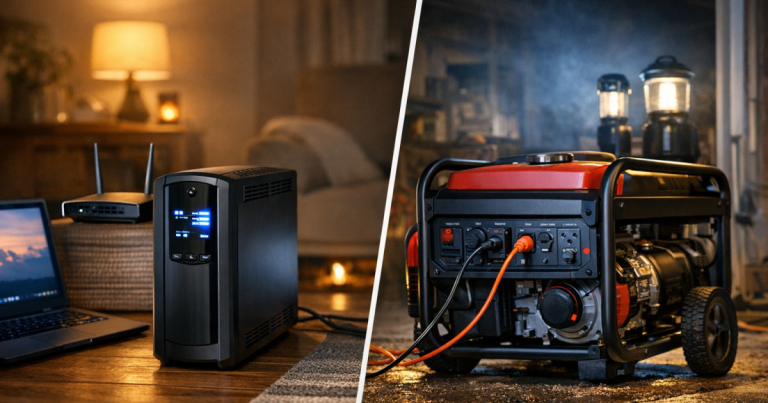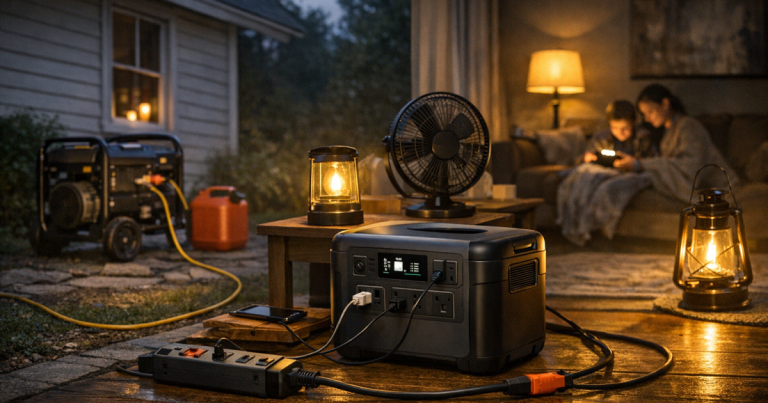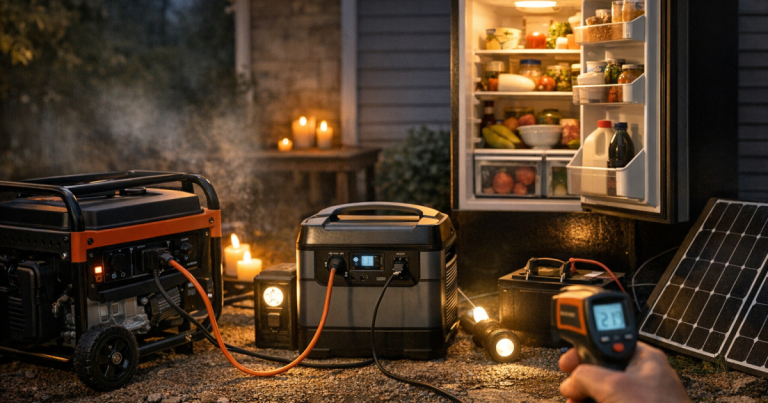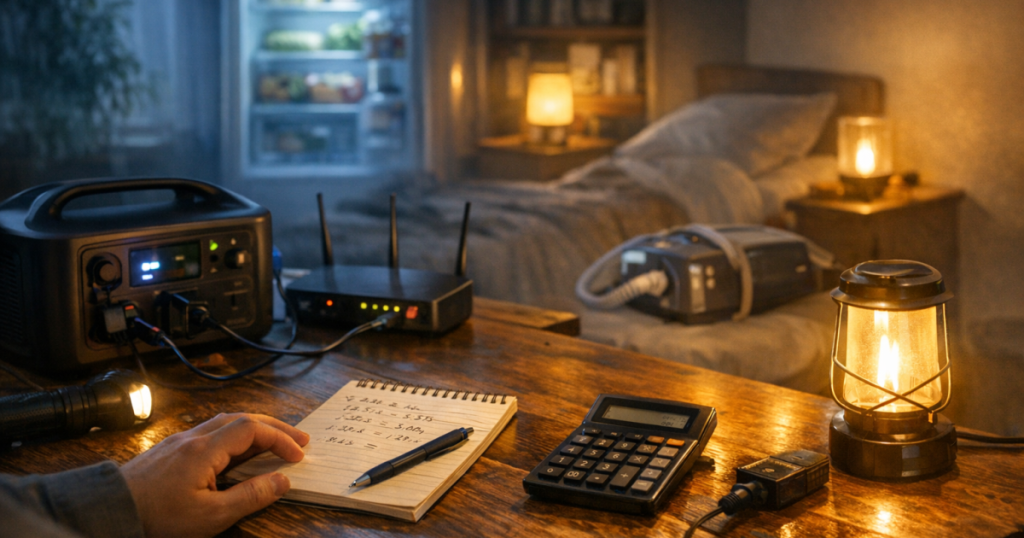
A blackout plan becomes much easier when you know how long your essentials can actually run. To estimate backup power runtime, list each device’s watts, decide how many hours it must run, then compare the total watt-hours with the usable capacity of your battery, UPS, or generator fuel plan. The numbers will not be perfect, but they will quickly show which loads are realistic and which need a different plan.
Hard-wired generator inlets, transfer switches, interlock kits, and electrical panel connections should be installed by a qualified electrician to comply with local codes, manufacturer instructions, and safety requirements. Backup arrangements for life-sustaining medical equipment should be reviewed with the prescribing clinician or equipment provider so the plan matches the device, accessories, and required operating time.
The short version
Runtime is mostly a watt-hour problem. A device that uses 50 watts for 10 hours needs about 500 watt-hours. A device that uses 500 watts for 10 hours needs about 5,000 watt-hours. That difference is why a small battery can keep phones, a router, and LED lights going for a long time, while heating, cooking, air conditioning, and large pumps quickly move you into generator or whole-home territory.
- Watts tell you how much power a device uses at a moment in time.
- Watt-hours tell you how much energy it uses over time.
- Usable capacity matters more than the big number printed on a battery or fuel tank.
- Starting surge can stop a fridge, freezer, pump, or compressor from running even when the average wattage looks fine.
- Duty cycle matters because appliances such as fridges cycle on and off rather than pulling full power constantly.
If you are still deciding what kind of backup system fits your home, start with the plain-English differences in generator vs battery backup vs UPS for home outages. The calculation below works for all three, but the limits feel very different in real use.
Step 1: Make a real essentials list
Do not begin with every appliance you wish you could run. Begin with the few things that protect comfort, communication, food, medication, and basic safety. For many US households, that list is something like a fridge, a Wi-Fi router and modem, phone charging, one or two LED lamps, a laptop, and any essential medical device already approved for home use.
Write each item down separately. If a device has optional settings, note the setting you would actually use during an outage. A CPAP machine with heated humidification, for example, may draw differently from the same machine with humidification reduced or turned off. A laptop doing video calls may draw more than one used for writing documents. A fridge in a hot garage may run more often than one in a cooler kitchen.
Step 2: Find the wattage without guessing too much
The cleanest number is measured wattage from a plug-in power meter. If you do not have one, look for the label on the device, power brick, or manual. Labels may show watts directly, or they may show volts and amps. For US household plug-in devices, the basic relationship is:
Watts = volts × amps
For example, a label that says 120 volts and 1.5 amps suggests up to 180 watts. Treat label numbers as cautious estimates, not perfect real-world averages. Some labels show a maximum rating rather than typical running use, and devices with compressors or motors may draw a brief surge when they start.
For USB devices, the calculation is the same. A charger rated at 5 volts and 2 amps can supply up to 10 watts. Modern USB-C laptop chargers may support much higher output, but the laptop will not always draw the charger’s full rating.
Step 3: Convert watts into watt-hours
Once you have a watt estimate, multiply it by time. This is the core calculation:
Watt-hours = watts × hours
If your router and modem together use 20 watts and you want them running for 12 hours, the need is about 240 watt-hours. If an LED lamp uses 8 watts for 6 hours, it needs about 48 watt-hours. If a laptop averages 45 watts for 4 hours of work, it needs about 180 watt-hours.
Now add the items together. A modest communications-and-lighting plan might look like this:
- Router and modem: 20 watts × 12 hours = 240 watt-hours
- Two LED lamps: 16 watts × 6 hours = 96 watt-hours
- Two phones: 15 watts × 3 hours of charging = 45 watt-hours
- Laptop: 45 watts × 4 hours = 180 watt-hours
That example totals about 561 watt-hours before losses. Add a margin, because batteries, inverters, cables, device behaviour, and cold or hot conditions can all reduce real-world runtime.
Step 4: Use usable capacity, not just advertised capacity
A portable power station might be described by its battery capacity in watt-hours. A UPS may show volt-amps, watts, or an estimated runtime chart. A generator is usually sized in watts and limited by fuel, not stored watt-hours. Each system needs slightly different thinking.
For a battery-based system, use this rough formula:
Estimated runtime = usable watt-hours ÷ total load in watts
If you have 800 usable watt-hours and your connected essentials average 80 watts, the simple estimate is 10 hours. In real use, it may be less because inverter losses and device cycling are not perfectly predictable. For sensitive planning, use a buffer rather than running your numbers right to the edge.
A UPS is best for short interruptions and graceful shutdowns, not all-day household backup. It can be very useful for routers, modems, desktop computers, and network gear, but you should check the manufacturer’s runtime chart at your actual load. If your main concern is short outages for electronics, the APC Back-UPS Pro 1500VA review explains the kind of role a larger home UPS can play, along with its limits.
Step 5: Account for appliances that cycle on and off
Fridges, freezers, sump pumps, and some medical or comfort equipment do not behave like a lamp. They may draw more power at startup, then run for part of each hour. That is called a duty cycle. A fridge might only run its compressor part of the time, but the exact pattern depends on room temperature, door openings, insulation, and the appliance’s condition.
For food safety, the better plan is not to rely only on maths. Keep fridge and freezer doors closed as much as possible, use appliance thermometers, and prioritise cold storage early. A fridge should generally stay at or below 4°C for normal food safety targets, but actual outage decisions depend on how long the power has been out and what the thermometer shows.
For motor loads, also check starting surge. A battery or generator may run a device once it is operating but fail when the compressor or pump tries to start. If the equipment is critical, verify both running watts and surge requirements in the manual or with the manufacturer.
Step 6: Build a 12-hour, 24-hour, and 3-day picture
One runtime number is helpful, but three scenarios are better. Most households can handle a short outage with a modest plan. Longer outages force trade-offs.
For a 12-hour outage
Prioritise communications, lighting, refrigeration, and medical needs. A battery power station or UPS may be enough for low-watt loads, especially if you cycle devices instead of leaving everything plugged in continuously.
For a 24-hour outage
You need more discipline. Decide when the fridge runs, when the router runs, and when laptops charge. Running everything at once can waste capacity. Staggering loads usually stretches a battery system further.
For a 3-day outage
Runtime becomes a replenishment problem. That could mean generator fuel stored safely outdoors, solar charging with realistic expectations for weather and daylight, vehicle charging where appropriate, or a plan to relocate if medical, heat, cooling, or water needs cannot be met safely at home.
For a broader household structure, use a home blackout plan that actually works to connect your runtime numbers with food, heat, cooling, communication, and family routines.
Step 7: Add a safety margin
After you total your watt-hours, add a margin rather than buying or planning to the exact number. A 20 to 30 percent cushion is a sensible starting point for many household calculations. Use a larger cushion for older batteries, cold storage, medical equipment, unfamiliar appliances, or anything that must run overnight without close monitoring.
Also remember that portable generators must run outdoors, far from doors, windows, vents, garages, and enclosed spaces. Refuel only when the generator is off and cooled according to the manufacturer’s instructions. Batteries and UPS units avoid fuel and exhaust, but they still have load limits, ventilation needs, charging rules, and cable limits.
A simple worksheet you can copy
Use this format on paper or in a spreadsheet:
- Device name
- Running watts
- Starting surge, if relevant
- Hours needed per day
- Watt-hours per day
- Priority: must run, nice to run, or skip
- Notes: settings, extension cord route, location, or manufacturer guidance
Then total only the “must run” items first. If your backup system cannot support that list, do not stretch the numbers. Cut loads, run devices in shifts, choose a different power source, or build a safer plan for leaving the home during longer outages.
Questions people ask
Can I just divide battery capacity by device watts?
Yes, as a rough estimate, but use usable capacity and add a margin. Inverter losses, temperature, battery age, standby draw, and device cycling can all reduce actual runtime.
How do I calculate a fridge runtime during a blackout?
Use measured energy if possible, because fridges cycle on and off. If you only have label watts, treat the result as cautious and verify starting surge before relying on a battery or generator.
Is a UPS enough for an overnight outage?
Usually only for low-watt electronics. A UPS can keep a router or computer running for a limited time, but most are not designed to power household appliances overnight.
Should I run everything at once or rotate devices?
Rotate when you can. Charging phones, laptops, and battery lanterns in batches while leaving only true essentials running can stretch stored energy noticeably.
What is the biggest mistake in runtime planning?
Counting only running watts and ignoring surge, usable capacity, and real behaviour. The safer approach is to test your setup before storm season, then revise the numbers.
What to remember
Runtime maths is not about creating a perfect prediction. It is about making calm choices before the lights go out. Find the watts, multiply by hours, compare the result with usable capacity, and leave room for losses and surprises.
If your list is mostly phones, lights, and internet, a small battery or UPS-style plan may be enough. If your list includes refrigeration, pumps, medical equipment, heating, cooling, or multi-day needs, the plan needs more care. For battery sizing details, how to choose a portable power station for blackouts is a useful next step once your essential-device worksheet is complete.