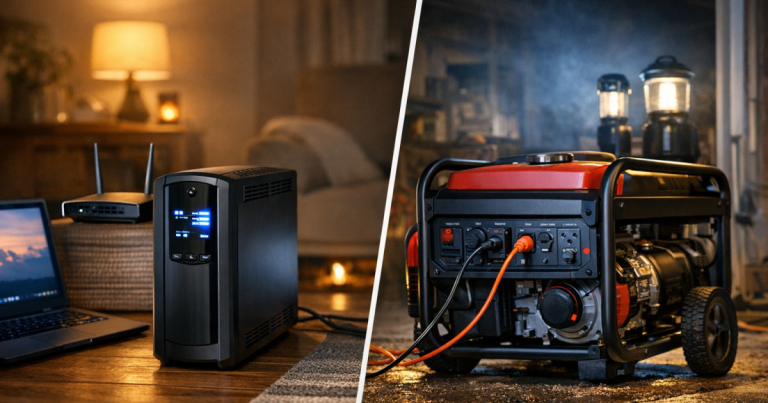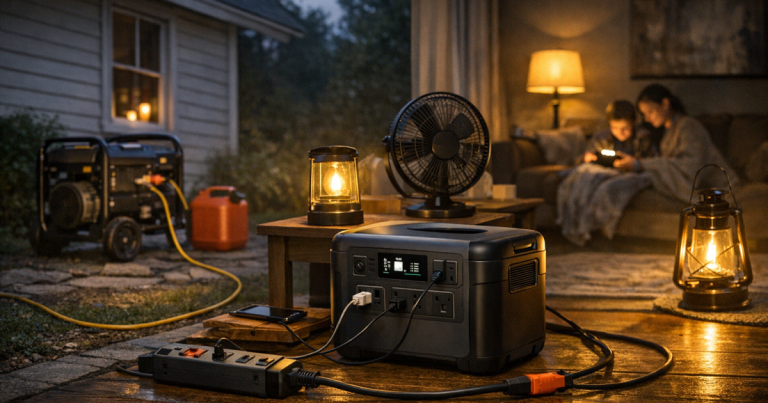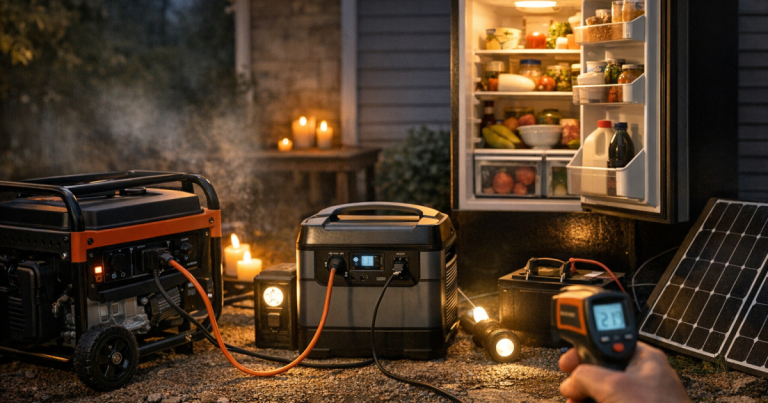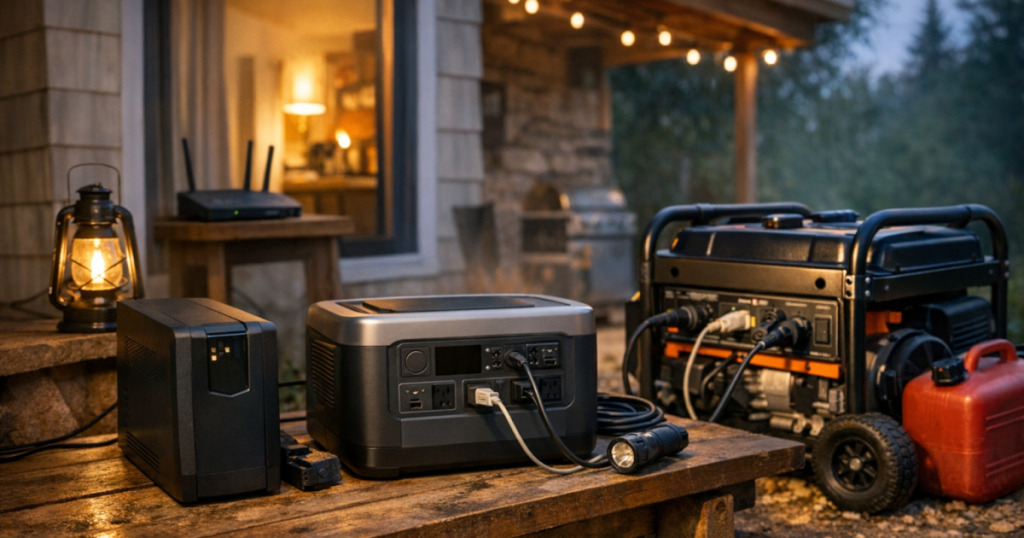
When the lights go out, the most reliable home plan is not one giant device. It is layered backup power: a small UPS for instant handoff, a portable power station for quiet indoor runtime, and a generator for longer outages when fuel and outdoor space are available. Each layer has a job, and using them in the right order keeps essential electronics running without wasting fuel or overloading equipment.
Transfer switch installation and any connection to home wiring should be handled by a qualified electrician to meet local electrical codes, utility rules, and safety requirements.
The short version
- Use a UPS for equipment that should not shut off suddenly, such as a modem, router, desktop computer, network storage device, or medical-adjacent electronics that need a clean handoff.
- Use a portable power station for quiet indoor power after the first few minutes, especially for phones, laptops, lights, CPAP machines, small fans, and internet gear.
- Use a generator for longer outages, larger loads, and recharging the power station, but only outdoors and away from windows, doors, vents, garages, and enclosed spaces.
- Do not try to power everything at once. Decide what matters by hour: communication first, food safety next, comfort and convenience after that.
- Test the handoff before storm season so you know what plugs in where, which cords reach safely, and how long your household can run each layer.
How the three layers work together
Layer 1: UPS for the first seconds and minutes
A UPS, or uninterruptible power supply, is the small battery backup that reacts instantly when grid power drops. Its main value is not long runtime. Its value is preventing an abrupt shutdown and buying you a calm window to switch to the next layer.
For many homes, the best UPS loads are the modem, router, mesh Wi-Fi node, desktop computer, monitor, or a small network switch. A recognizable example in this category is the APC Back-UPS Pro 1500VA, but the important checks are the unit’s watt limit, outlet layout, battery condition, and whether the connected equipment is within its rated load. A UPS that runs a router for a while may only run a desktop computer for a short time.
Think of the UPS as your no-panic buffer. It keeps internet equipment alive while you find flashlights, check the outage map, text family, and decide whether the outage looks like a 20-minute blink or a longer event.
Layer 2: Power station for quiet indoor runtime
A portable power station is the middle layer. It is usually quiet, safe to use indoors when operated according to the manufacturer’s instructions, and flexible enough for everyday outage loads. It can run a router, charge phones, power LED lamps, keep a laptop going, and support certain medical devices when the device’s power requirements are within the station’s output and capacity.
This is where many households get the most comfort per watt. Phones, routers, LED lights, tablets, and laptops are small loads compared with space heaters, ovens, sump pumps, or central air conditioning. Moving those low-draw essentials to a power station helps reserve generator time for tasks that actually need it.
Before relying on a power station, verify the continuous output rating, battery capacity, outlet type, recharge options, and manufacturer guidance for pass-through use. If a CPAP machine, oxygen concentrator, or other health-related device is part of the plan, confirm the exact wattage and runtime needs with the device documentation and your care team.
Layer 3: Generator for long outages and bigger loads
A portable generator is the endurance layer. It can support refrigerator cycles, recharge batteries, run some tools, and power selected home circuits when connected through proper equipment. It is also the layer with the most safety responsibilities.
Generators produce carbon monoxide and must never run indoors, in a garage, on a porch, in a breezeway, or near openings to the home. Plan the outdoor location, cord path, fuel storage, and refueling routine before you need them. For placement, cords, grounding, and CO precautions, review these portable generator safety basics before building your routine.
The generator does not have to run all day. In many homes, a better pattern is scheduled generator windows: cool the refrigerator, recharge the power station, top off phones and lanterns, then shut the generator down and return to quiet battery power.
A step-by-step routine for a real outage
Step 1: Let the UPS catch the outage
When power drops, do not immediately start moving cords around in the dark. The UPS should keep key electronics running long enough for you to see what happened. Check whether the outage is just your house or the neighborhood. Save open computer work, switch on lanterns, and unplug nonessential electronics that do not need backup power.
Step 2: Move from UPS to the power station
If the outage continues beyond a few minutes, decide what should leave the UPS and move to the power station. A common pattern is to plug the modem and router into the power station, then let the UPS rest or keep it reserved for a desktop computer shutdown. This avoids draining the UPS on a long outage when a larger battery can do the job more comfortably.
Use short, simple cord runs where possible. Keep the power station dry, ventilated, and away from tripping areas. Do not bury it under blankets or place it where children, pets, or water spills could turn a manageable outage into a household hazard.
Step 3: Use watt priorities, not guesses
Before adding loads, write down what you actually want to run: router, phone chargers, two LED lights, laptop, CPAP, refrigerator, freezer, sump pump, furnace blower, or well pump. Then separate them into low, medium, and high loads. If you need help turning that list into a realistic plan, use this guide to size backup power without overspending.
The goal is not to run every outlet in the house. The goal is to keep the household safe, informed, fed, and reasonably comfortable. A smaller, well-managed system often performs better than a large setup that nobody has tested.
Step 4: Bring in the generator only when it earns its keep
Start the generator when you need higher output or battery recharge, not just because the power is out. Good generator windows include morning coffee and refrigerator cooling, an afternoon battery recharge session, and an evening top-off before overnight quiet hours.
During a generator window, plug in the power station charger if the generator and station are compatible and the load is within limits. Then add refrigerator or freezer loads as appropriate. Watch for startup surges: motors can draw more power when they start than when they are already running.
Step 5: Shift to night mode
Overnight is usually where layering pays off. Instead of running a generator near sleeping areas or through quiet neighborhood hours, use stored battery power for the router, phone charging, CPAP, a small fan, and safe lighting. Keep flashlights or lanterns reachable, use CO alarms with fresh batteries, and leave high-draw appliances off unless they are essential and properly supported.
Household examples that make the layers clearer
Apartment or condo with no generator option
For many renters, the plan is UPS plus power station, not a generator. The UPS keeps the internet alive when the outage starts. The power station handles the router, phones, laptop, and lights for the longer stretch. A small solar panel may help during sunny daytime outages, but it should be treated as a bonus recharge path rather than a guaranteed overnight solution.
Suburban home with a refrigerator and remote work needs
A practical setup might use a UPS for the modem and router, a power station for laptops and lights, and a portable generator outdoors for refrigerator cycles and battery recharging. The generator may run for limited sessions instead of continuously. This reduces noise, fuel use, and wear while still protecting food and keeping communication working.
Rural home with a well pump or furnace blower
Rural homes often have loads that portable batteries cannot handle easily, such as well pumps, larger furnace blowers, or multiple refrigeration appliances. That does not mean everything should run at once. It means the generator layer needs more careful planning, and selected circuits may need a manual transfer switch or interlock installed by a qualified electrician. If your plan includes home circuits rather than extension cords, read about using a transfer switch during a blackout.
Key checks before relying on the setup
- Label the loads: Mark which devices go to the UPS, which go to the power station, and which only run during generator windows.
- Check watt limits: Do not rely on outlet count. A device can have many outlets and still have a firm total watt limit.
- Plan for startup surge: Refrigerators, freezers, pumps, and blowers may need more power when starting than while running.
- Keep generator power outdoors: The generator stays outside; the power comes inside through rated cords or approved transfer equipment.
- Use the right cords: Match cord rating, length, plug type, and outdoor suitability to the load and generator setup.
- Store fuel safely: Follow local rules and manufacturer instructions for fuel type, containers, storage location, and rotation.
- Test the sequence: Practice the UPS handoff, power station connection, generator startup, recharge routine, and shutdown before severe weather.
- Protect sleep hours: Decide in advance what must run overnight and what can wait until the next generator window.
Main points
A good outage plan gives every power source a clear role. The UPS protects the first moments. The power station carries quiet indoor essentials. The generator handles longer runtime, larger loads, and recharging when used safely outdoors.
The biggest mistake is treating all backup power as interchangeable. A UPS is not a generator. A power station is not a whole-home system. A generator is not an indoor battery. When each layer does the job it is best suited for, the entire plan becomes calmer, safer, and easier to run under pressure.
Questions people ask
Can I plug a UPS into a portable power station?
Sometimes, but you need to verify compatibility in both manuals. Some UPS units may not like the power waveform or transfer behavior of certain power stations, and some power stations have limits for pass-through or UPS-style use.
Should the router stay on the UPS or move to the power station?
Use the UPS for the instant handoff, then move the router to the power station if the outage continues. That preserves the UPS for short interruptions and lets the larger battery handle longer runtime.
Can a generator charge a power station?
Many power stations can recharge from AC power, including generator power, but you should confirm the station’s input limit and the generator’s output quality. Keep the generator outdoors and avoid overloading it with too many devices at once.
Is it better to run the generator all day or in sessions?
For many homes, sessions are more practical. Use generator time to cool the fridge or freezer, recharge batteries, and handle higher loads, then switch back to quiet battery power for low-draw essentials.
Do I need a transfer switch for this kind of setup?
You need proper transfer equipment if a generator will power home circuits through the electrical panel. If you are only using extension cords to individual appliances, a transfer switch may not be part of that specific setup.