Choosing portable power station capacity for a home outage is less about buying the biggest battery and more about matching stored energy to the jobs that matter. Phones, a router, a few LED lights, a CPAP machine, and a fridge all behave differently. The goal is to know what your battery can realistically cover before the lights go out.
Transfer switches, interlock kits, hardwired inlet boxes, and any connection between a power station and a home electrical panel should be installed by a qualified electrician to comply with local electrical codes and safety requirements.
The big picture
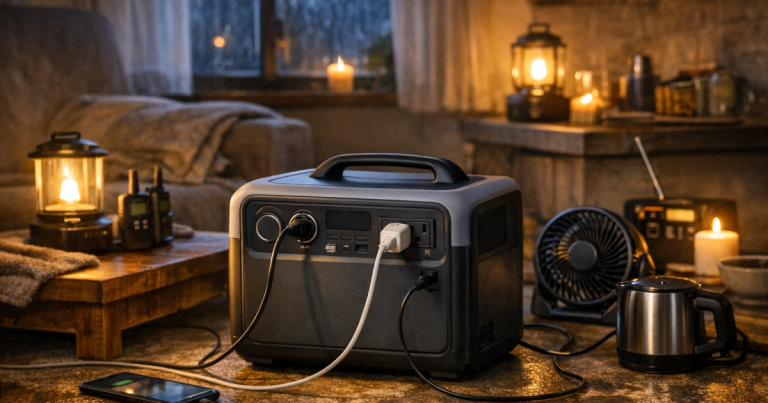
A portable power station is a quiet battery system with outlets built in. During a blackout, it can be excellent for electronics, lighting, internet gear, medical support devices that are compatible with battery backup, and short fridge cycles. It is not automatically a whole-home backup system, and capacity alone does not guarantee that an appliance will run.
- Watt-hours tell you how much energy the battery stores.
- Watts tell you how much power a device needs while running.
- Surge watts matter for motors and compressors that spike when starting.
- AC outlets use an inverter, so real runtime is usually lower than simple math suggests.
- Your outage plan should start with essential devices, not every comfort item in the house.
If terms like watts, watt-hours, inverter output, and runtime still feel fuzzy, start with the plain-English home backup power basics before sizing a battery. Capacity decisions are much easier once those pieces are separated.
Capacity is stored energy, not appliance strength
The number printed on a power station in watt-hours is a storage number. A 1,000 watt-hour battery means the unit stores about 1,000 watt-hours before losses, reserve limits, and operating conditions are considered. It does not mean it can run any 1,000-watt appliance for exactly one hour in real life.
The outlet rating is a separate limit. A battery may store enough energy for a task but still fail if the appliance draws more watts than the inverter can supply. This is why a laptop charger and Wi-Fi router are easy loads, while a microwave, space heater, sump pump, or refrigerator compressor needs more careful checking.
For outage planning, think in two questions:
- Can the power station deliver enough watts to start and run the device?
- Does it store enough watt-hours to run that device for the time you need?
Both answers have to be yes. If either answer is no, the setup is not dependable for that load.
Start with the outage jobs, not the battery size
A calm home outage plan usually has only a few priority jobs. You may want phones charged, internet online for a while, a laptop available for work, a lamp in the kitchen, a fan during warm weather, or a medical device supported overnight. Food safety may add a fridge or freezer, but that takes more capacity and planning than charging small electronics.
Make a short list before you look at battery sizes. A household with two phones, a router, LED lighting, and one laptop has a very different capacity need than a household trying to cycle a refrigerator and support a CPAP machine through the night. If your list feels too long, use this process to decide which devices matter most before you commit to a capacity target.
Common capacity ranges and what they usually mean
These ranges are not guarantees, because every device and household pattern is different. They are useful planning categories for understanding what a power station may realistically support.
Under 300 watt-hours
This is the small-device range. It can be useful for phones, headlamps, rechargeable lanterns, small tablets, and maybe a short laptop top-off. It is easy to store and move, but it should not be treated as a home backup plan. If the outage lasts overnight, you will need to ration carefully.
300 to 700 watt-hours
This range is a practical step up for renters, apartment households, and anyone focused on communication and lighting. It can often cover phones, a router, a few LED lights, and limited laptop use when managed carefully. It may support a small fan or short appliance use depending on the watt draw, but fridge backup is usually limited and should be tested rather than assumed.
700 to 1,200 watt-hours
This is where many households start to feel they have a useful blackout battery. It can support several small loads, a work-from-home session, or carefully timed fridge cycles if the power station has enough output for the refrigerator’s startup surge. It is still not a whole-home system, but it gives you more room to make sensible trade-offs.
1,200 to 2,000 watt-hours
This range gives more flexibility for longer outages, medical-device planning, fridge and freezer management, or multiple household members sharing power. Weight, storage space, charging time, and cost usually increase. It is better to think of this as an essentials battery, not a license to run high-draw comfort appliances casually.
Above 2,000 watt-hours
Larger units and expandable systems can support more demanding outage plans, but they also require more disciplined setup. You need to think about where the unit sits, how you will recharge it, what circuits or appliances it is allowed to power, and whether a generator or professionally installed transfer solution makes more sense for longer outages. Bigger is helpful only when the rest of the plan is clear.
A simple runtime method that works at home
The basic math is straightforward: divide usable watt-hours by the watts your device draws. If a device uses 50 watts and your power station has 500 usable watt-hours available for that outlet type, the simple estimate is 10 hours. In practice, inverter losses, temperature, battery reserve, aging, and device behavior can reduce that number.
For refrigerators and freezers, runtime is harder because the compressor cycles on and off. The label may show running watts, but the appliance does not pull that amount every minute. It may also have a brief startup surge that is much higher than its running load. The most responsible approach is to measure or test your actual appliance instead of relying only on a generic estimate.
For a more detailed way to turn device wattage into runtime estimates, use the step-by-step method in calculate backup power runtime. It is especially useful when you are building a list of essentials and need to see which loads drain the battery fastest.
Realistic household examples
Example one: a renter wants phones charged, a router online for several hours, and one lamp in the living room. This is a low-draw plan. A smaller or mid-size power station may be enough if the router and lighting loads are modest and the household avoids unnecessary plug-in devices.
Example two: a remote worker wants a laptop, monitor, modem, router, and phone service for a full workday. The laptop alone may not be the problem; the monitor and networking gear add steady drain. In this case, capacity planning should be based on actual work hours, not just the laptop battery.
Example three: a family wants to protect refrigerated food during a storm outage. The battery needs enough output for startup surge and enough stored energy to cycle the fridge over time. The family can improve results by keeping the fridge closed, using appliance thermometers, grouping frozen items, and avoiding repeated door openings.
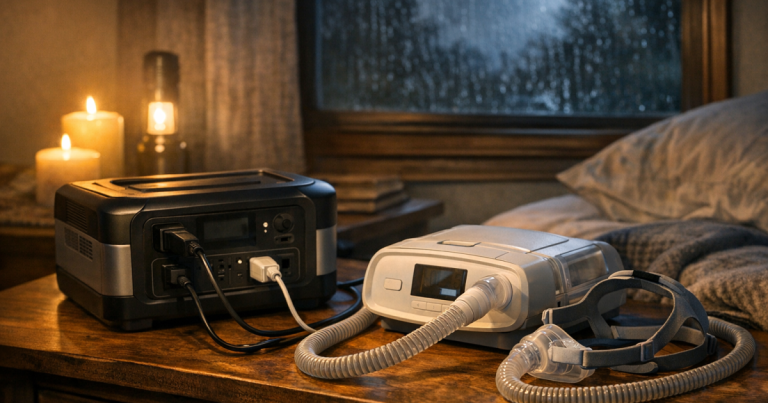
Example four: a household needs overnight support for a CPAP machine. The exact power draw depends on the machine, pressure settings, humidifier use, and adapter type. The user should verify compatibility with the device manufacturer and test the setup before an outage, because medical comfort and sleep are not good places to guess.
Loads that drain batteries quickly
Some devices are poor fits for portable battery backup because they turn electricity into heat or need a large motor surge. Space heaters, electric kettles, hair dryers, toaster ovens, hot plates, and many microwaves can drain a battery very quickly or exceed the inverter rating. Even if a large unit can run one of these devices briefly, that may not be a wise use of stored energy during a blackout.
Heating and cooling deserve special caution. A small fan can be a reasonable summer load. A plug-in electric heater is usually a capacity killer. For winter outages, households often need a broader plan involving insulation, safe indoor clothing layers, blankets, and, for some homes, professionally configured generator support for heating equipment.
Charging time matters as much as capacity
A larger battery is only helpful if you can recharge it between outage periods. Wall charging before a storm is the simplest option. Solar charging can help during multi-day outages, but panel output depends on sun angle, clouds, shade, temperature, panel size, and the power station’s solar input limits. Solar should be treated as a way to stretch capacity, not a guaranteed refill schedule.
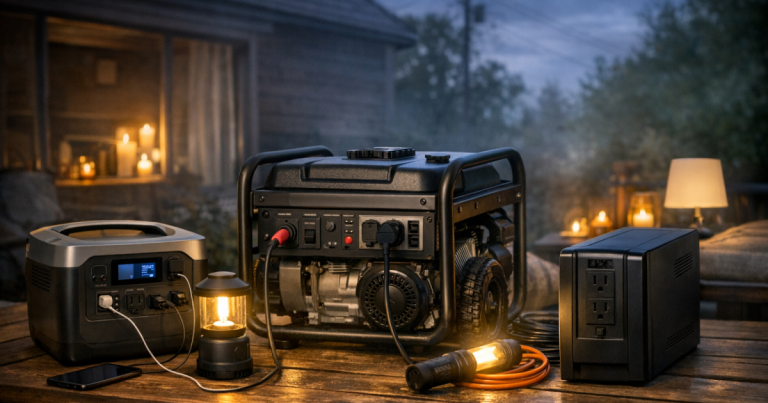
Car charging can help in some situations, but it is usually slower and should be managed carefully so you do not create a vehicle battery problem. If you use a gas generator to recharge a power station, the generator stays outdoors, far from windows, doors, vents, garages, and enclosed spaces. The power station can then be brought inside after charging, which is one reason battery systems are useful for quiet indoor outage use.
How to set a sensible capacity target
The right portable power station capacity comes from a short worksheet, not a guess. List each essential device, write down its watts, estimate daily hours of use, and multiply watts by hours. Then add a margin for inverter losses and real-world behavior. If the total looks too high, reduce the list before automatically moving to a much larger battery.
- For communication-only backup, focus on phones, radios, router power, and a small light.
- For remote work, include every device used during the work window, not just the laptop.
- For food protection, verify fridge or freezer startup requirements and plan door-opening habits.
- For medical support, confirm compatibility, cords, adapters, and runtime through a real test.
- For multi-day outages, include a practical recharging plan instead of relying only on stored energy.
This approach keeps the plan budget-aware and realistic. It also prevents the common mistake of buying capacity for devices that will not be used during an outage while underestimating the loads that matter most.
Questions people ask
Is 1,000 watt-hours enough for a home outage?
It can be enough for phones, lights, internet gear, laptop use, and some carefully managed appliance support. It is not enough to assume whole-home backup, heating, cooking, or unrestricted fridge use without checking actual loads.
Can a portable power station run a refrigerator?
Sometimes. The unit must handle the refrigerator’s startup surge and have enough capacity for cycling over time. Test your actual fridge with the power station before relying on it during a storm.
Should I size for 12 hours, 24 hours, or three days?
Size for the outage pattern you realistically face, then add a recharge plan. A 12-hour plan may be mostly stored energy; a three-day plan usually needs solar, vehicle charging, generator charging, or stricter load rationing.
Do I need more than one power station?
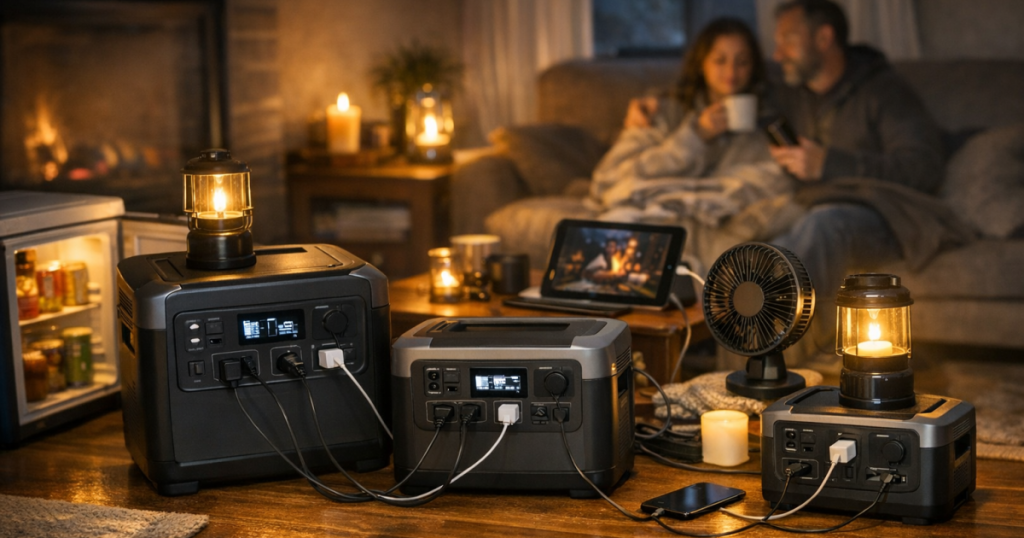
Some households prefer one smaller unit for phones and lighting plus a larger unit for fridge cycles or work needs. Separate batteries can reduce cord clutter and keep critical loads from competing with casual charging.
What should I test before storm season?
Test the actual devices, cords, adapters, charging time, and expected runtime. Also check that everyone in the household knows which outlets to use and which appliances are off-limits during battery backup.
Final thoughts
A good capacity plan is not about powering everything. It is about keeping the most important parts of home life steady: communication, light, medical support, food safety, and a workable routine. When you size from real loads and honest runtime estimates, a portable power station becomes a practical outage tool instead of an expensive guess.
Start with the devices that matter, check their watts, test the setup on a normal day, and write down what worked. That small amount of preparation is what turns a battery in the closet into a dependable part of your blackout plan.