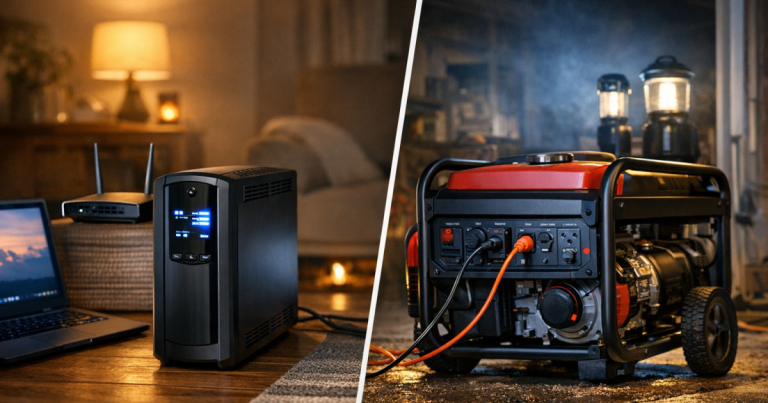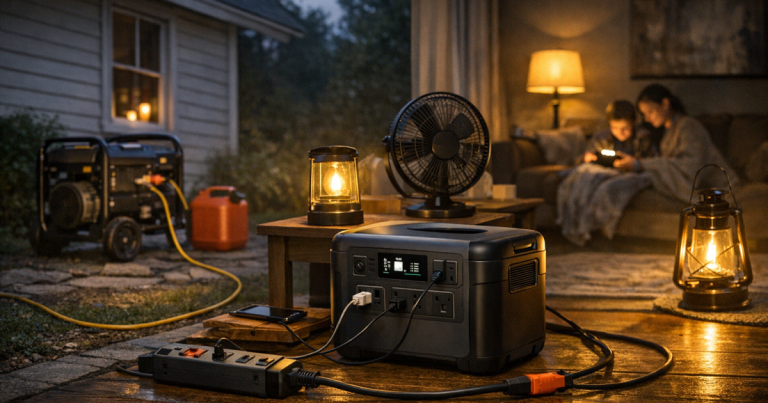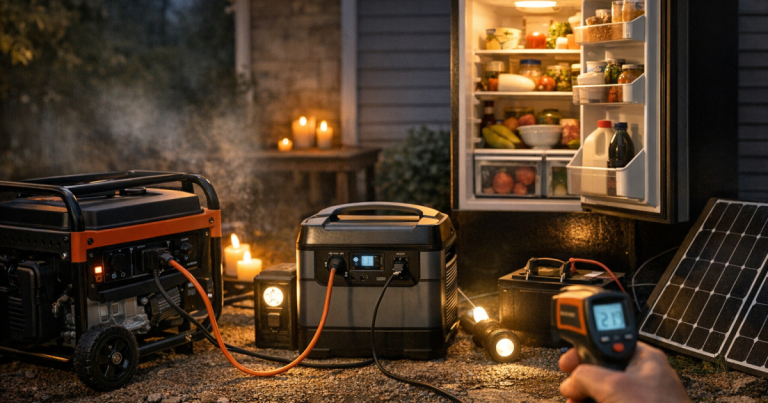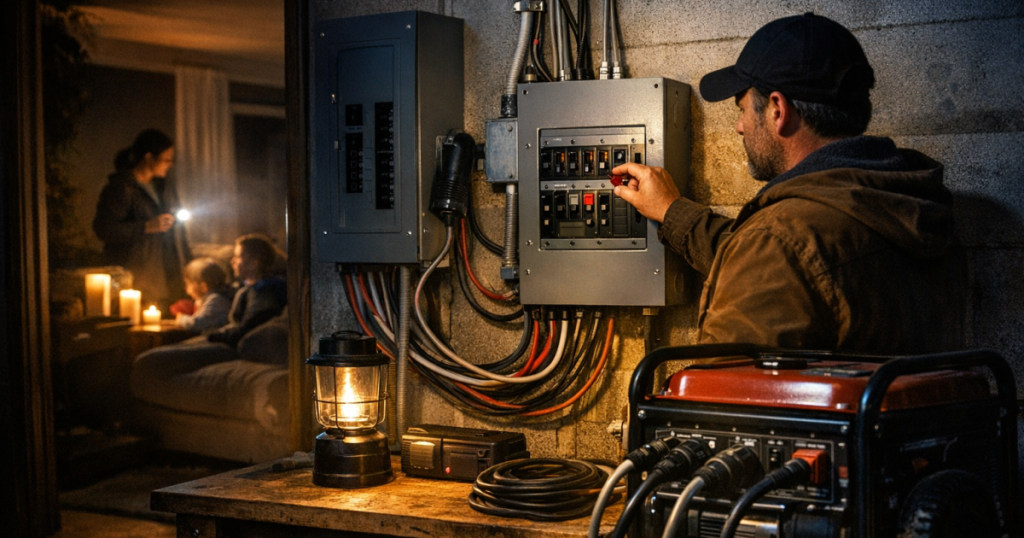
A transfer switch keeps generator power separated from utility power, which is the whole point when the grid is down. Using a transfer switch during a blackout lets you energize selected household circuits without running extension cords through the house or risking backfeed.
It is not a whole-home magic button. It is a controlled way to send backup power to the circuits your electrician has connected, such as a refrigerator, furnace blower, sump pump, lights, internet gear, or a few outlets.
Transfer switch installation, wiring, panel connections, and generator inlet work should be carried out by a qualified electrician to meet local electrical codes, National Electrical Code requirements, and manufacturer instructions.
In brief
- A transfer switch prevents generator power from feeding back onto utility lines.
- Only use circuits that are wired into the switch or transfer panel.
- Start with everything off, then add loads one circuit at a time.
- Keep the generator outdoors, away from doors, windows, vents, garages, and attached spaces.
- Stay within the generator’s running watt limit and allow for startup surge from motors and compressors.
- When utility power returns, move circuits back to utility power before shutting down and disconnecting the generator.
What the switch is doing
A manual transfer switch gives you a safe, deliberate way to choose whether selected circuits receive utility power or generator power. In a typical setup, an electrician installs a switch or transfer panel near the main electrical panel and connects it to an outdoor generator inlet. During an outage, you connect the generator to that inlet with the correct generator cord, start the generator outside, and move selected circuits to the generator position.
The key safety job is isolation. Without a proper transfer device, generator power can backfeed into utility lines or energize parts of the home electrical system unexpectedly. That can endanger utility crews, damage equipment, and create shock or fire hazards.
Different systems look different. Some have individual switches for each circuit. Some have a small subpanel. Some use an interlock kit instead of a separate transfer panel. The operating labels matter more than the general idea, so read your installed equipment labels and keep the instruction sheet near the panel.
Before the outage: set yourself up to use it calmly
The best time to learn your transfer switch is not at 9 p.m. in a thunderstorm. Do a daylight walk-through before storm season, when you are not rushed and the generator is cold.
- Label every backup circuit in plain language, such as “kitchen refrigerator,” “living room outlets,” “furnace,” “well pump,” or “primary bedroom lights.”
- Write the generator’s running watts and surge watts on a note near the switch.
- Confirm which appliances are actually on each circuit. A “kitchen” circuit may not be the one feeding the refrigerator.
- Keep the correct generator cord where you can reach it without digging through a dark garage.
- Check that the generator has oil, fresh fuel, and any required maintenance completed before outage season.
- Practice the startup and shutdown sequence without powering large loads, following the manuals for the generator and transfer equipment.
If you are still figuring out whether your generator can handle the circuits you want, start with the basics in what size generator you need for a blackout. Sizing is less about the number of switches on the panel and more about what you will actually run at the same time.
Step-by-step: starting backup power
1. Confirm the outage and reduce the load
Turn off or unplug sensitive and nonessential devices on the circuits you plan to power. This reduces the chance that the generator is hit with a heavy load the moment you transfer circuits. If the transfer switch has individual circuit switches, leave them in the utility or off position until the generator is running and stable.
2. Move the generator outdoors
Place the generator outside on a stable, dry surface with exhaust pointed away from the home. Keep it far from doors, windows, vents, crawlspace openings, garages, carports, and attached structures. A common safety target is at least 20 feet from openings when the site allows, but the main point is simple: generator exhaust must never collect where people or pets breathe.
Never run a portable generator indoors, in a garage, on a porch, in a breezeway, or near an open window. Carbon monoxide can build up quickly and cannot be seen or smelled.
3. Connect the generator cord with the generator breaker off
Use the cord and plug type specified for your inlet and generator. Make sure the generator’s output breaker is off before connecting. Plug the cord into the generator and the outdoor inlet according to the equipment instructions. Do not use a homemade cord, dryer outlet, range outlet, or any workaround that bypasses the transfer equipment.
4. Start the generator and let it stabilize
Start the generator following its manual. Let it run briefly before adding household loads. If it has an economy mode, your manual may recommend turning that mode off before starting large motor loads, then turning it back on for lighter steady loads. Follow the generator manufacturer’s guidance.
5. Transfer circuits one at a time
Turn on the generator breaker, then move the transfer switch circuits to the generator position one by one. Start with the most important load, such as the refrigerator, sump pump, furnace blower, or medical-adjacent support equipment that has already been reviewed for backup needs. Wait a moment between circuits so the generator is not hit with several startup surges at once.
Listen to the generator as loads come on. If it bogs down, trips a breaker, or the transfer panel indicates an overload, turn off a load and reassess. Do not keep resetting breakers without reducing demand.
Choosing what to power first
A transfer switch rewards prioritizing. Most portable-generator setups are designed for essentials, not every convenience in the house.
- First priority: life-safety and property-protection loads, such as a sump pump, essential lighting, communications charging, and any medically important equipment plan your household relies on.
- Food protection: a refrigerator or freezer can usually be cycled rather than powered every minute, but starting surge still counts.
- Heat support: a gas furnace may need electricity for the blower and controls, even though the heat source is gas.
- Water needs: a well pump can be a significant load and may require 240-volt support, depending on the system.
- Comfort loads: microwave use, small appliances, and extra rooms should wait until essentials are stable.
Large electric loads can overwhelm a portable generator quickly. Central air conditioning, electric water heaters, electric ranges, clothes dryers, and whole-house heating loads usually require much more capacity than a small backup setup provides. If those circuits are connected at all, they need clear load planning and the right generator capacity.
How to avoid overloads while the power is out
Think of generator power as a small budget. Every running appliance spends some of it, and motors may need an extra burst when starting. The nameplate wattage on an appliance can help, but it may not tell the whole startup story.
- Run the refrigerator before using a microwave or coffee maker on the same backup plan.
- Avoid starting the well pump, sump pump, and refrigerator at the same instant if your setup allows you to stagger them.
- Turn off lights and outlets you are not using, even if they seem small.
- Use LED lamps instead of high-draw lighting where possible.
- Keep a simple written load plan near the transfer switch so anyone in the household can follow it.
For broader household planning, pair your circuit plan with a room-by-room outage routine. The home outage planning checklist for storms and grid failures is a useful next step if you want your power plan to match food, heat, lighting, communications, and family routines.
Refueling and monitoring safely
Portable generators need attention during long outages. Check the generator location, weather exposure, fuel level, and cord path periodically. Keep cords out of standing water and away from places where people will trip over them in the dark.
Shut the generator down and let it cool before refueling. Gasoline spilled on hot engine parts can ignite. Store fuel only in approved containers, away from living spaces and ignition sources, and follow local fire rules. For a more detailed off-season routine, see how to store generator fuel safely between outages.
If carbon monoxide alarms sound, treat it as urgent: get everyone to fresh air and call emergency services. Do not try to solve the alarm by opening a window and continuing to run the generator nearby.
When utility power comes back
Utility power may return to parts of the house that are not on the generator-fed circuits first. Do not rush. Walk through a calm shutdown sequence.
- Turn off heavy loads on the transfer switch circuits.
- Move each transfer switch circuit back to utility power according to the labels on your equipment.
- Let the generator run with little or no load briefly if the manual recommends a cool-down period.
- Turn off the generator output breaker.
- Shut the generator down.
- Unplug the generator cord from the inlet and generator after shutdown.
- Let the generator cool before storing it or adding fuel.
After the outage, write down what worked and what did not. If the generator struggled, a circuit was confusing, or an essential appliance was not on the switch, update the plan before the next storm.
Common mistakes to avoid
- Using a generator indoors or in a garage because it is raining.
- Backfeeding through a dryer or range outlet instead of using approved transfer equipment.
- Assuming every labeled circuit is safe to run at the same time.
- Forgetting that refrigerators, pumps, and furnace blowers may need startup surge capacity.
- Refueling while the generator is hot or running.
- Letting someone unfamiliar with the setup operate it without written instructions.
- Adding new loads because the generator “sounds fine” without checking capacity.
Things readers ask
Can I install a transfer switch myself?
Transfer switch wiring, panel work, inlet installation, and system connections should be handled by a qualified electrician in line with local code, NEC requirements, and manufacturer instructions.
Does a transfer switch power the whole house?
Usually not. Most manual setups power selected circuits. Whole-home transfer equipment exists, but it must be matched to the generator, service panel, load plan, and local requirements.
Can I use any portable generator with a transfer switch?
No. The generator must be compatible with the inlet, cord, voltage, amperage, plug type, and circuit loads. Check the generator manual and the transfer equipment rating.
What should I turn on first?
Start with the most important essential load, then add circuits one at a time. Refrigeration, sump pumps, heat-related controls, communications, and key lights usually come before comfort appliances.
Why did the generator breaker trip?
The likely causes are overload, startup surge, a fault, or an incompatible load. Turn loads off, reset only after reducing demand, and have recurring trips checked by a qualified professional.
What stands out
A transfer switch makes blackout power more organized, but it still depends on calm sequencing and realistic expectations. Keep the generator outside, connect only through the approved inlet, add loads gradually, and treat watts like a limited budget. With labels, practice, and a written circuit priority list, the process becomes less stressful when the lights go out.